A record of the road, for the day you need one
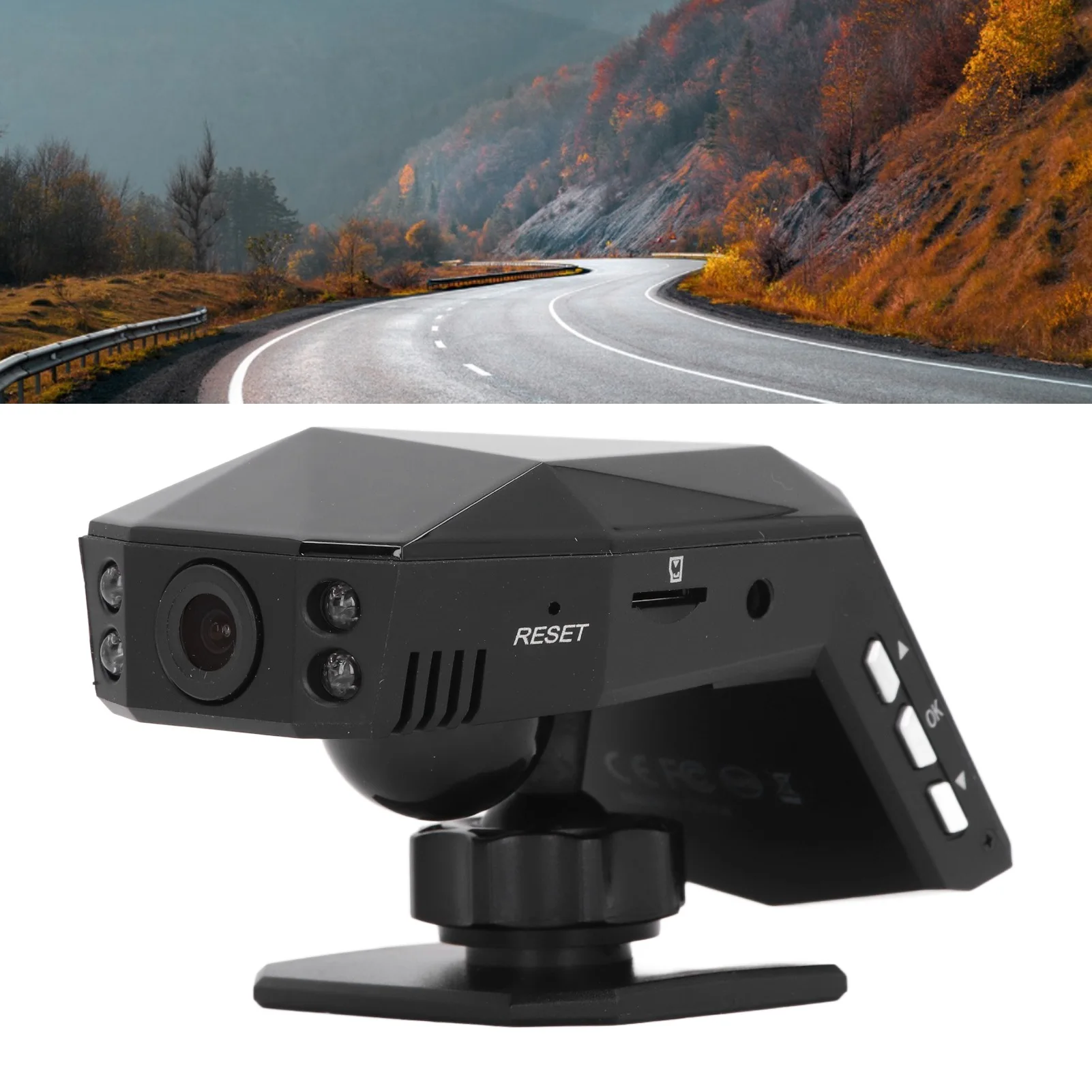
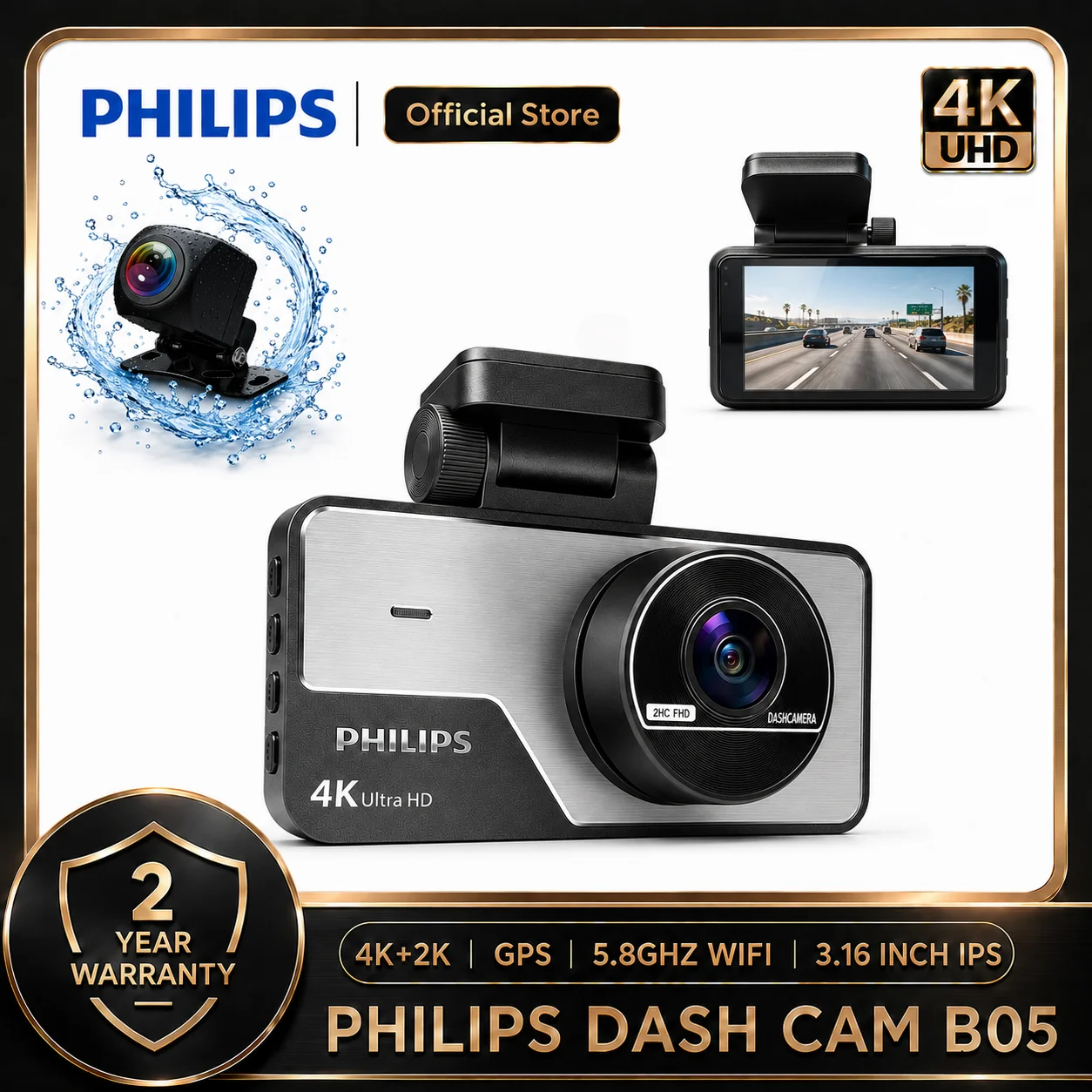
A dash cam records the road while you drive and writes over the old footage when its memory card fills up. It earns its place after a collision where the other driver tells a different story, a piece of dangerous driving you want to report, or a scrape you did not see happen. This department has the three ways of doing it: a camera on the windscreen, a pair of cameras front and back, or a screen that fits over the rear-view mirror. The guide how to choose a dash cam takes the choices in order.
The ranges in this department
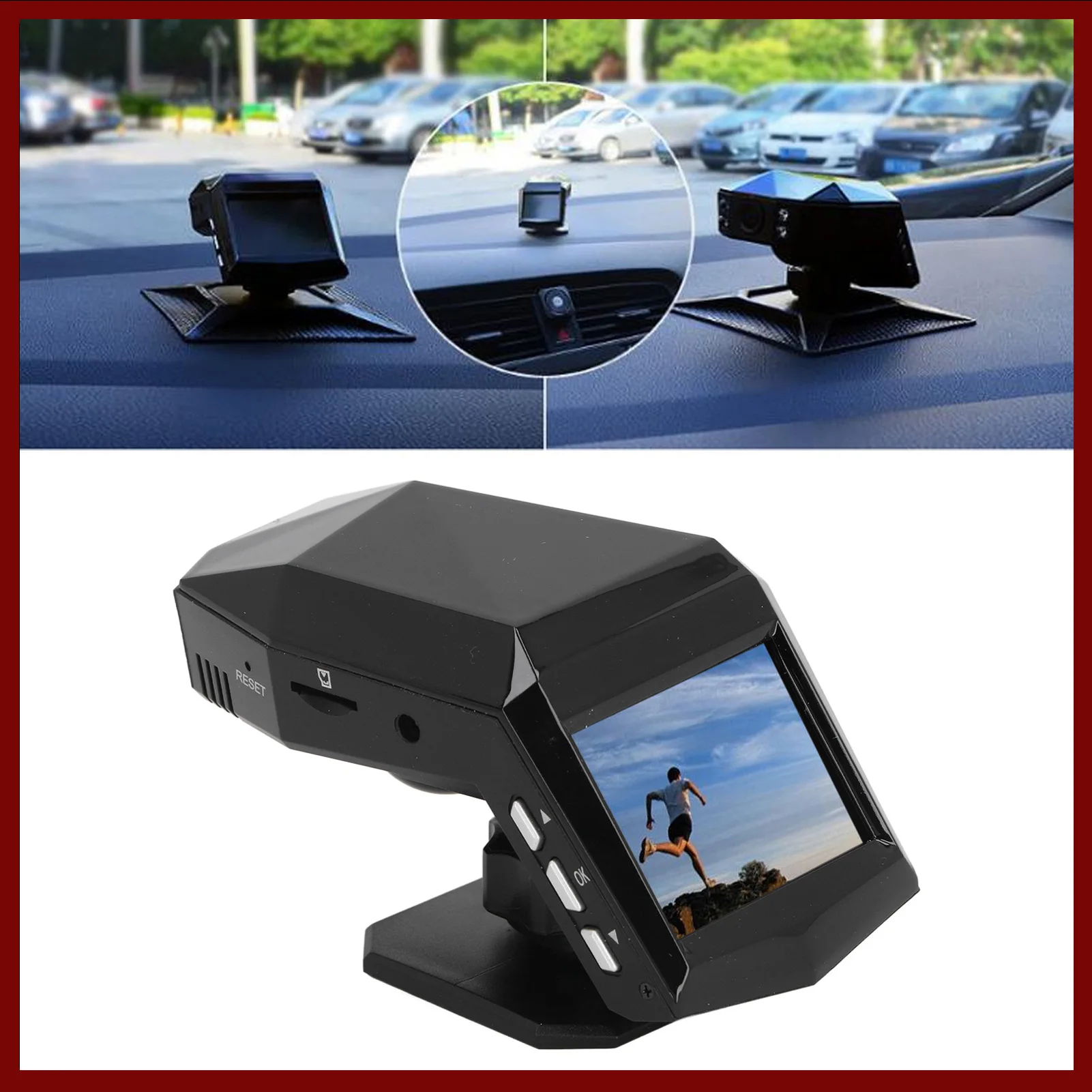
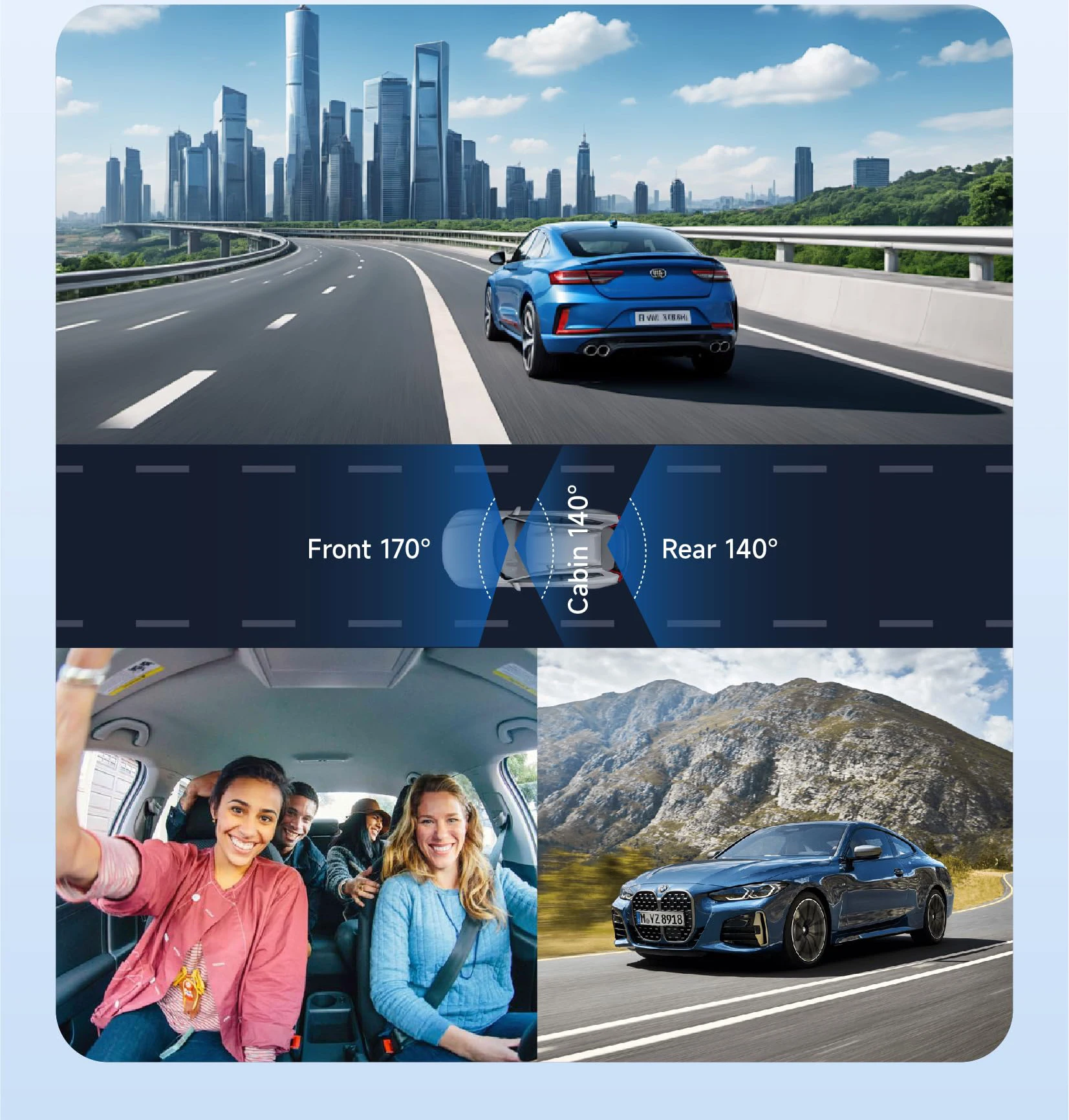
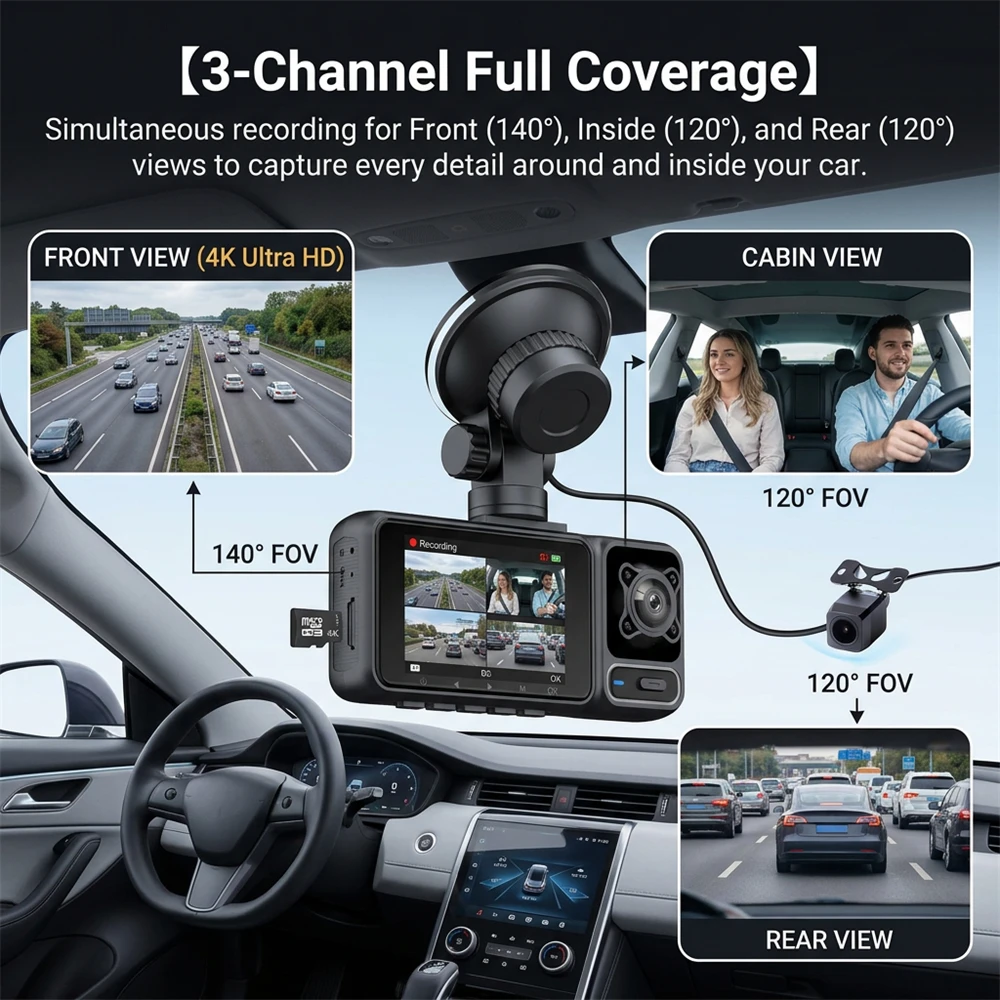
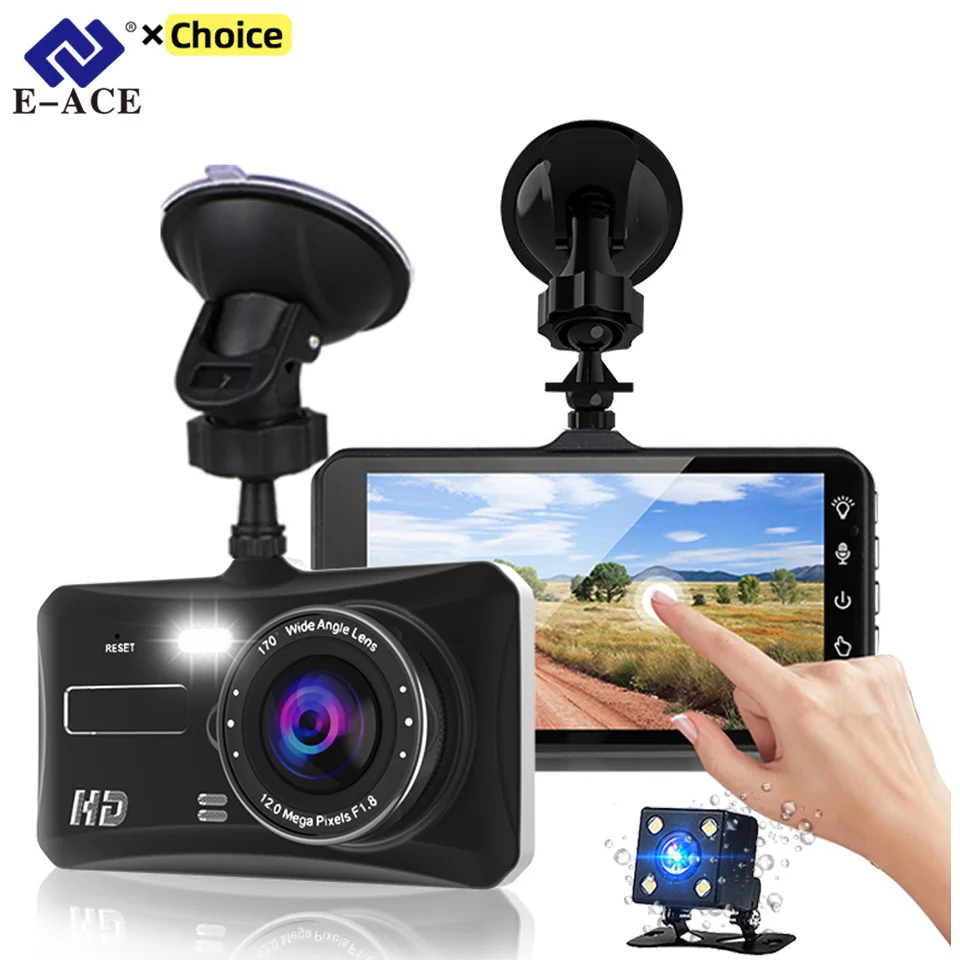
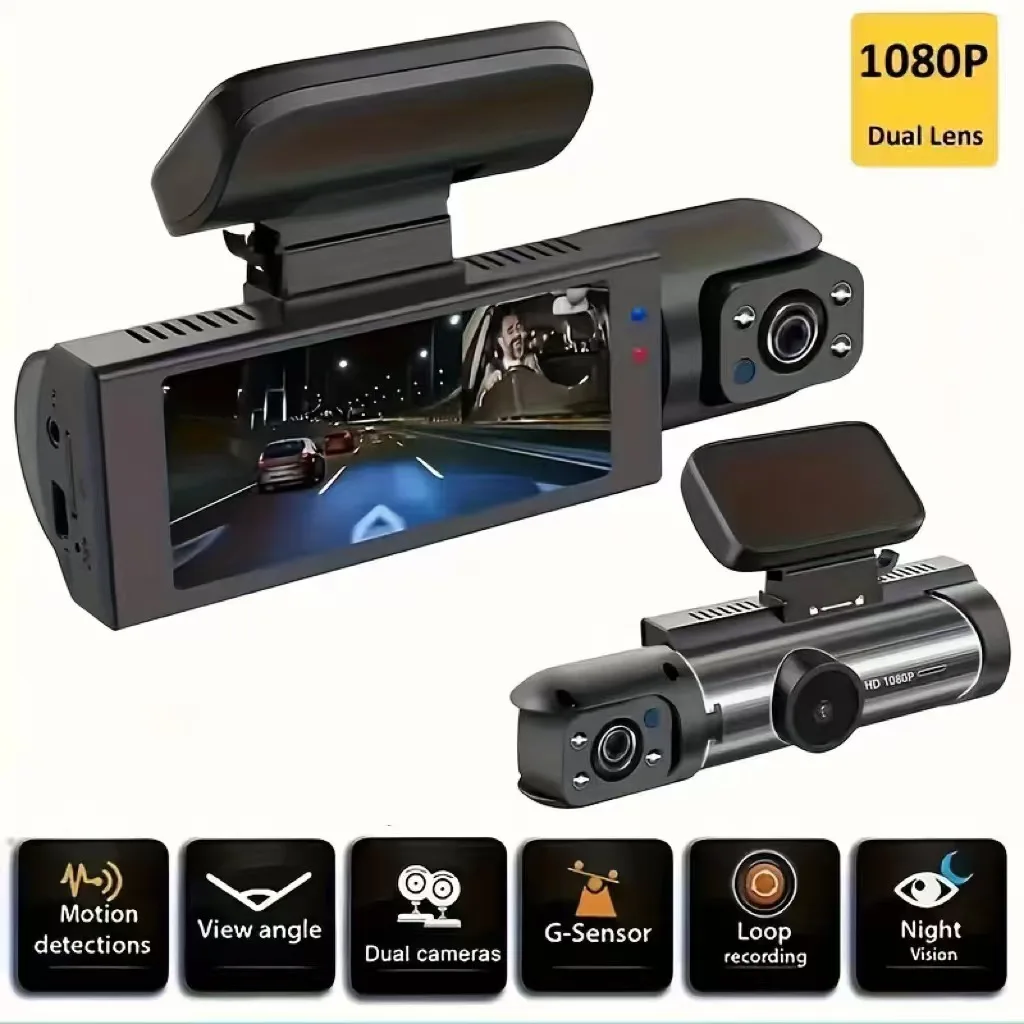
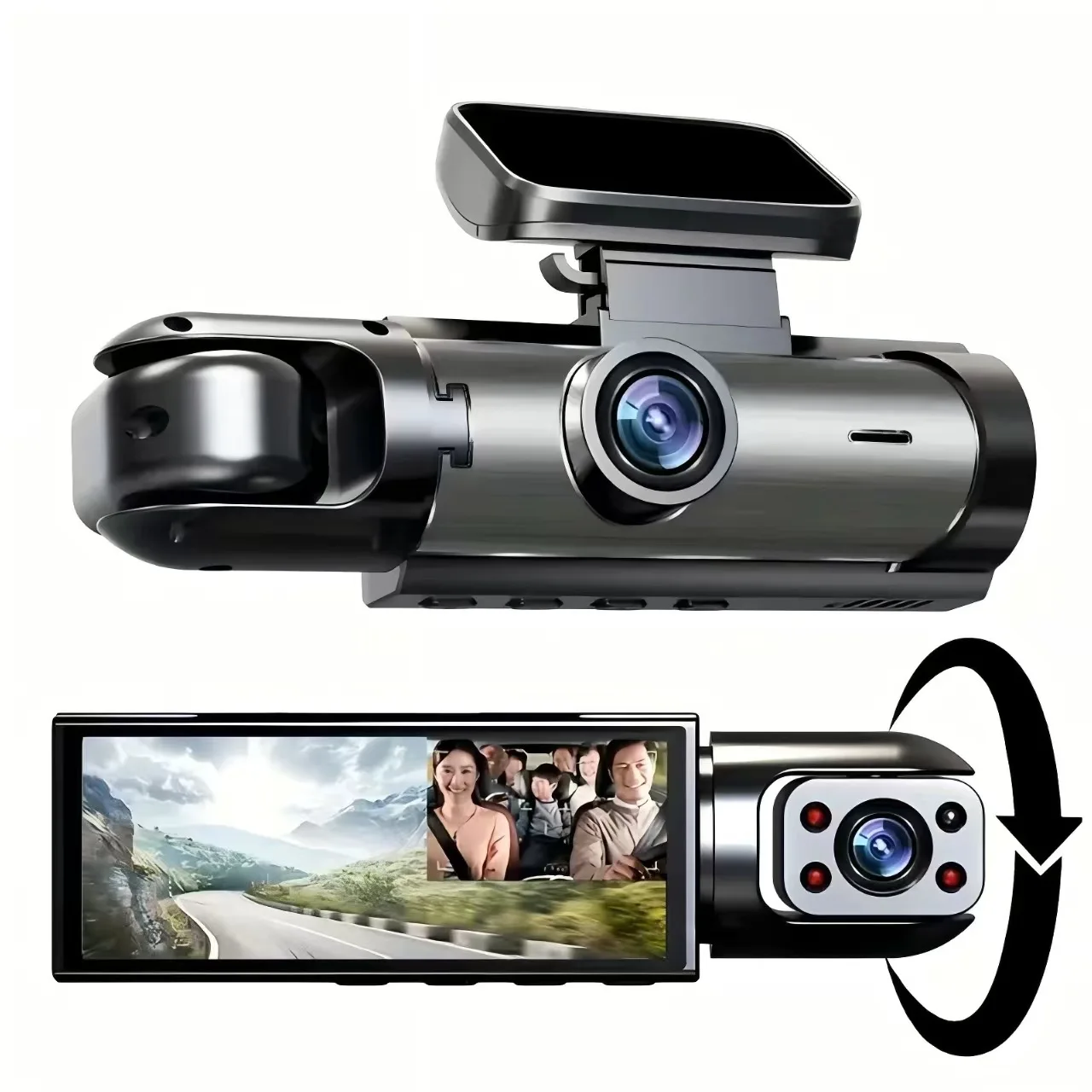
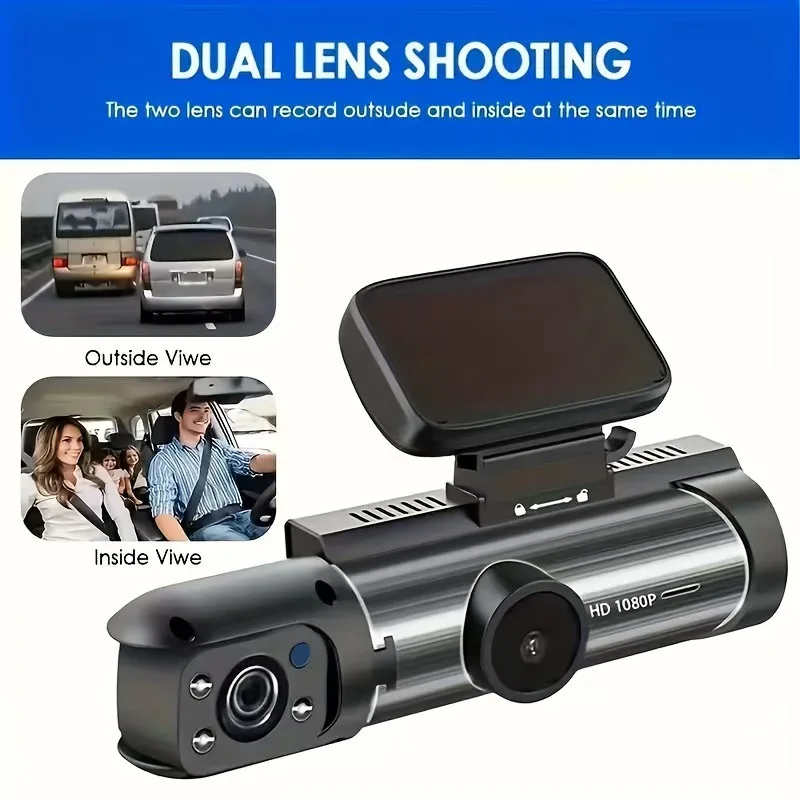
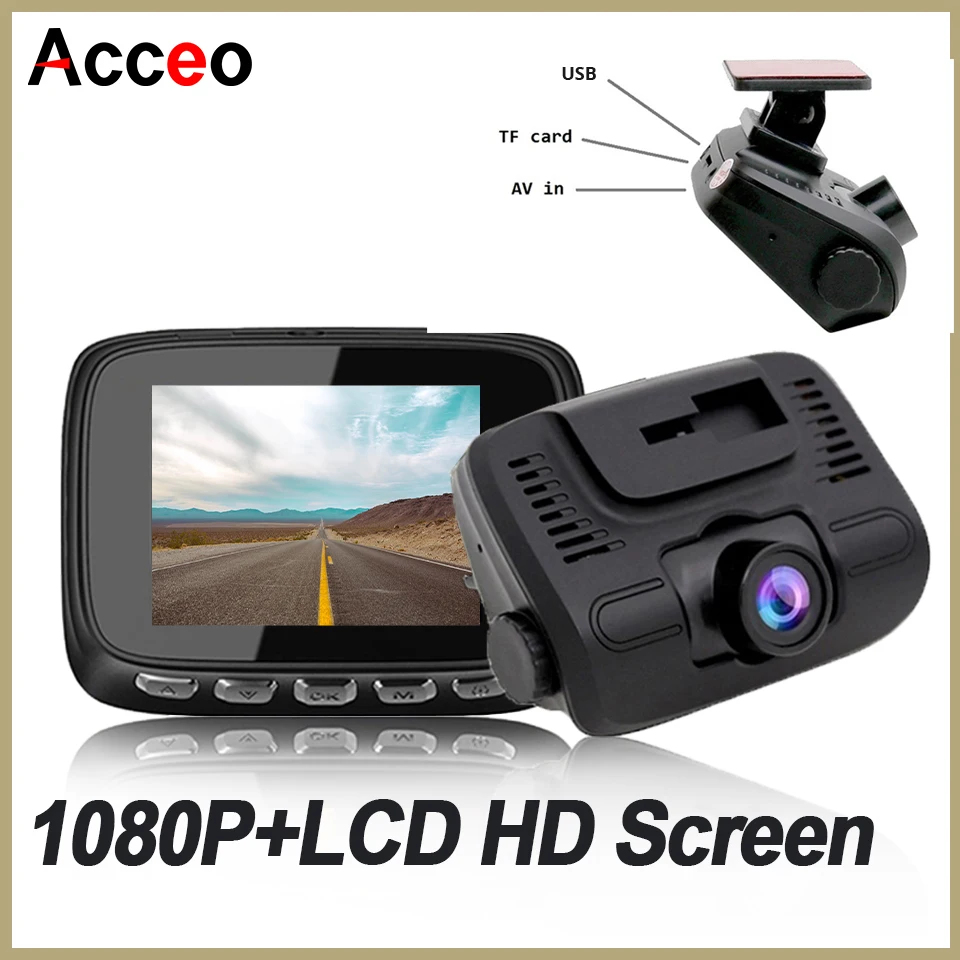
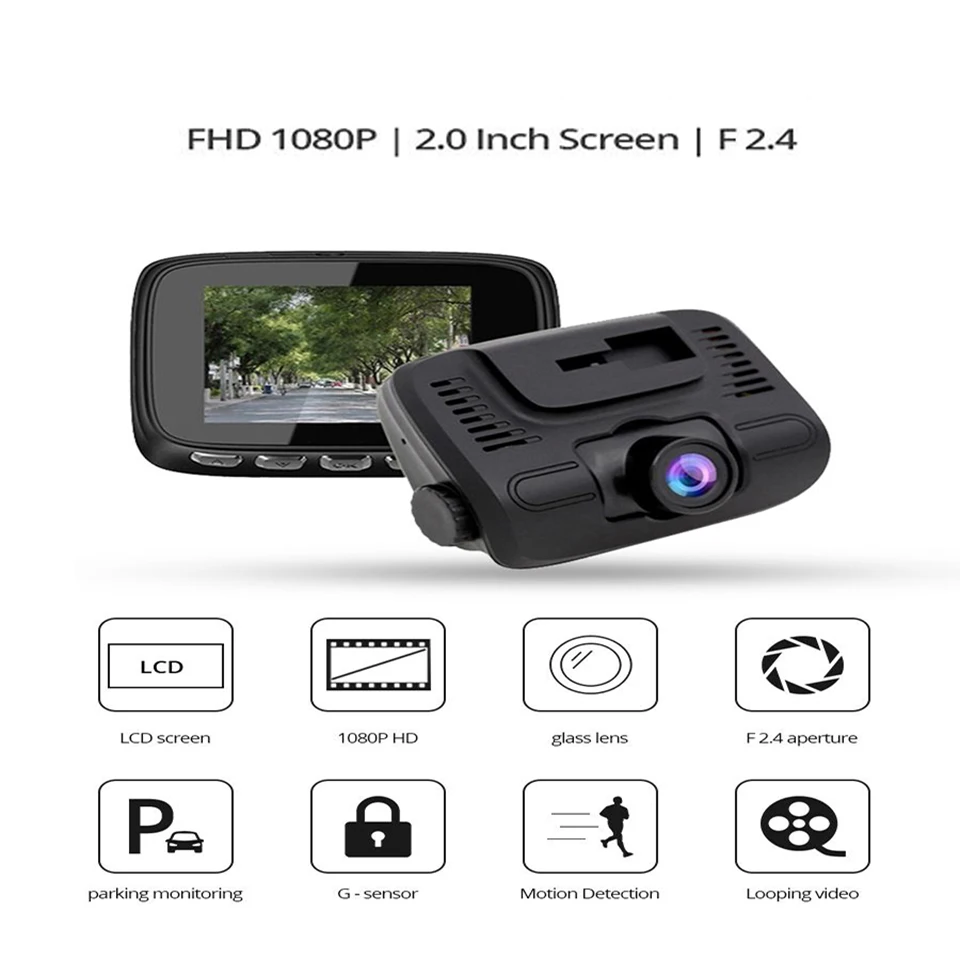
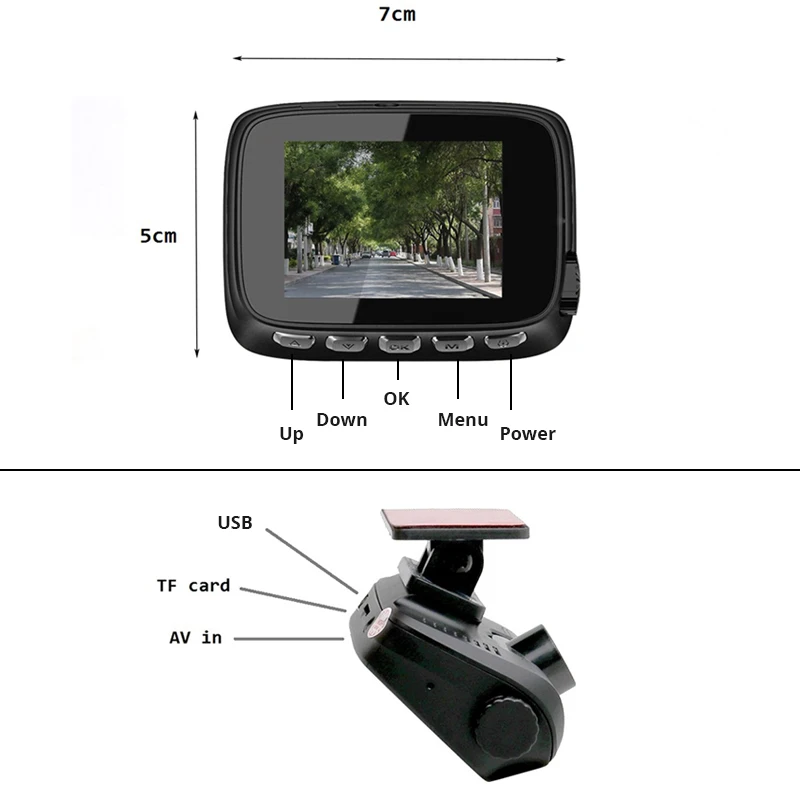
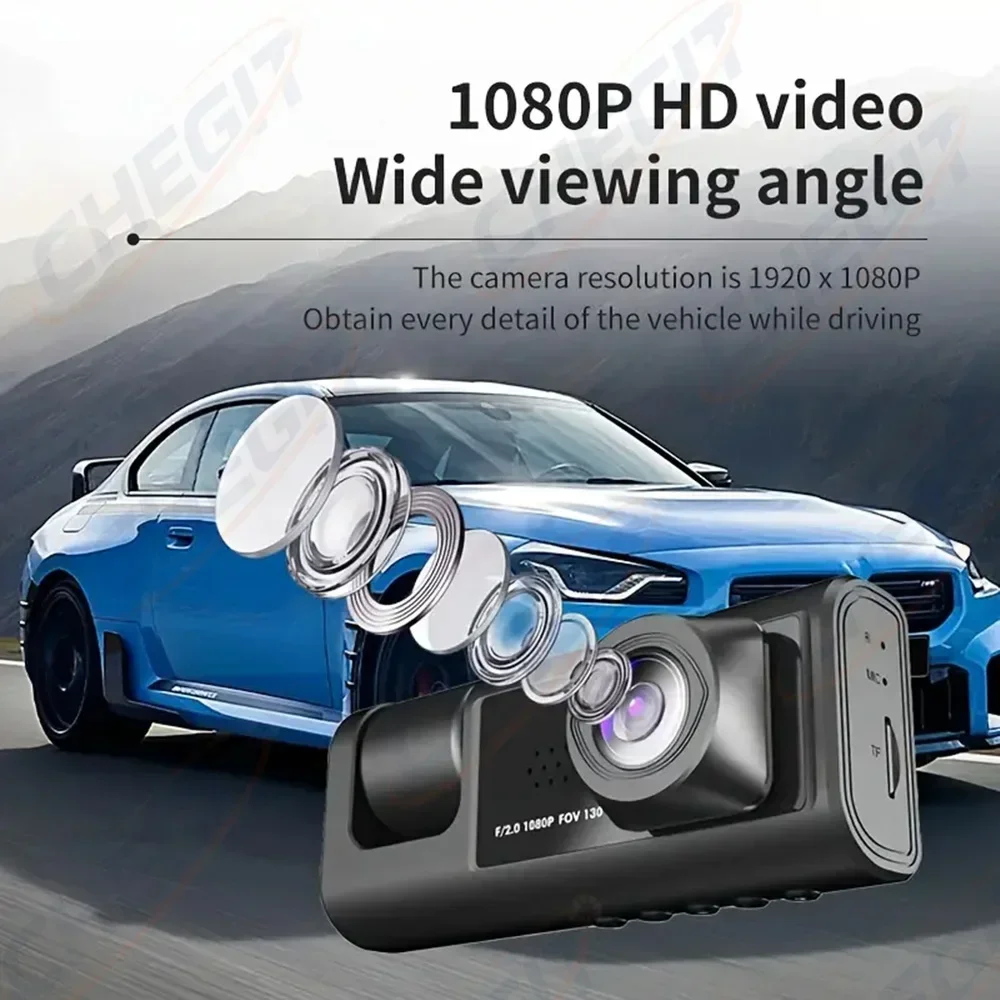
- Front dash cams are a single camera behind the mirror recording the road ahead, the simplest to fit; one adds a lens facing the cabin. See front dash cams.
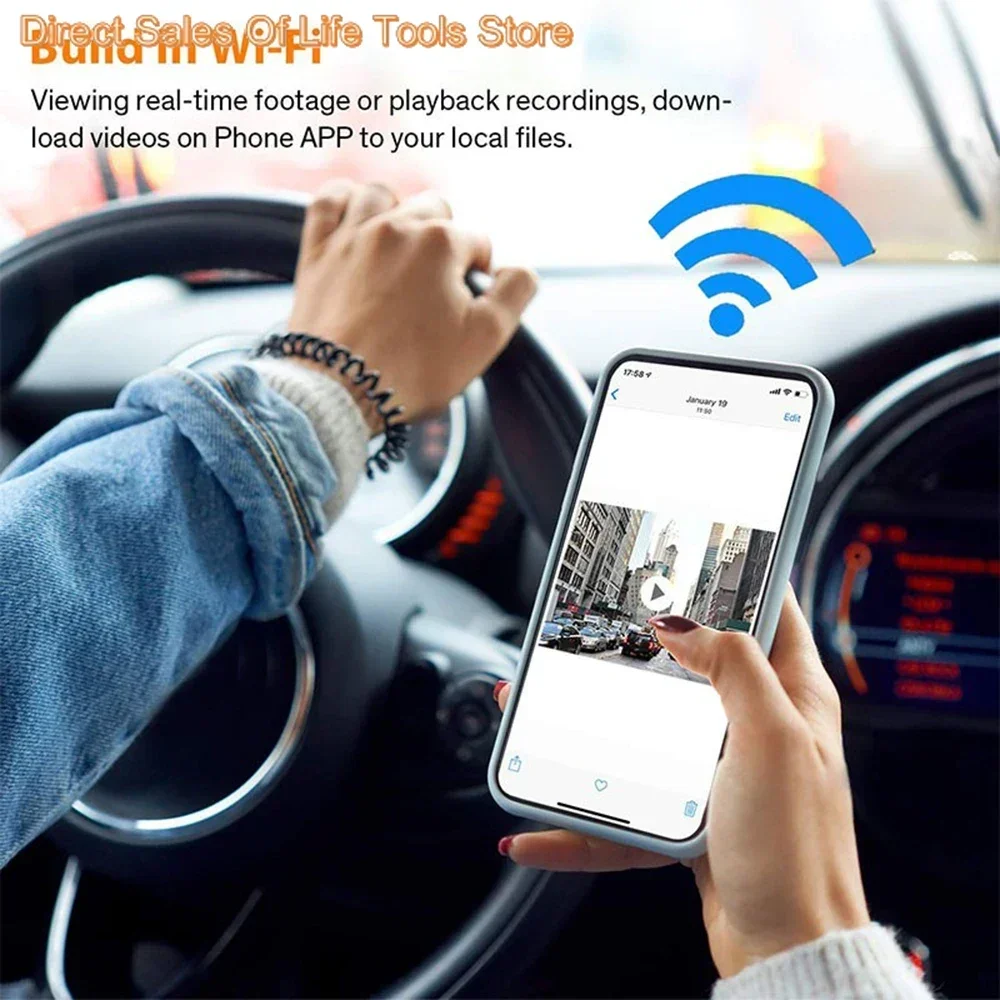
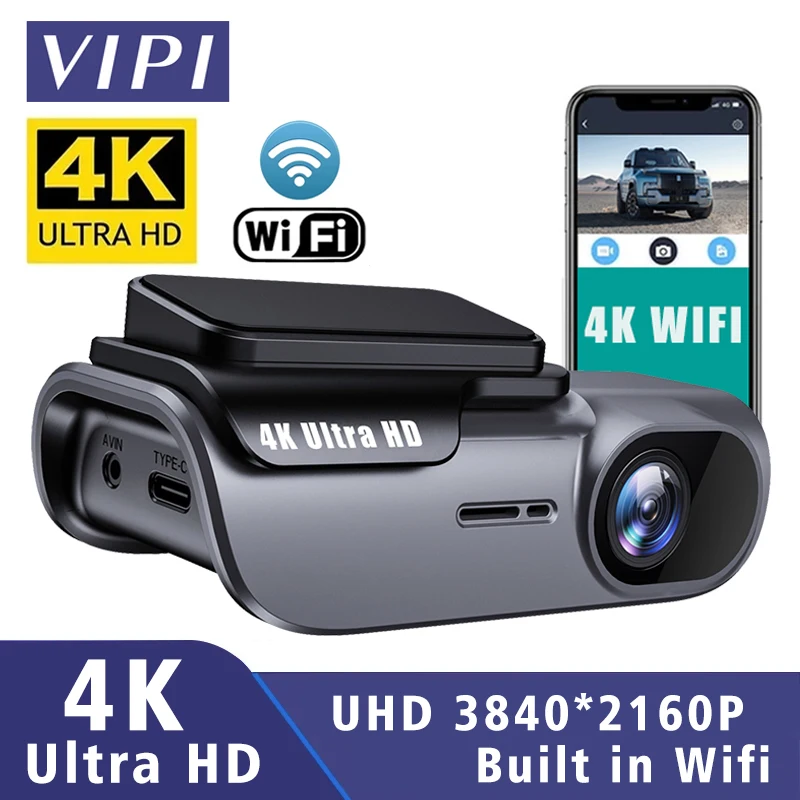
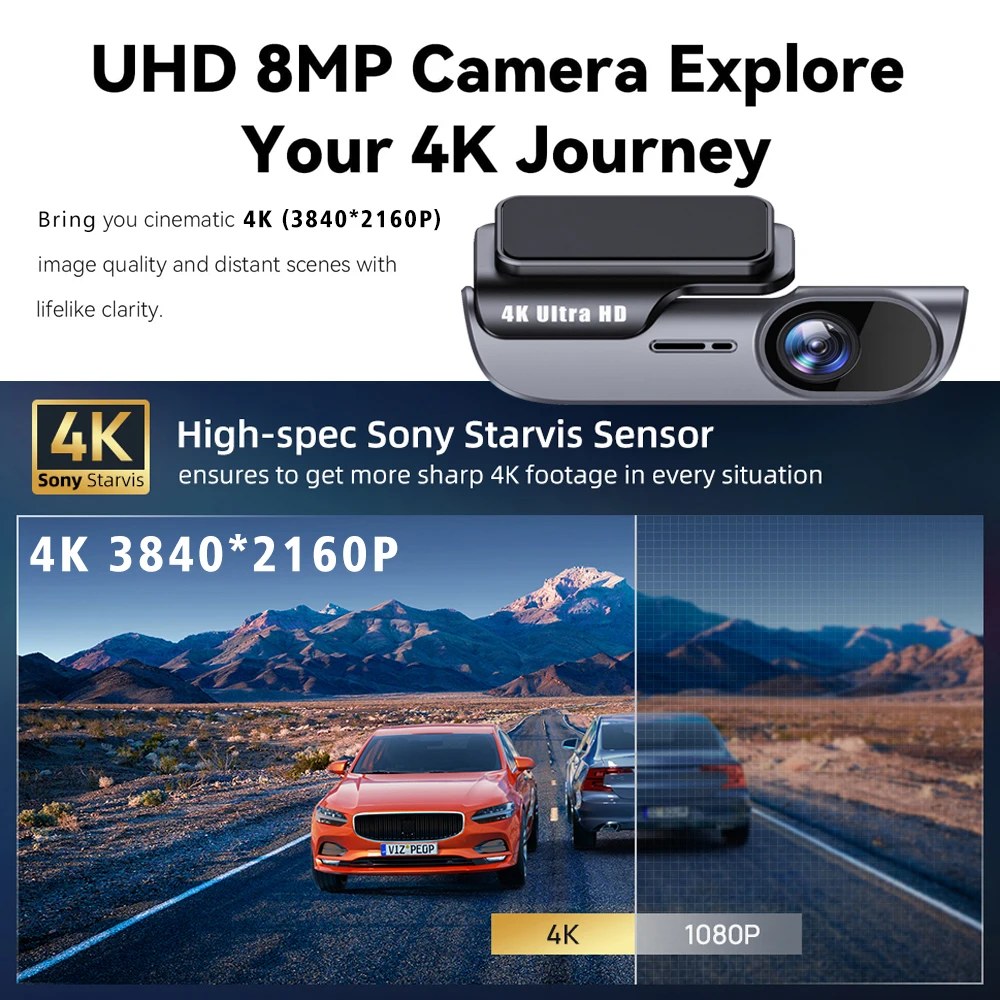
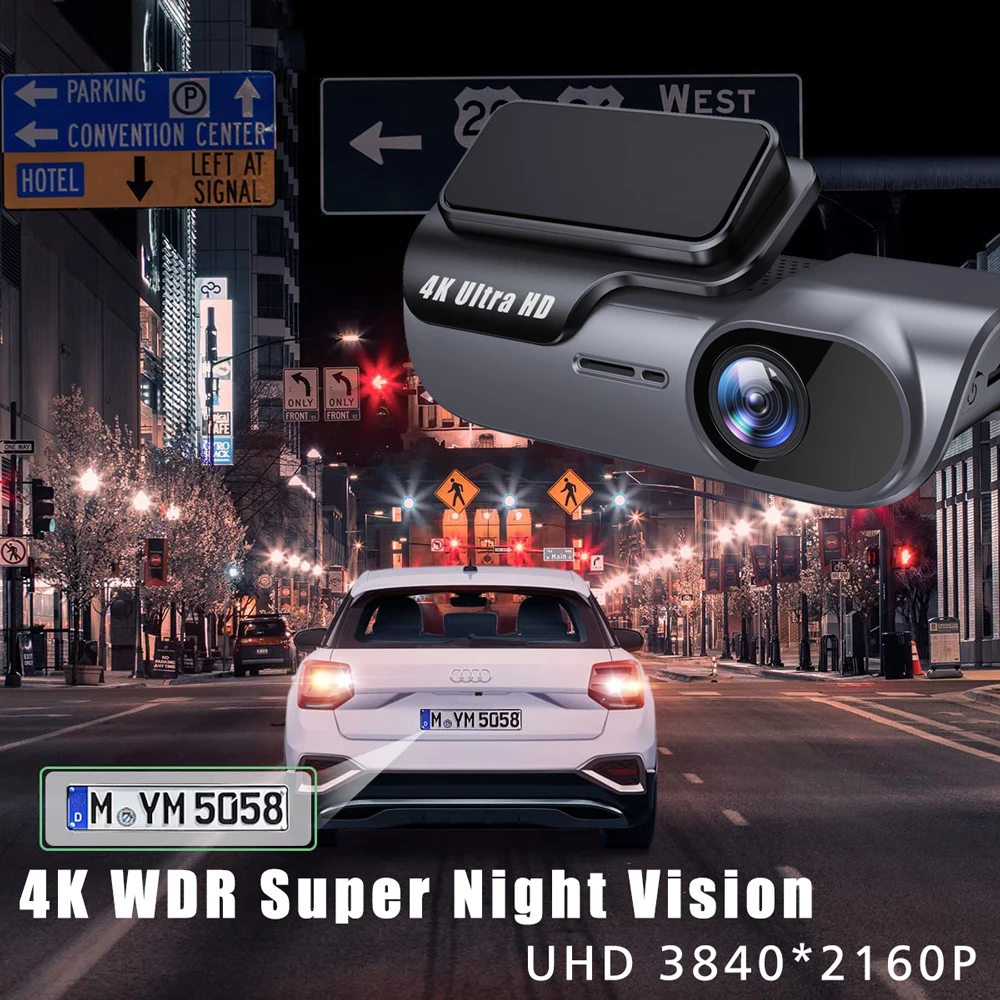
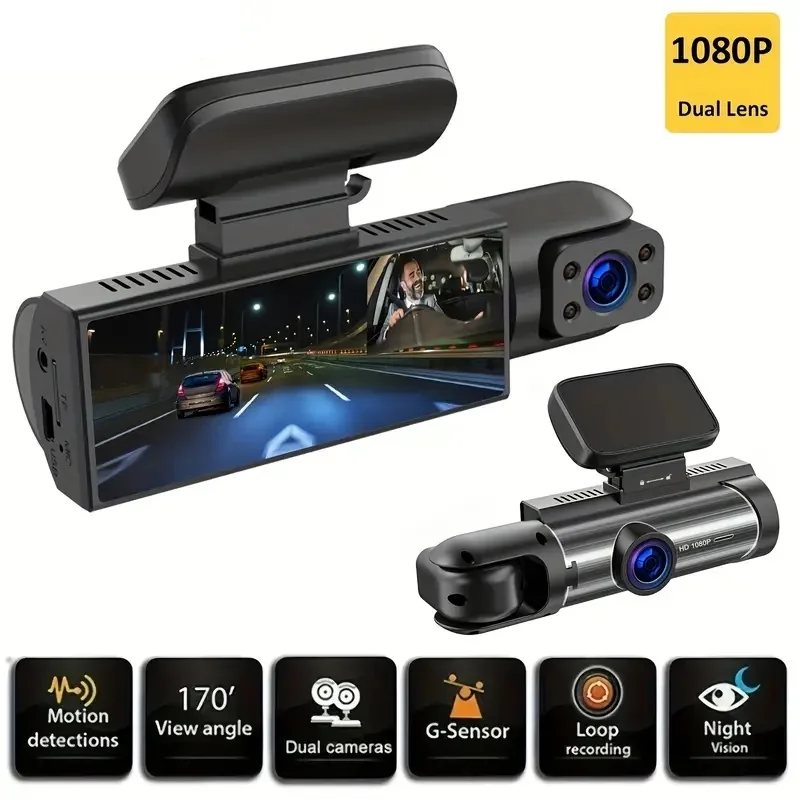
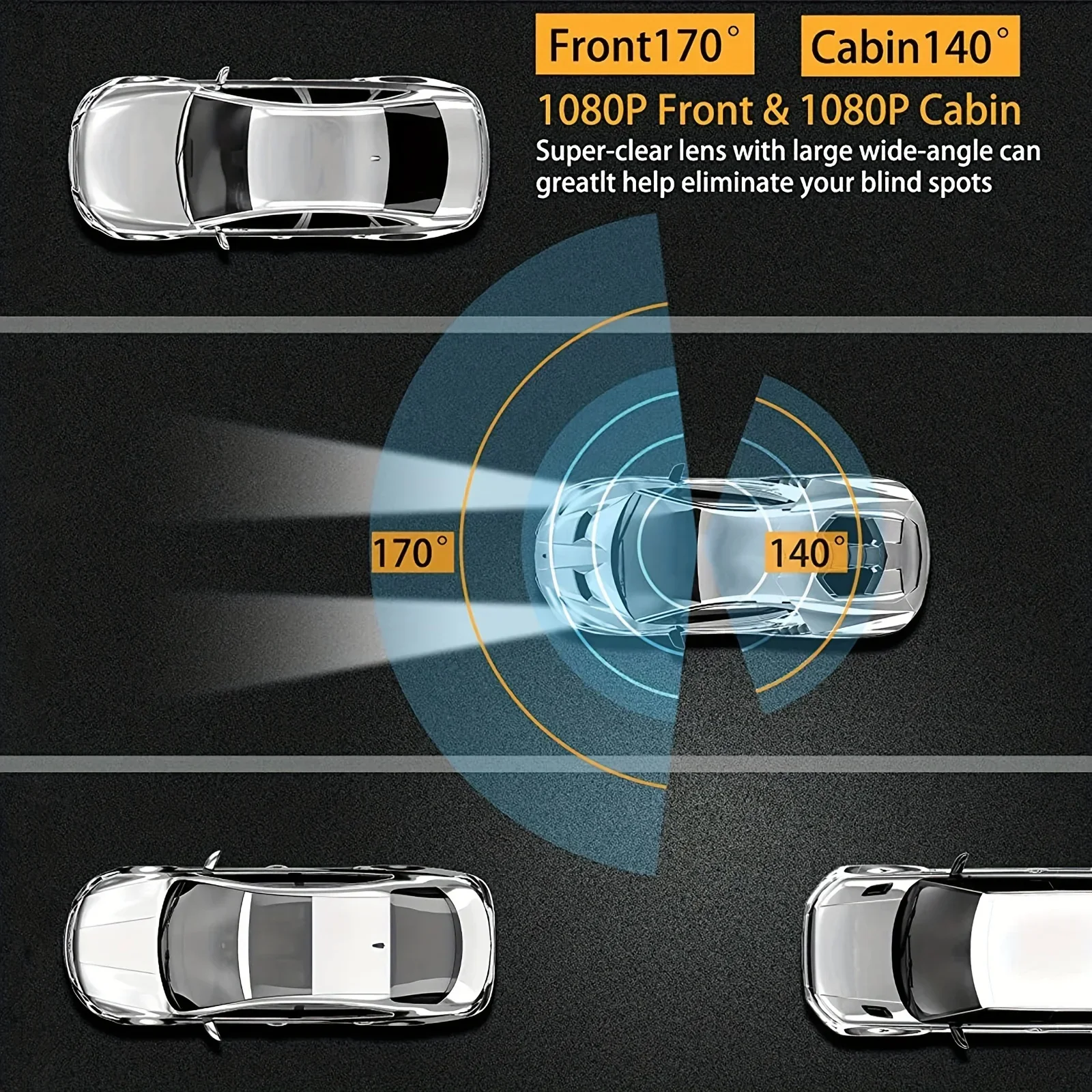
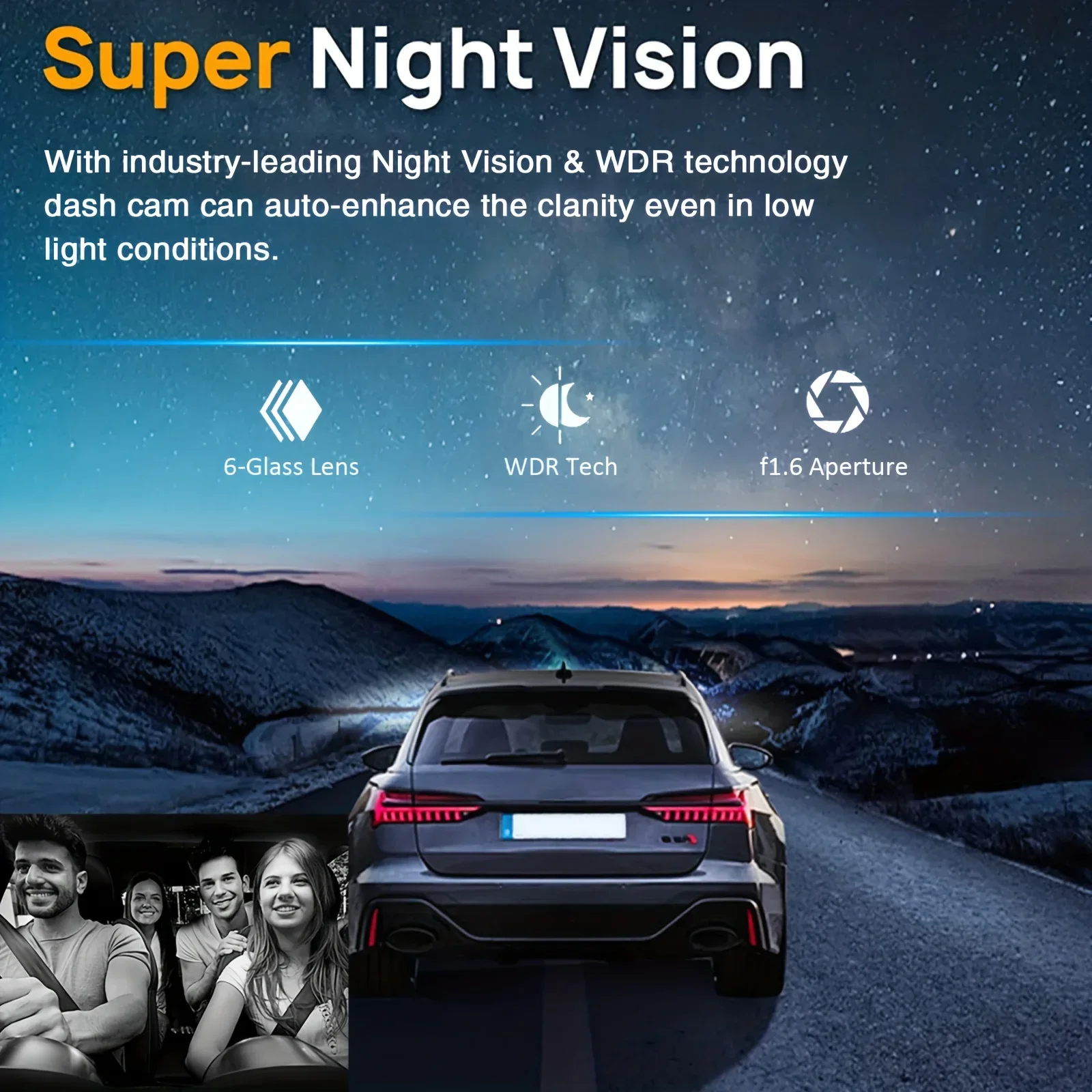
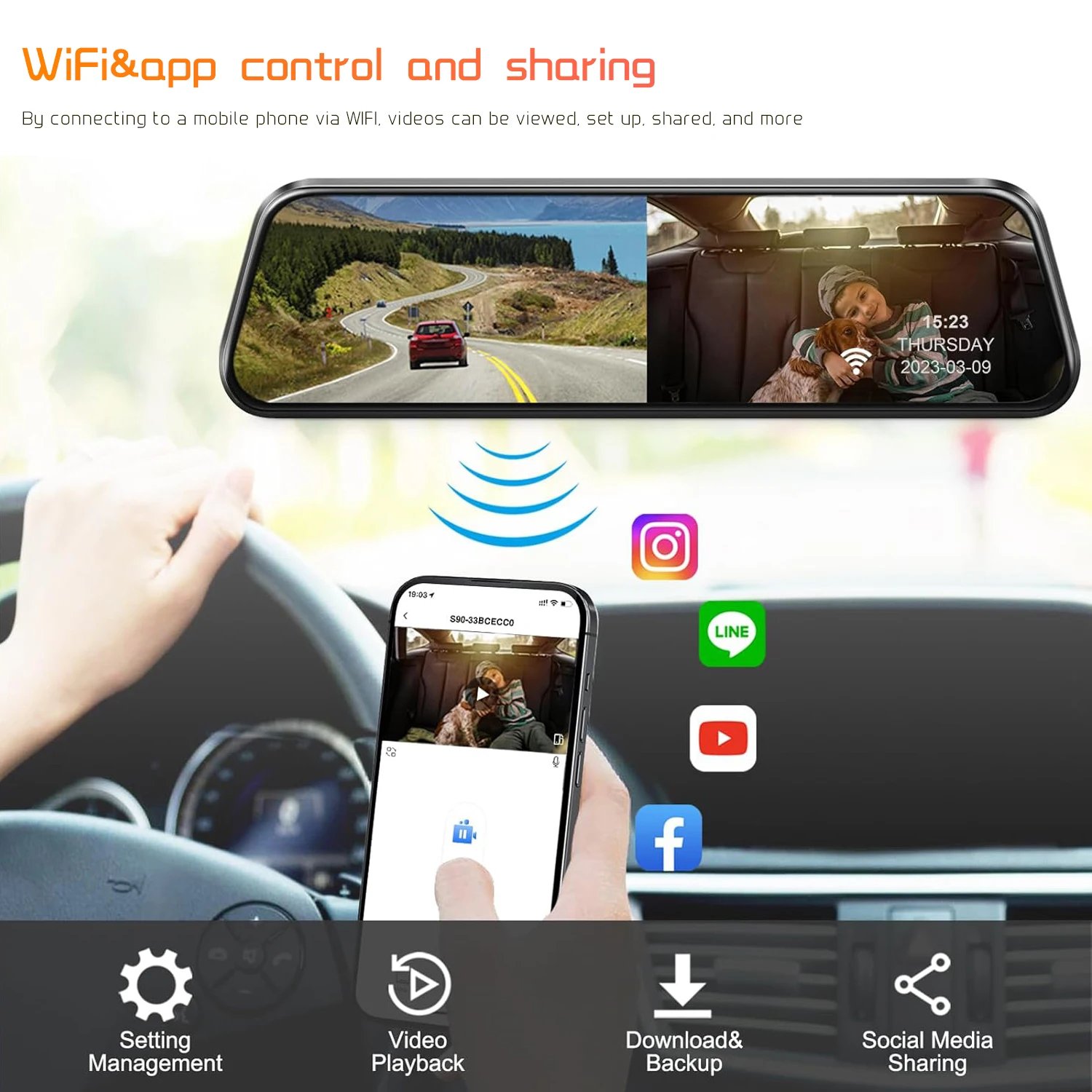
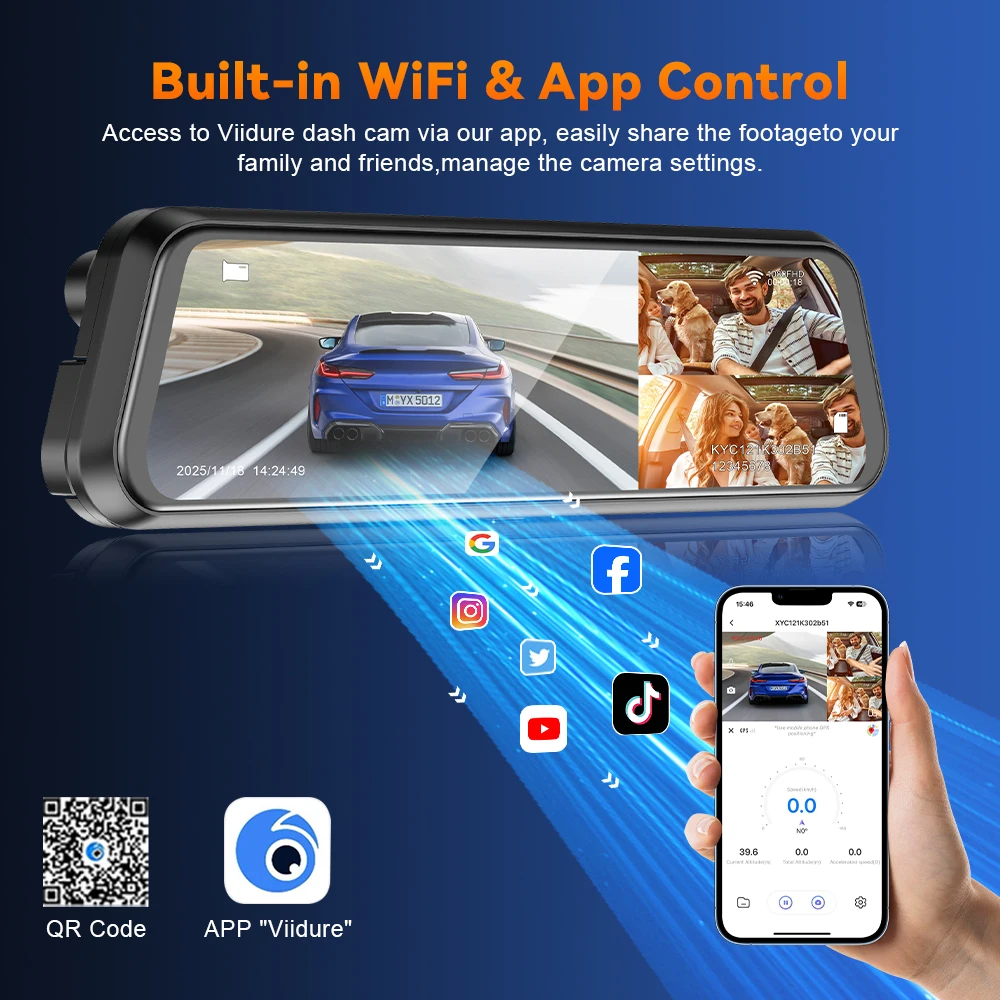
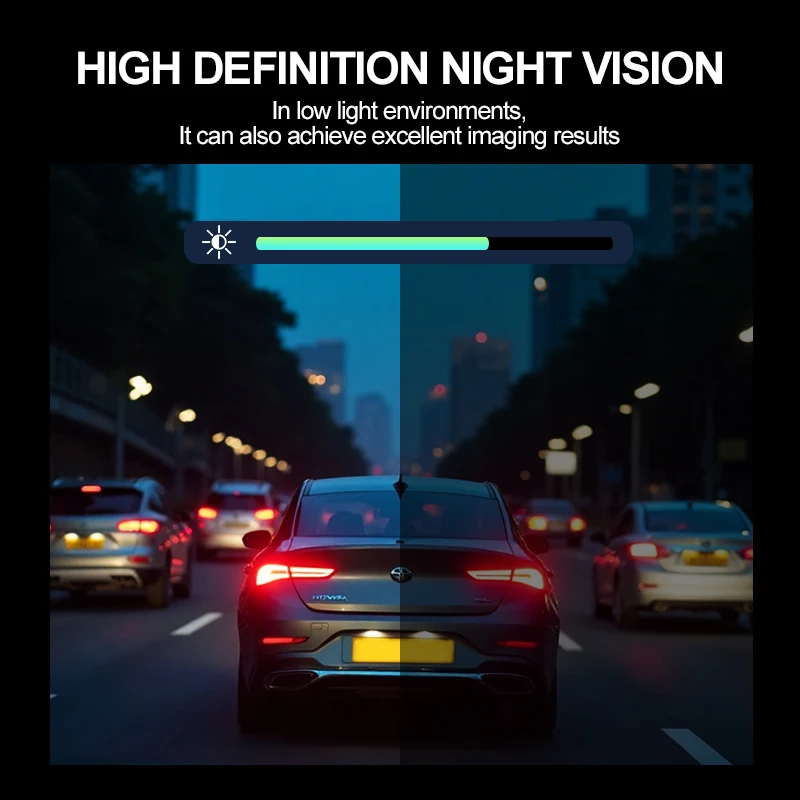
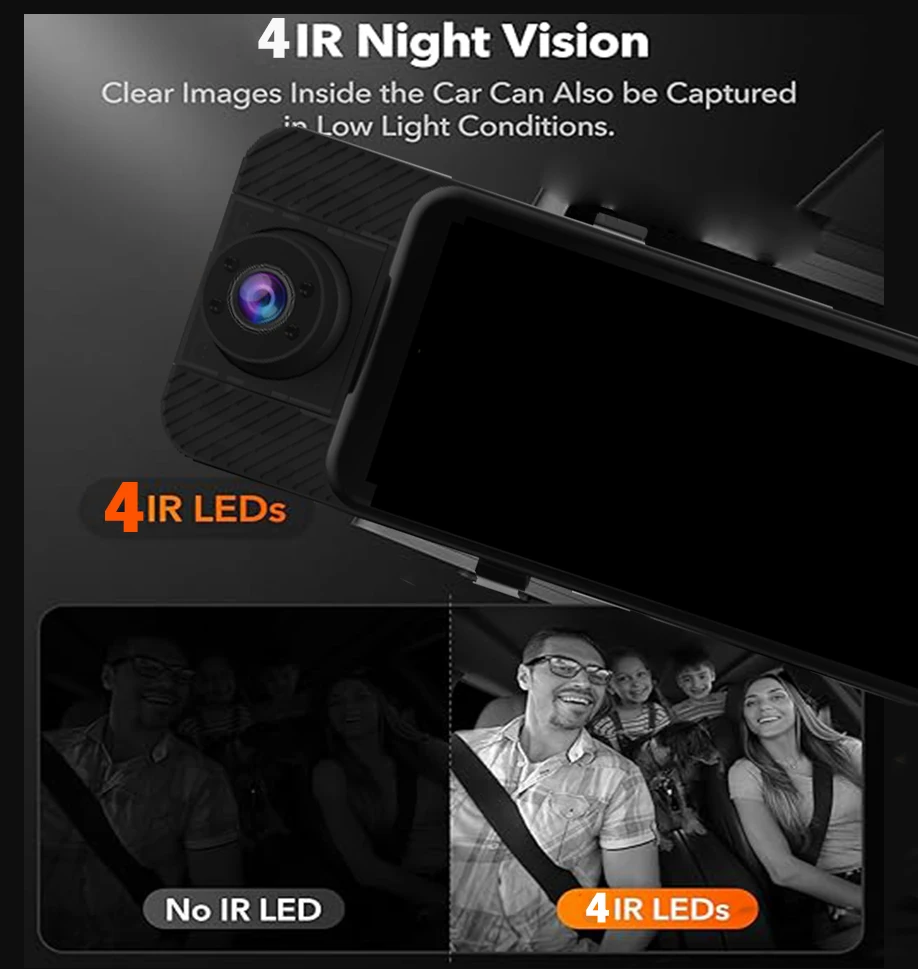
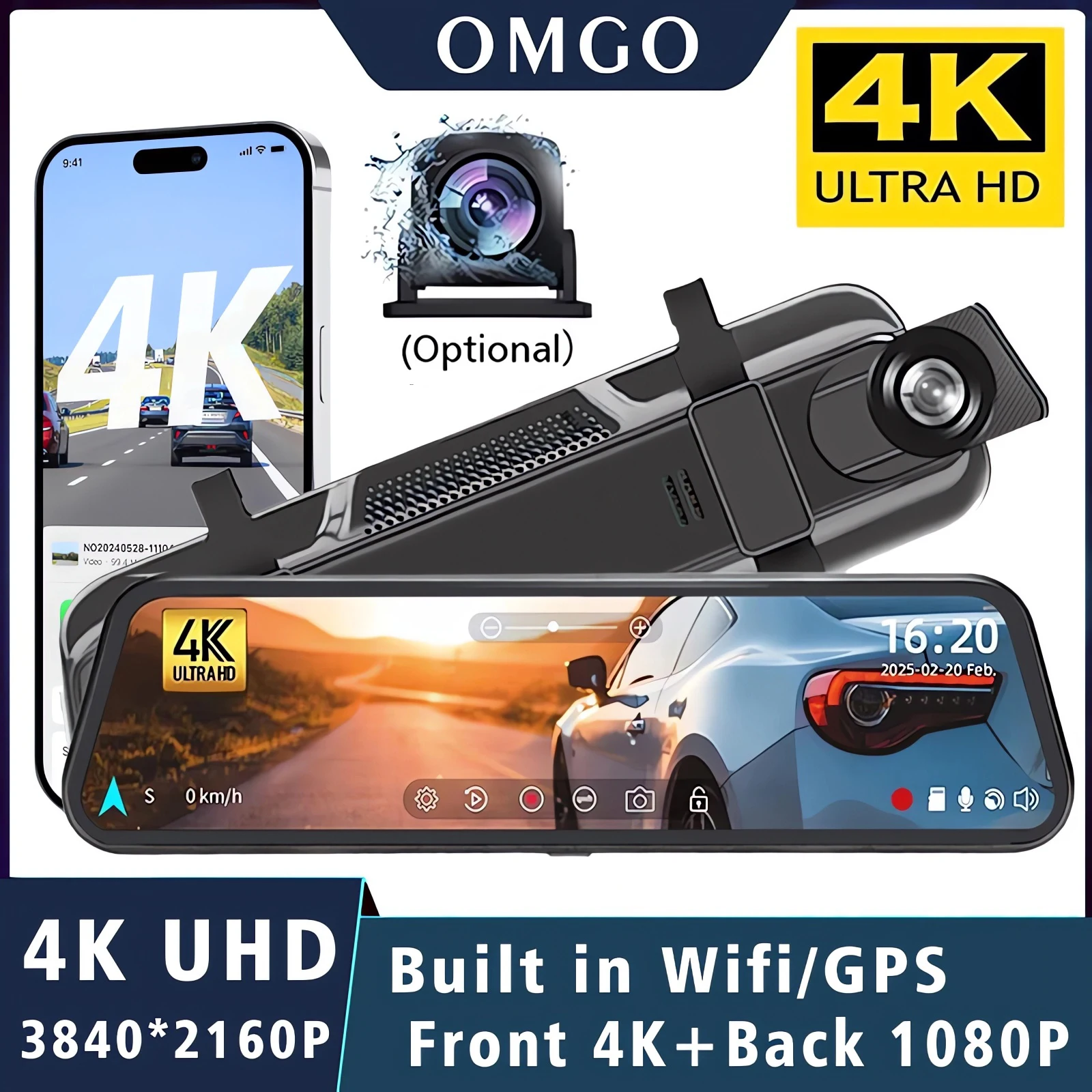
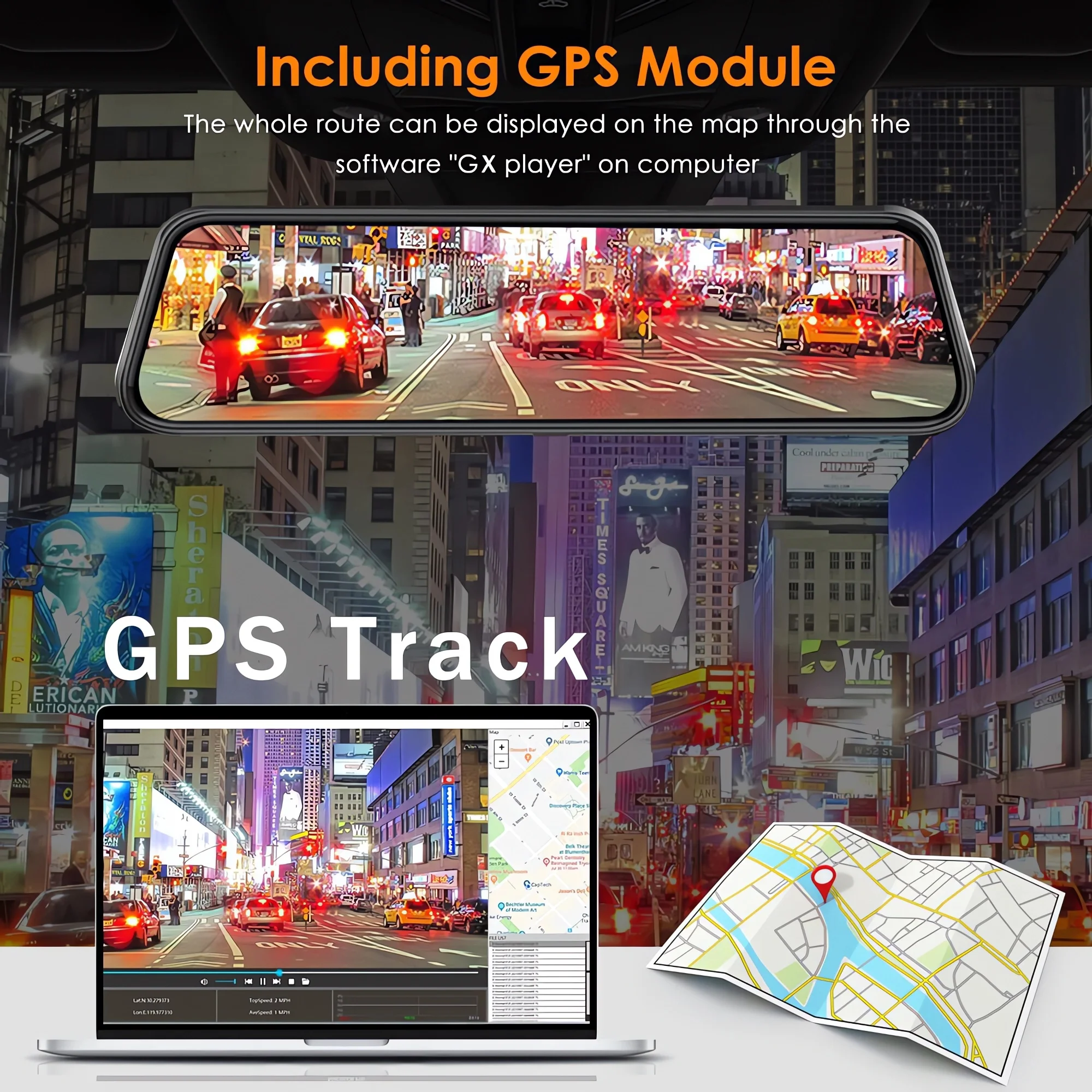
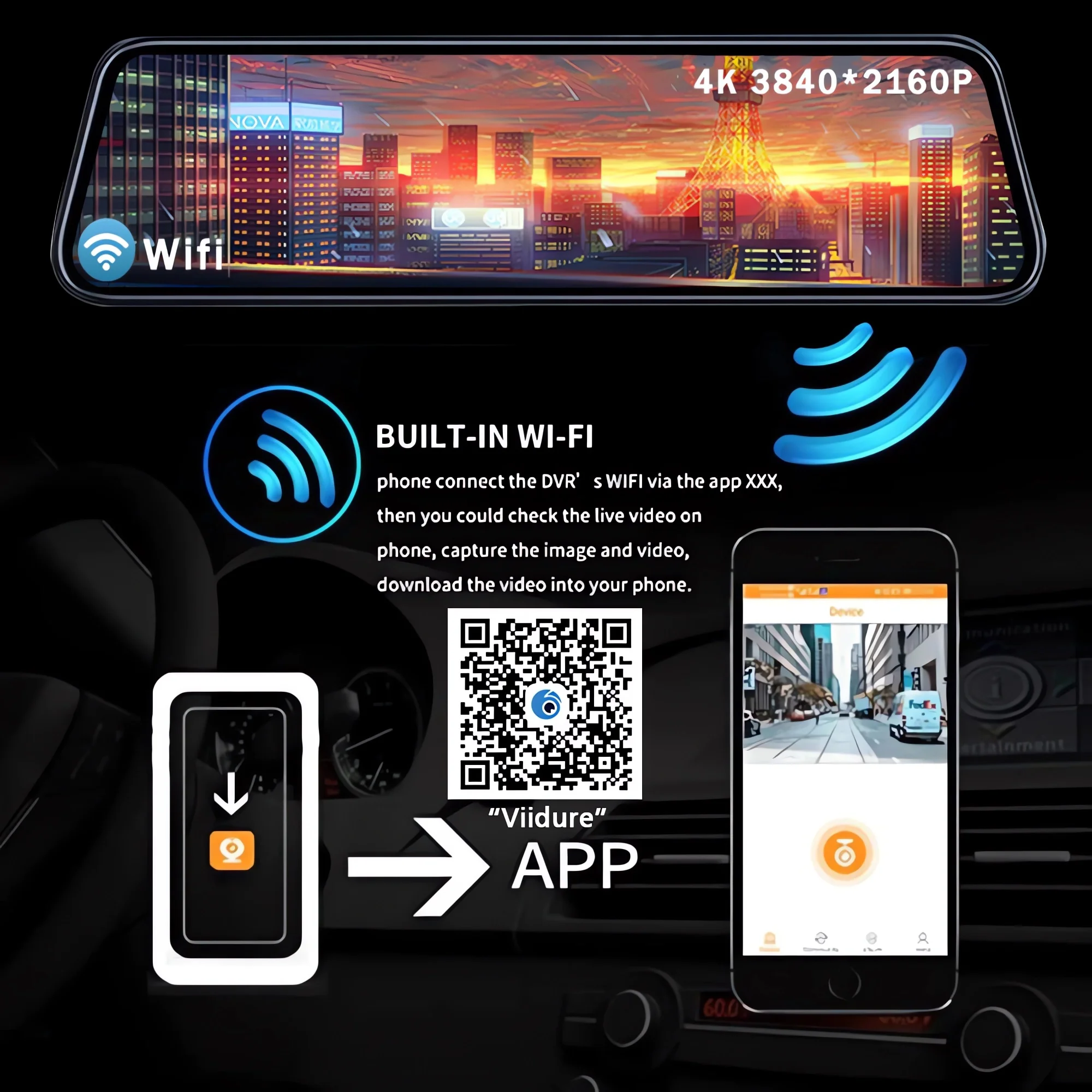
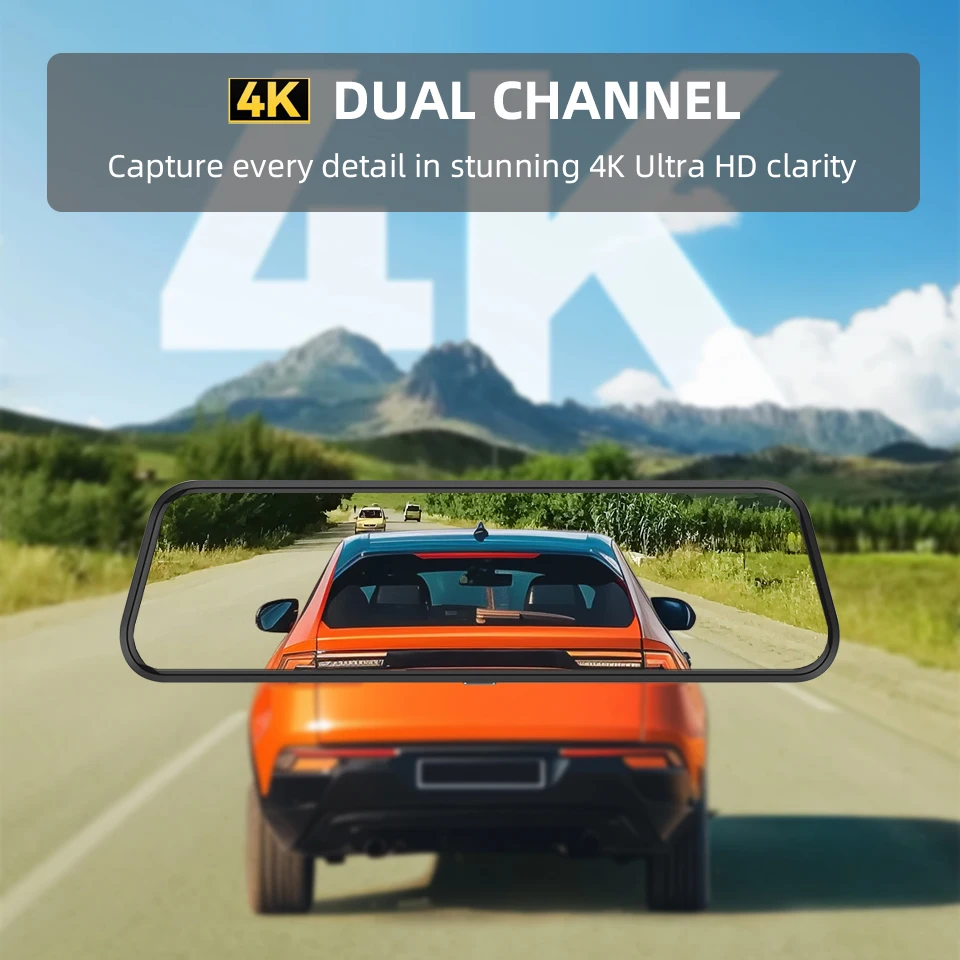
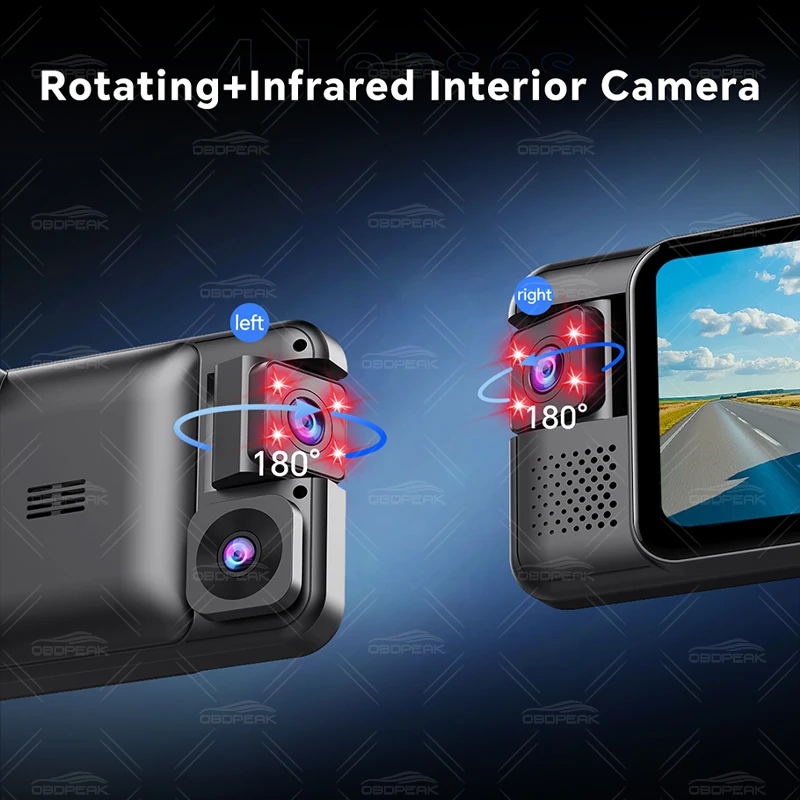
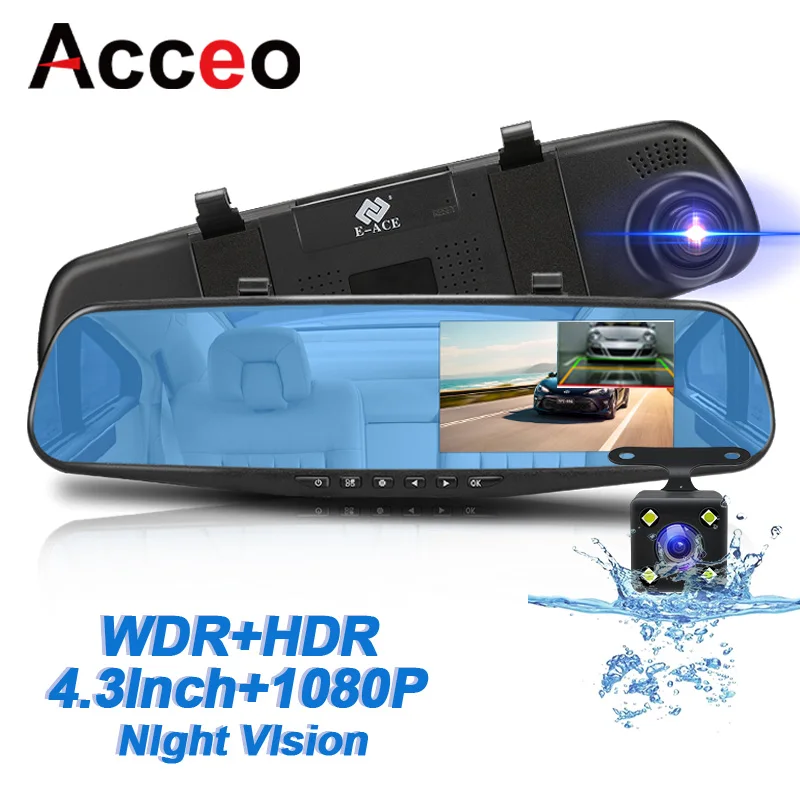
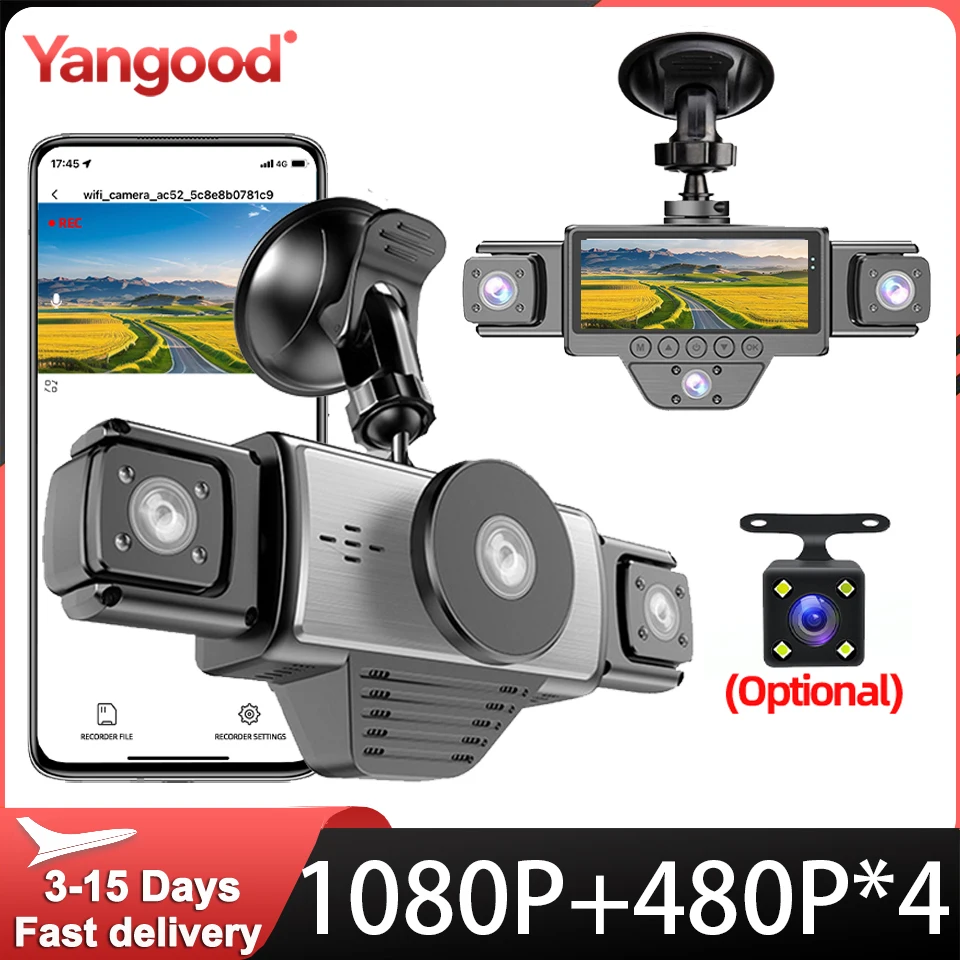
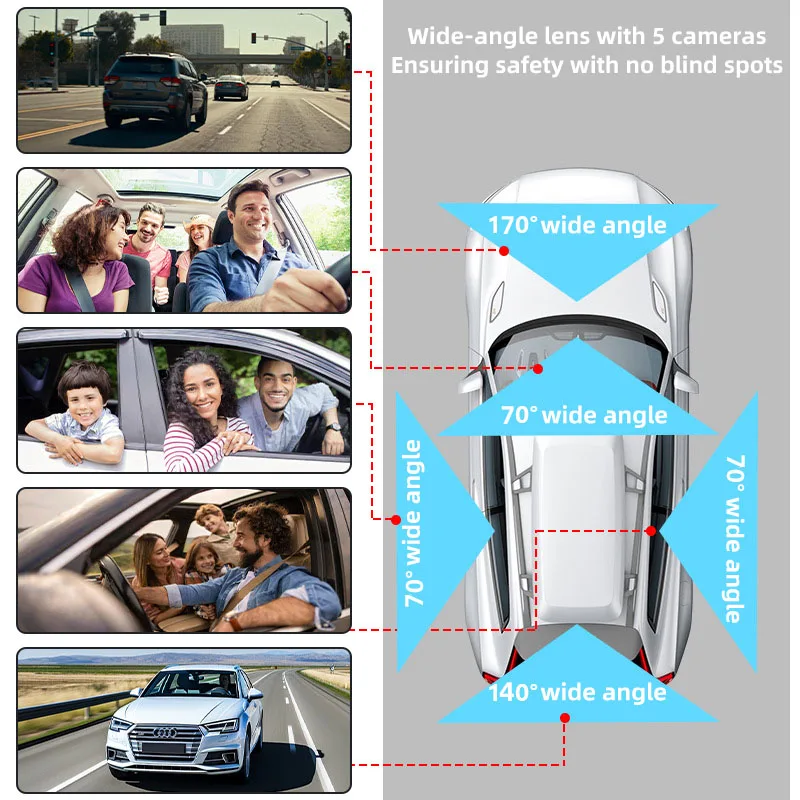
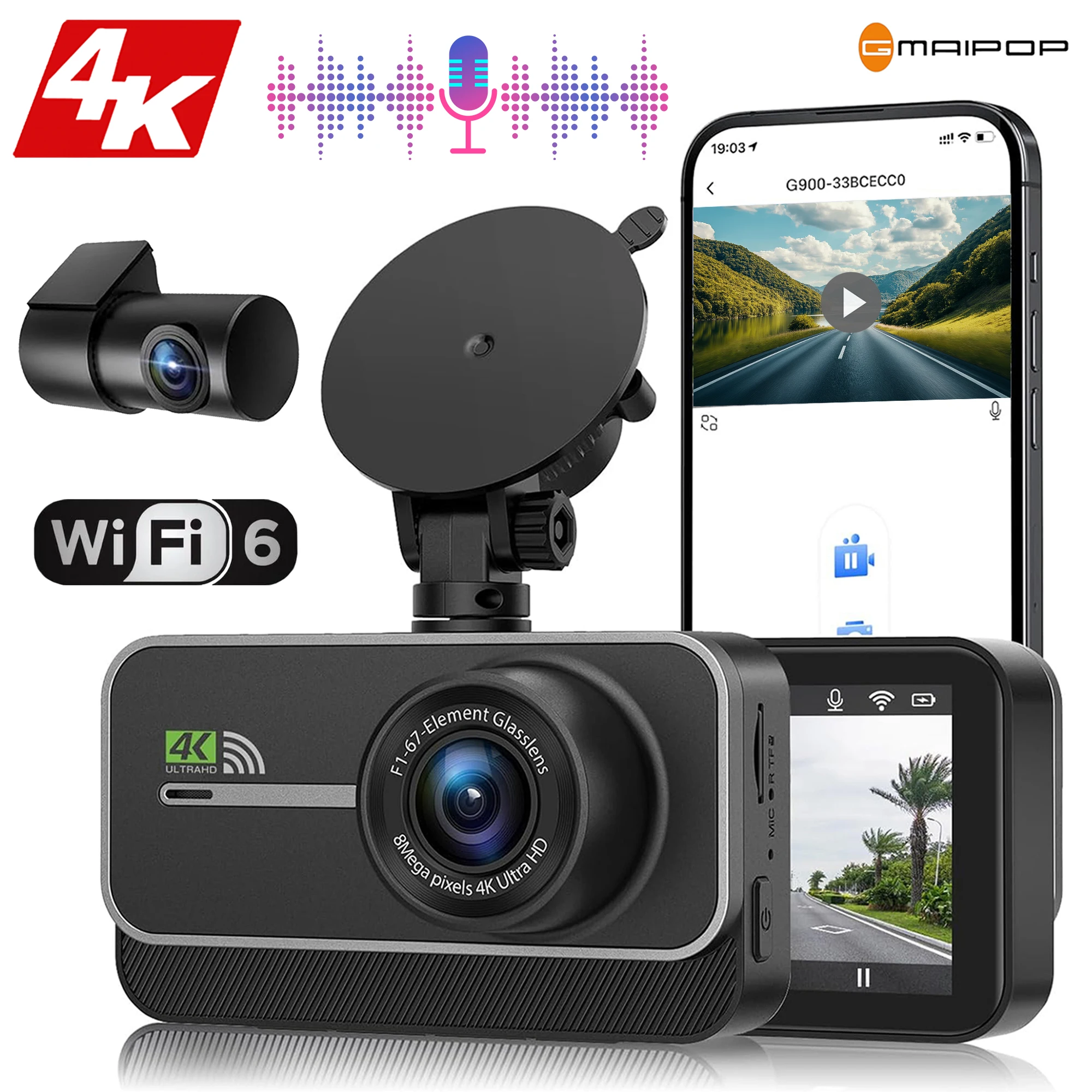
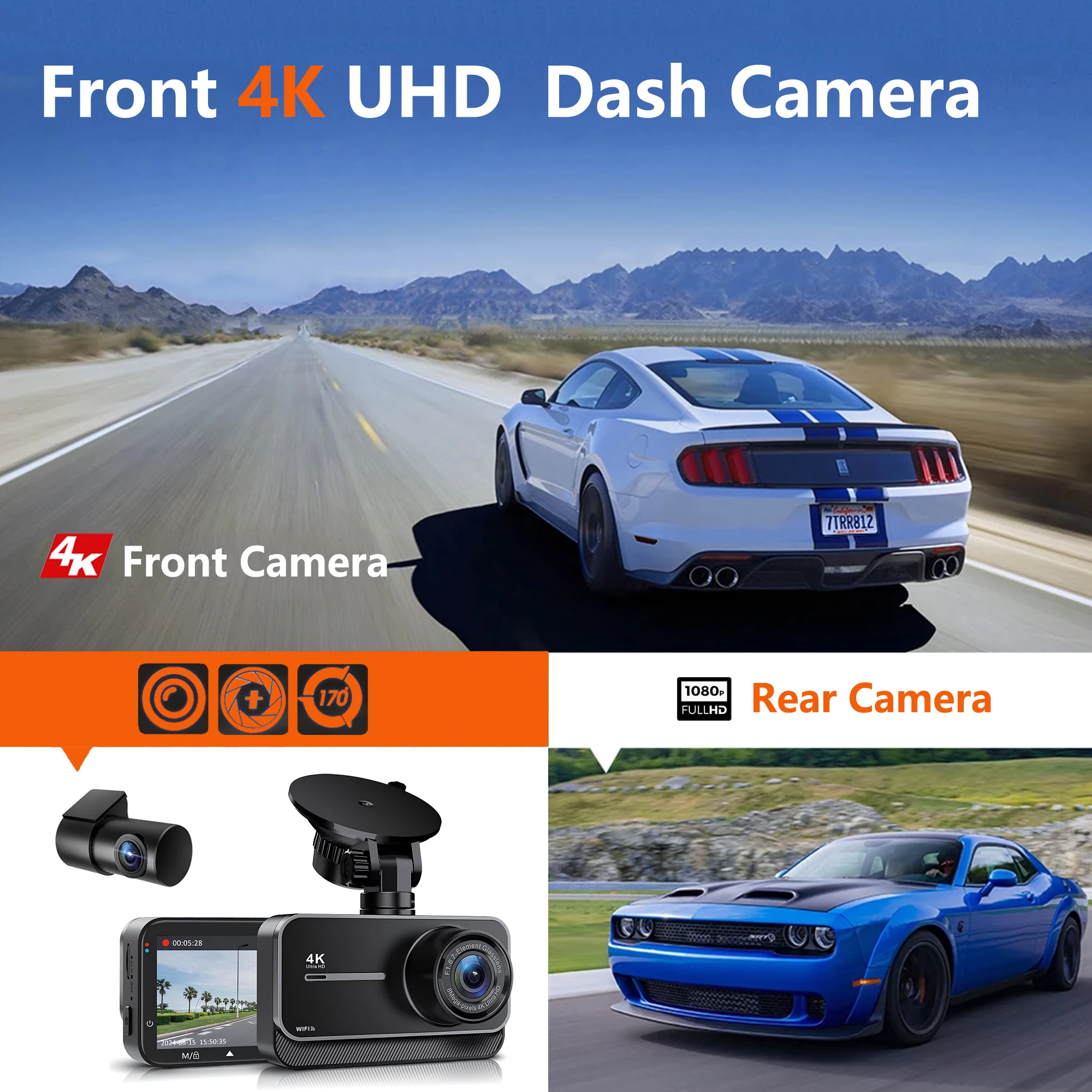
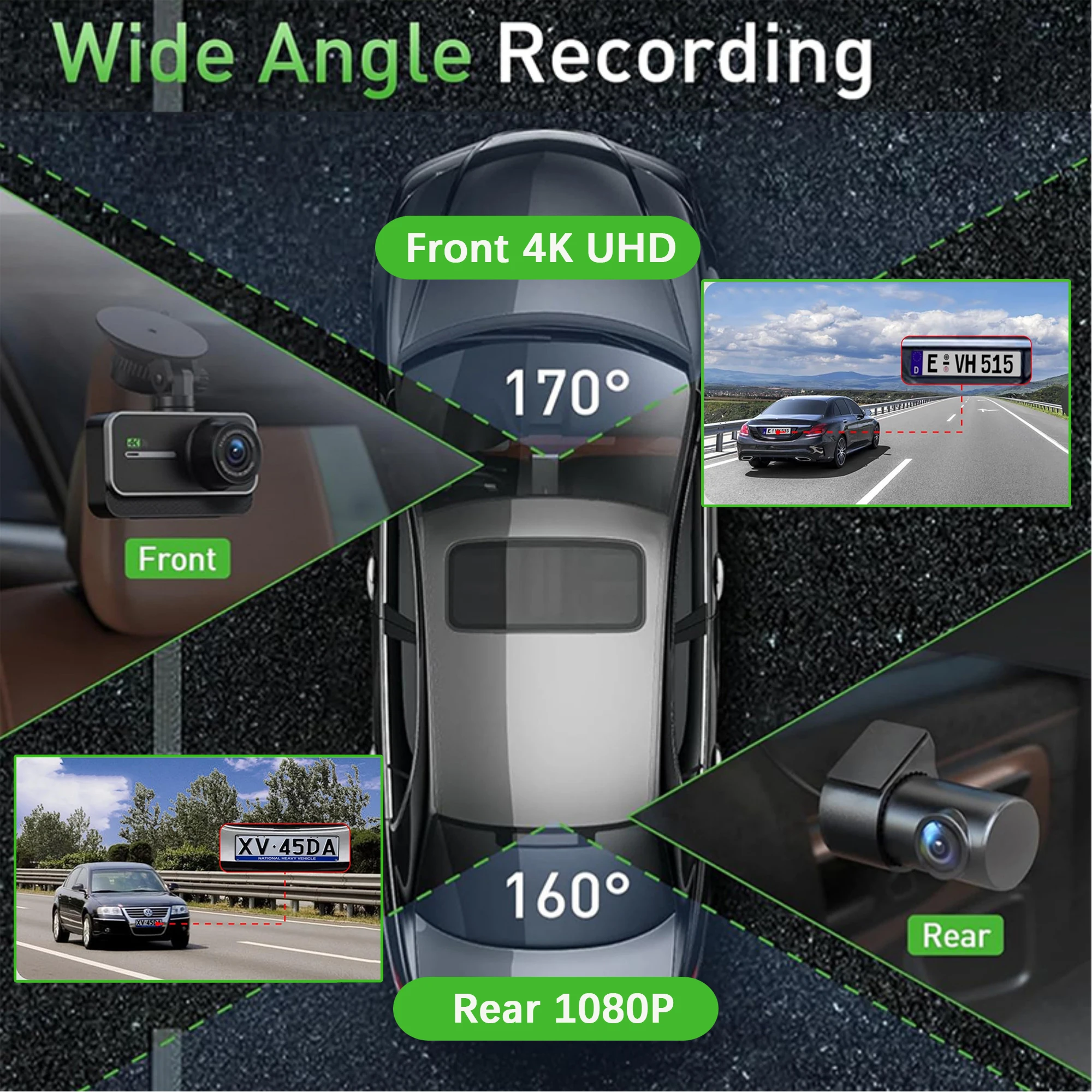
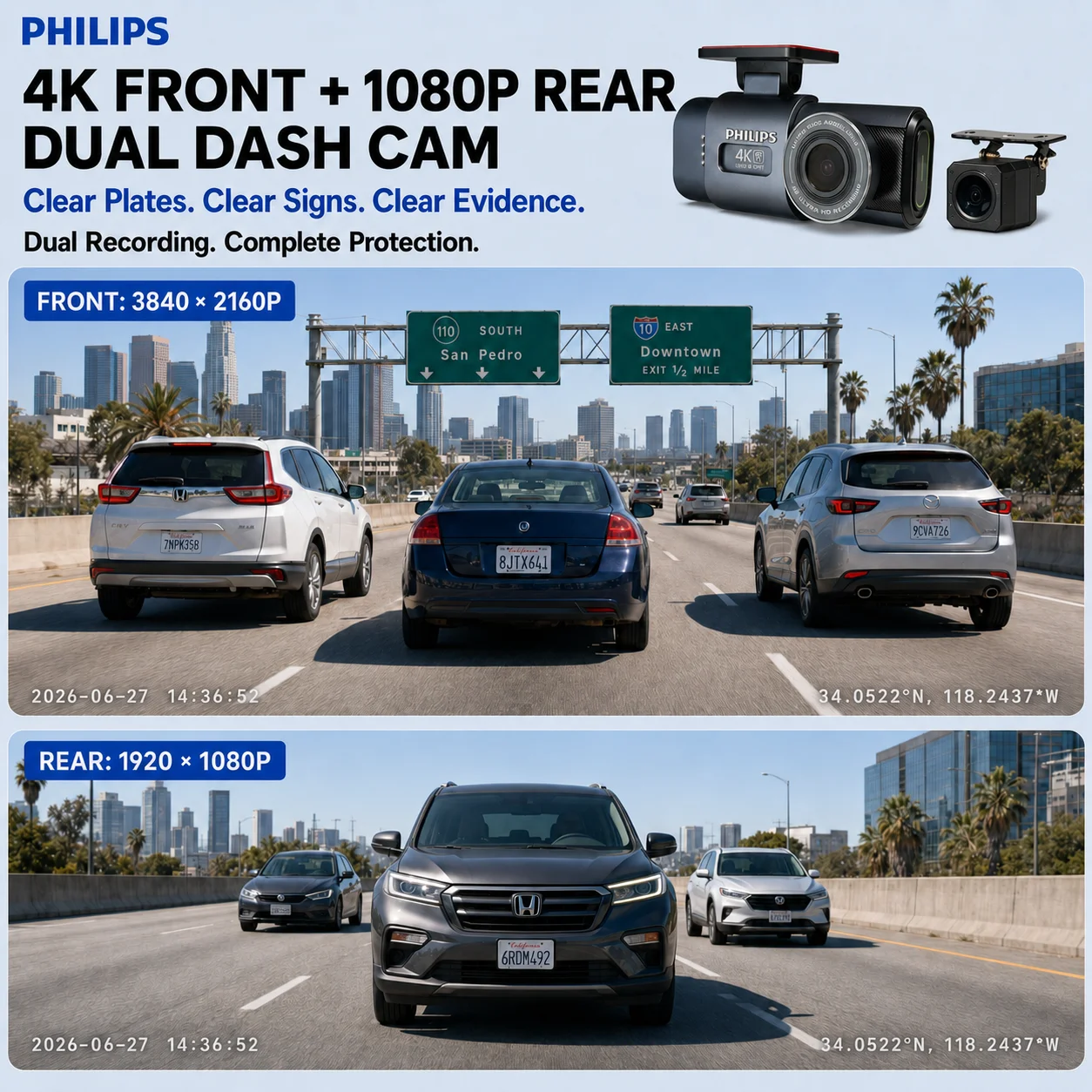
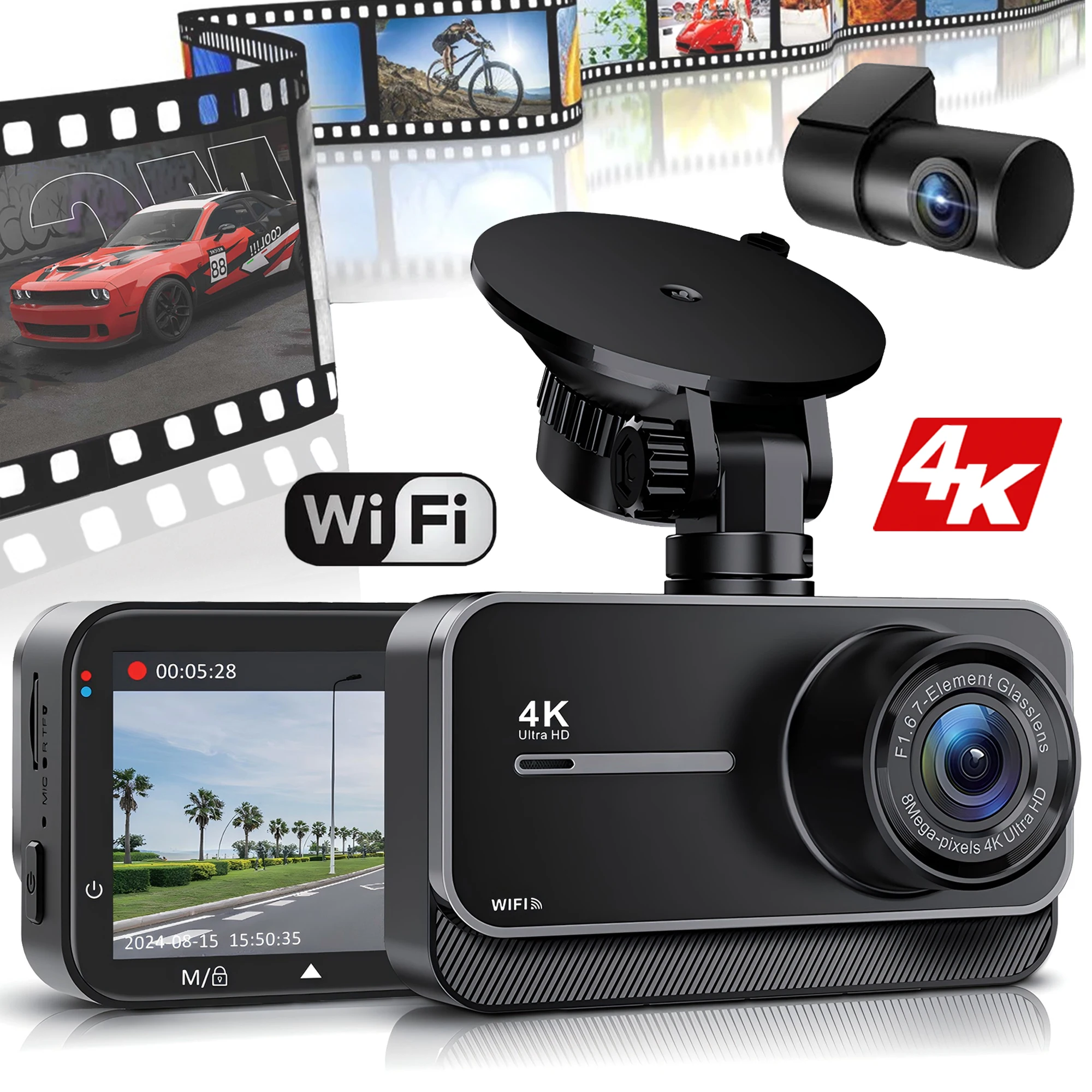
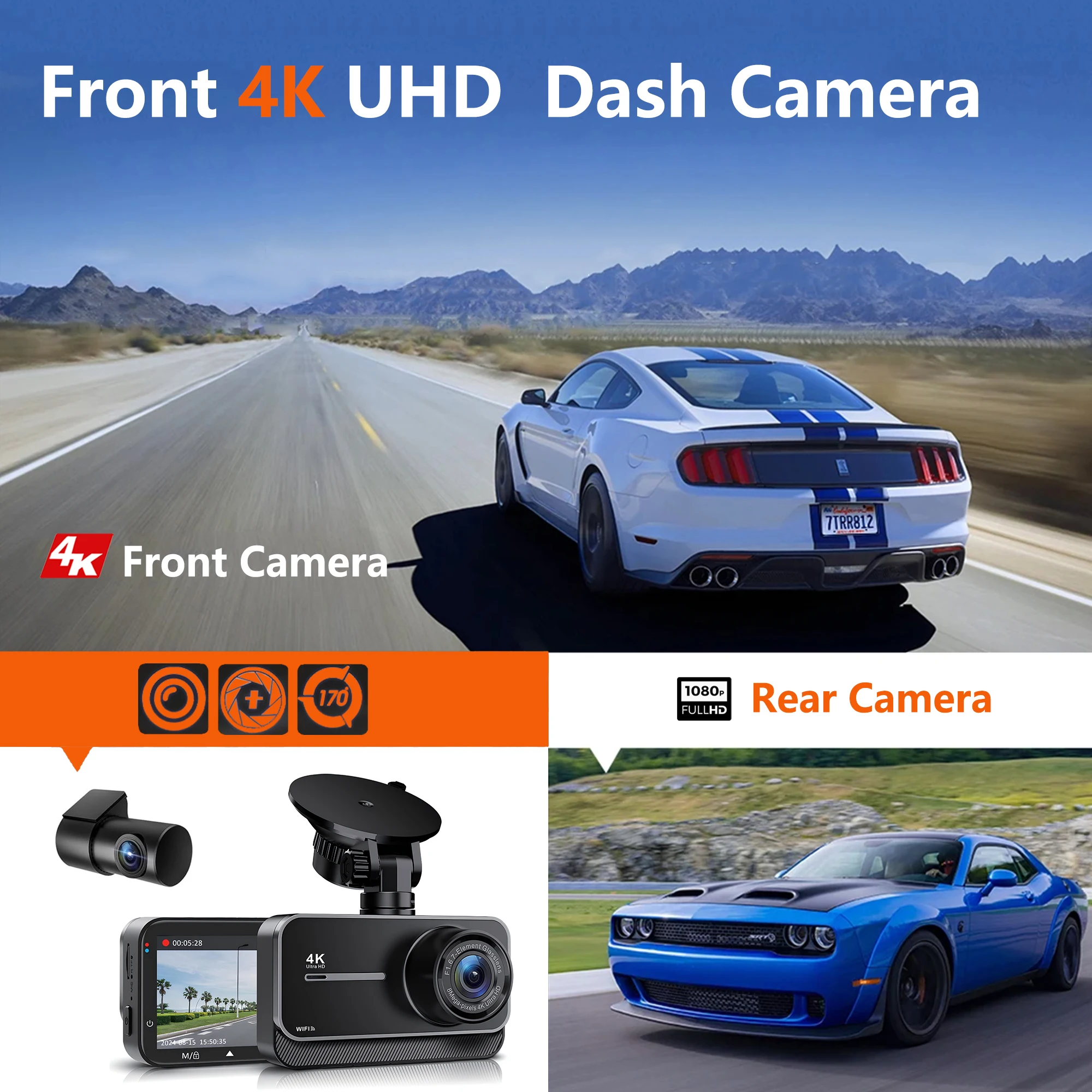
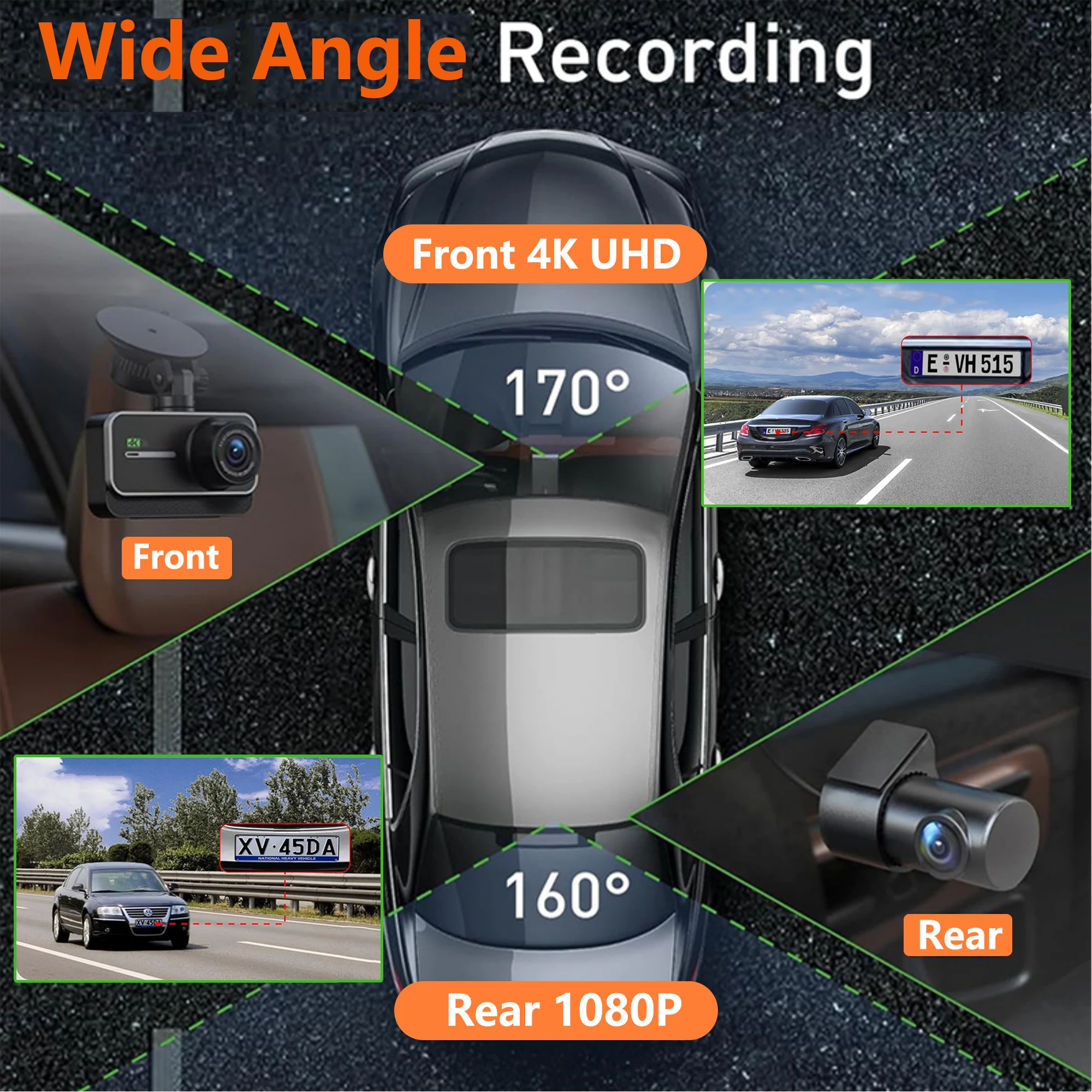
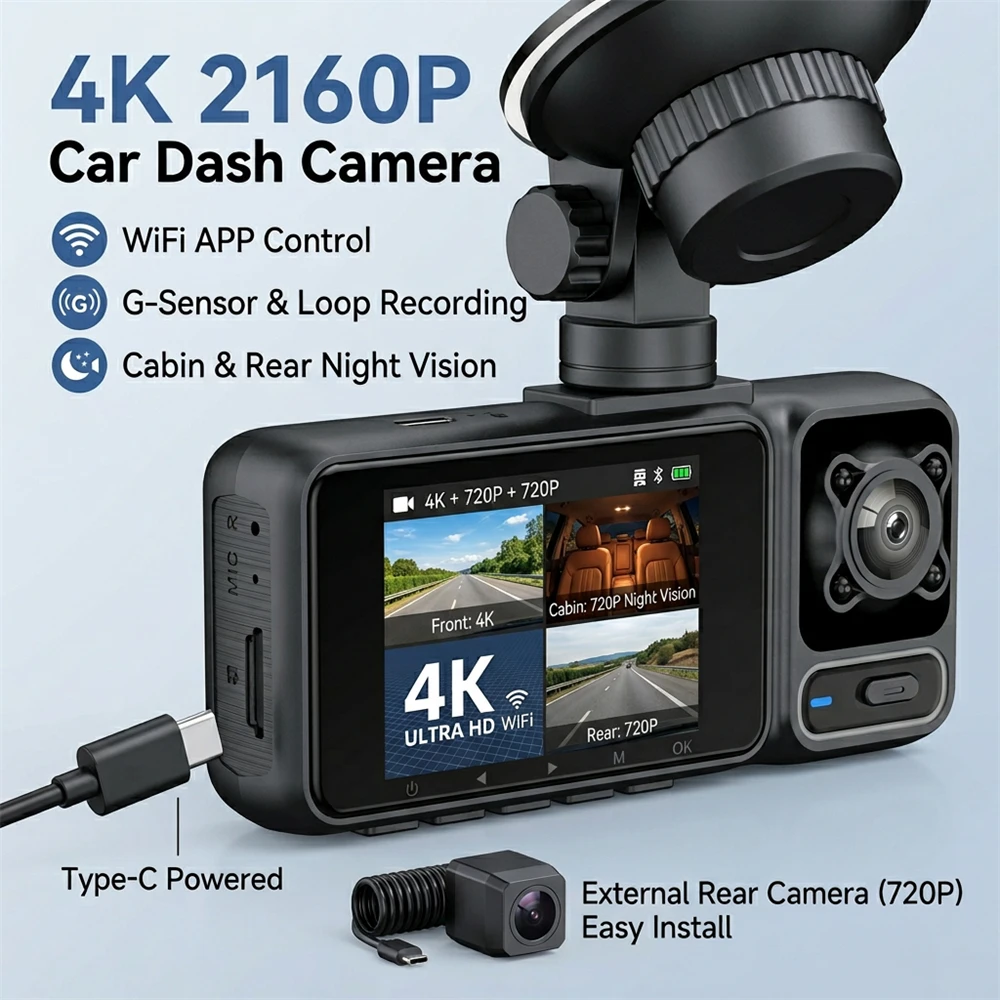
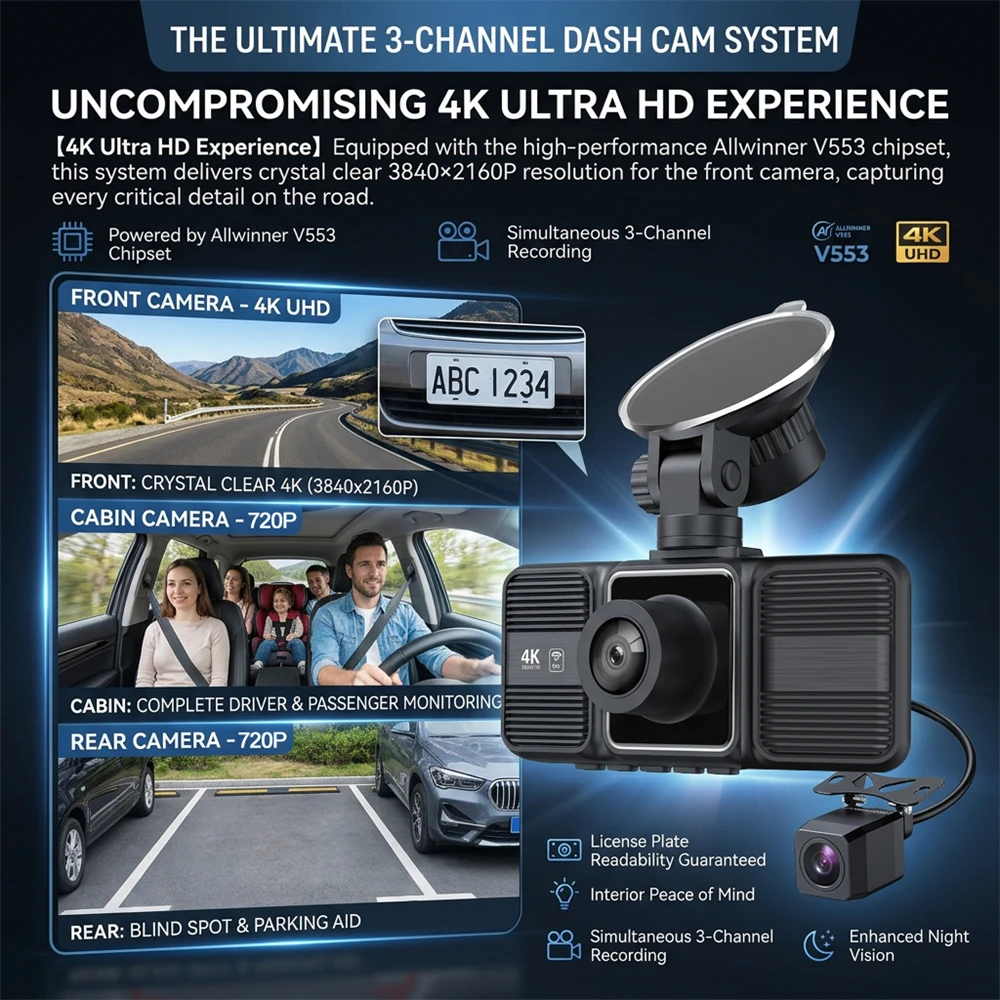
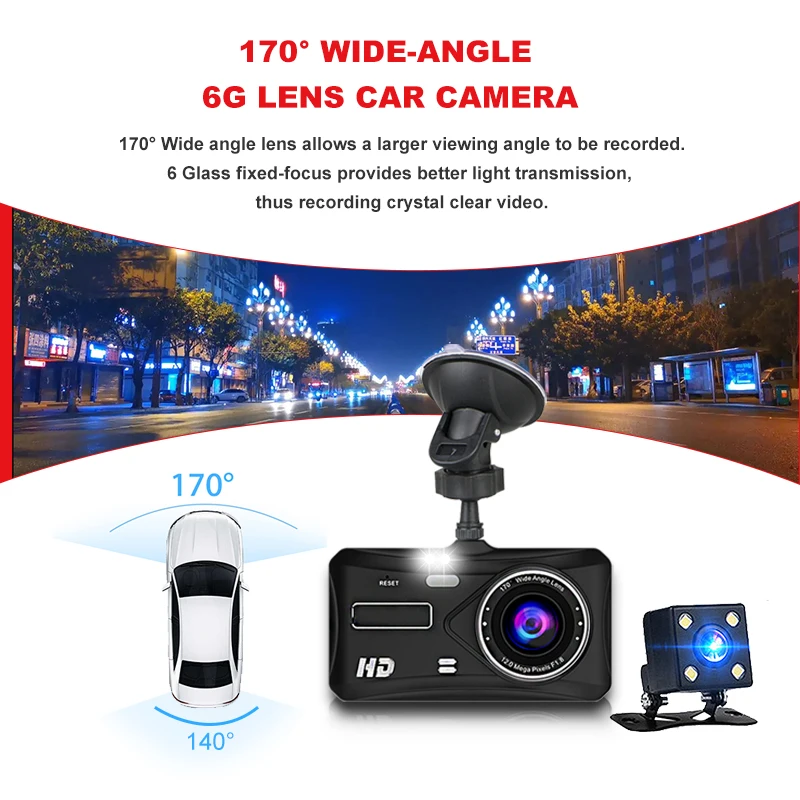
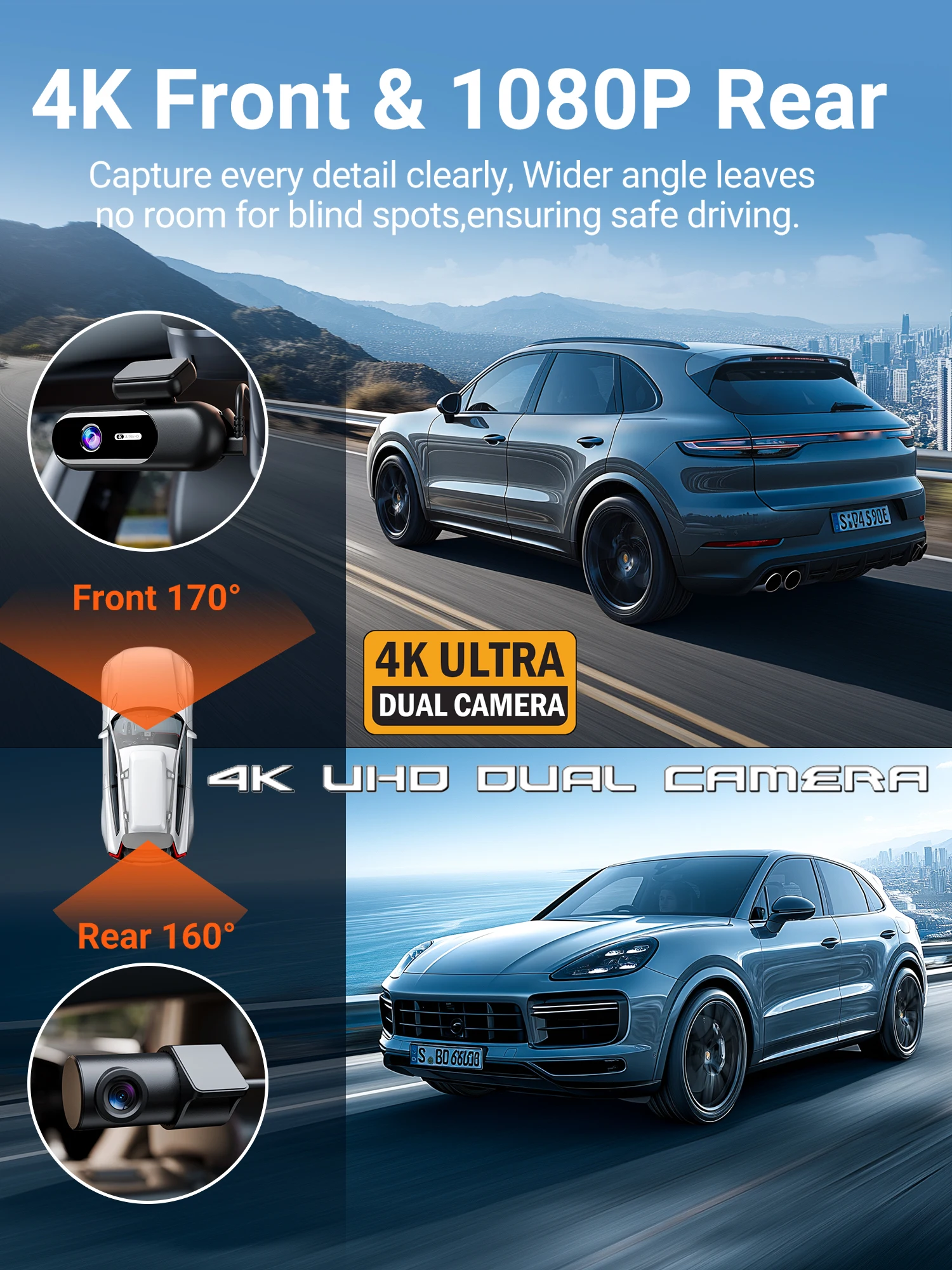
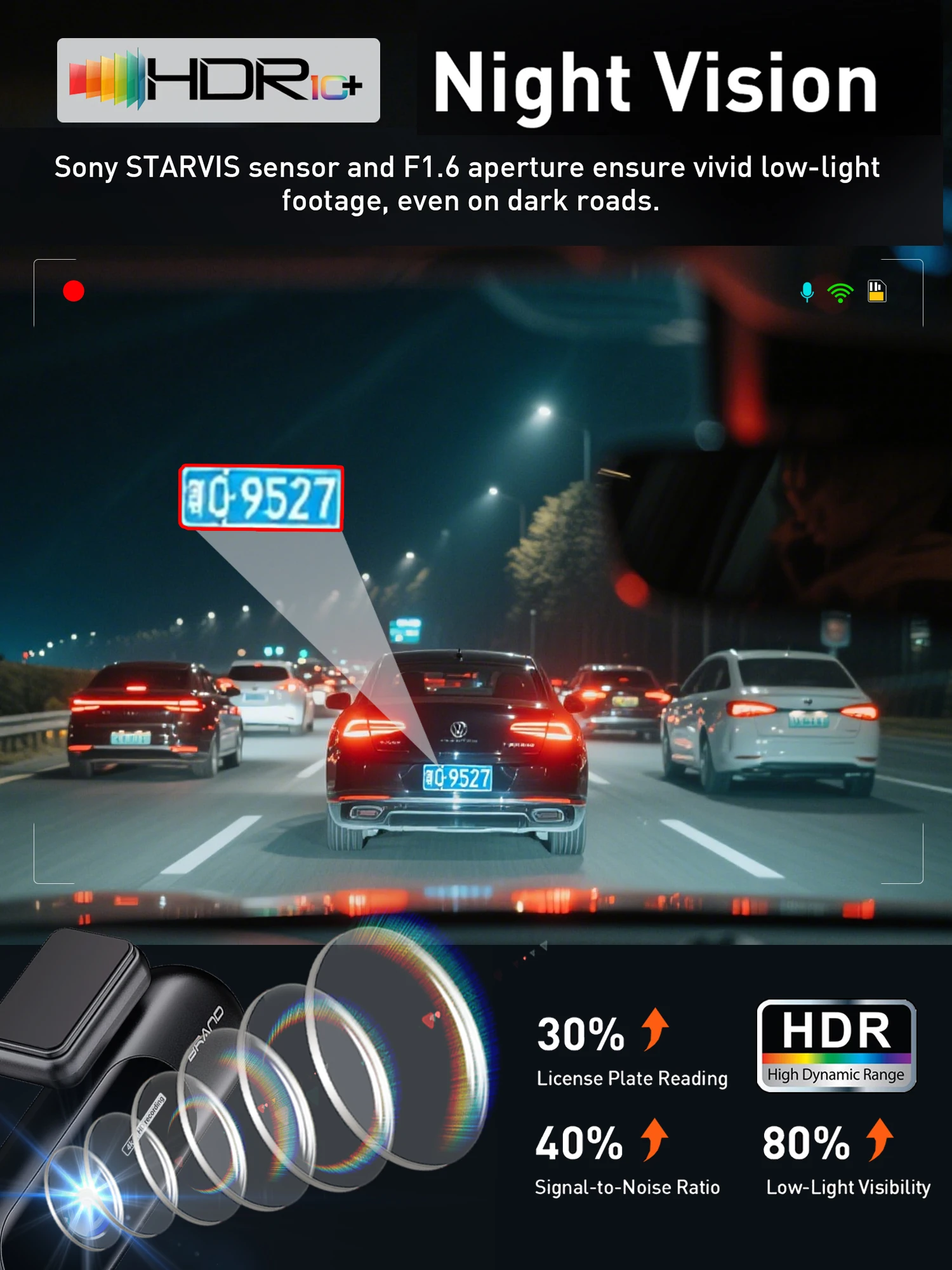
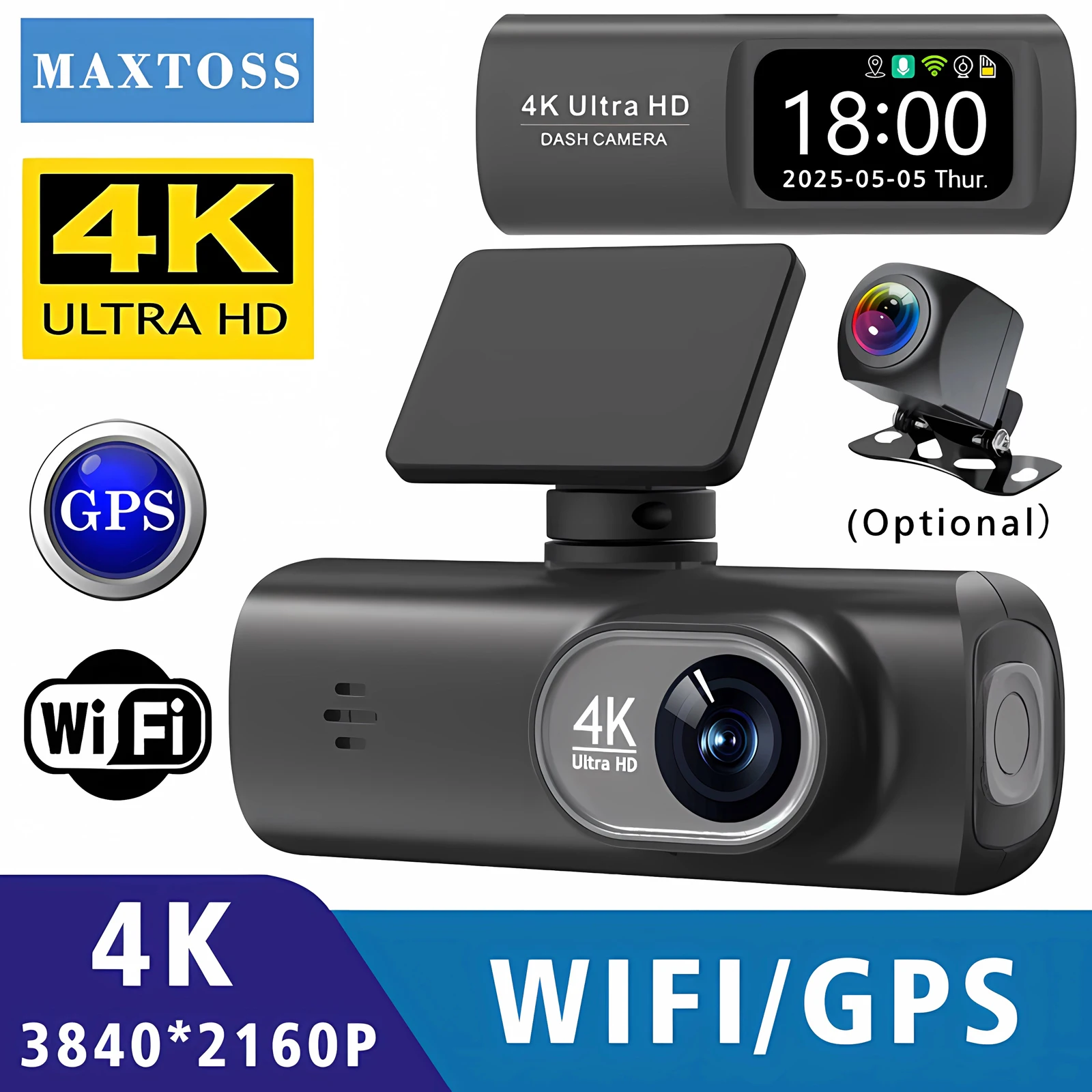
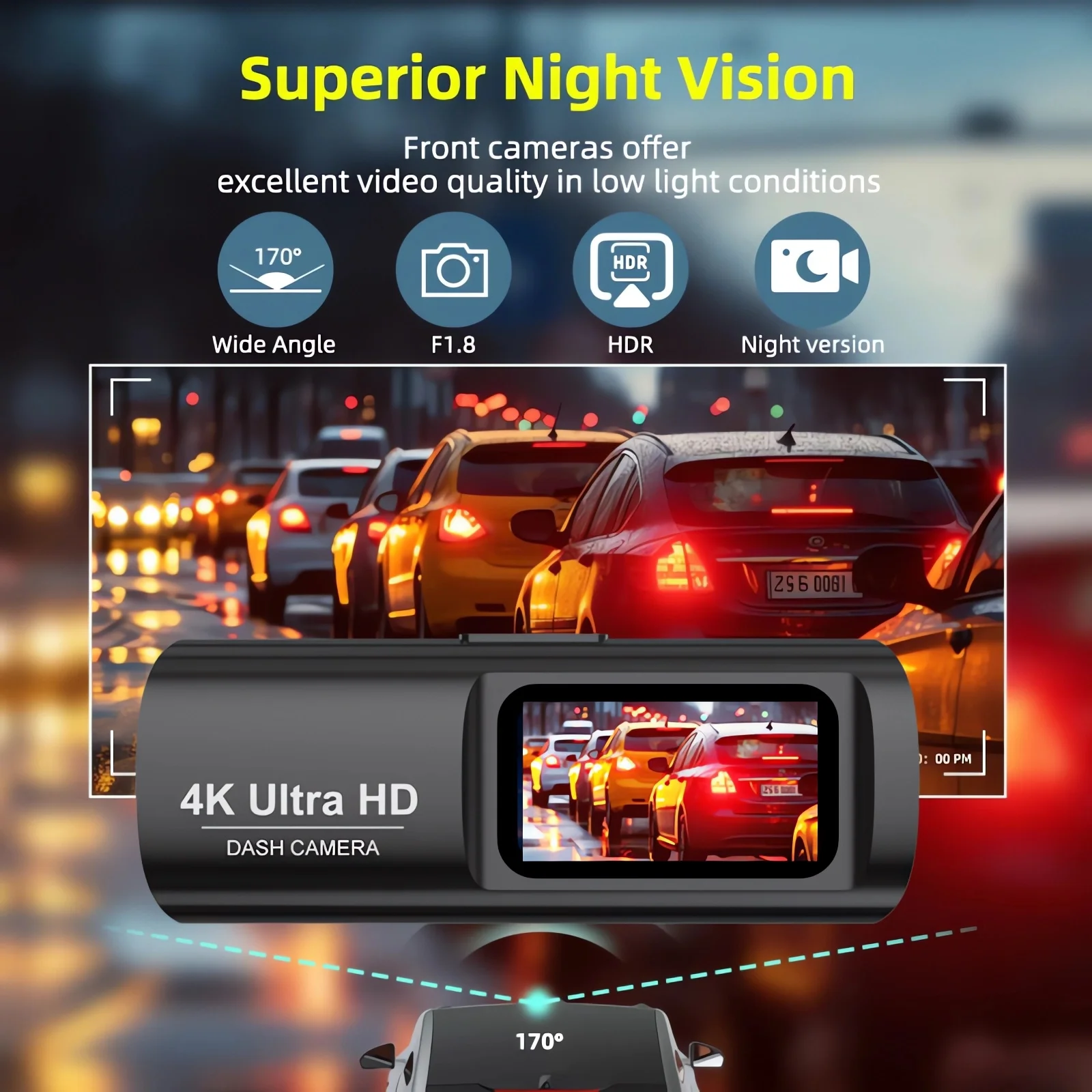
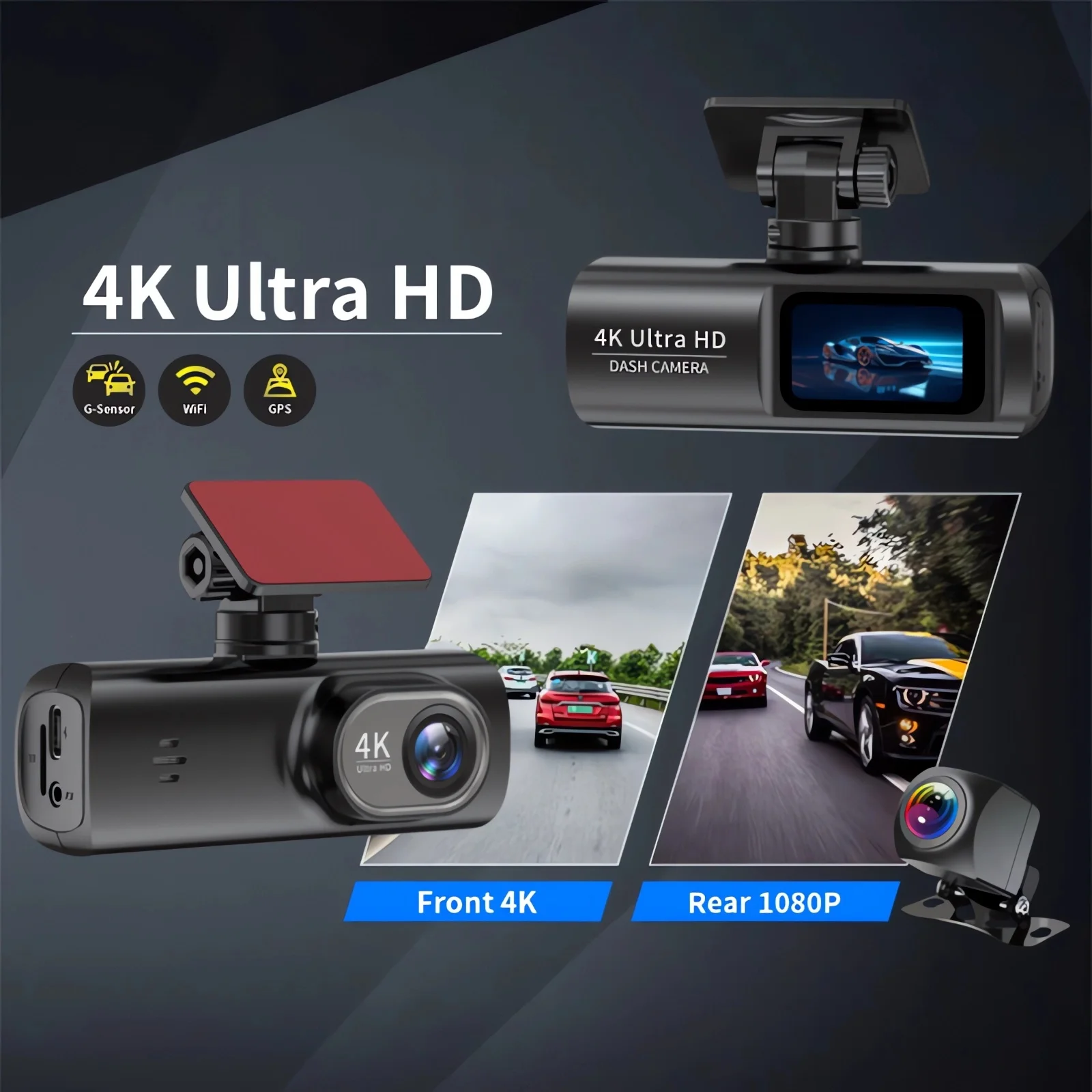
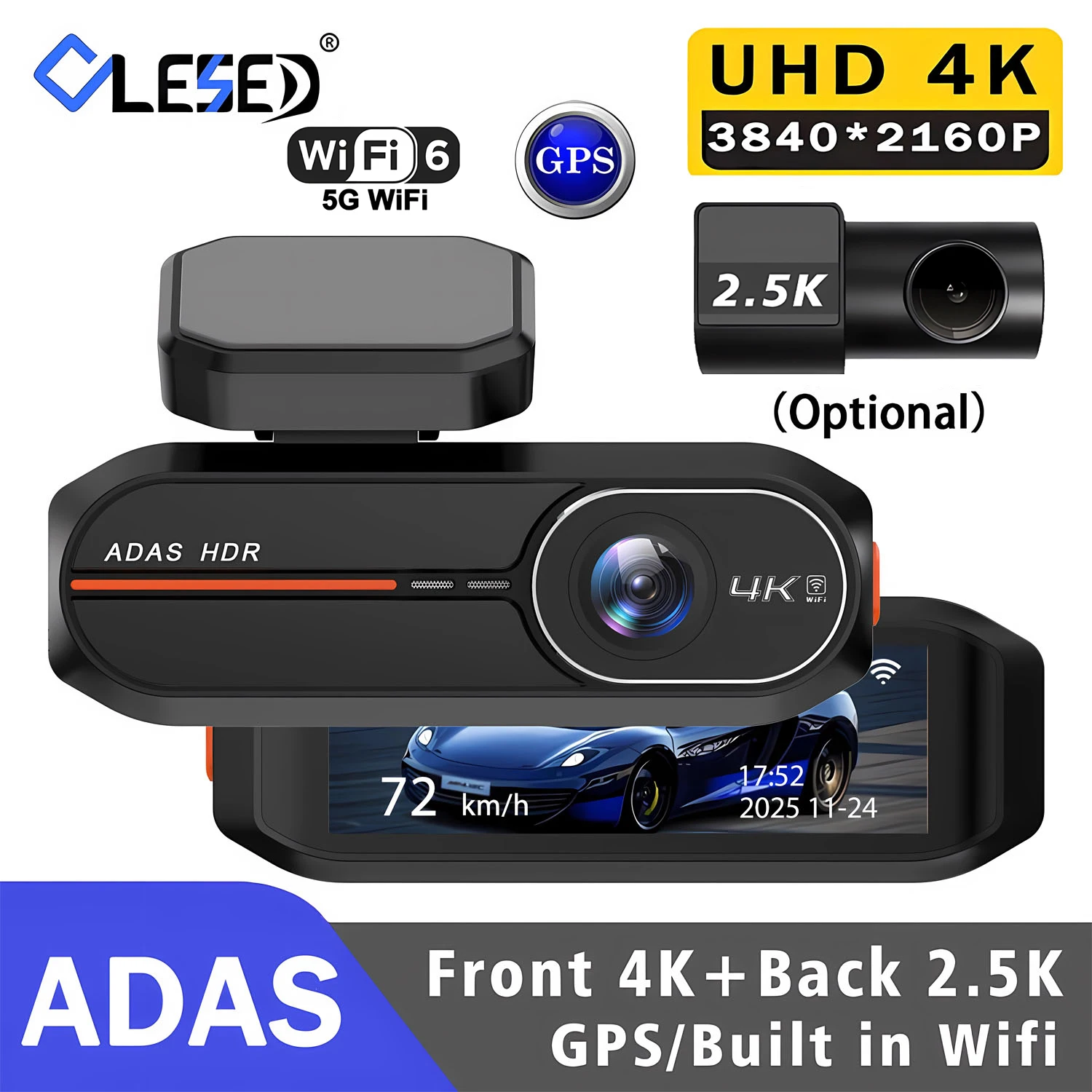
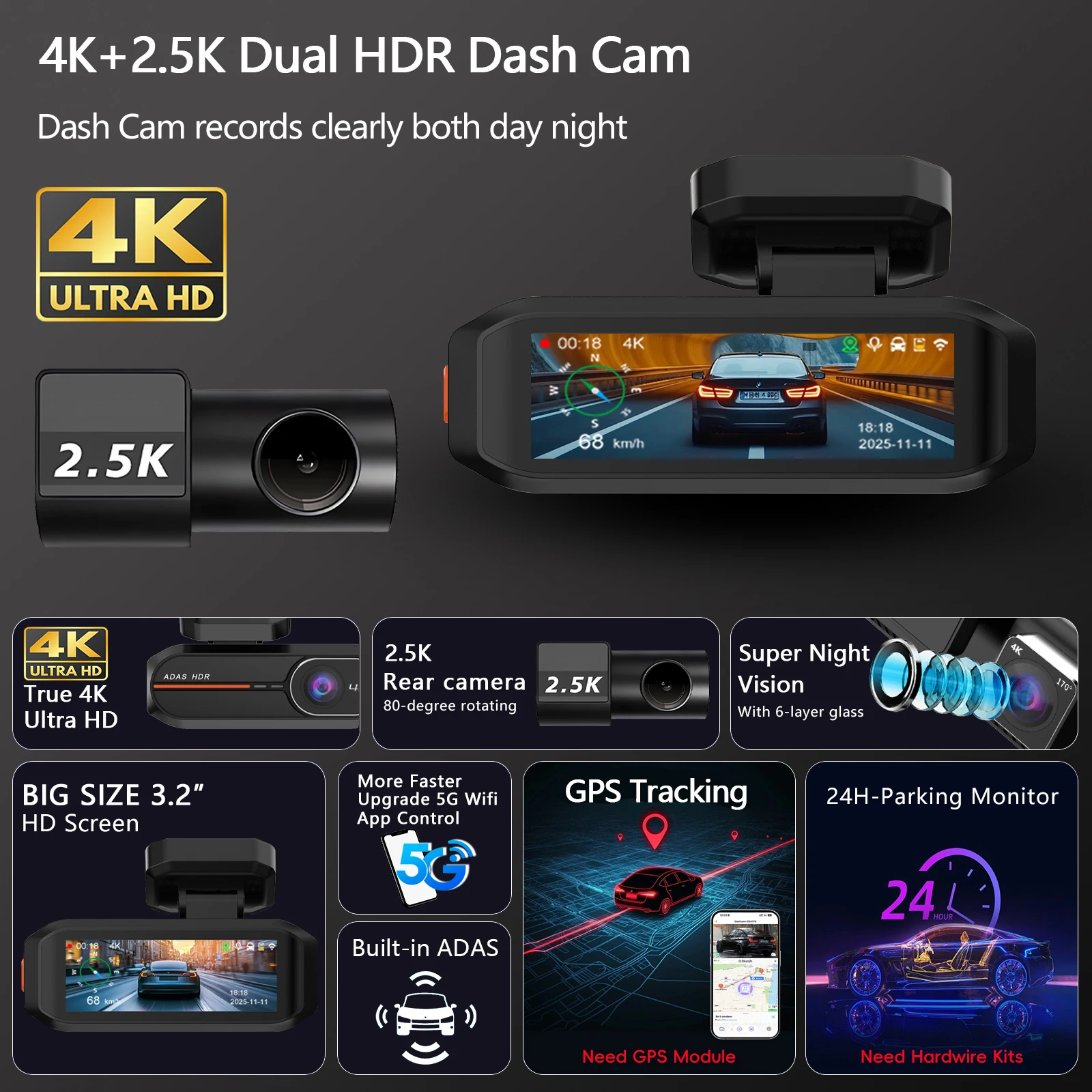
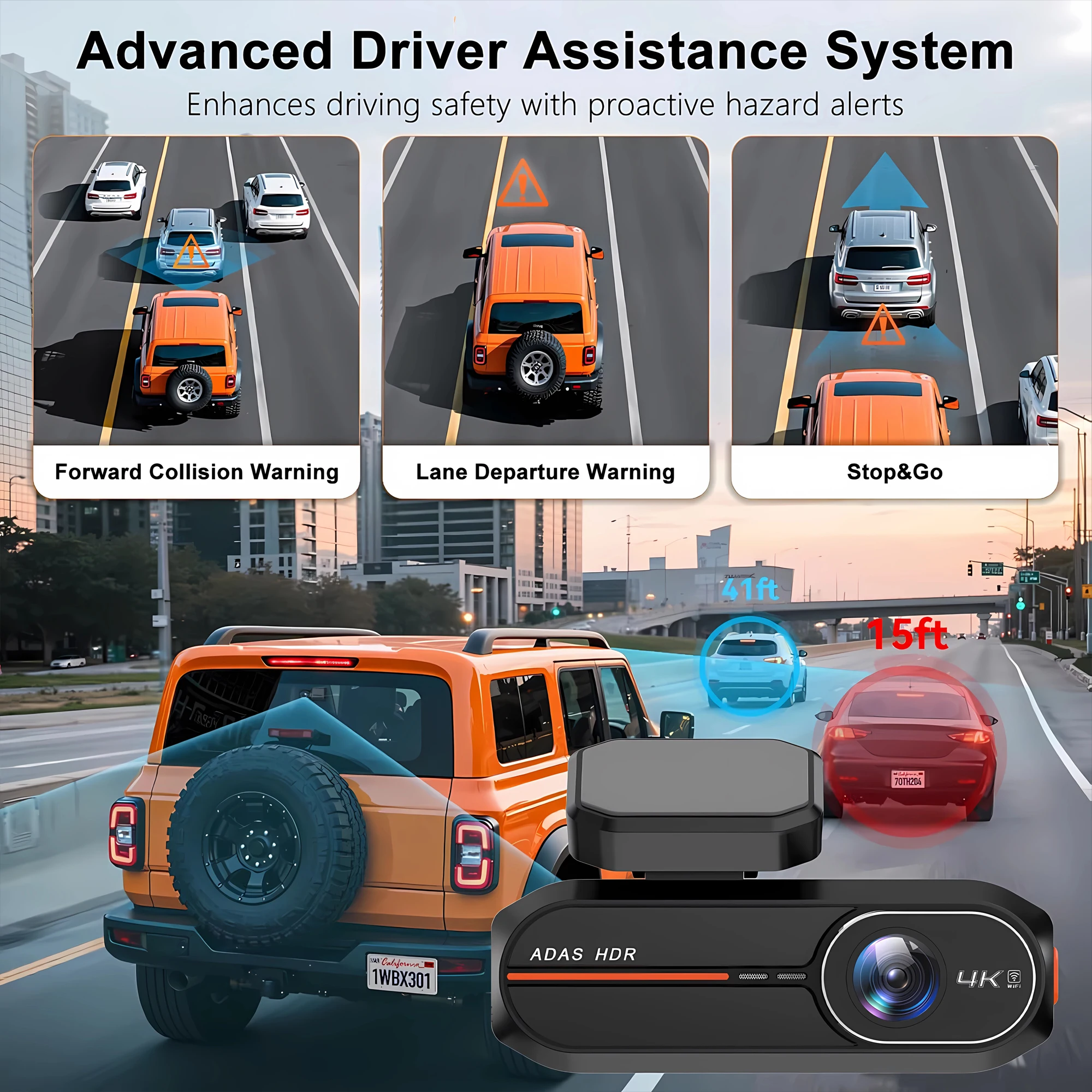
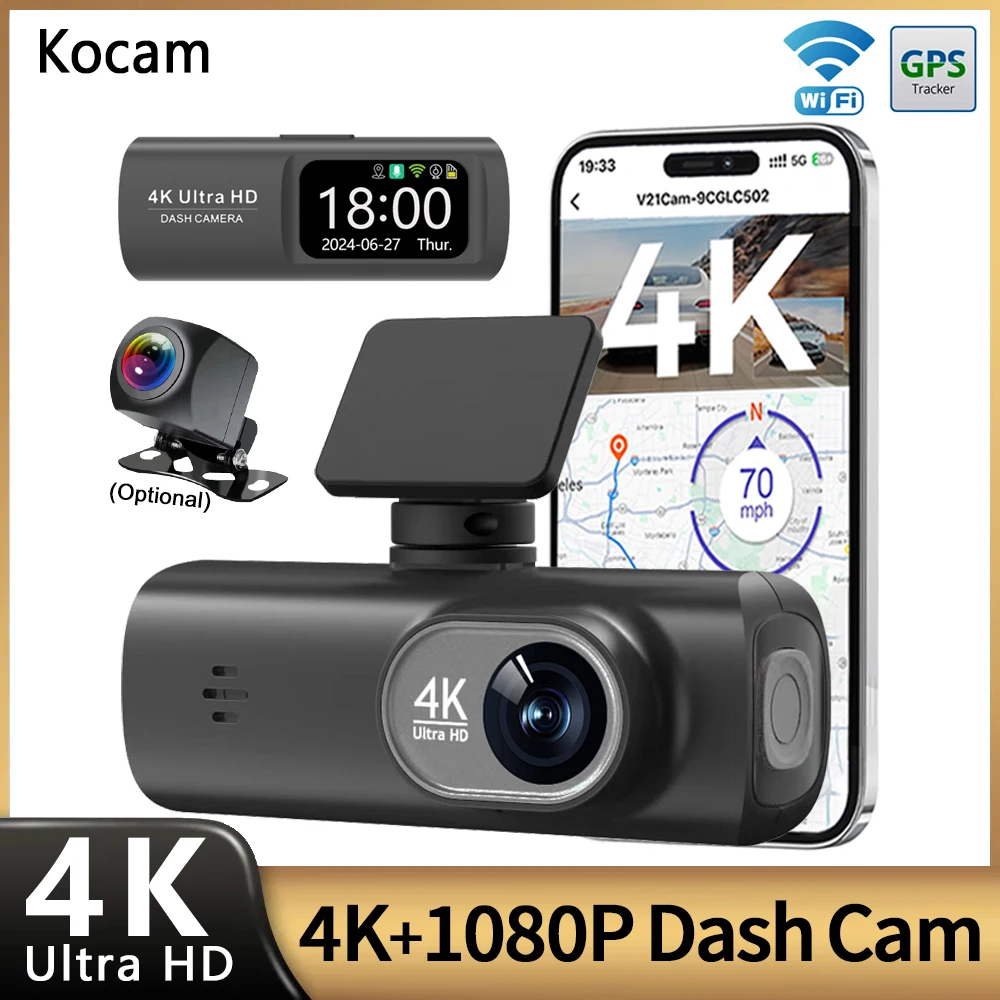
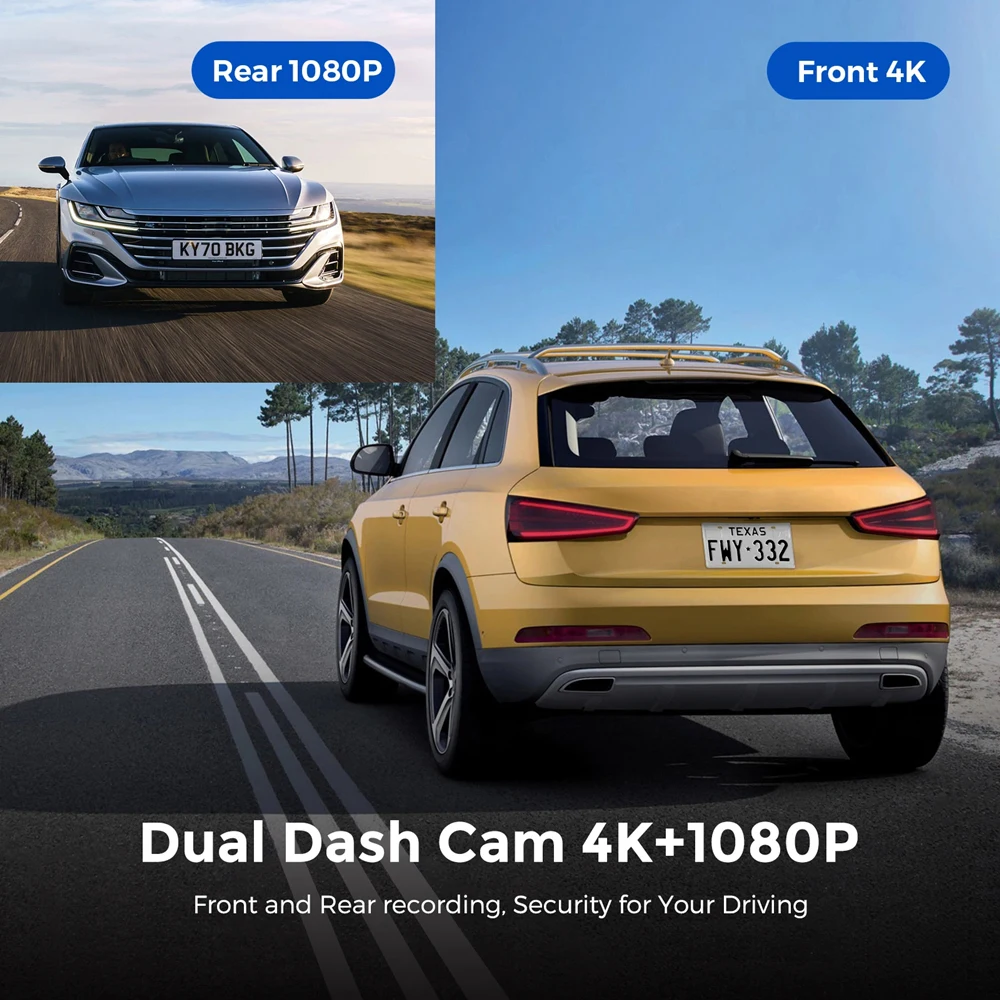
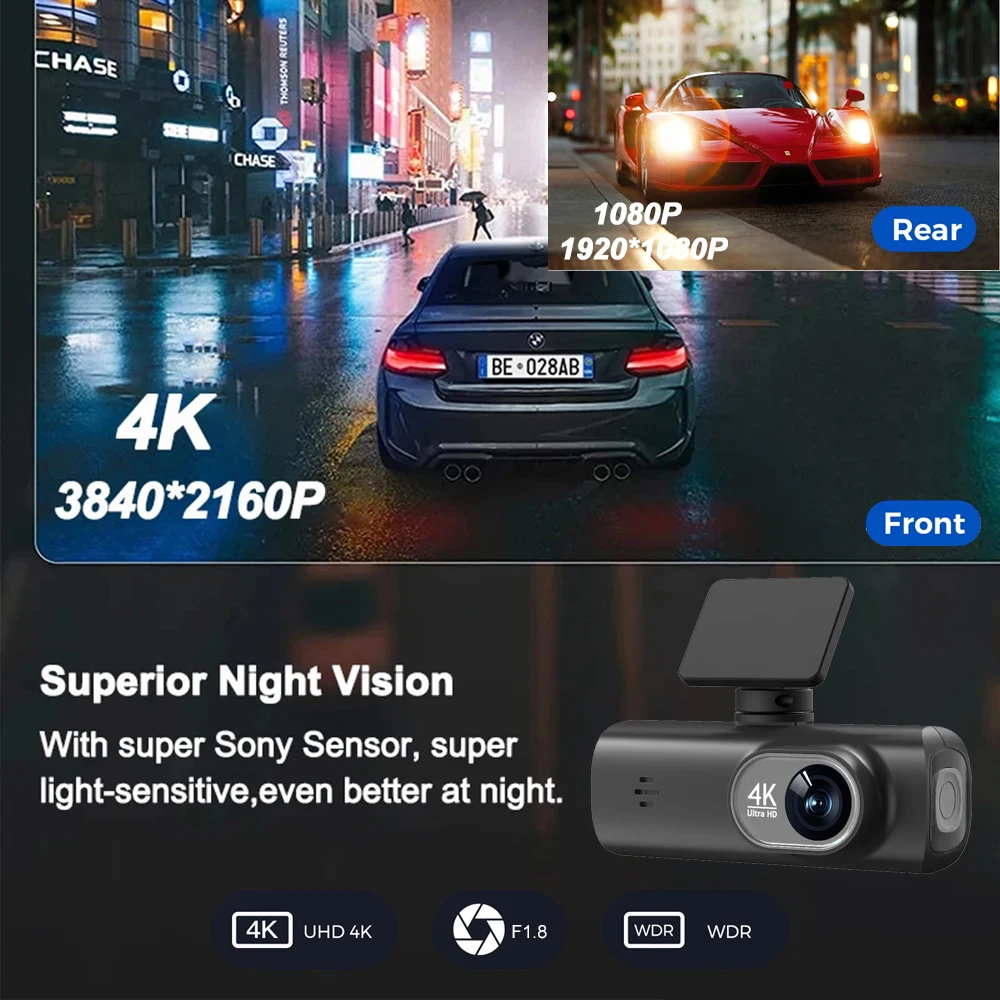
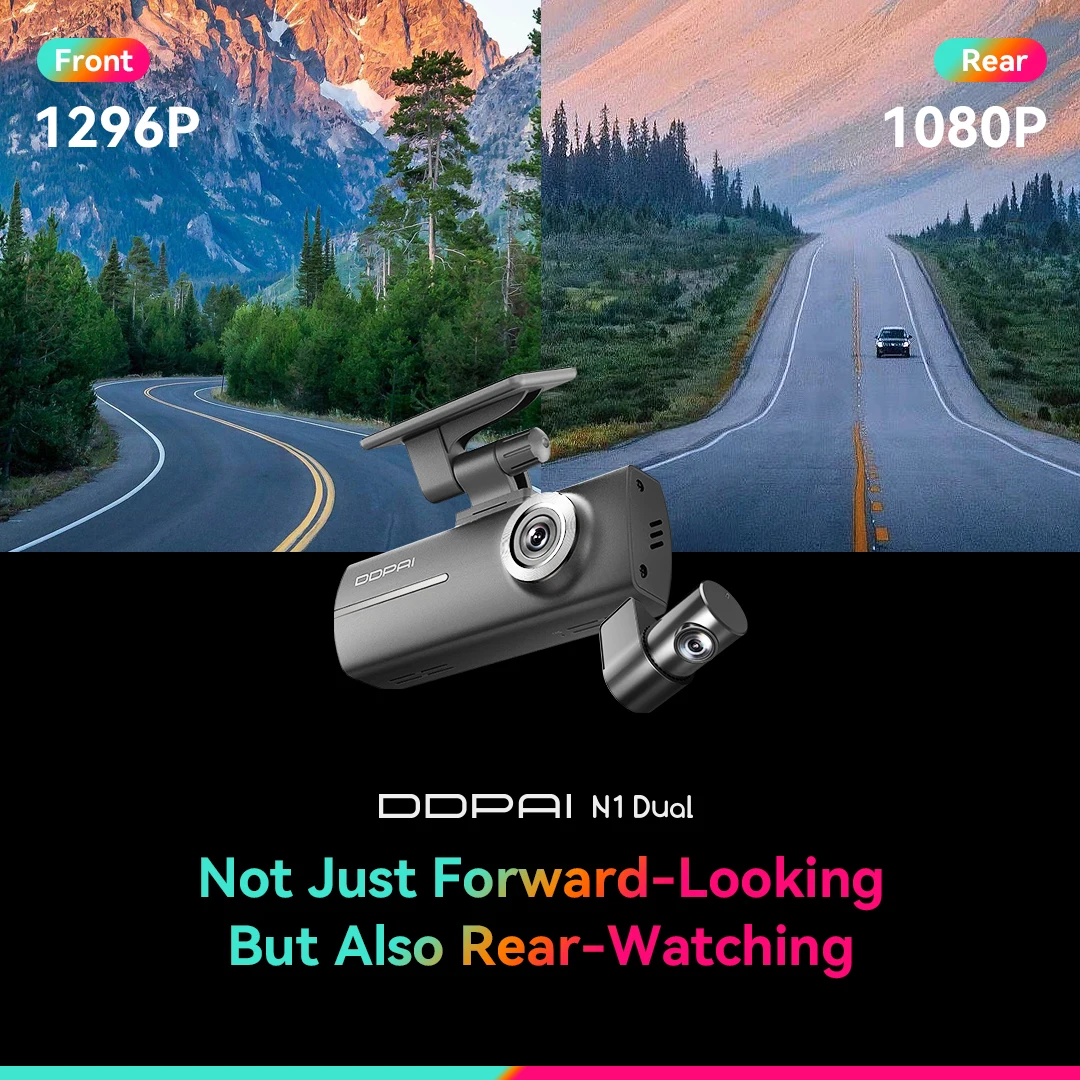
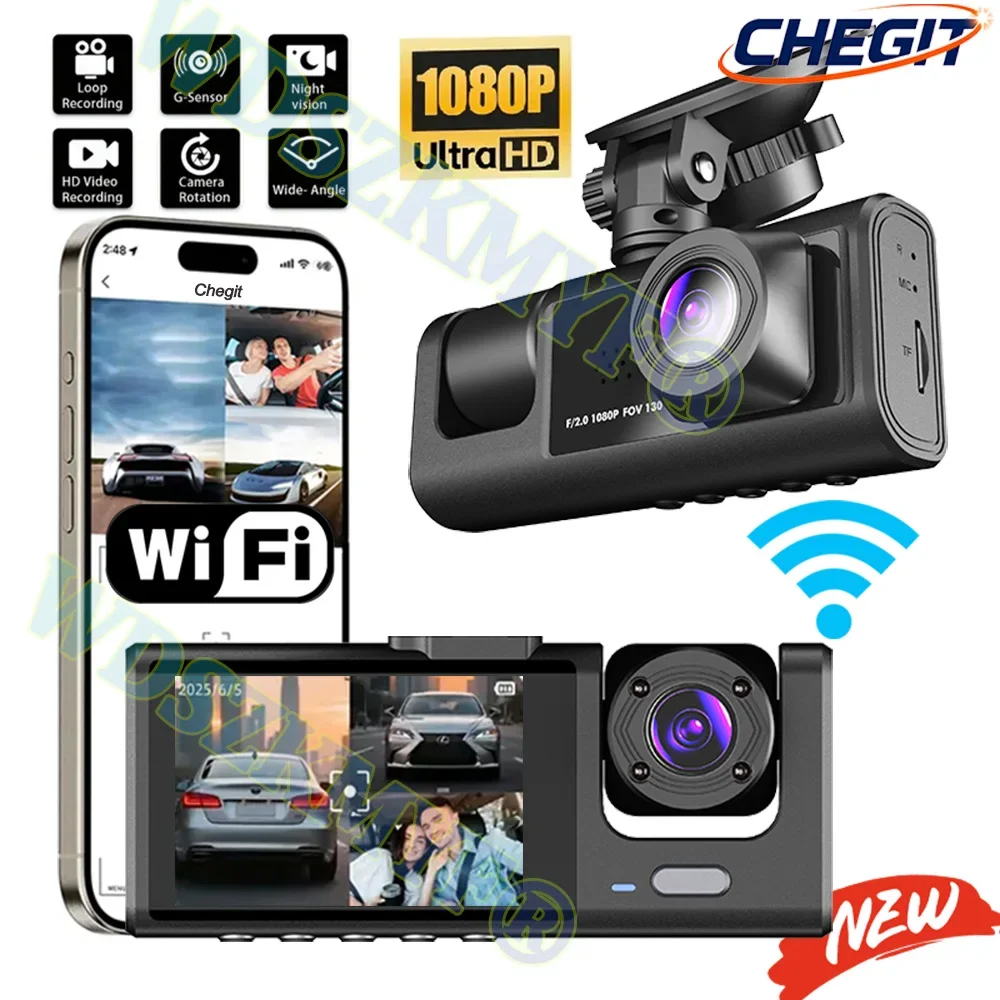
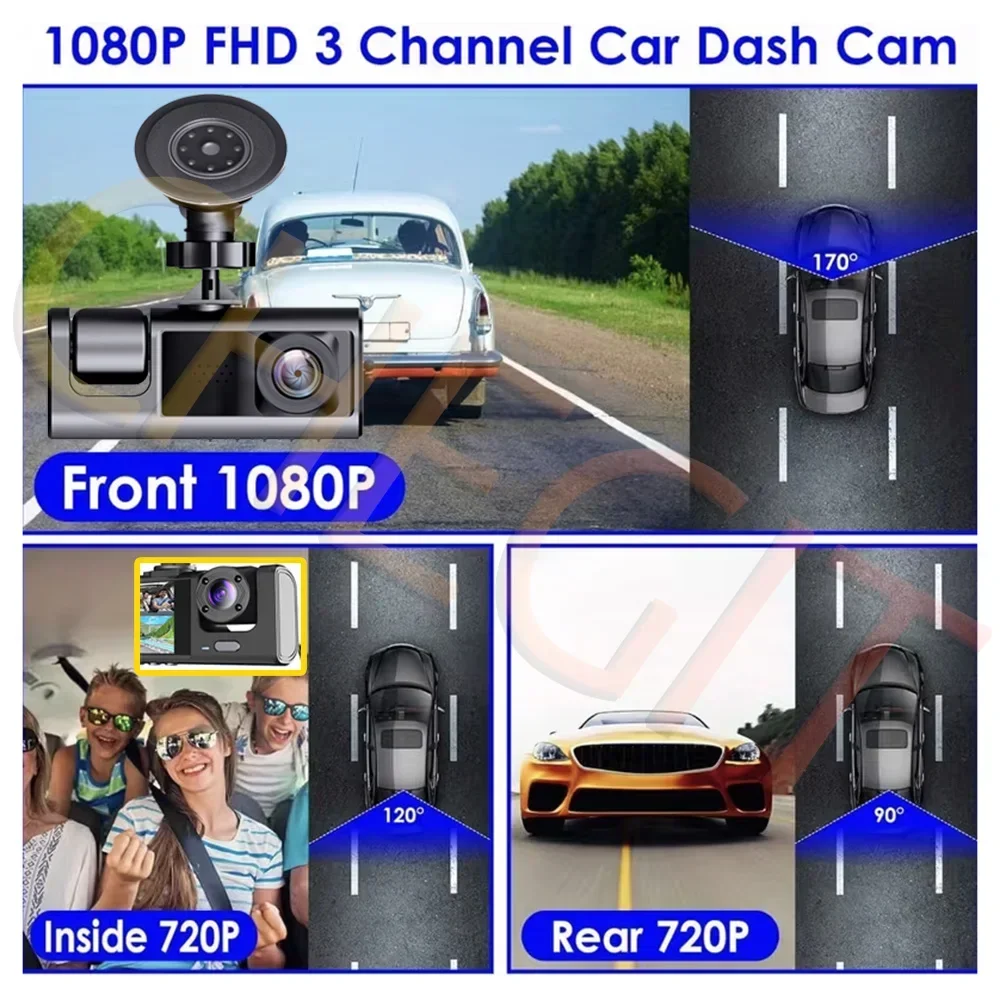
- Front and rear dash cams add a second camera on the back window, or turned to face the cabin, joined to the front unit by a long cable. Many record the front in 4K, connect to a phone app over Wi-Fi and are made for night driving. See front and rear dash cams.
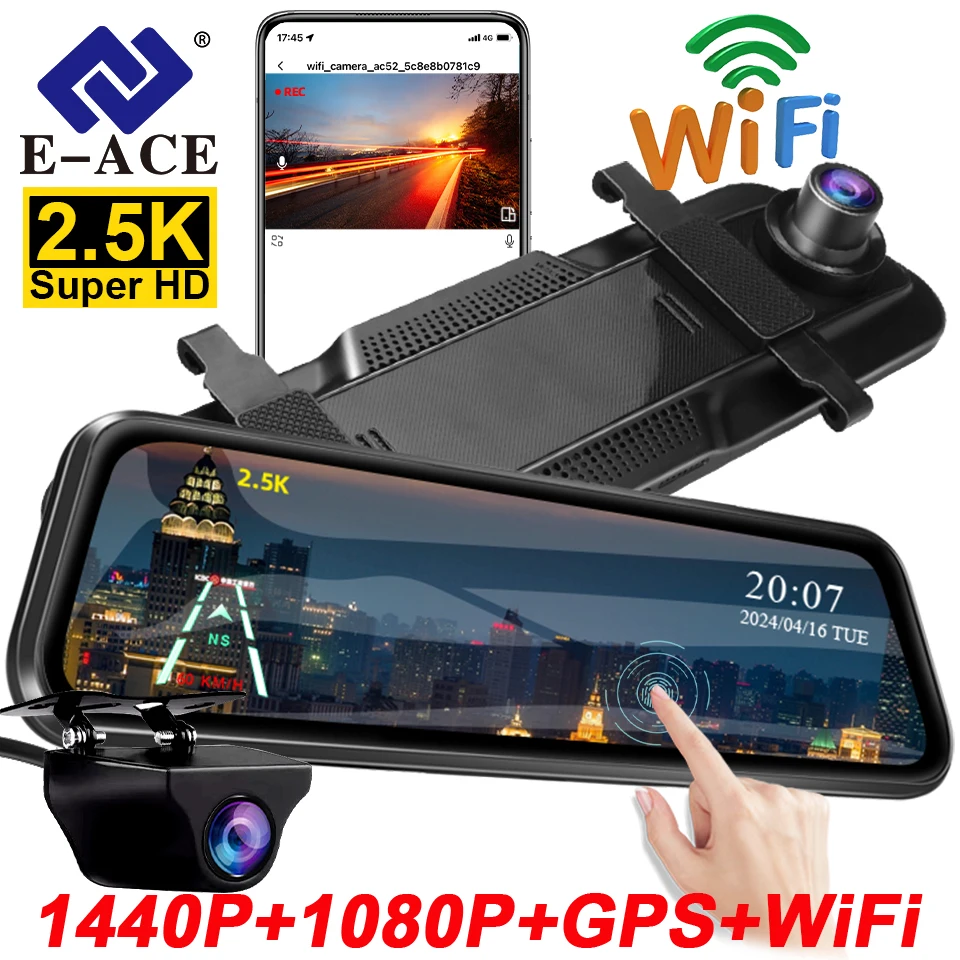
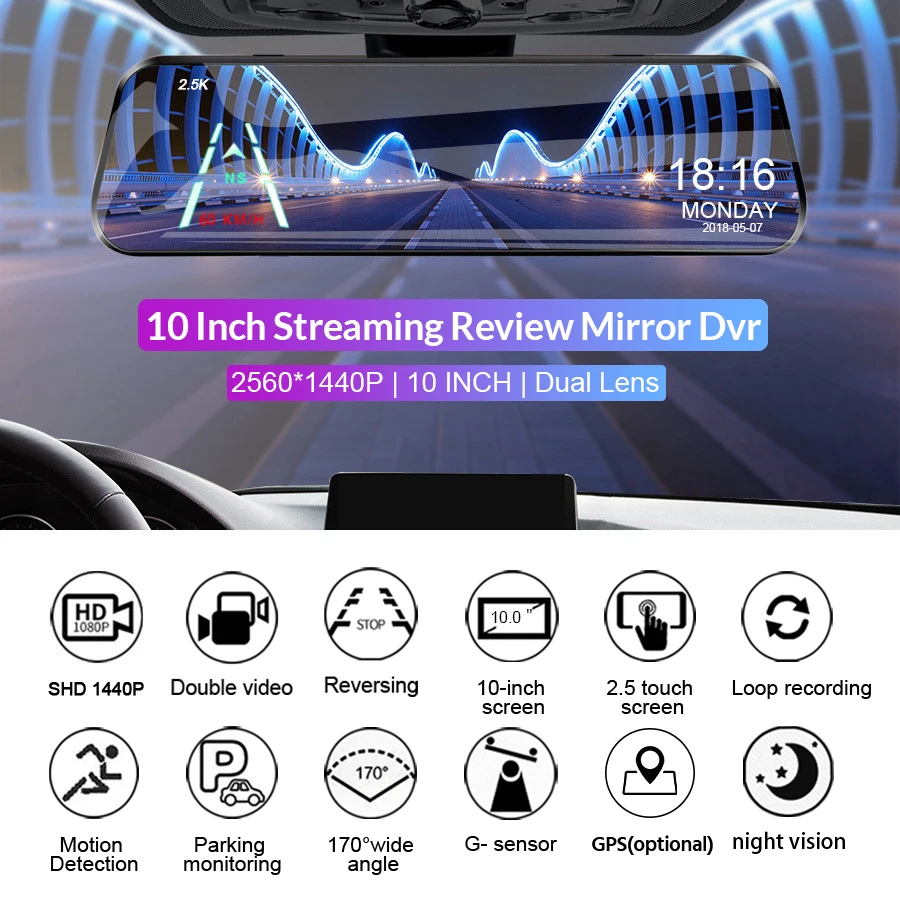
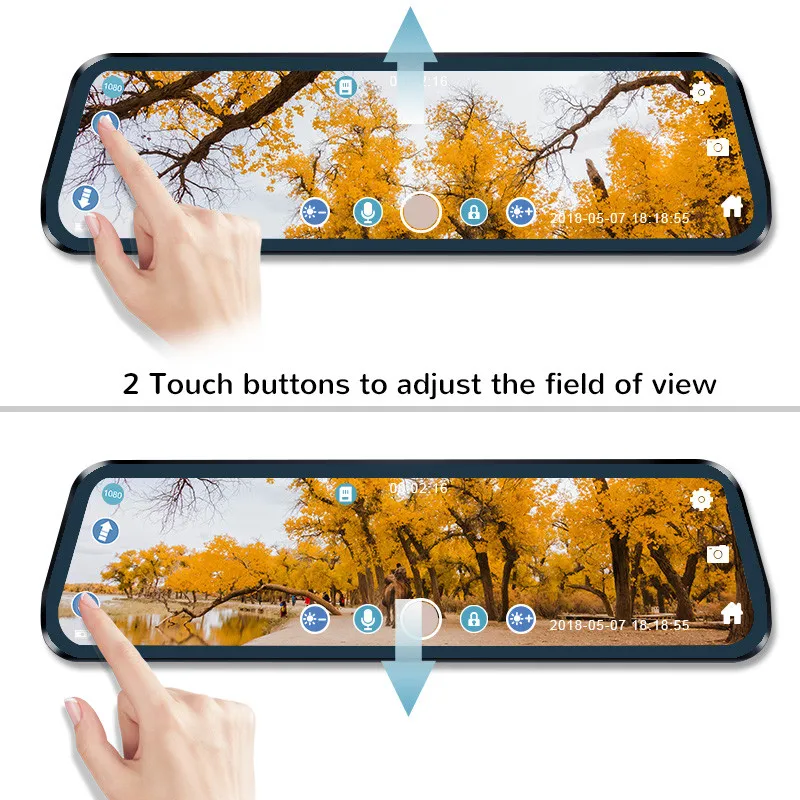
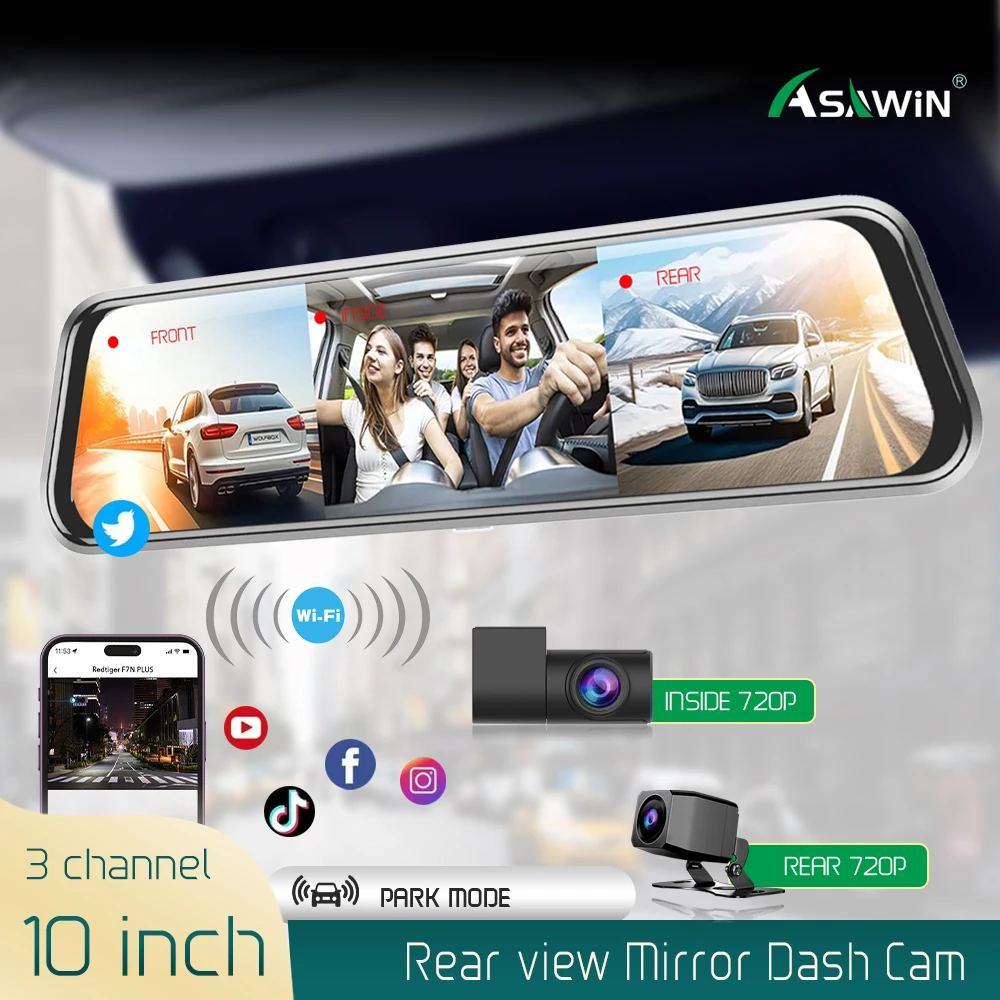
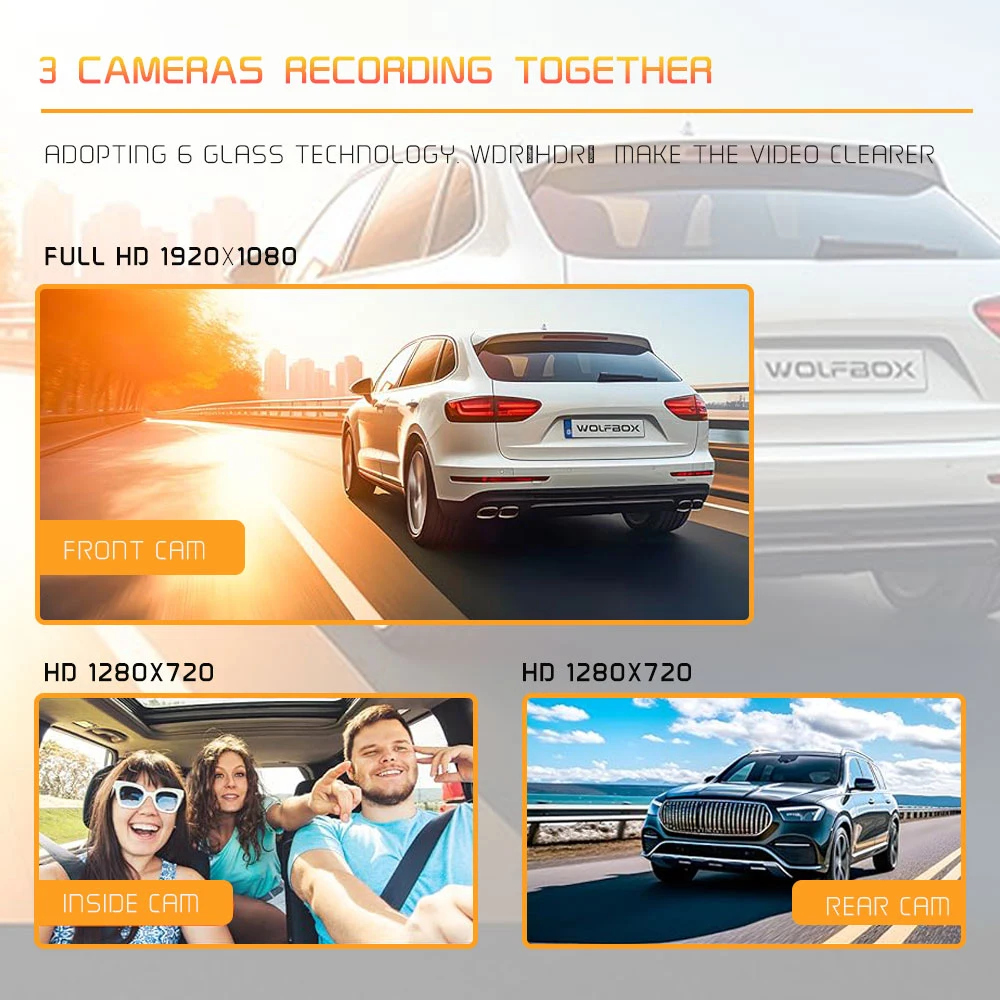
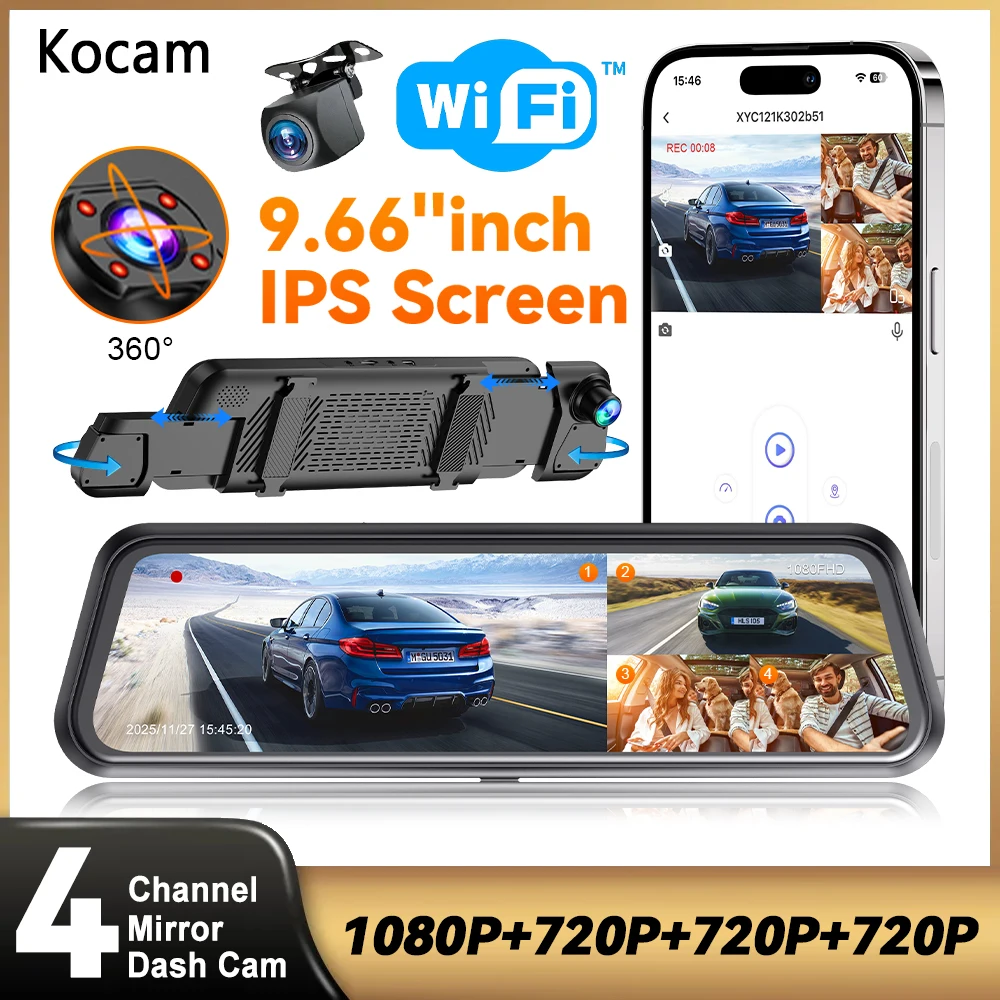
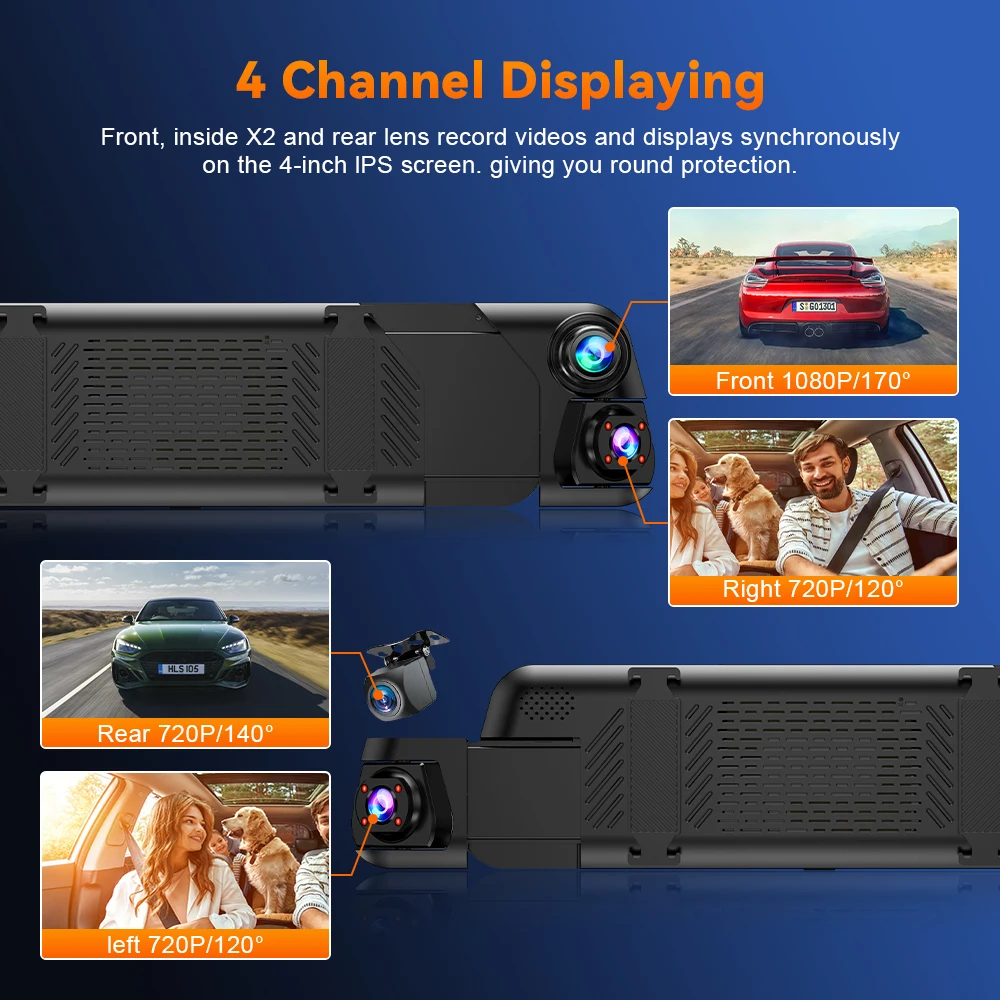
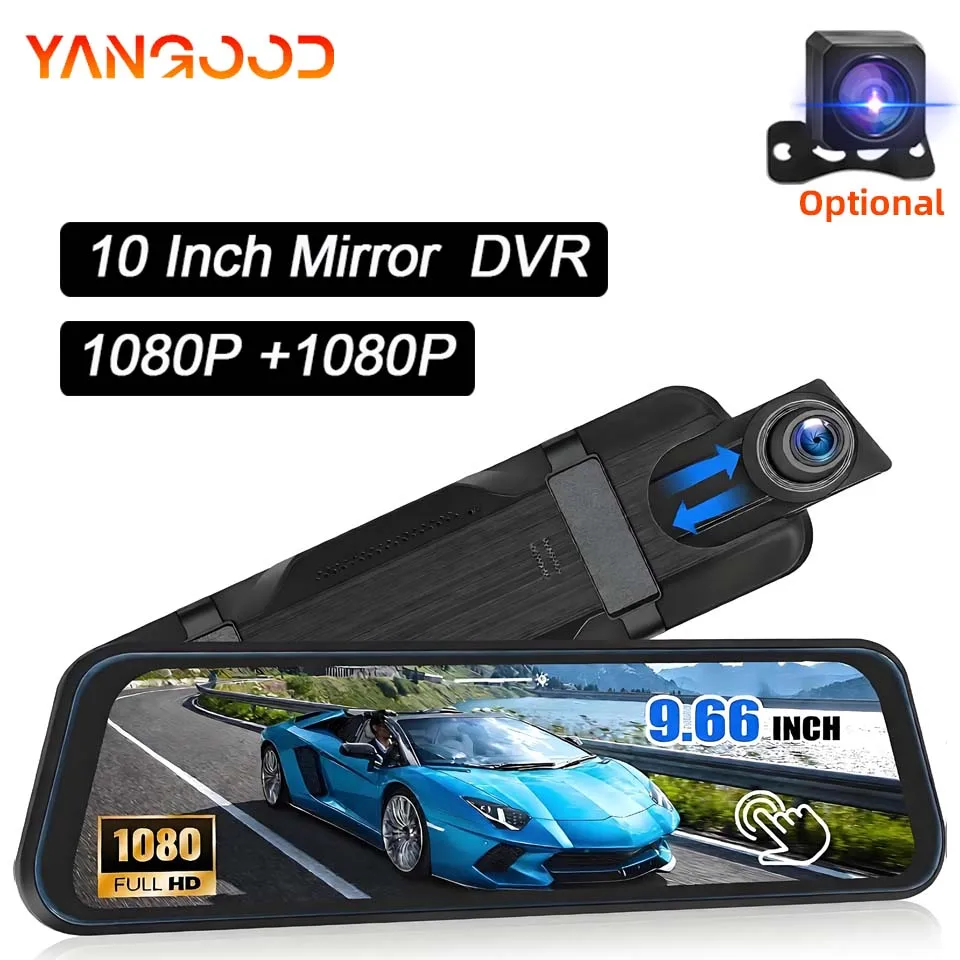
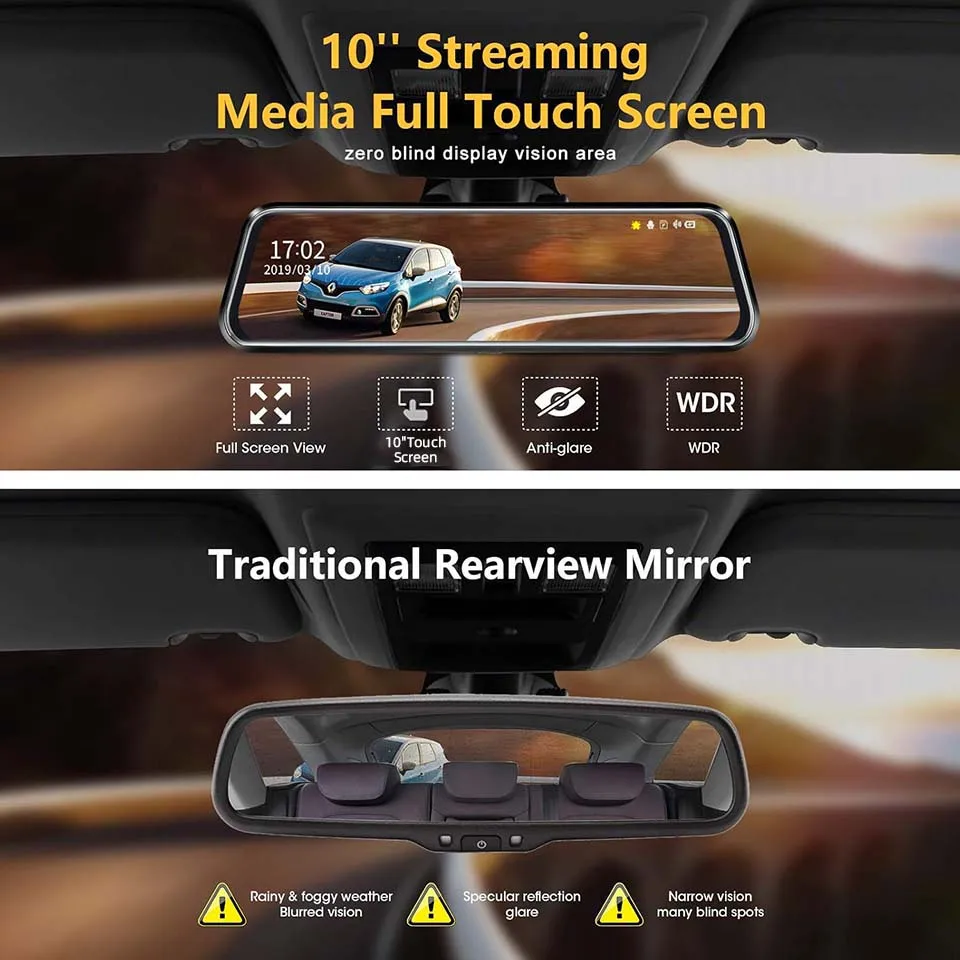
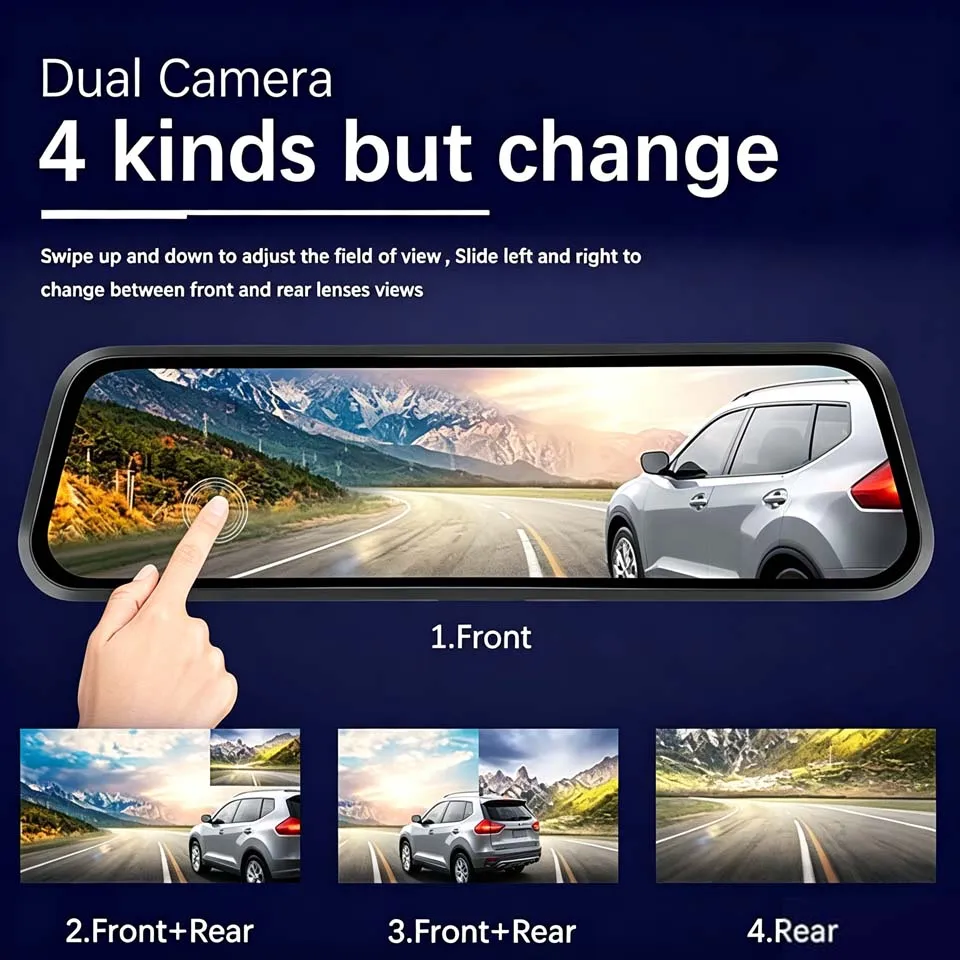
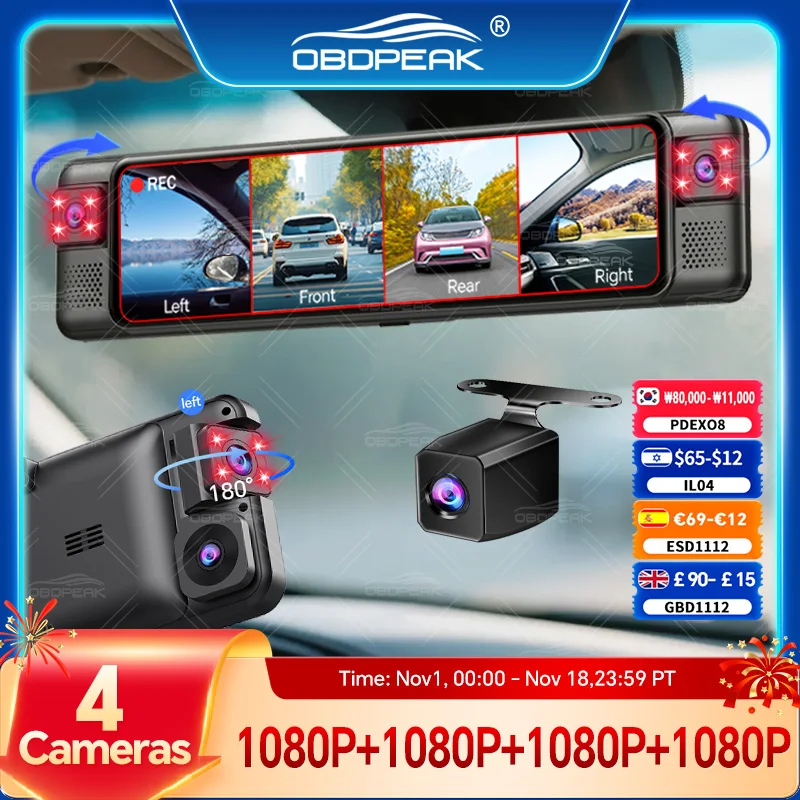
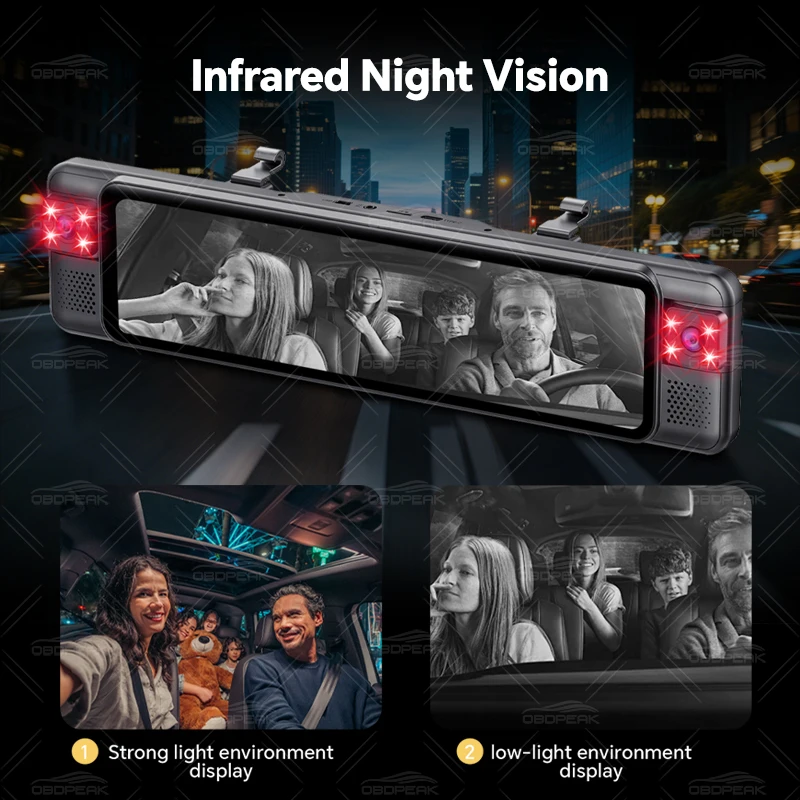
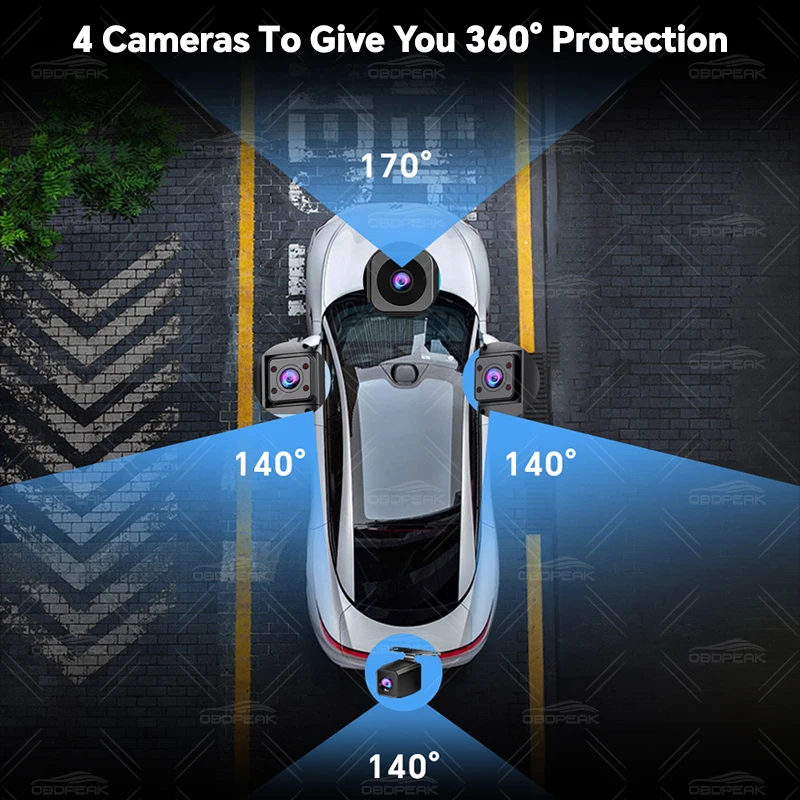
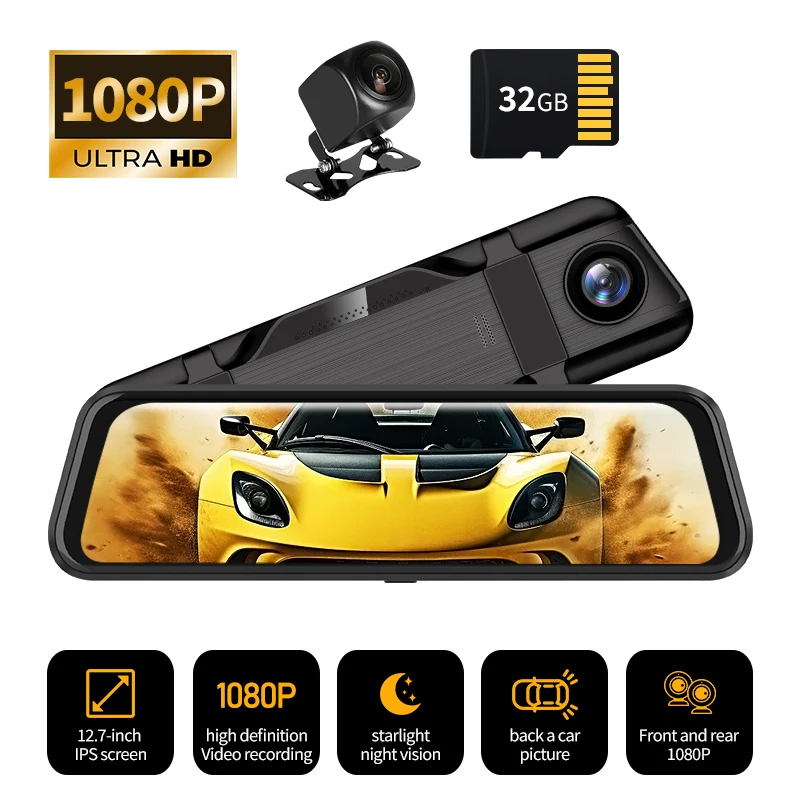
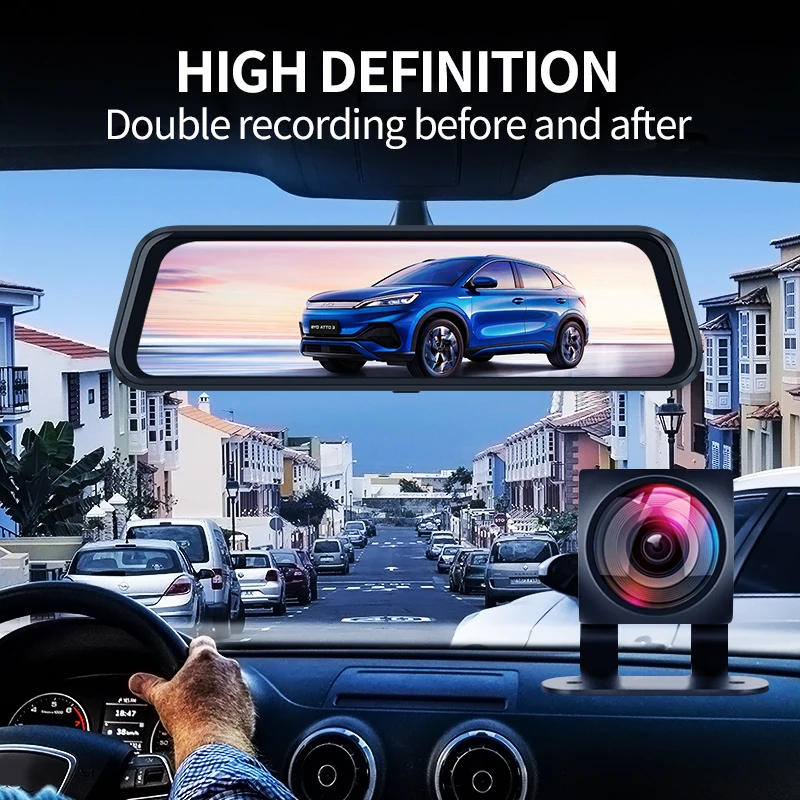
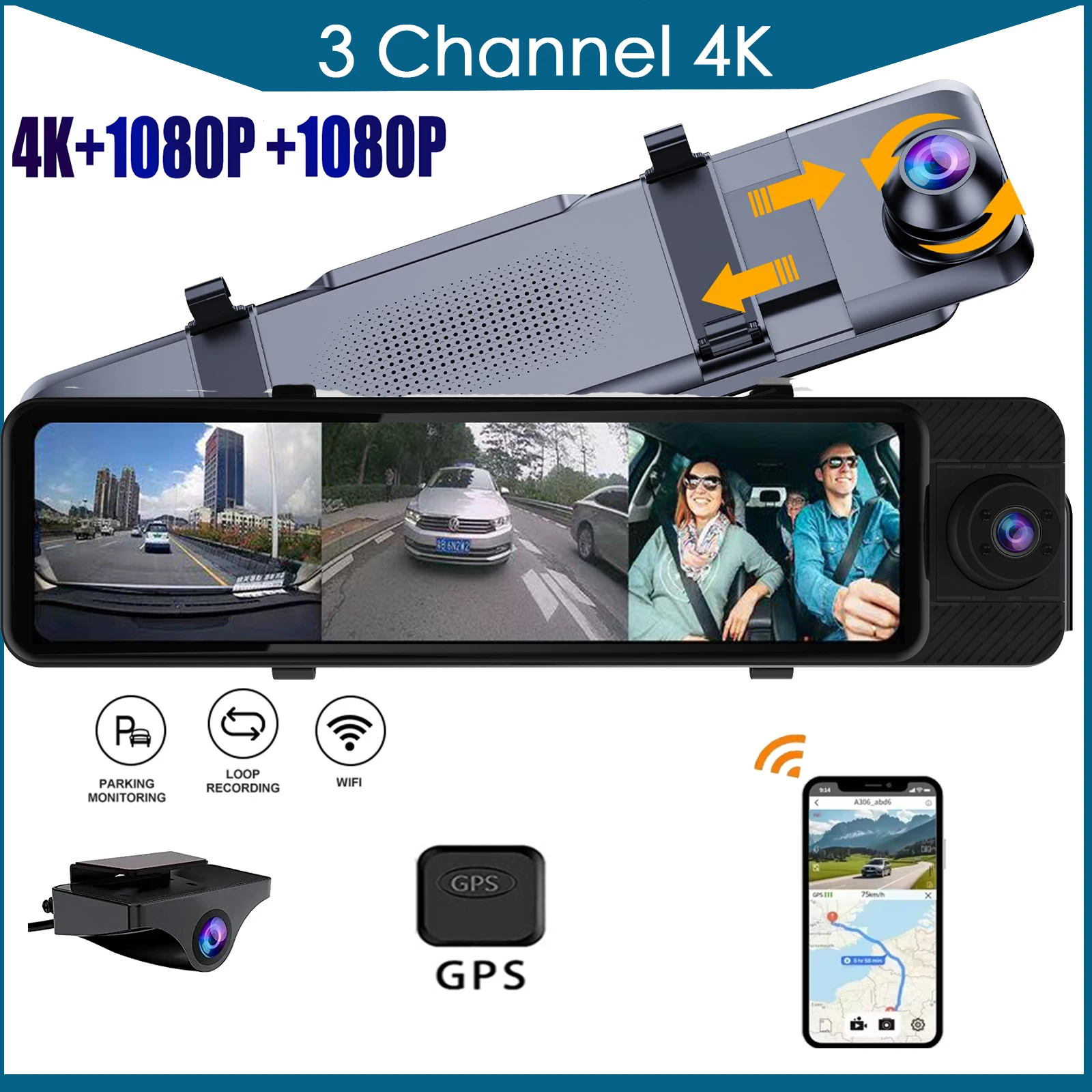
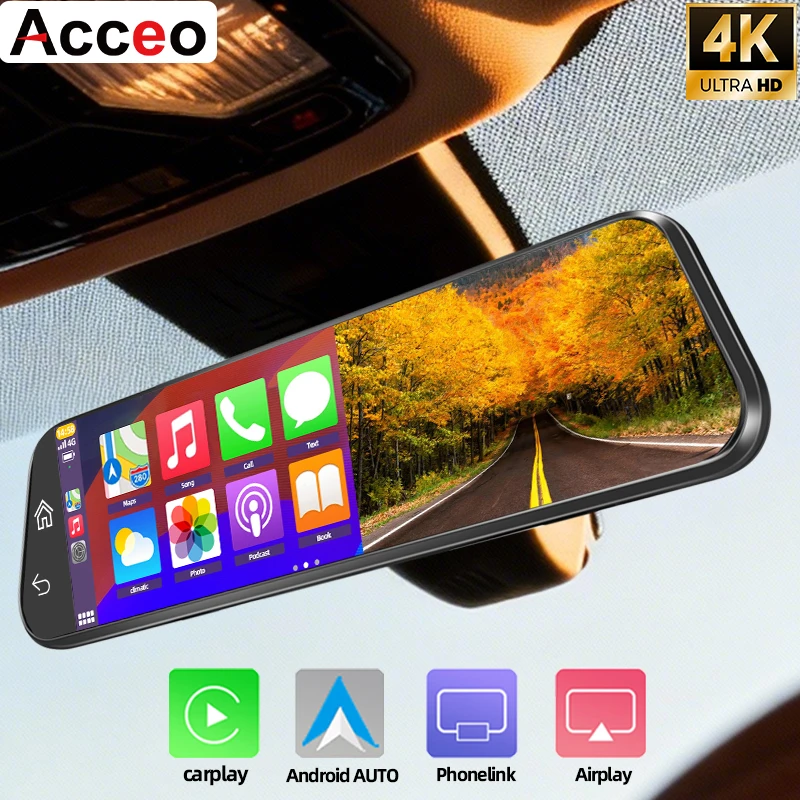
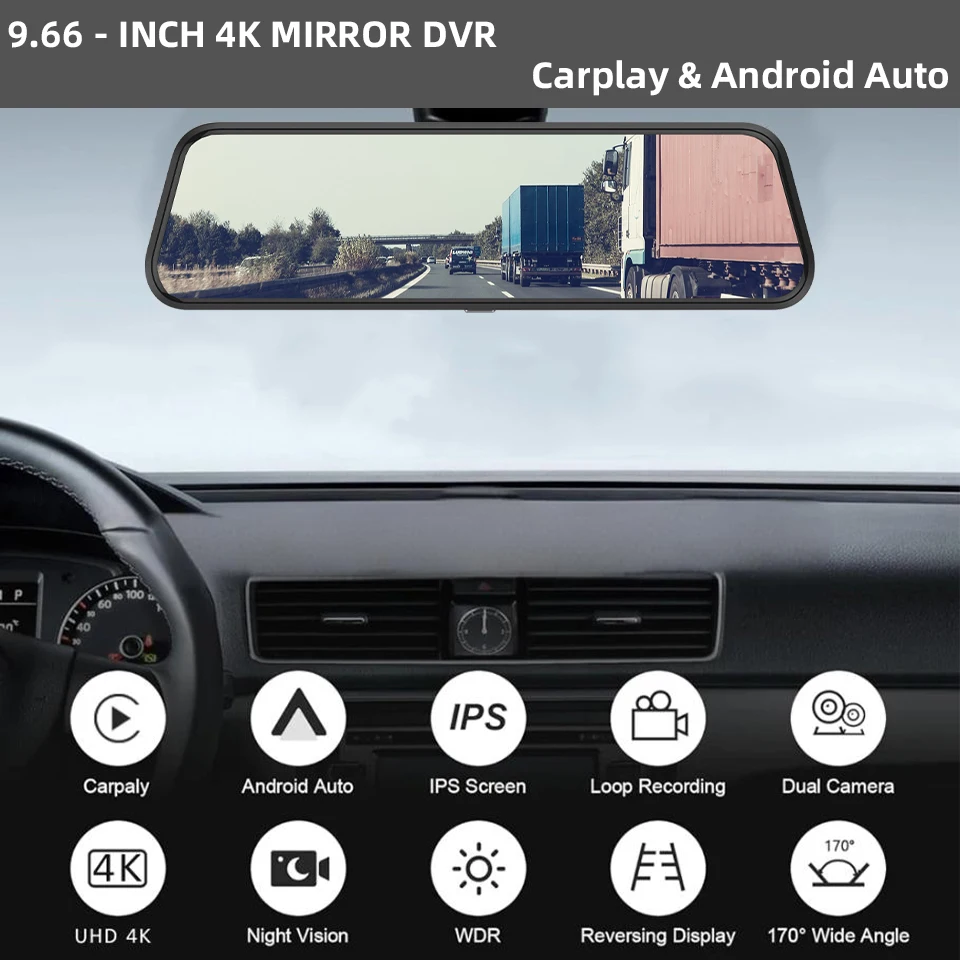
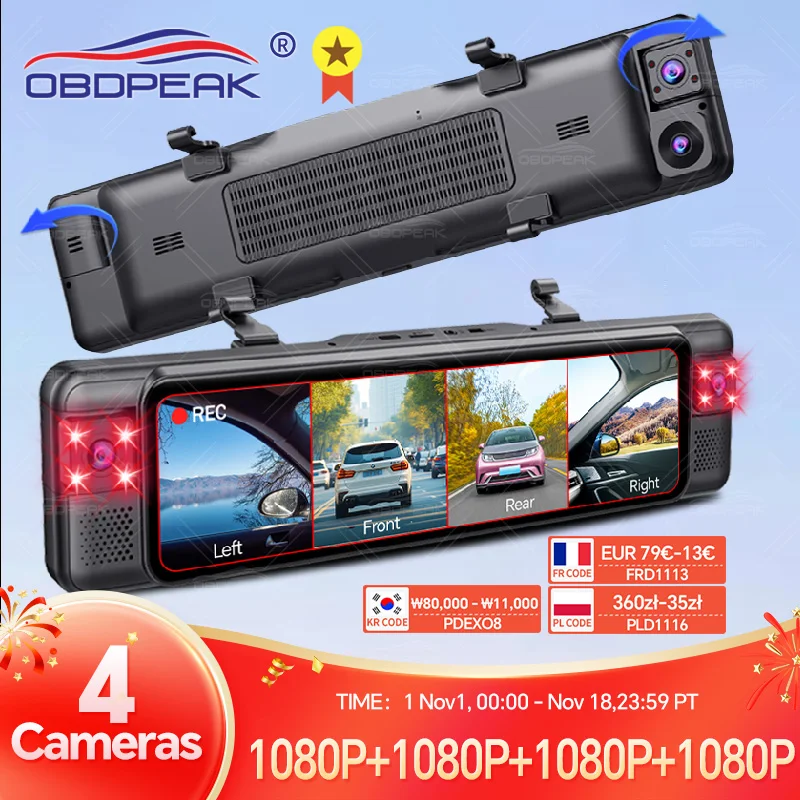
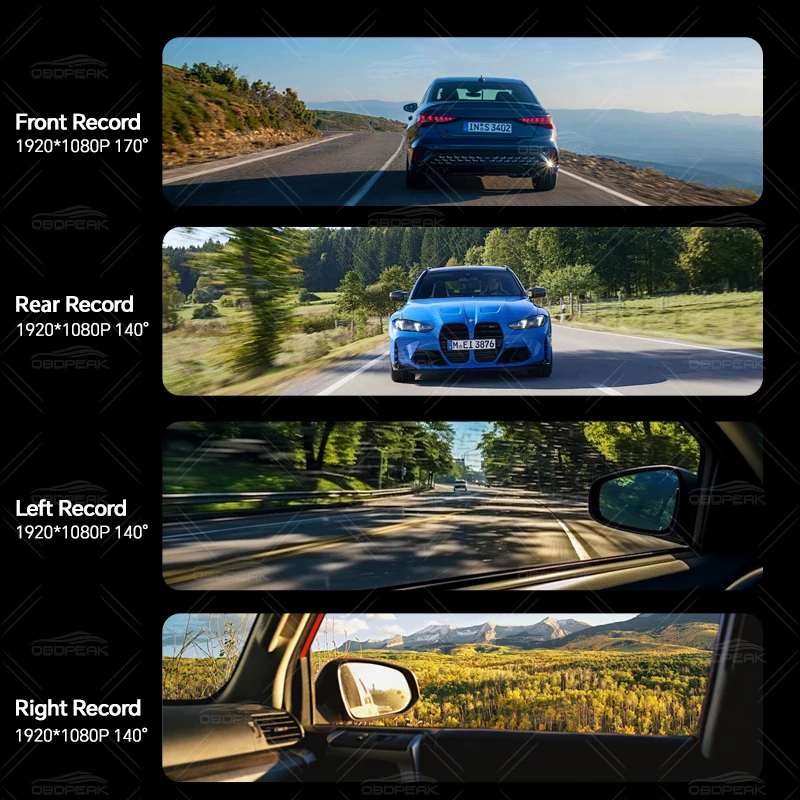
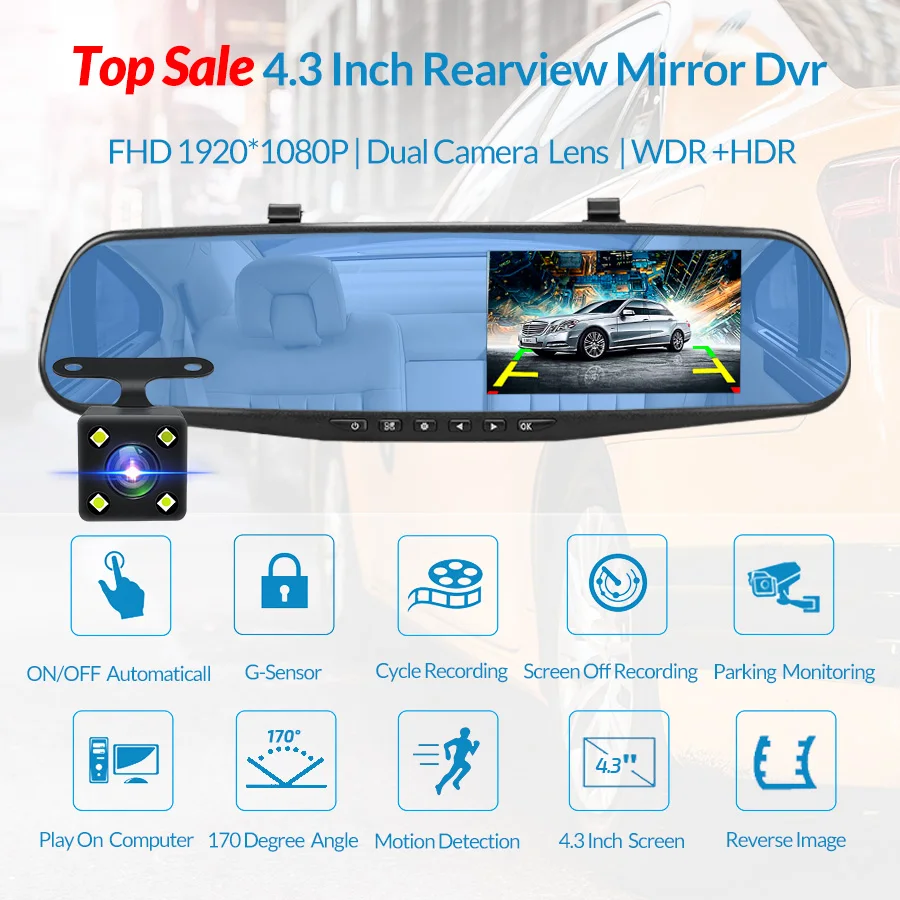
- Mirror dash cams fit over the rear-view mirror. The face is a wide touch screen that shows the rear camera's picture, and some add cameras for the cabin and both sides of the car. See mirror dash cams.
What the cameras here have in common
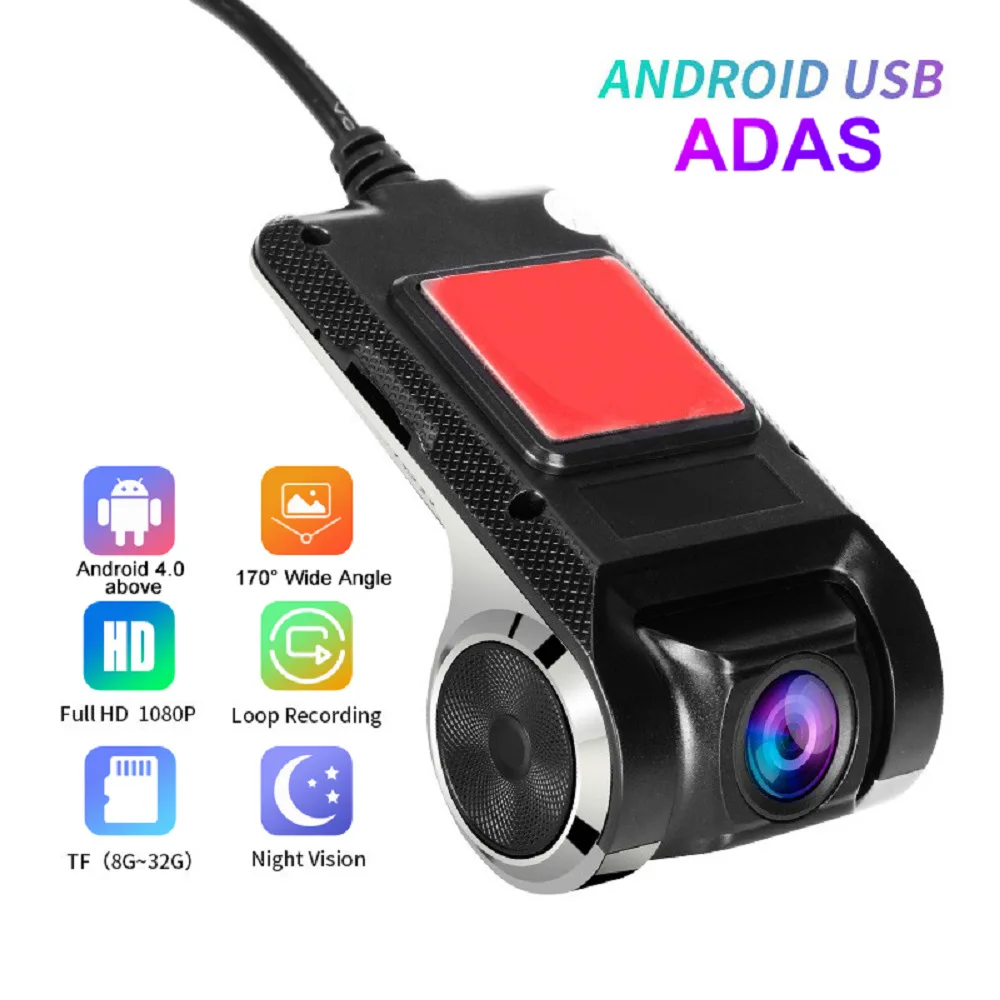
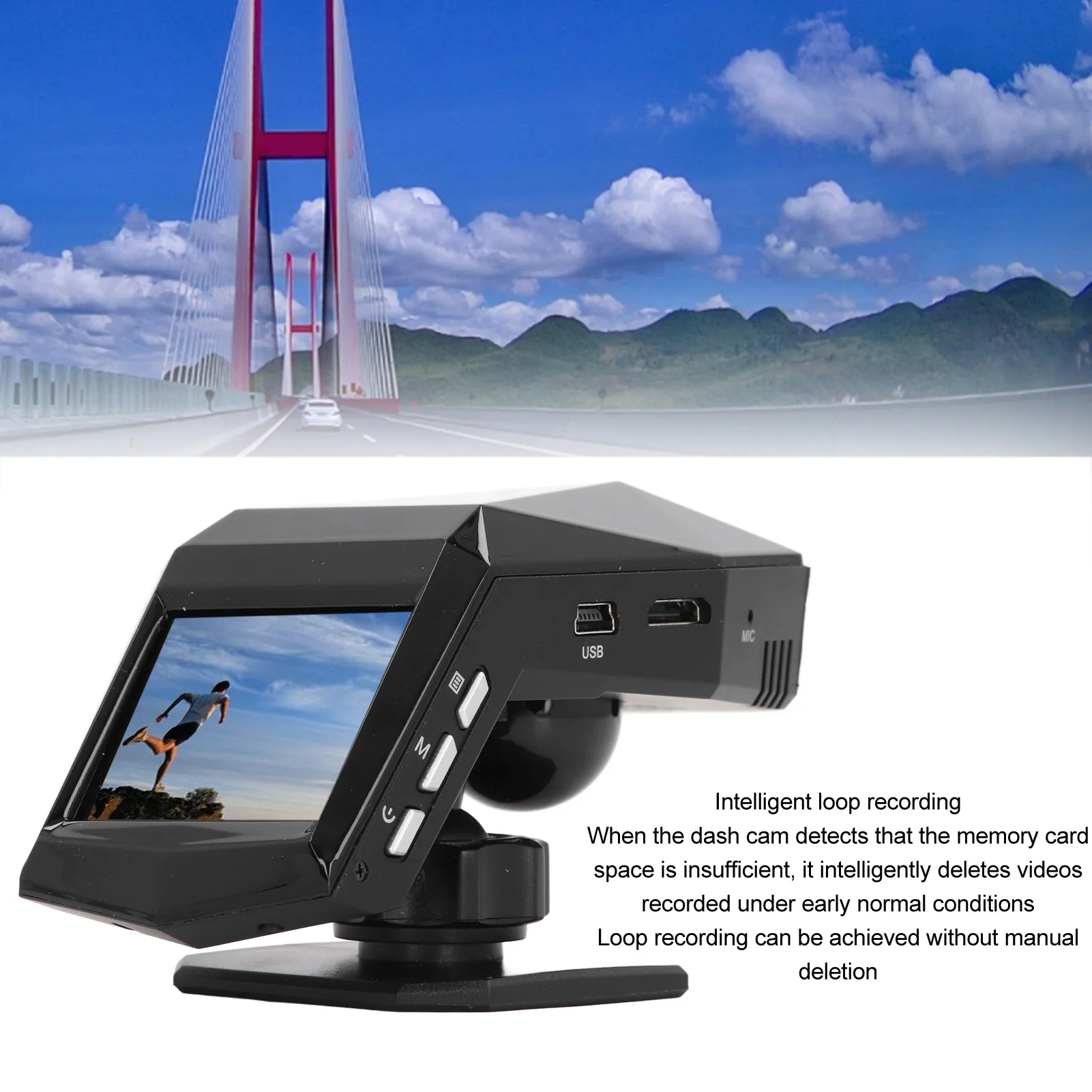
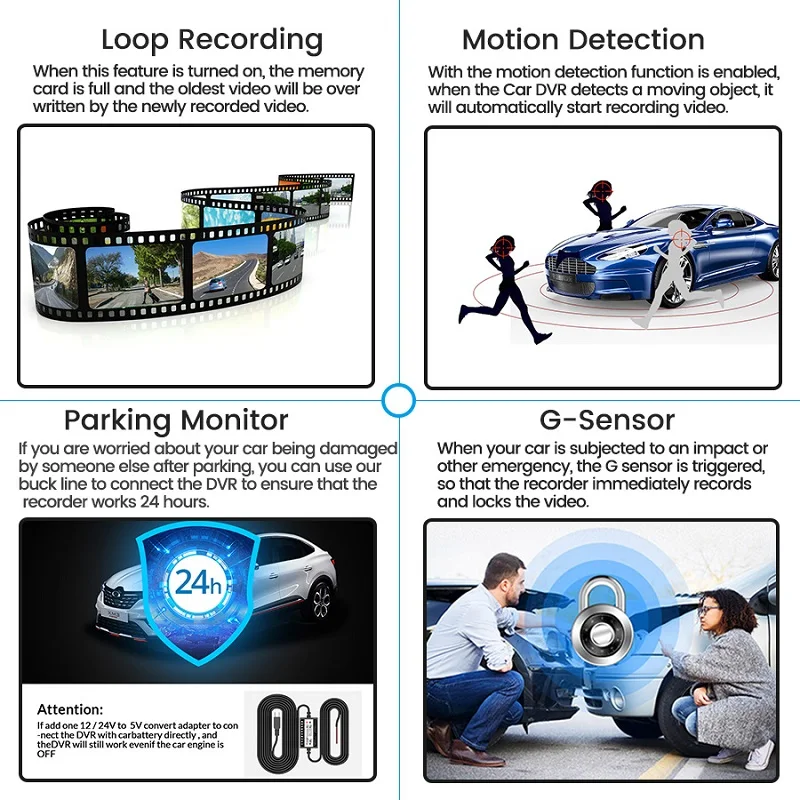
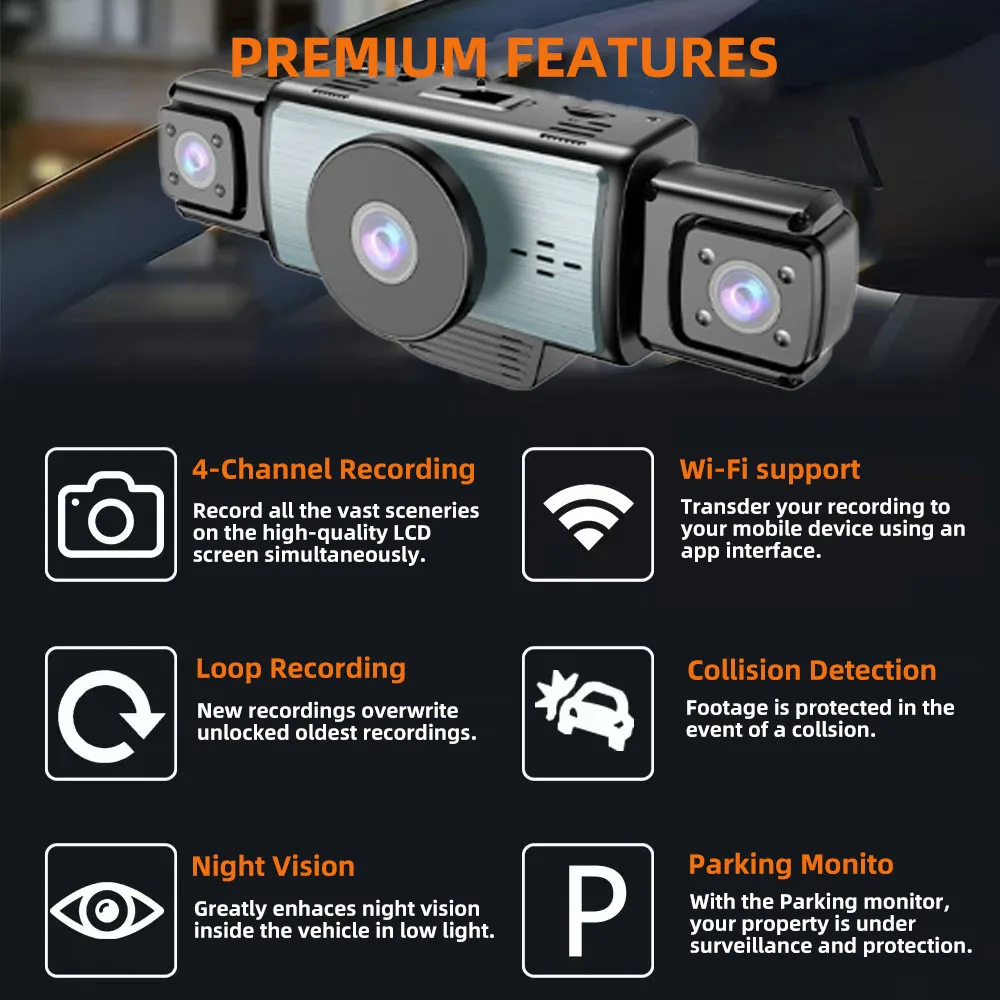
The cameras here record in a loop, writing over the oldest clip once the card is full, and most have a G-sensor that locks the clip when it feels a jolt, so the moment that matters is kept. For driving, they plug into the car's 12V socket or run from a USB lead, so most need nothing wired into the car before the first drive. If you bring your own memory card, check the speed class the product page asks for: the SD Association's Class 10 and U3 marks mean a minimum writing speed of 10MB/s and 30MB/s.
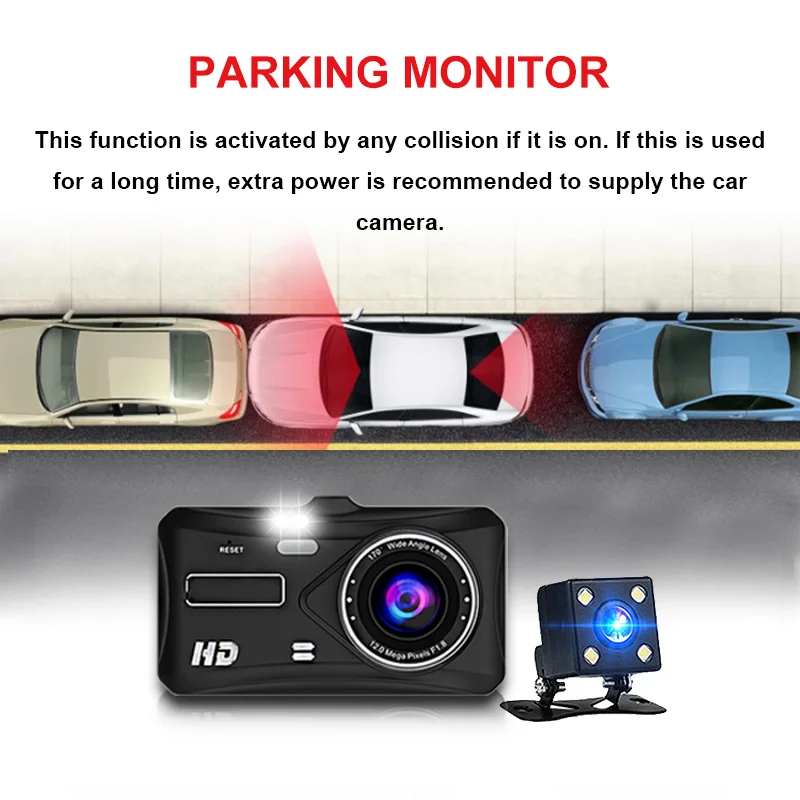
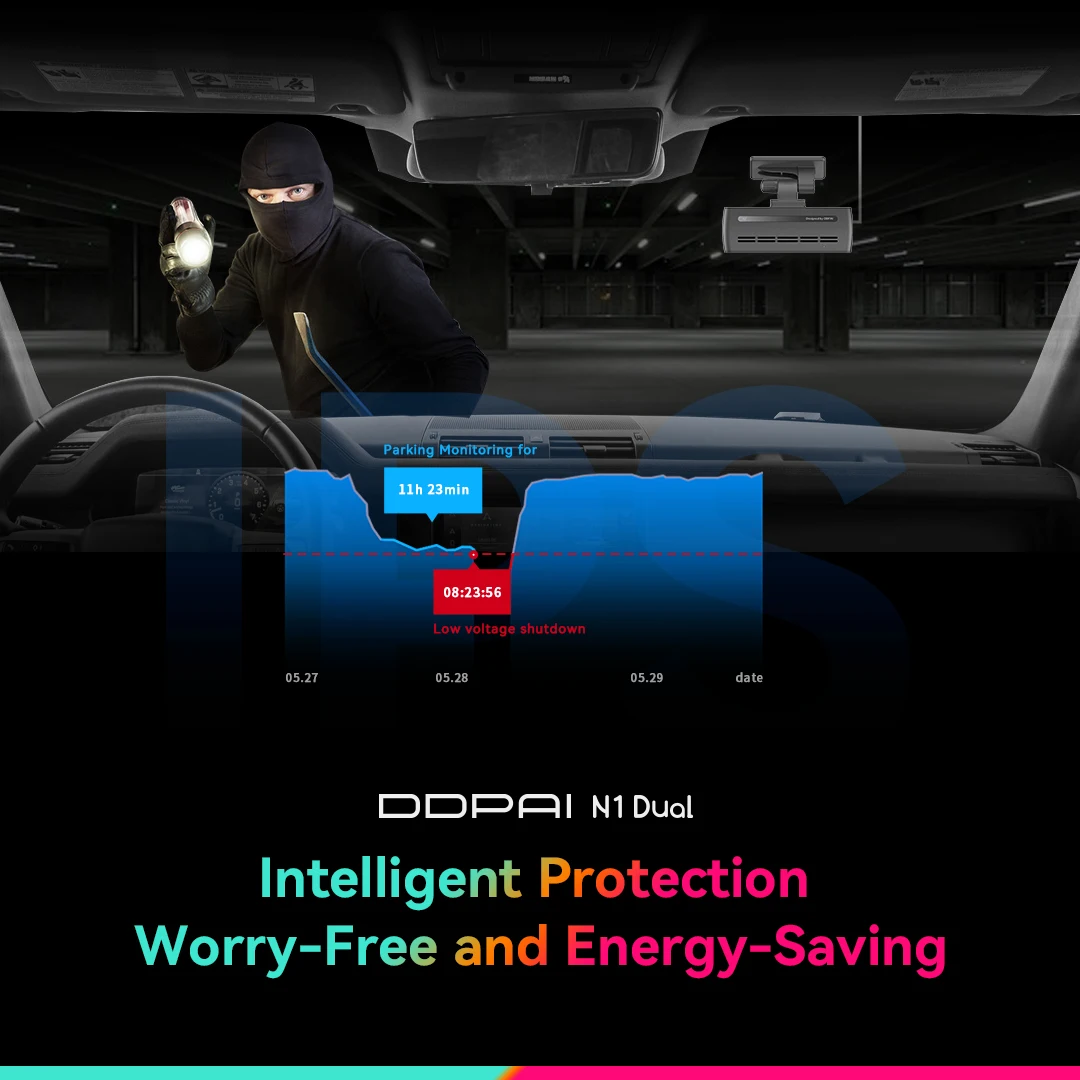
Parking mode, which keeps watching after you have walked away, is the exception. On most of these it needs a hardwire kit, which connects the camera to the car's fuse box so it has power with the engine off. That is normally a job for an auto electrician. The shop does not sell hardwire kits, and each product page says what its parking mode needs.
Where it goes, and what to do with the footage
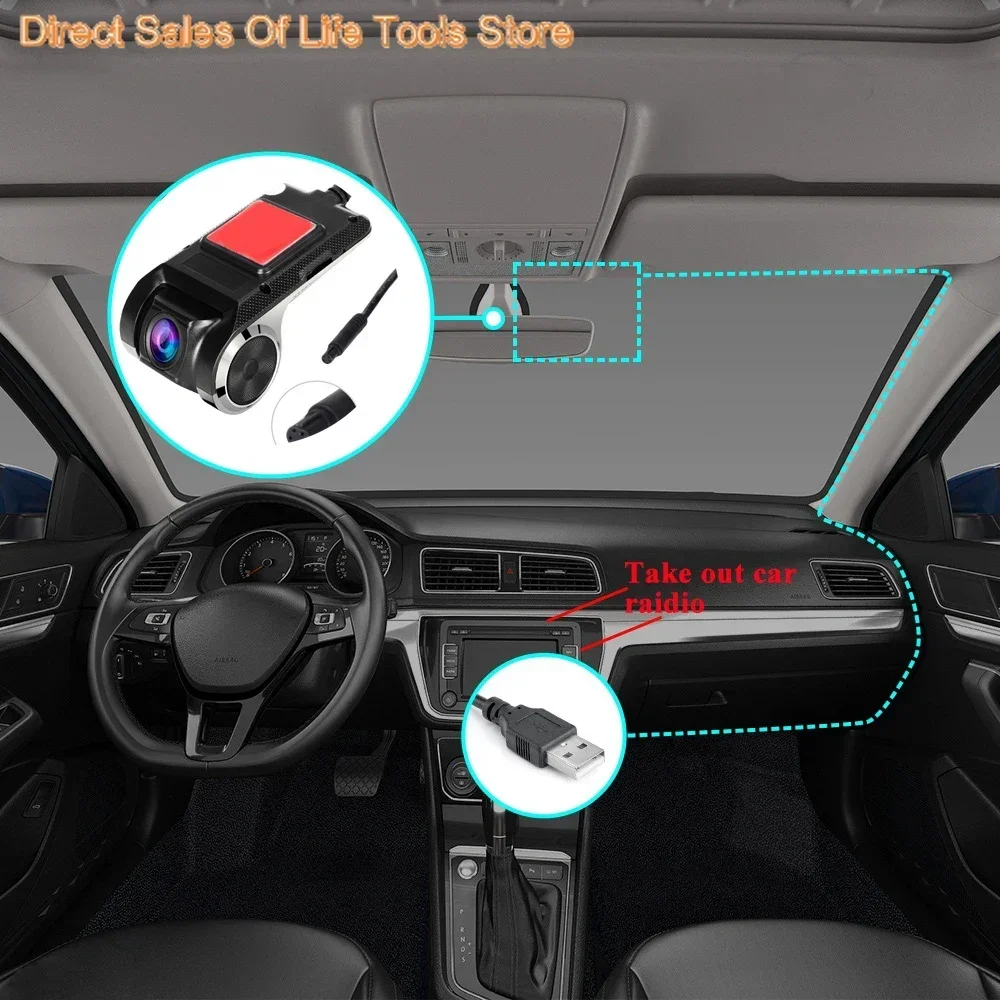
Fit the camera high on the windscreen behind the mirror, out of your line of sight. GOV.UK guidance on windscreen obstruction treats a strip 290mm wide centred on the steering wheel, called Zone A, as the part to keep clear. Set the camera up before you set off: it is illegal to hold and use a phone while driving, and that includes picking it up to save a clip.
Police forces take footage of dangerous driving through their own websites and the National Dashcam Safety Portal. They want the original, unedited file, and time limits differ by force, some as short as seven days. If you post footage publicly, or use a camera for work, the Information Commissioner's Office says data protection law applies.
Delivery is included in every price and tracked to your door.
More to look at