The phone in the car
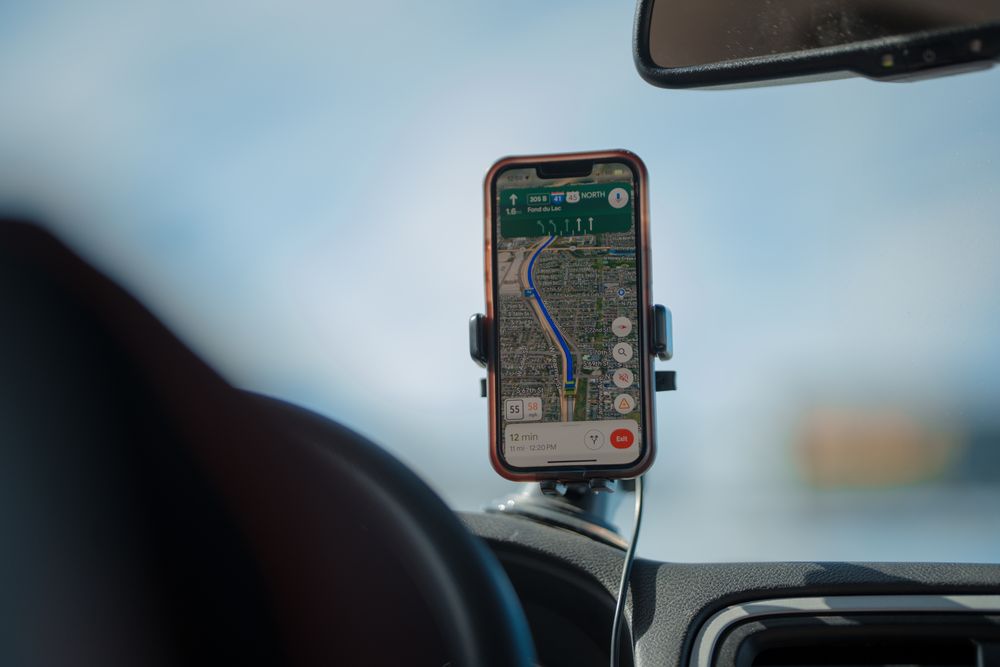
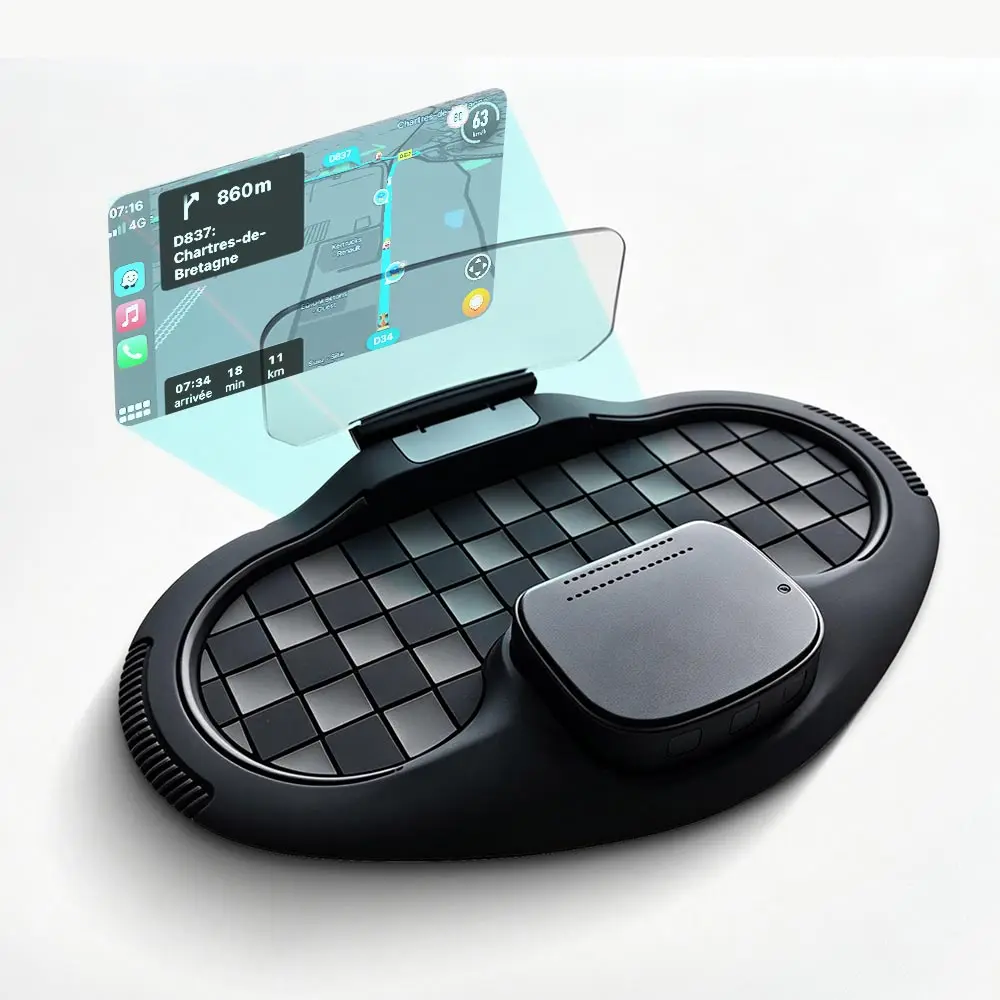
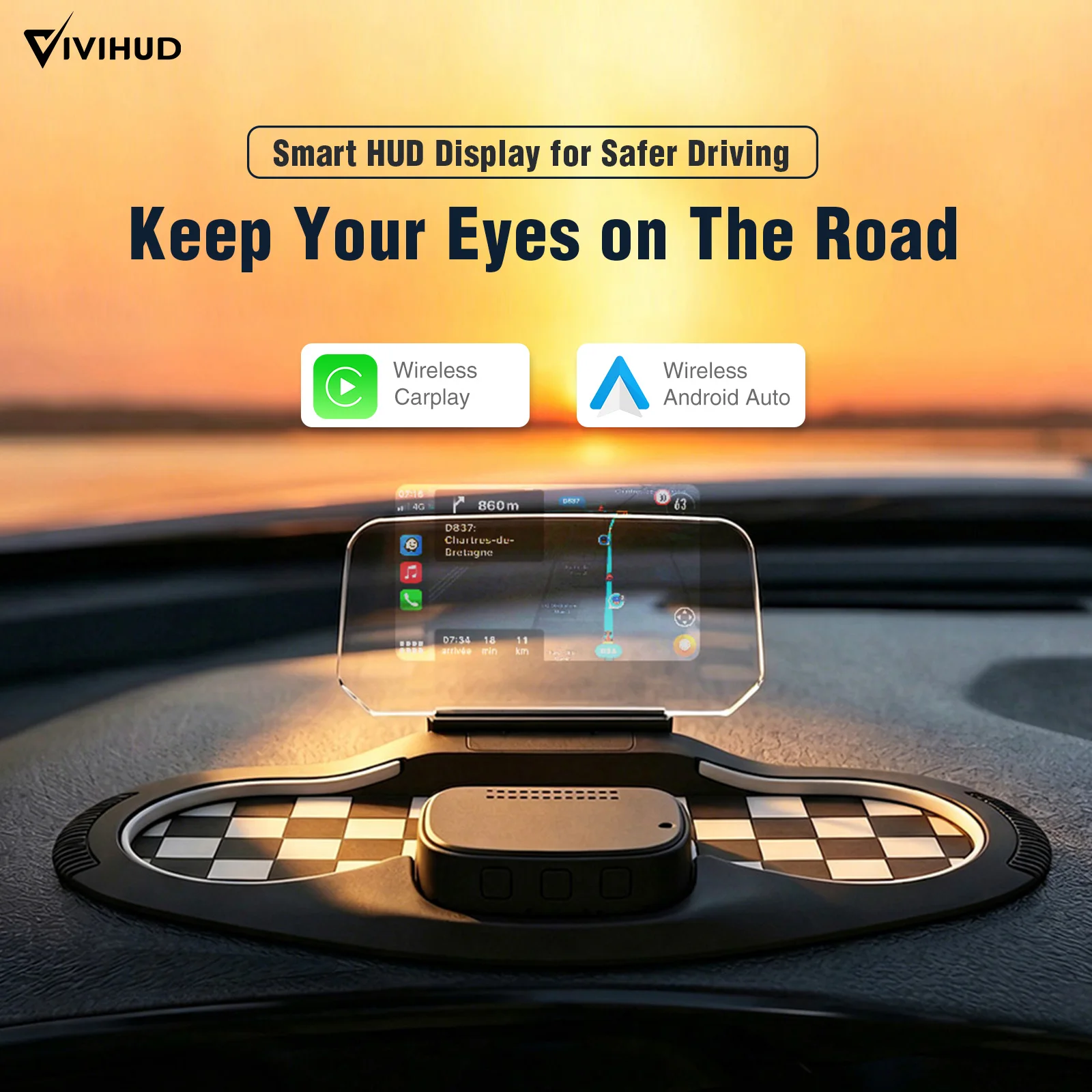
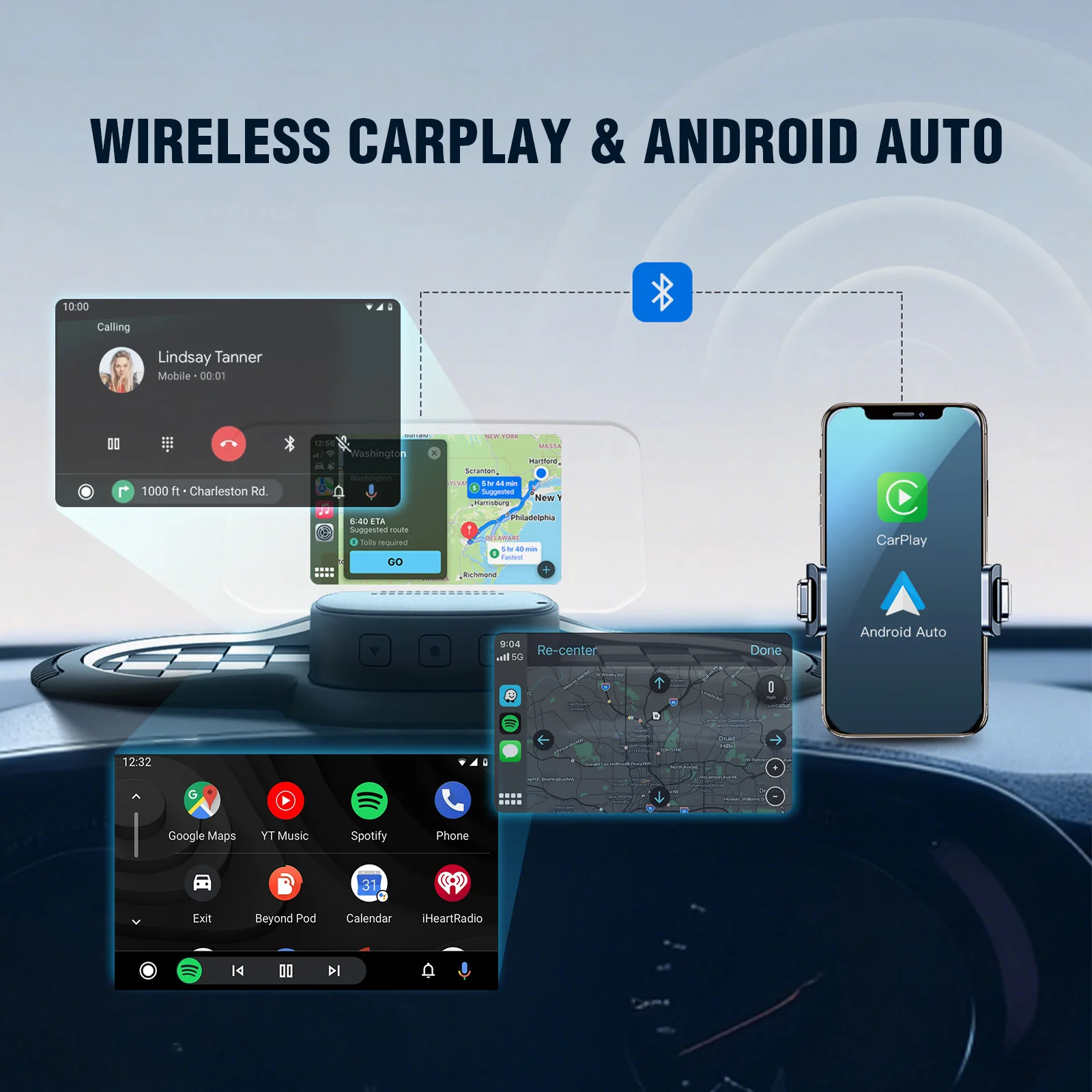
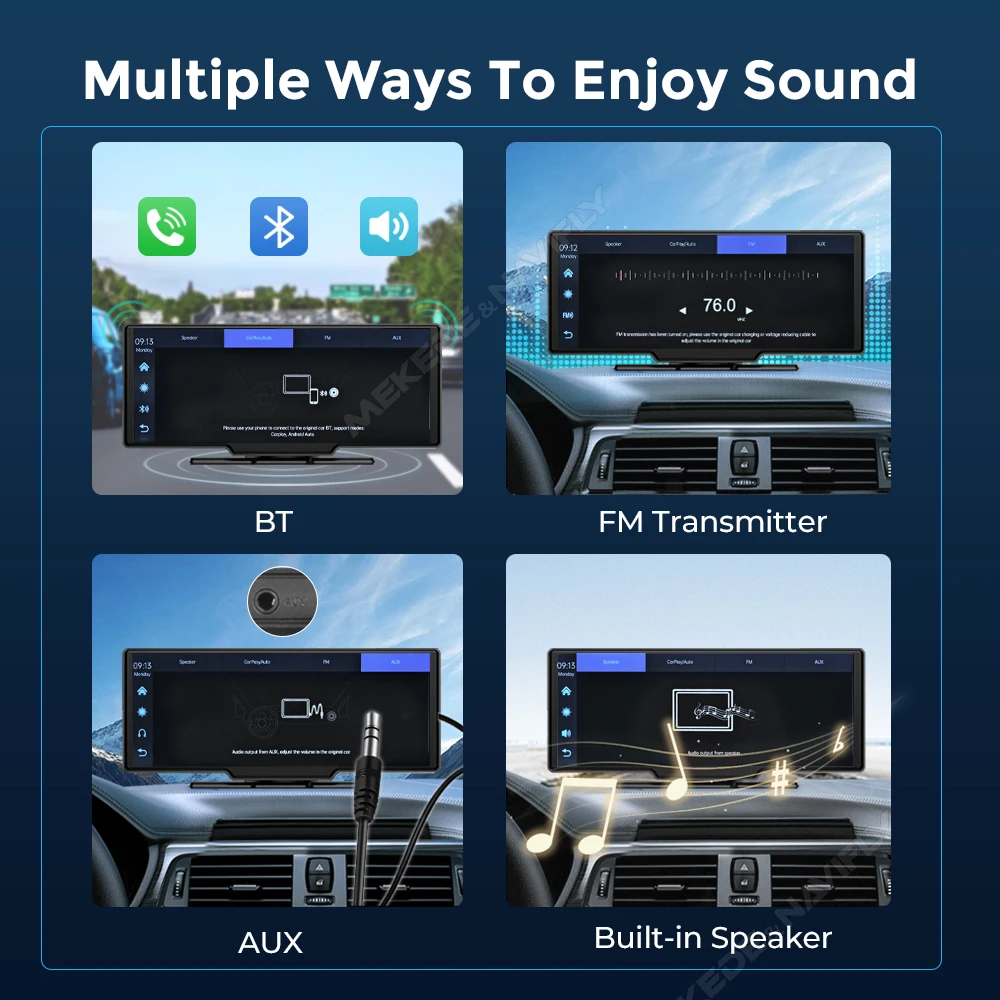
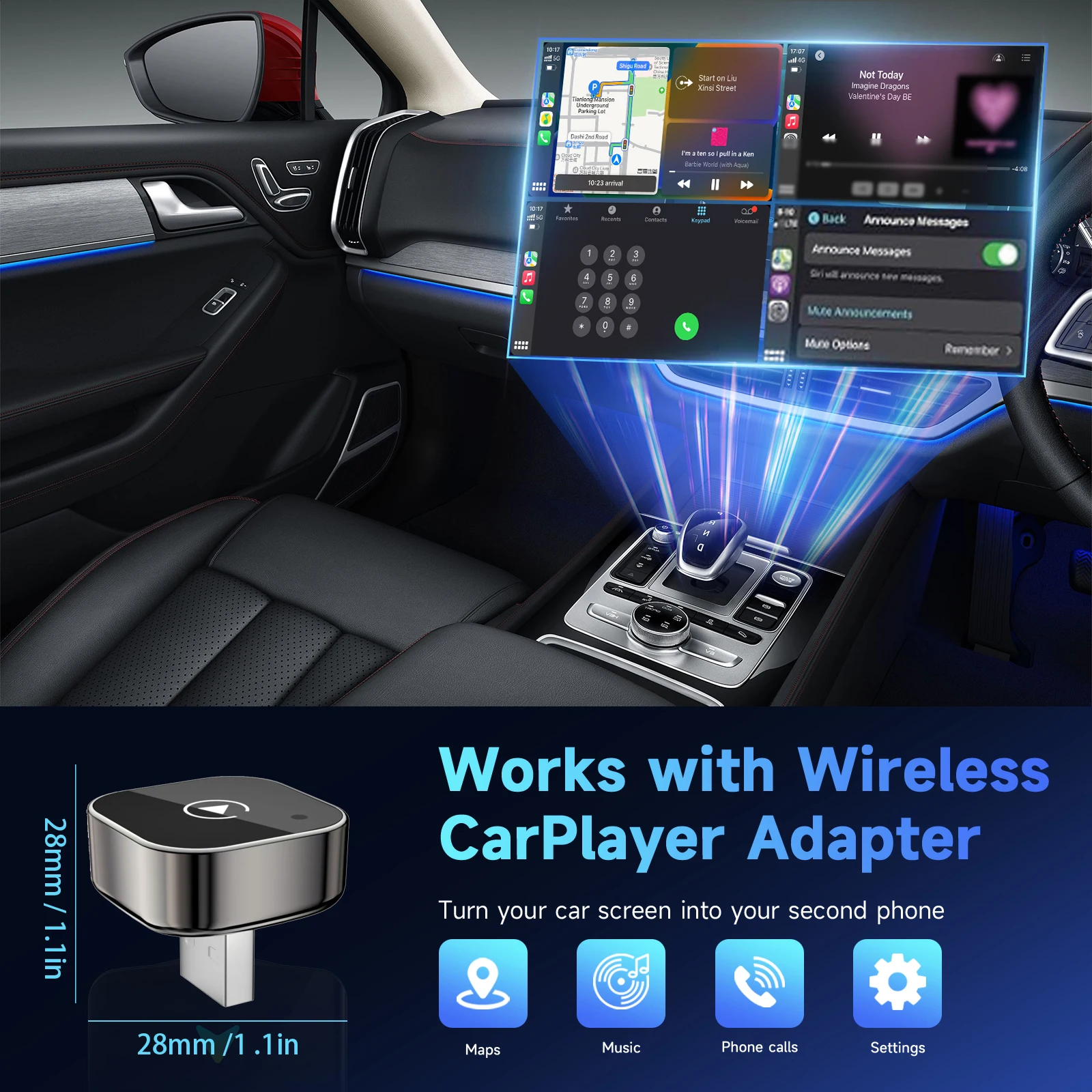
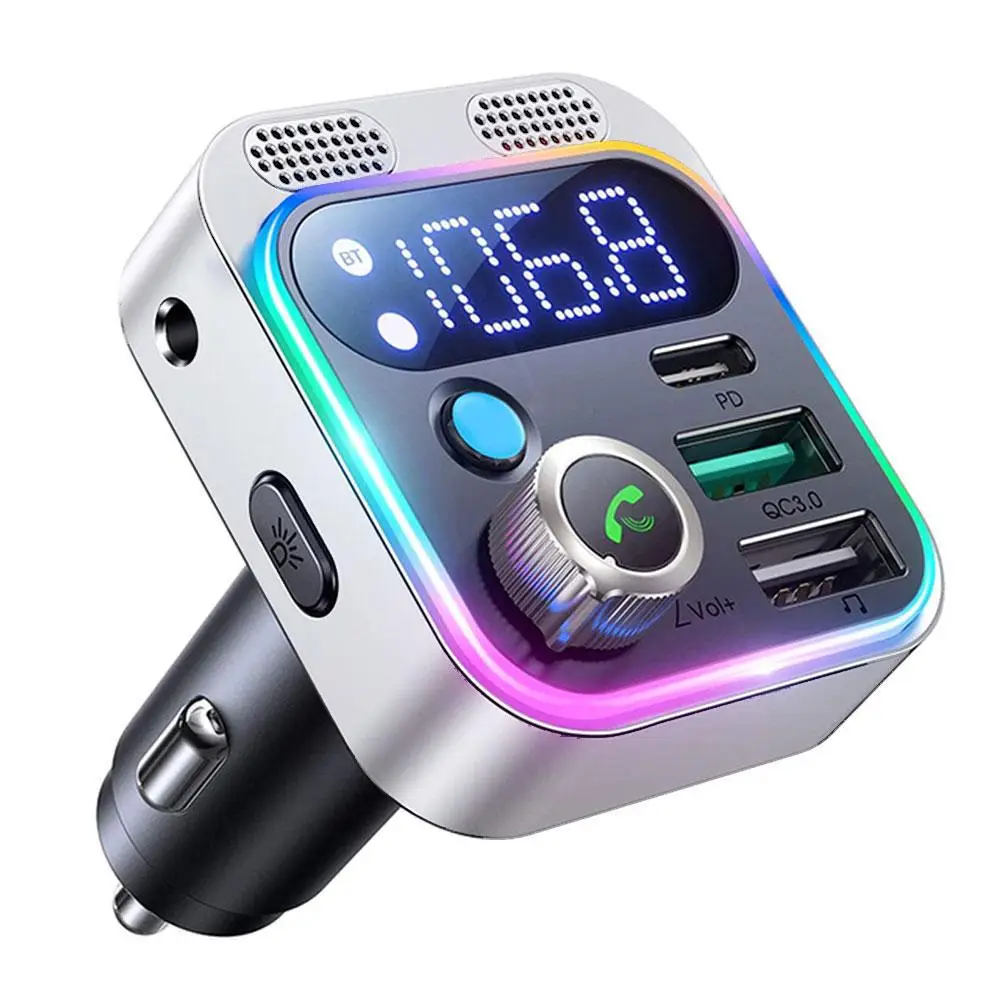
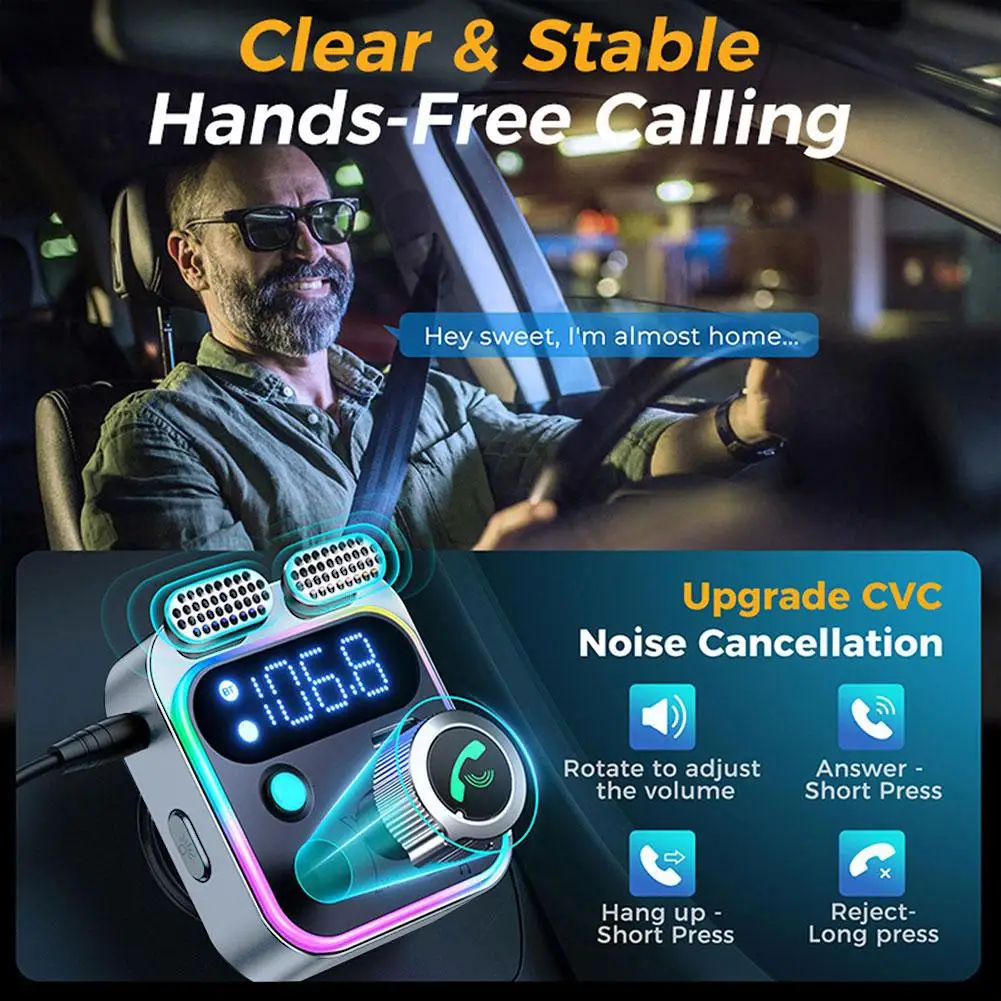
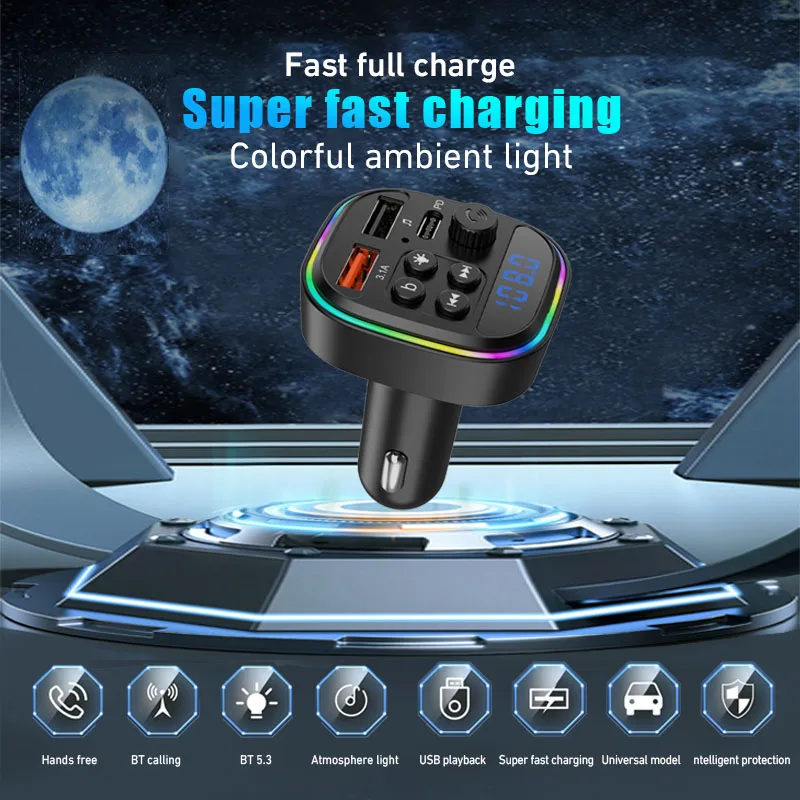
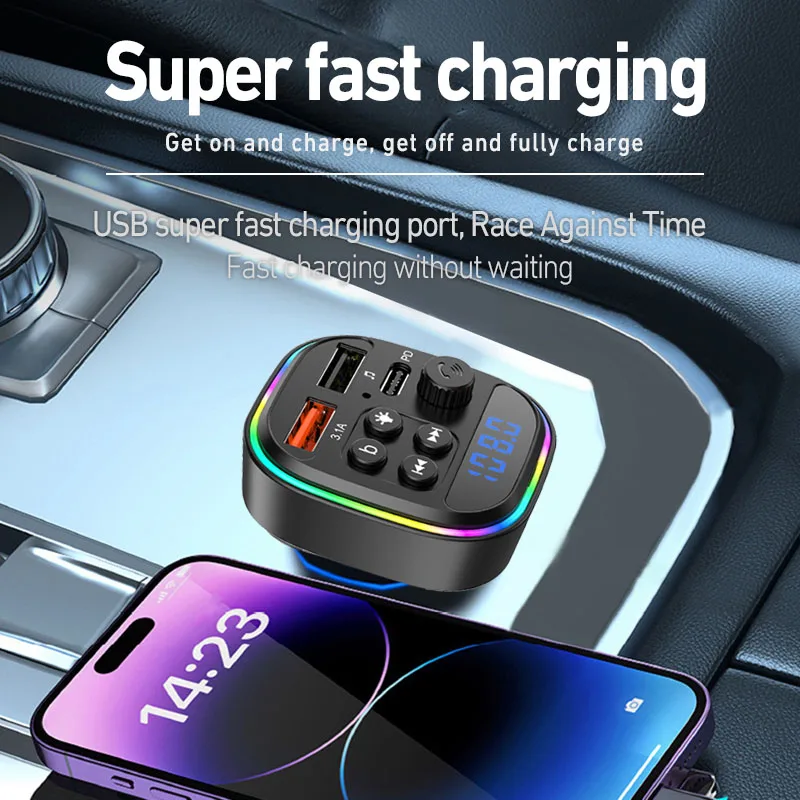
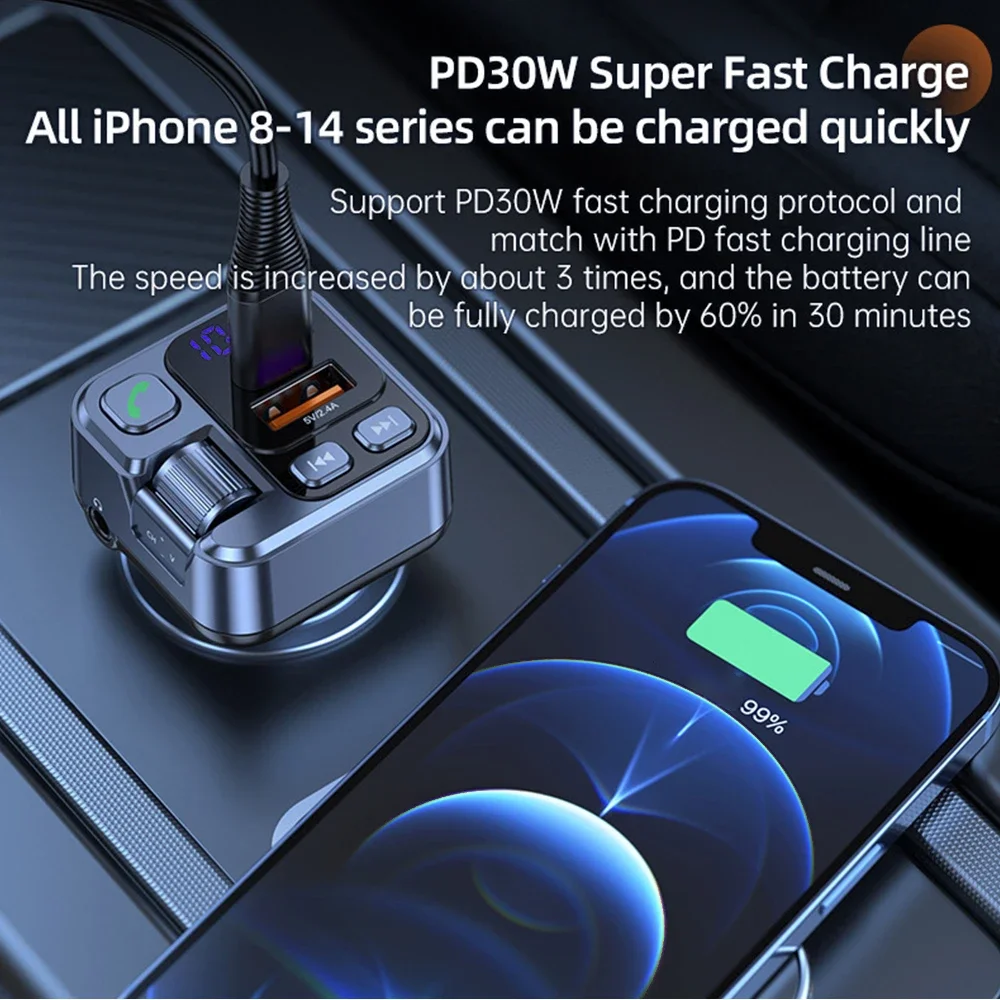
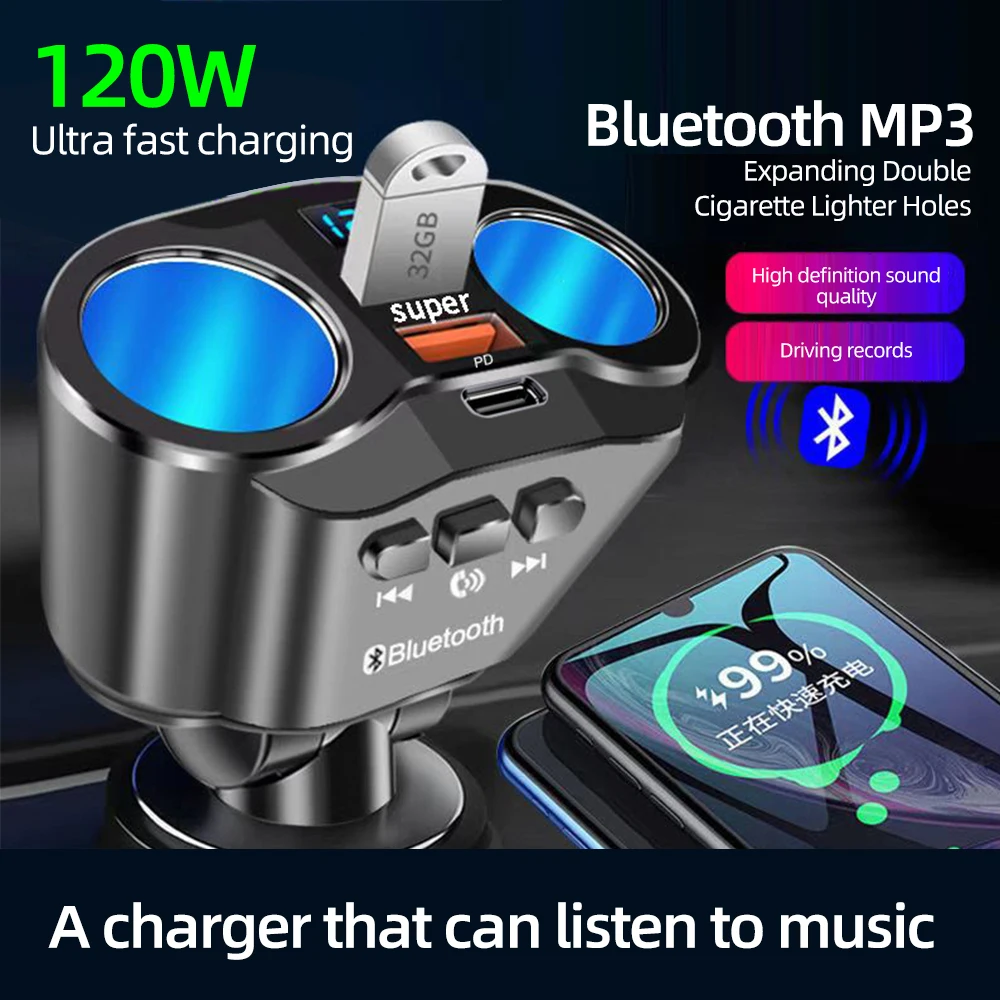
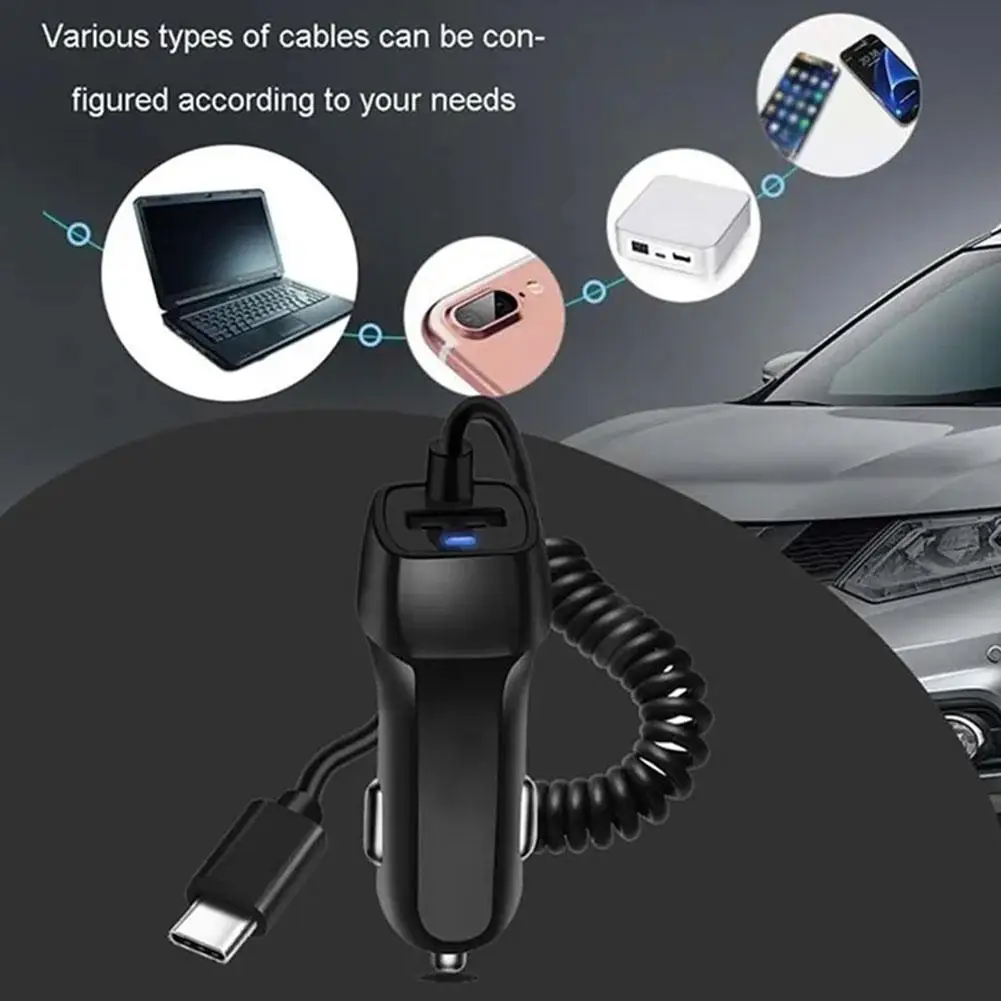
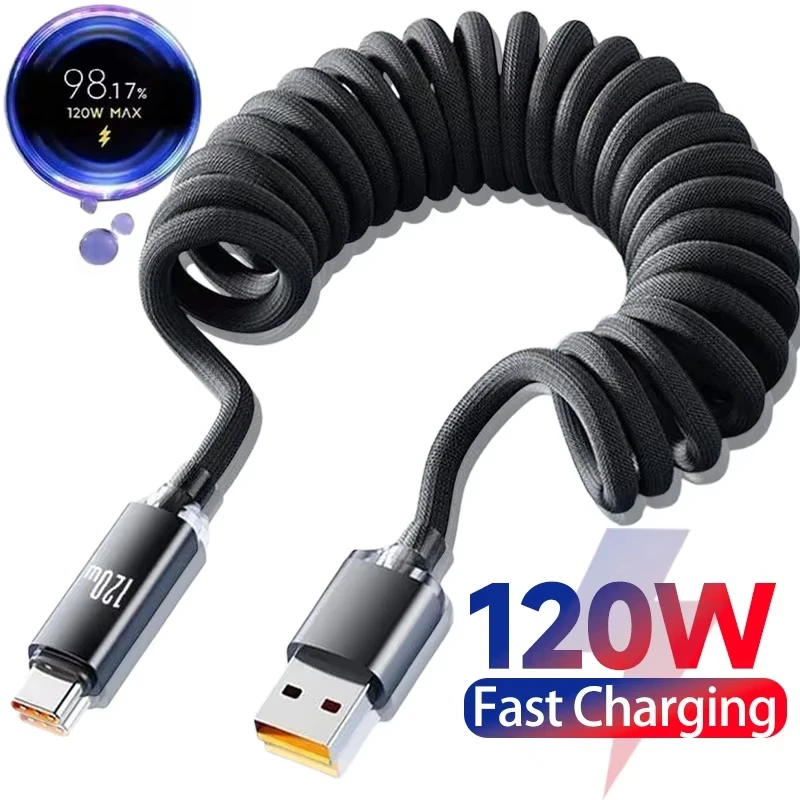
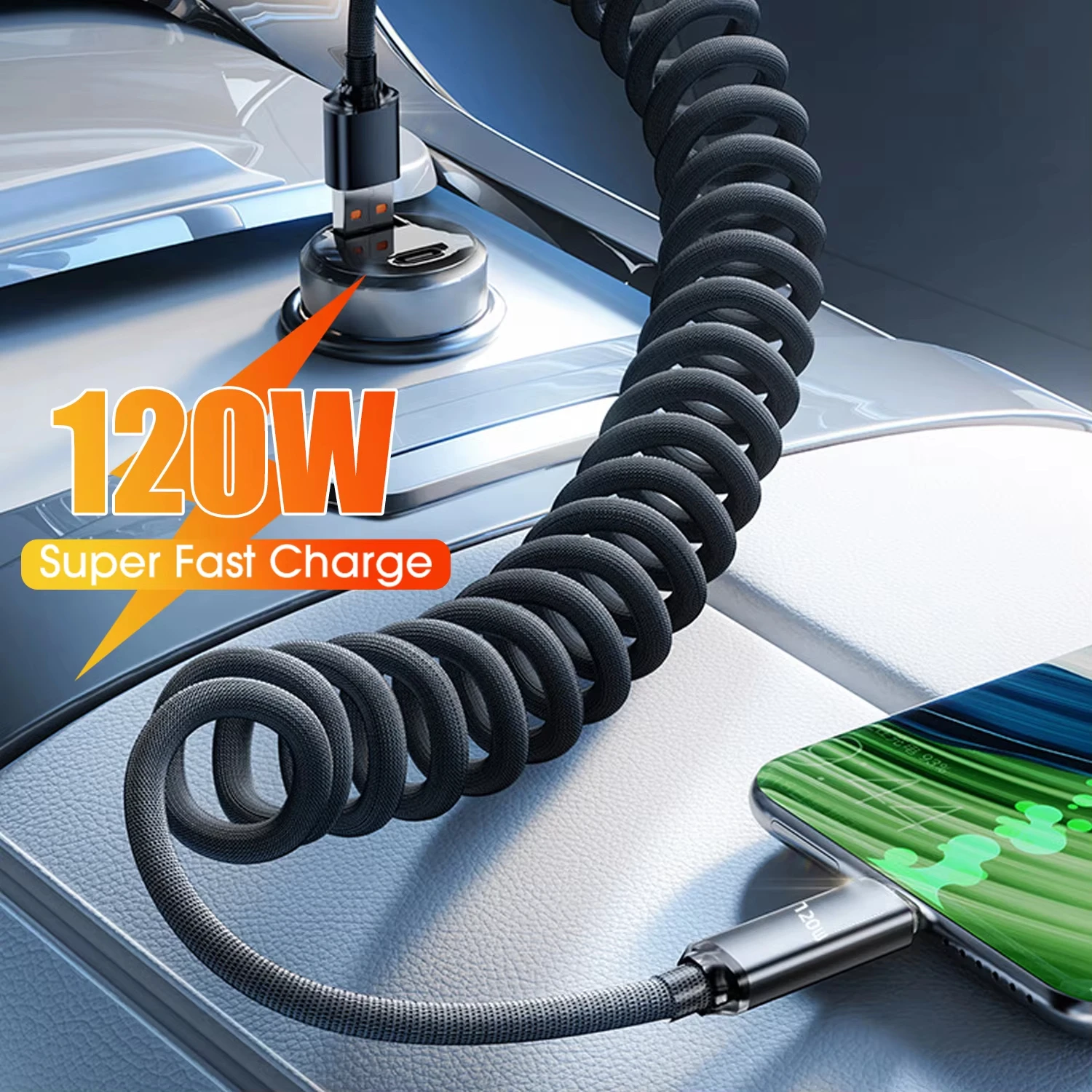
Most drivers now use a phone for three things on every journey: the map, the music and the calls. This department is about doing all three safely and without a flat battery: holding the phone where a glance finds it, charging it on the way, and playing its sound through the car's speakers or its maps on a bigger screen. It also covers the 12V socket that powers most of it, and a screen for the passengers in the back.
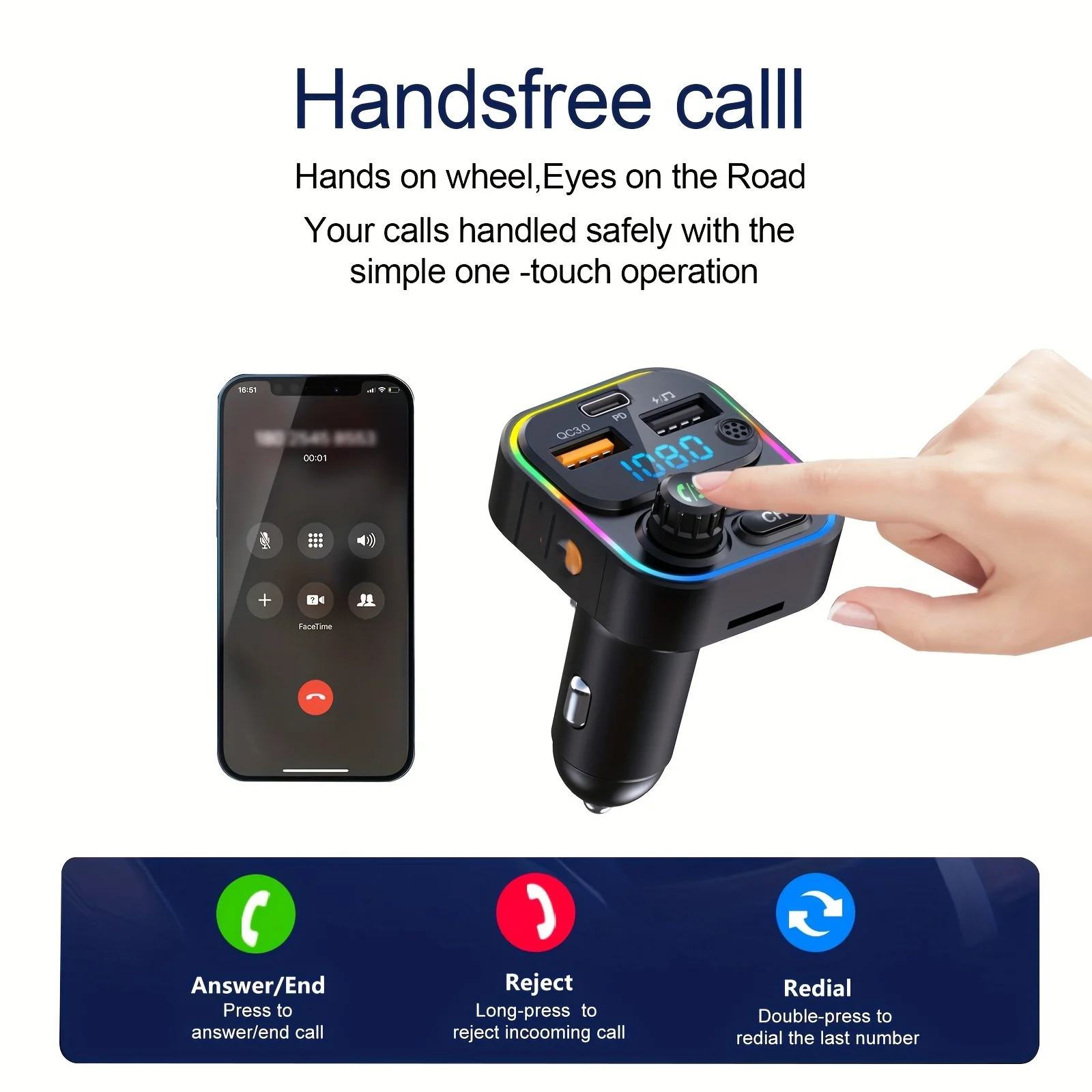
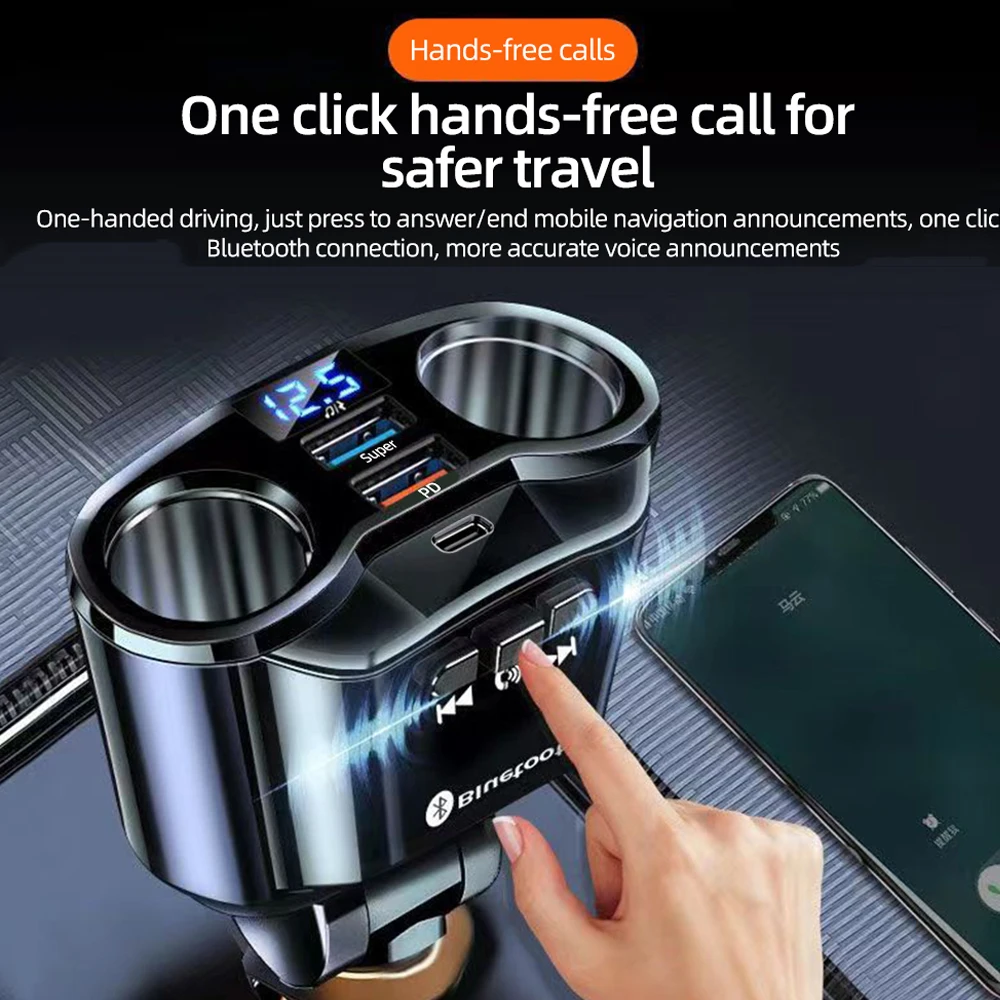
The law sets the limits. GOV.UK says it is illegal to hold and use a phone, a sat nav or a tablet while driving, including when you are stopped at lights or queuing. Hands-free is allowed if you never hold it, and the device must not block your view of the road and traffic ahead. Everything here is for using a phone that way.
The ranges in this department
Where to start
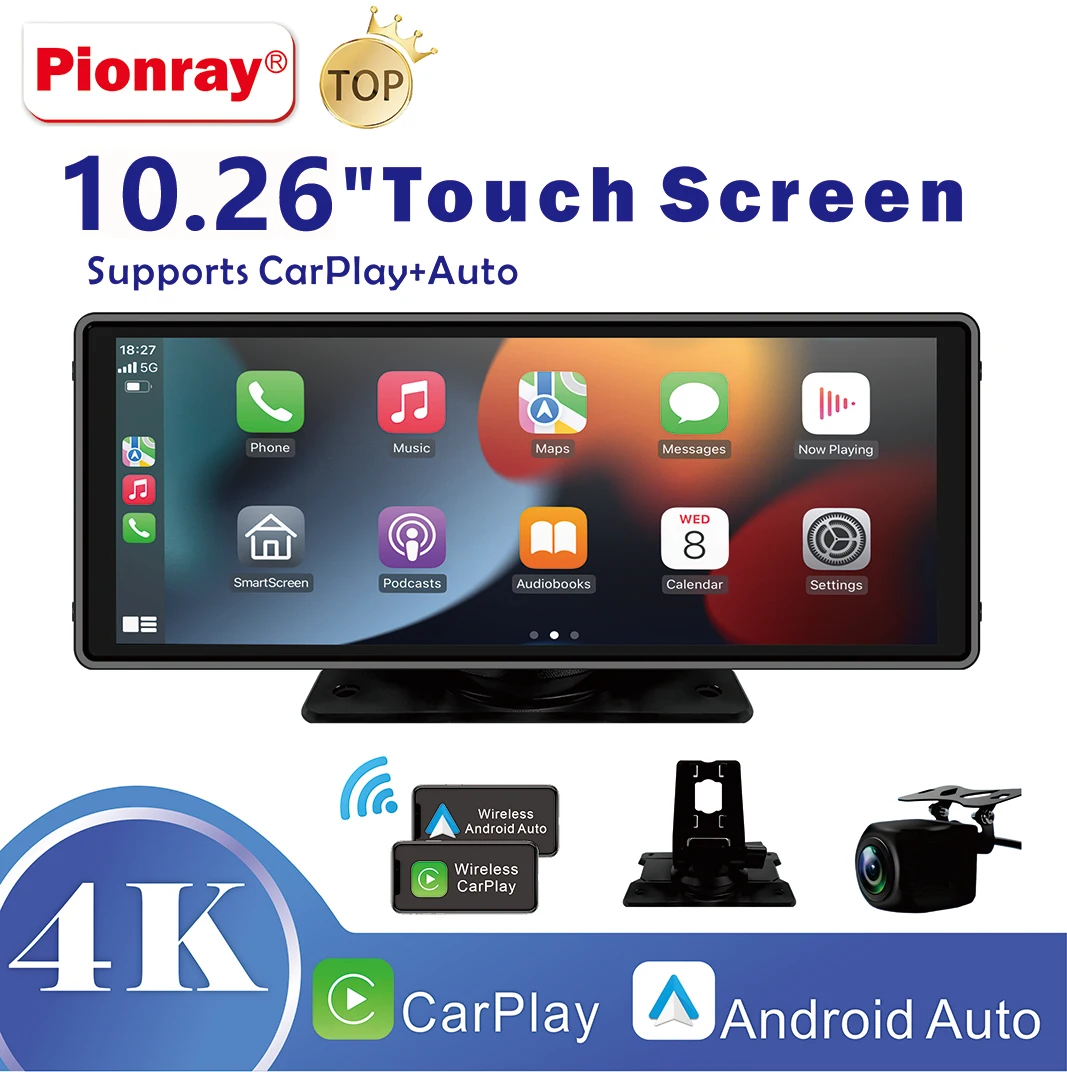
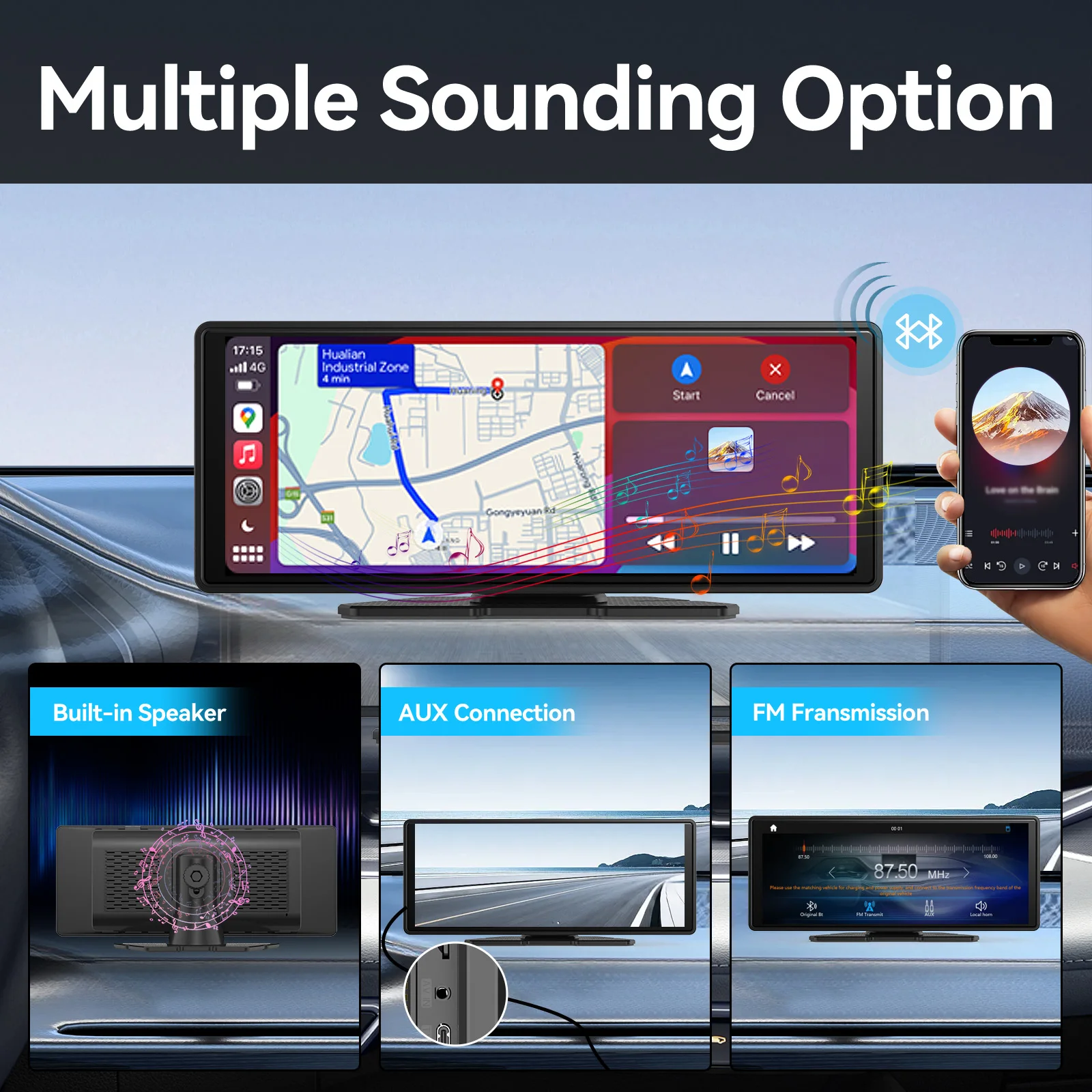
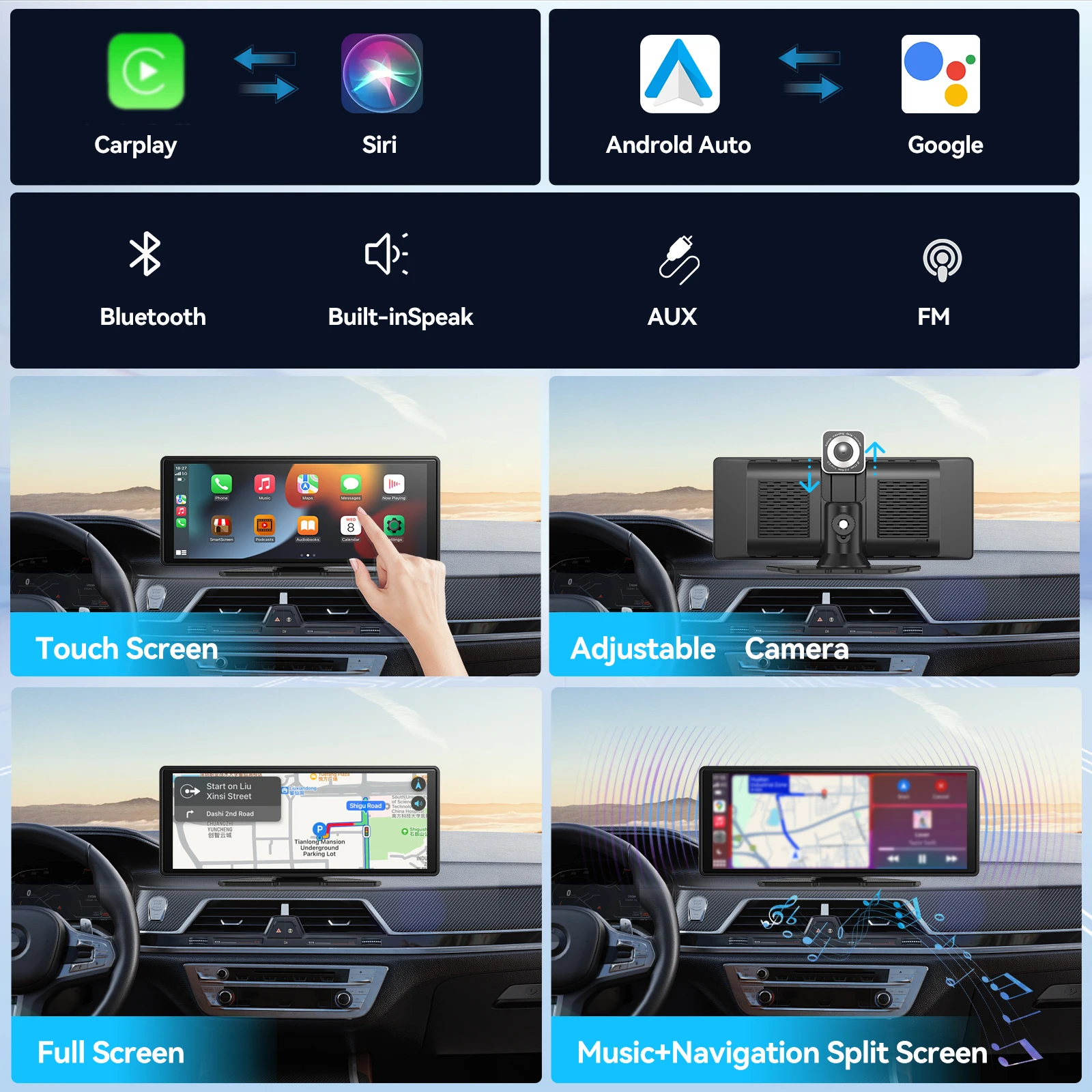
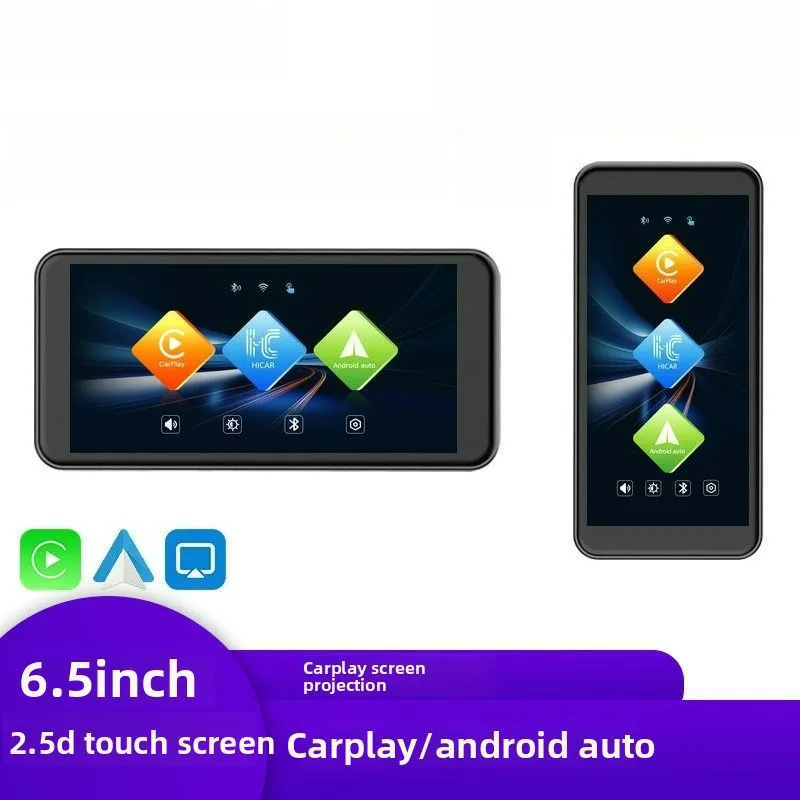
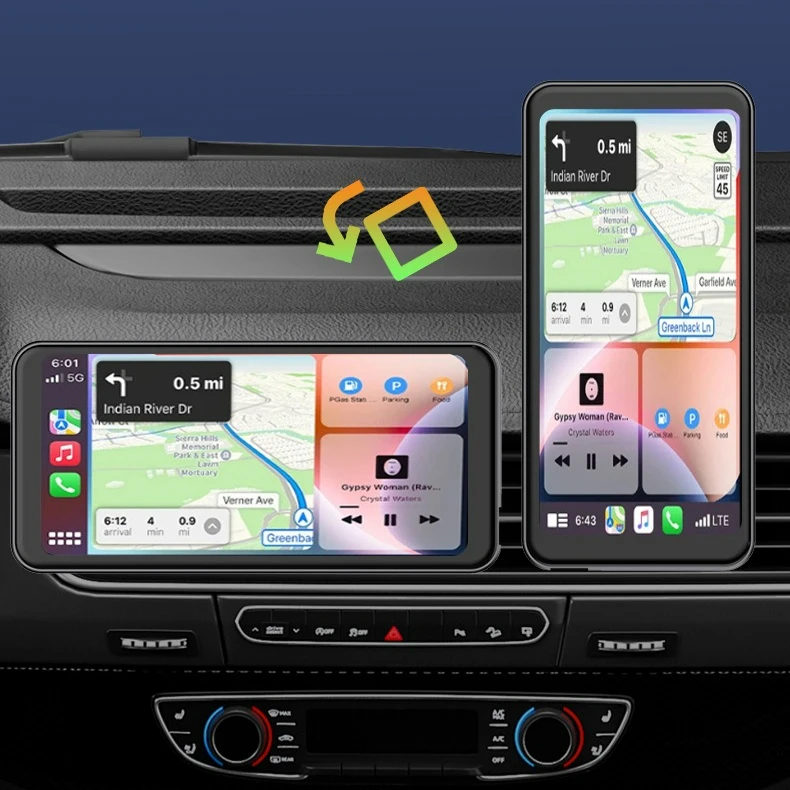
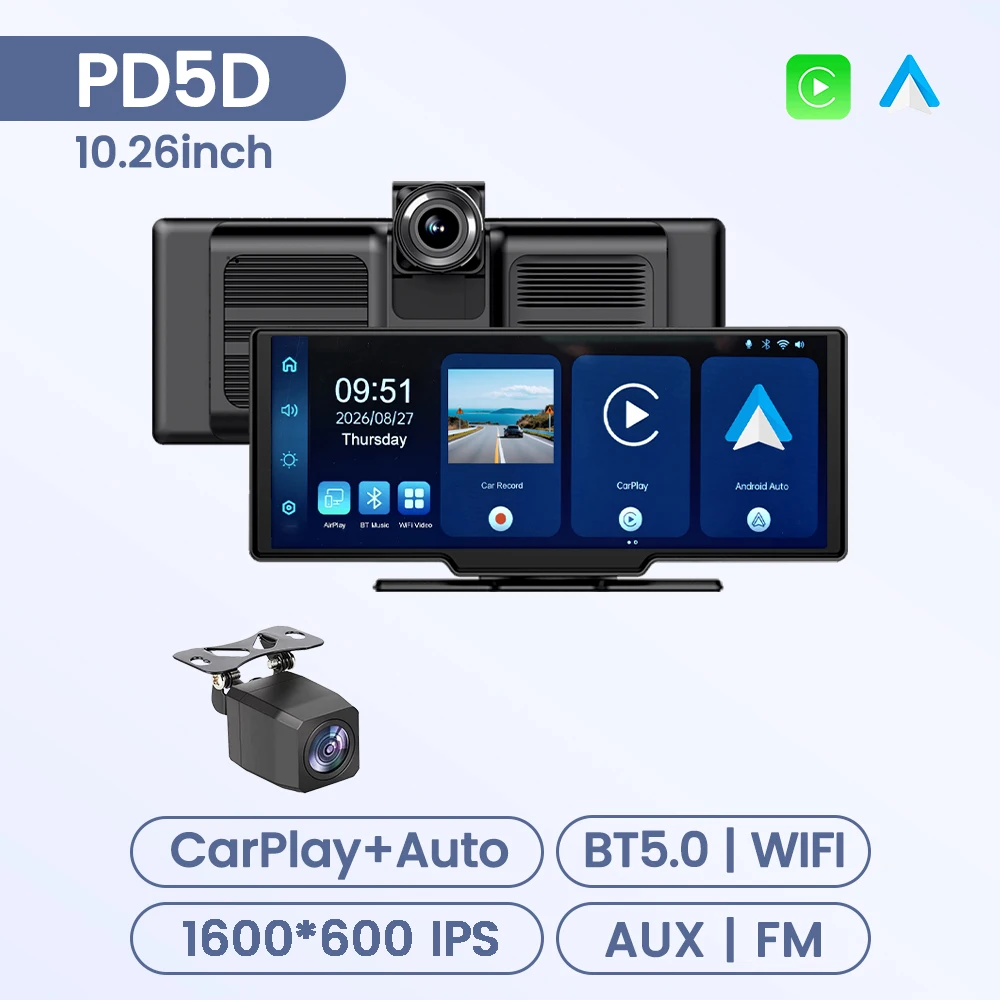
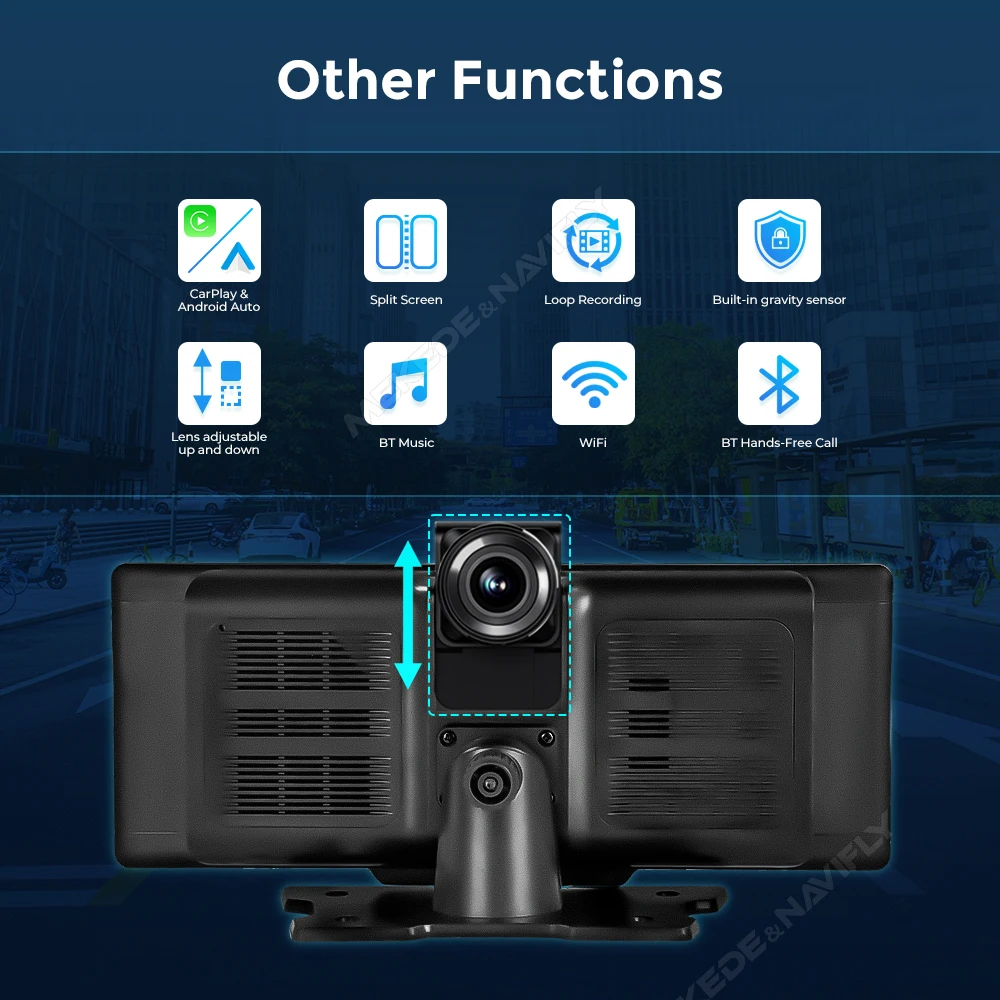
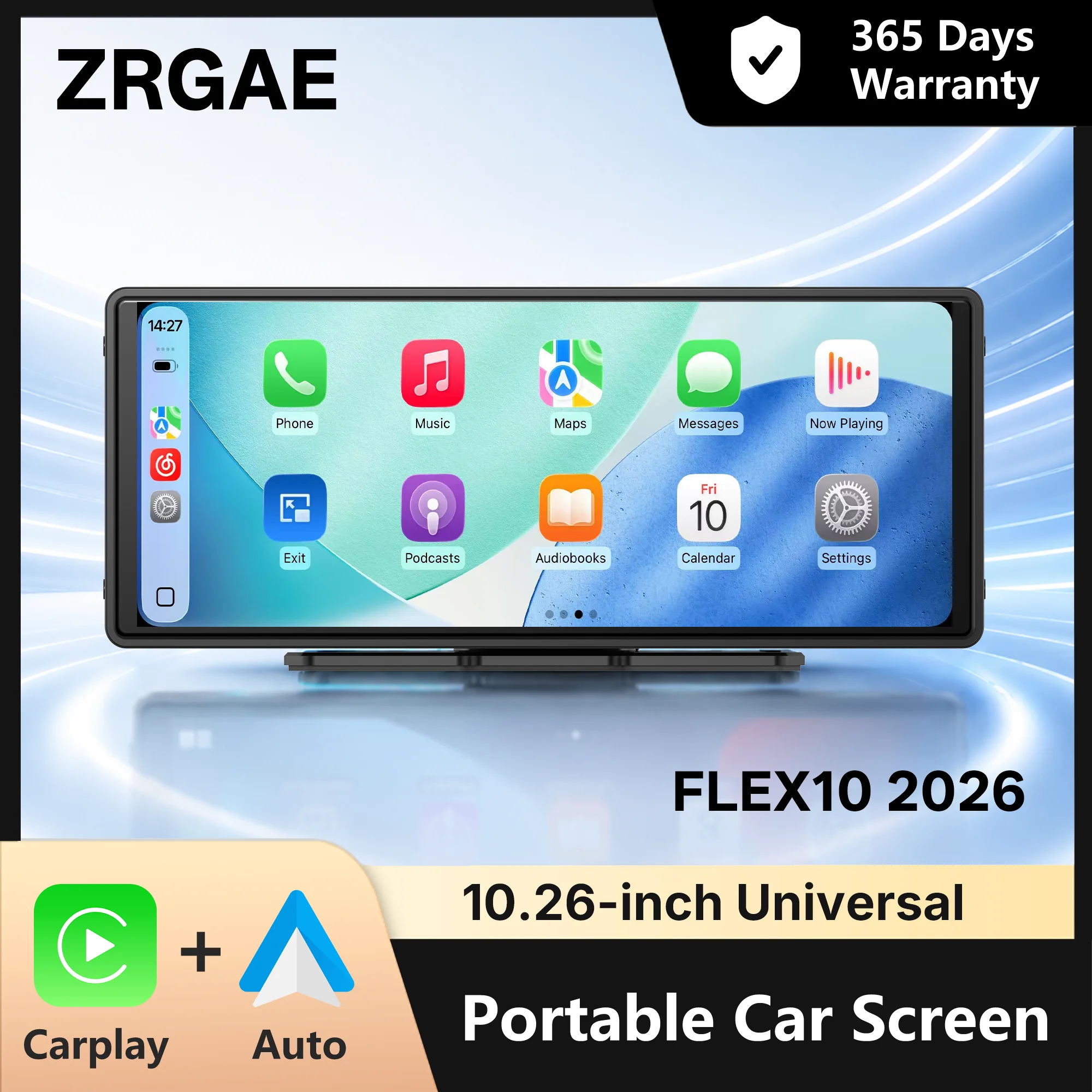
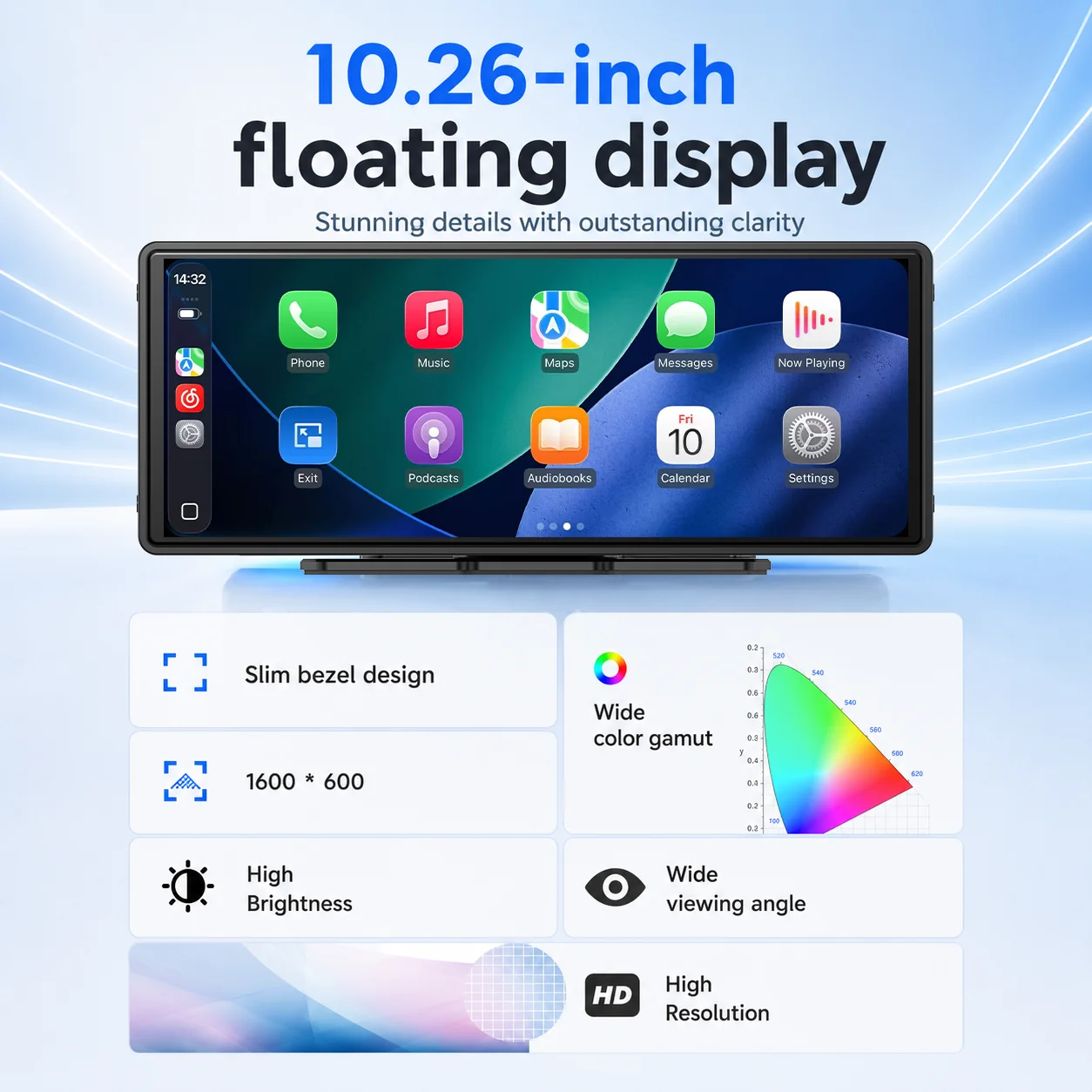
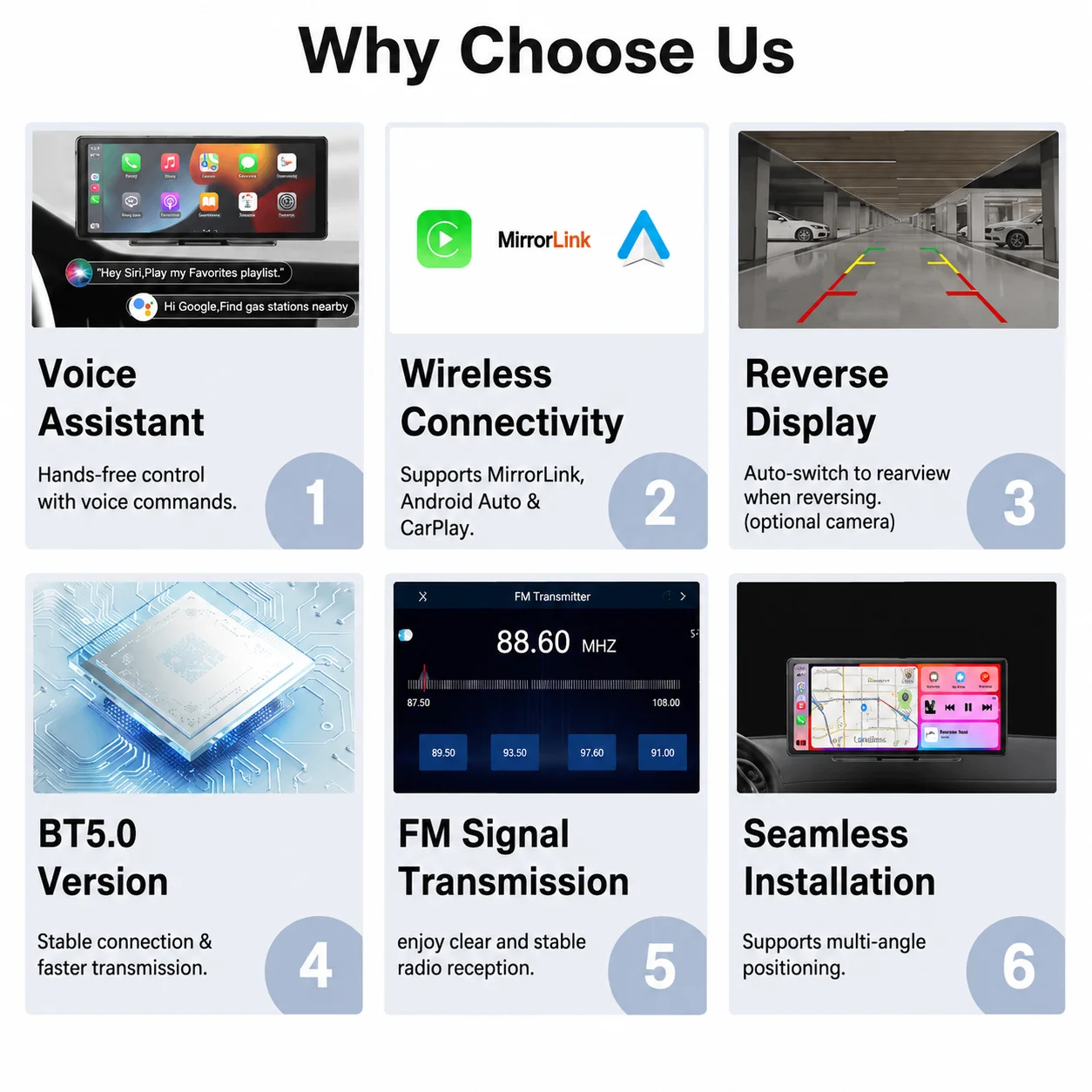
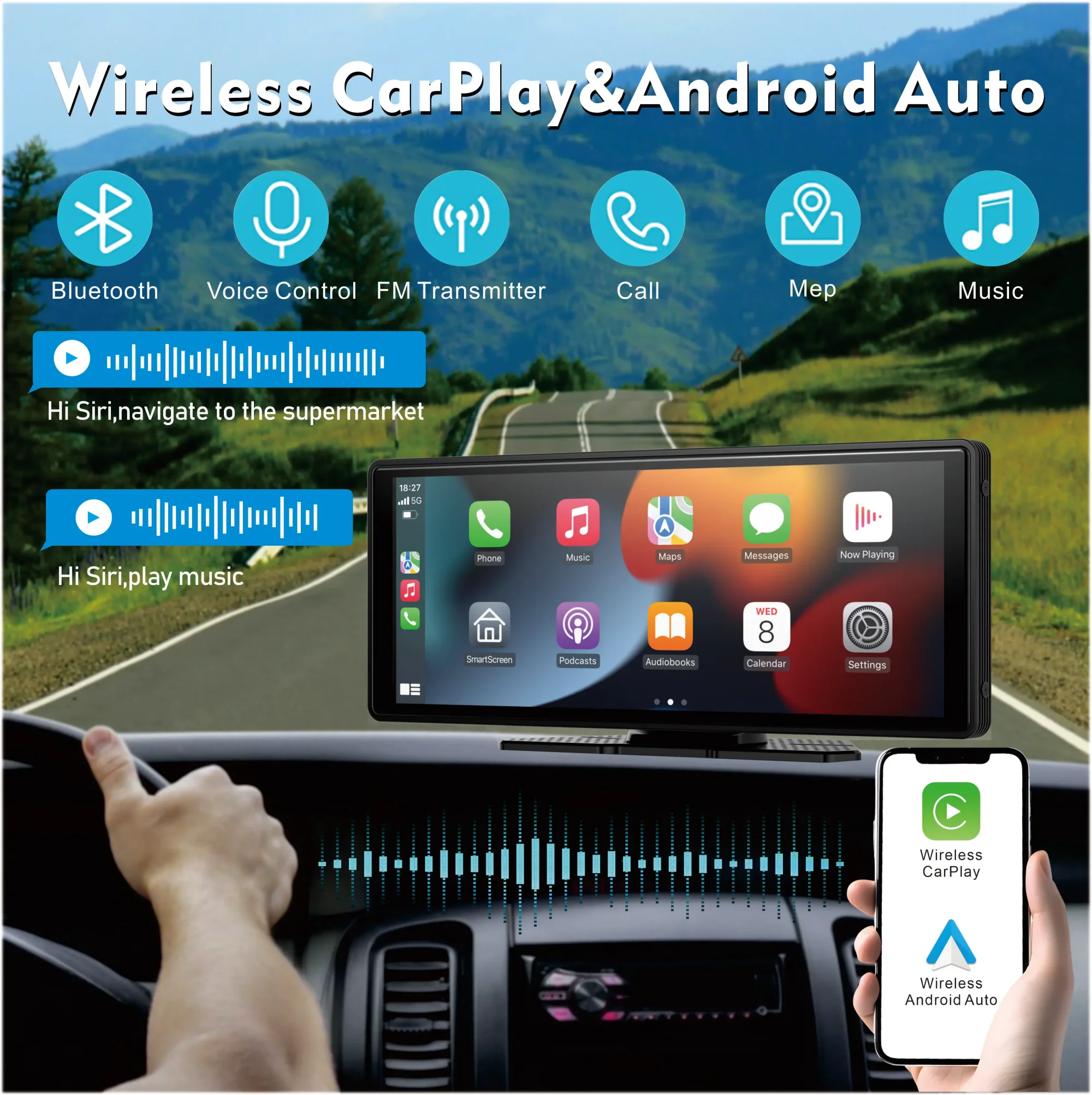
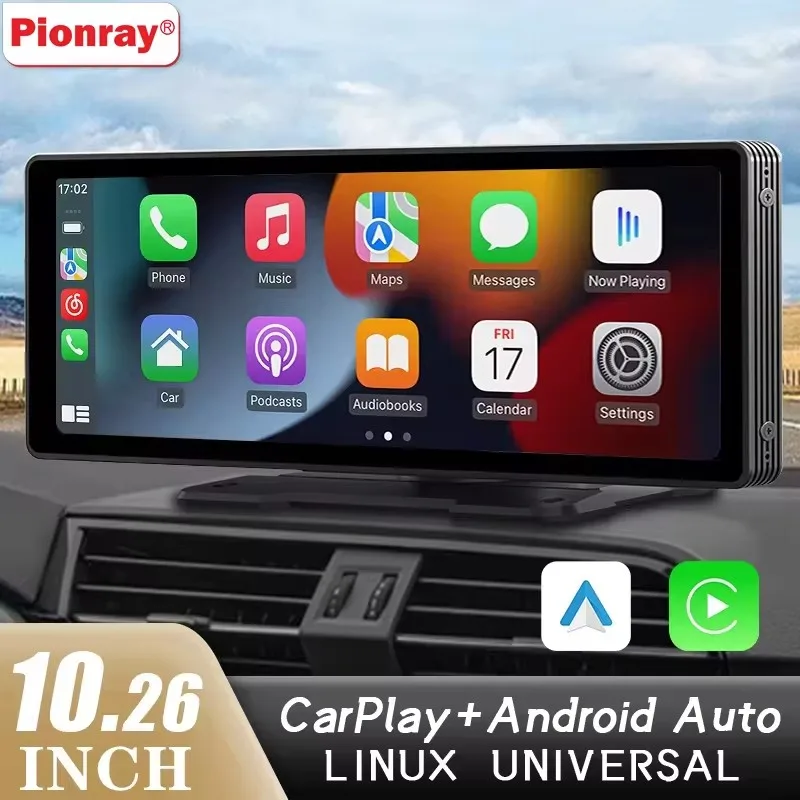
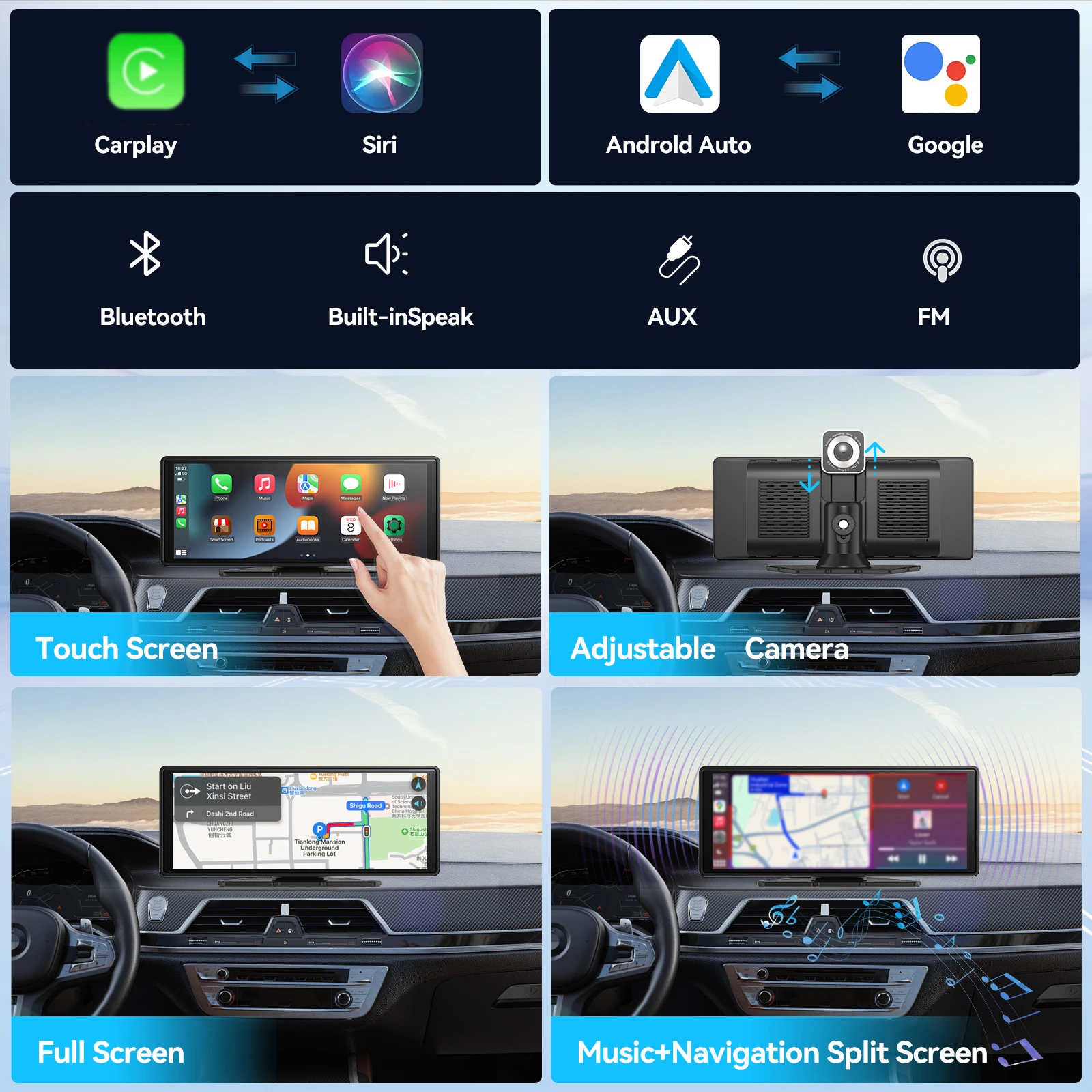
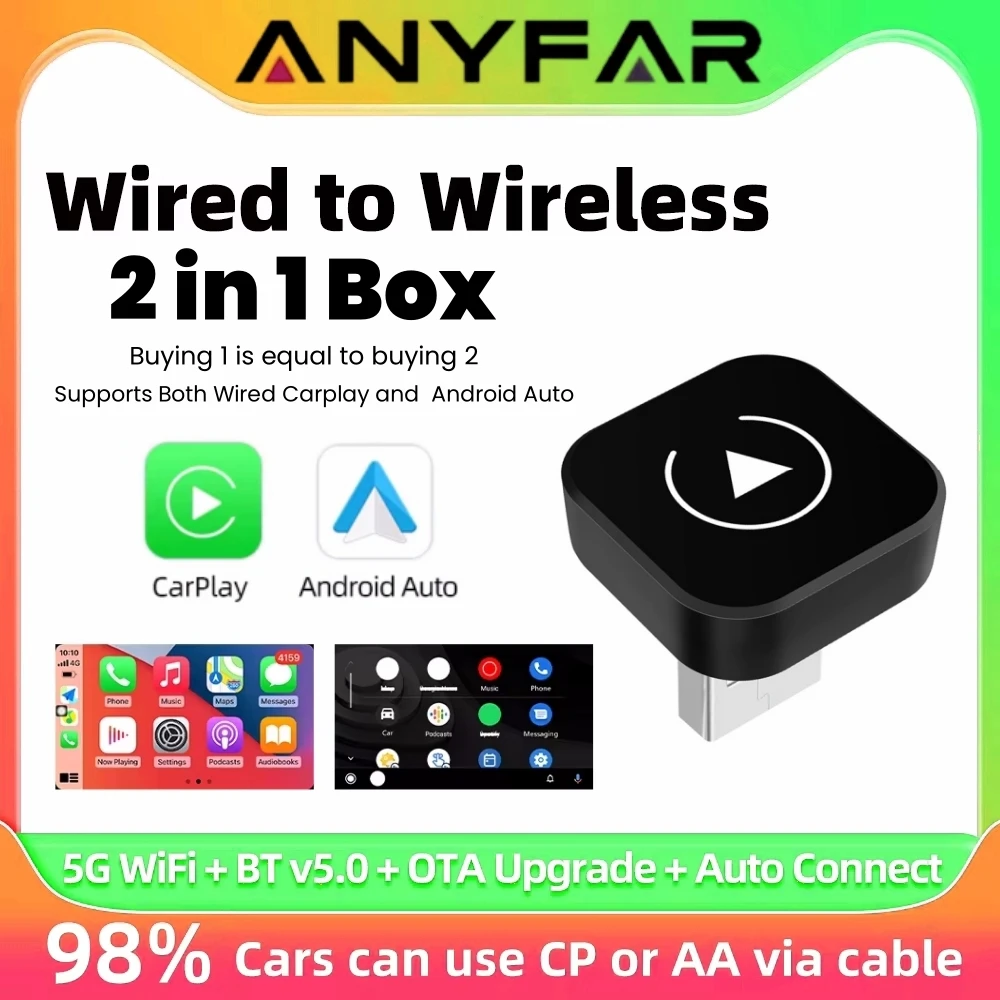
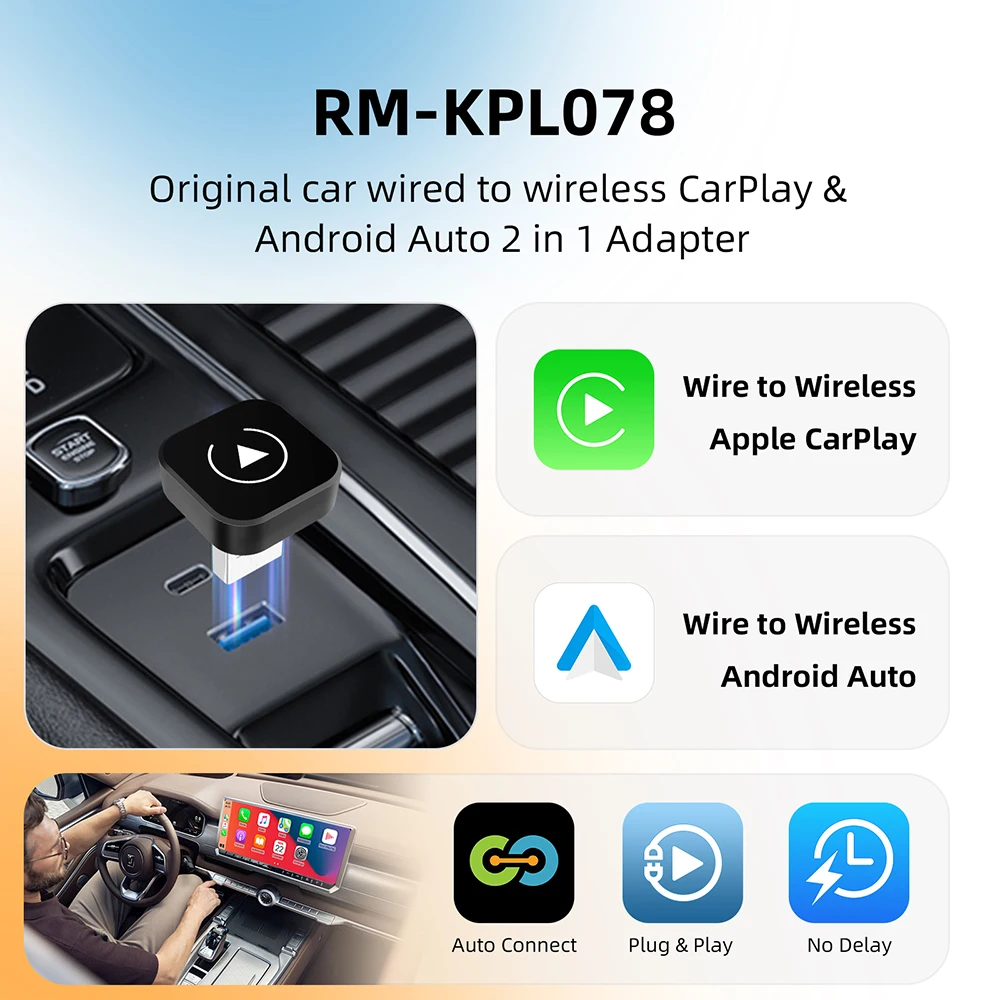
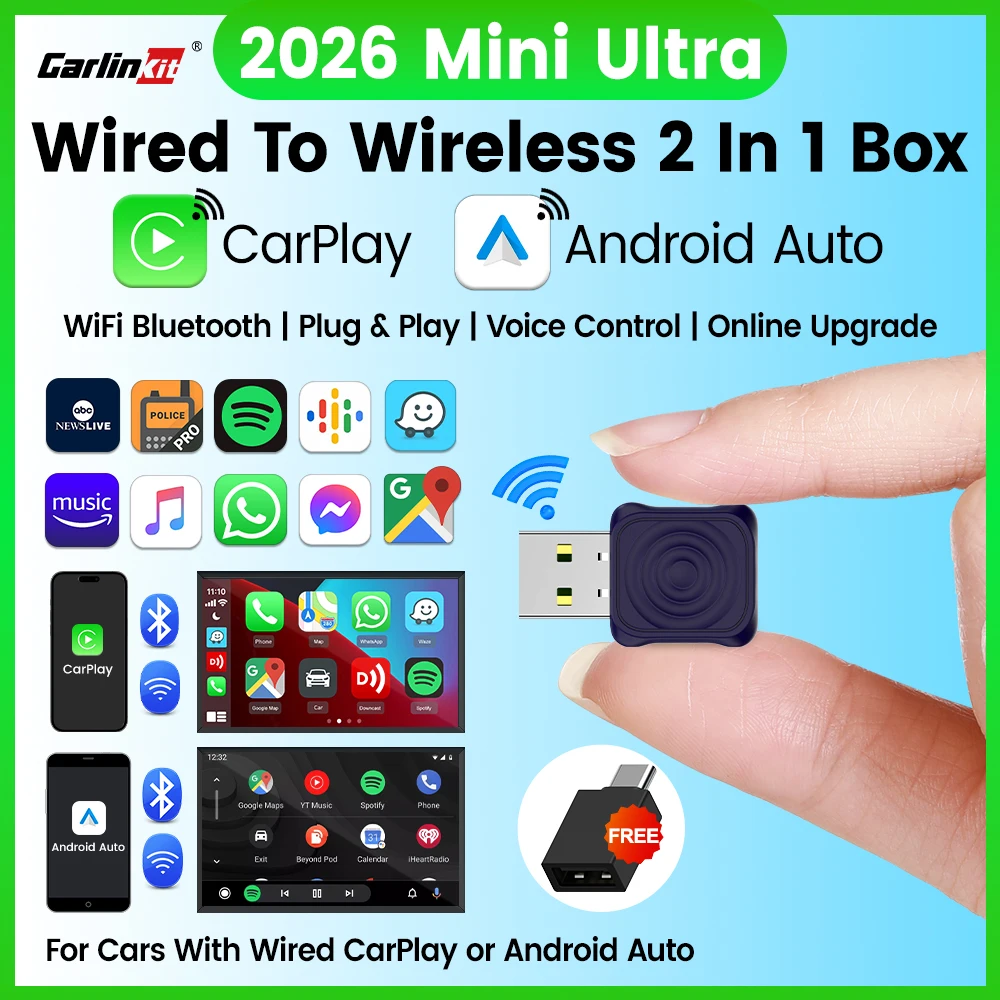
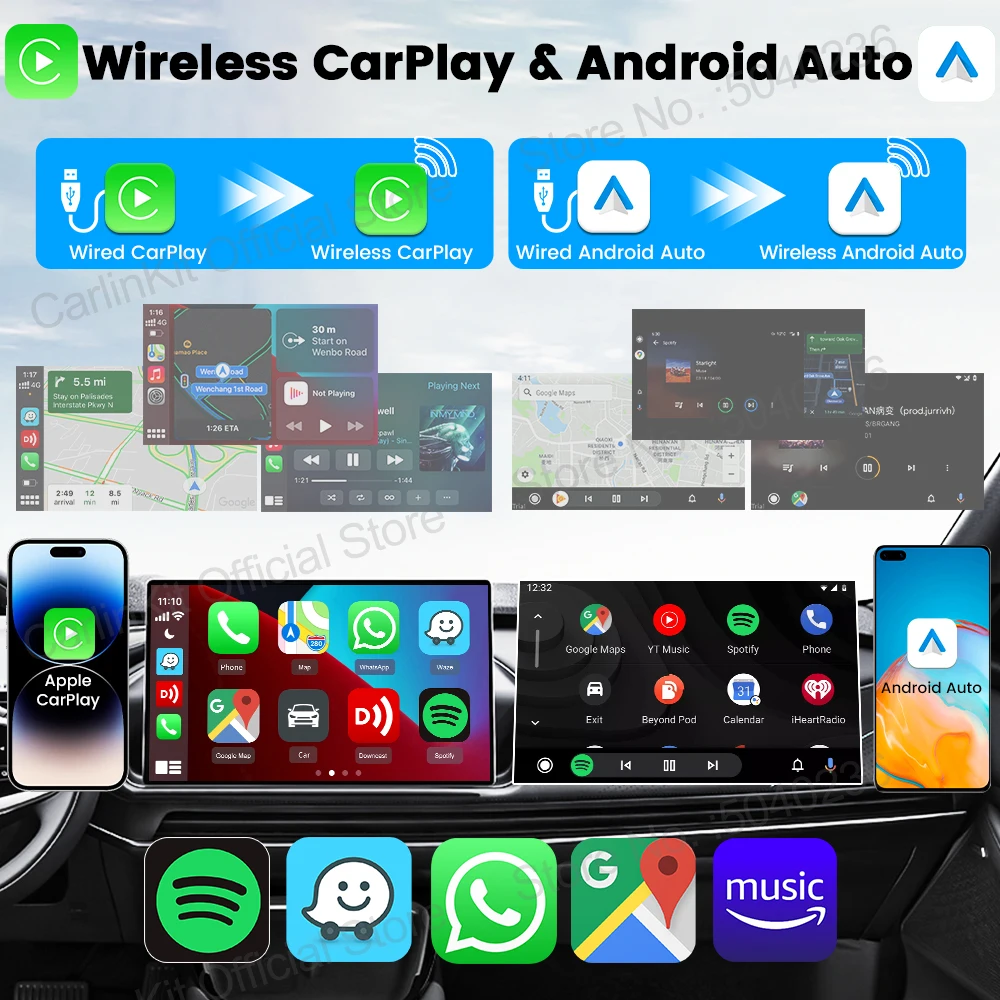
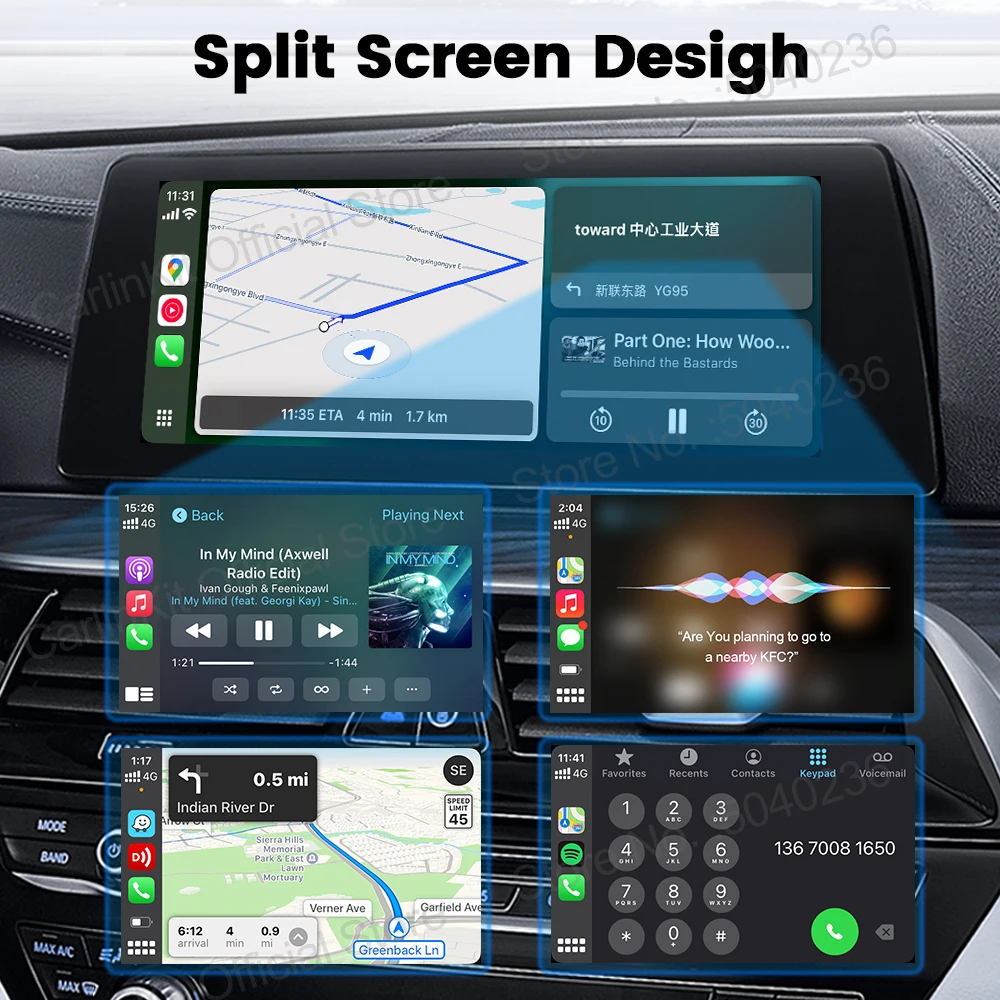
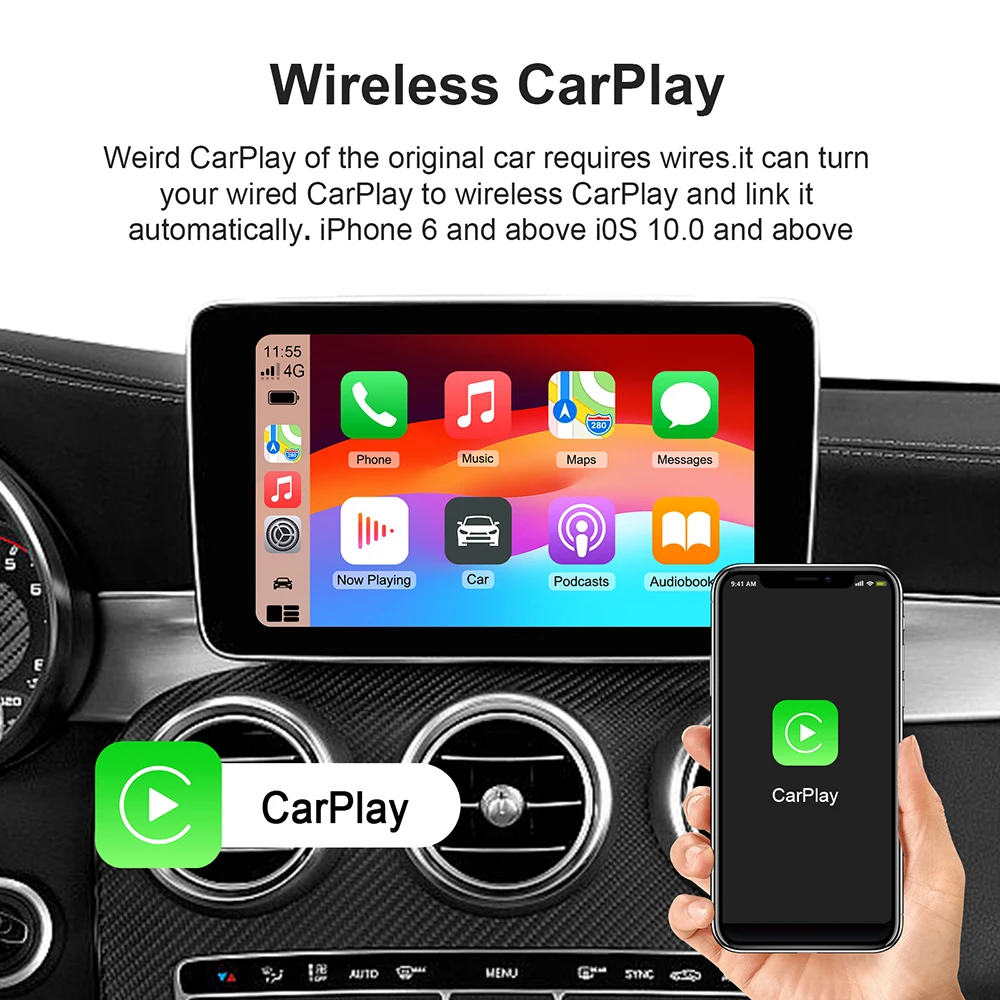
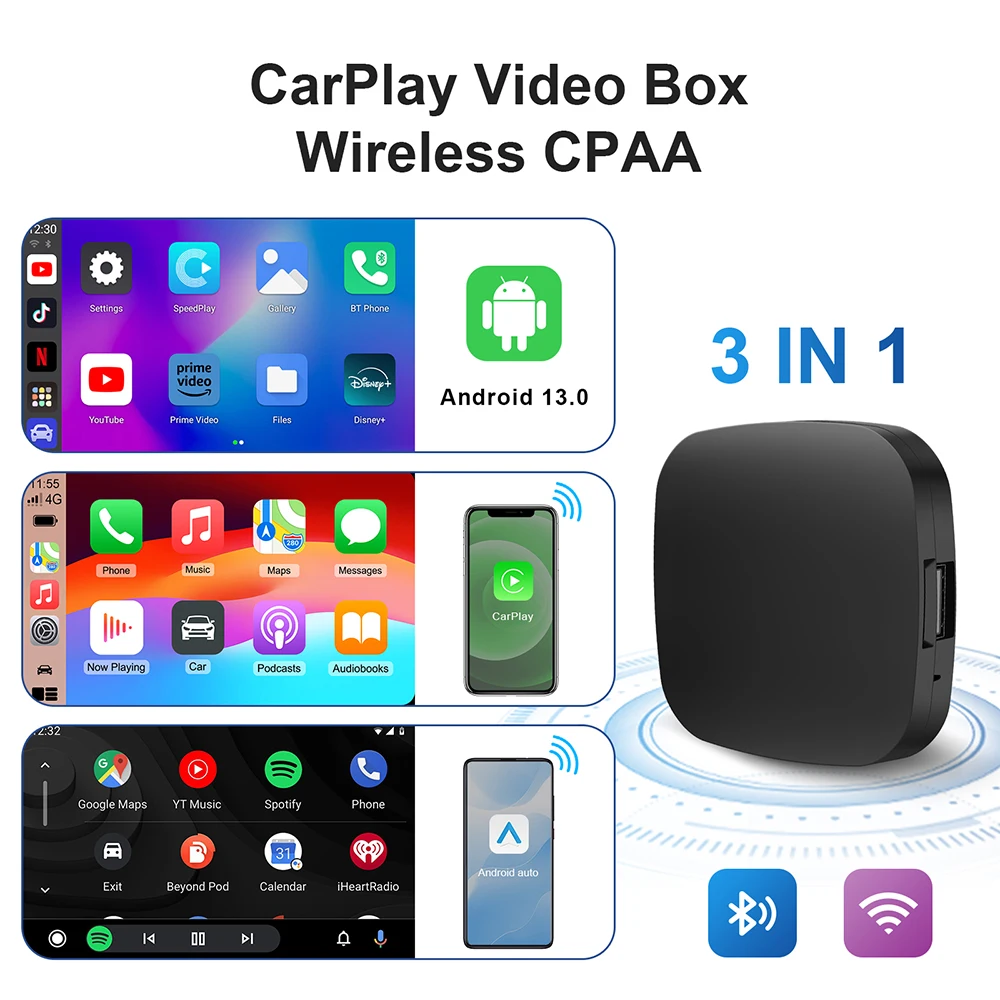
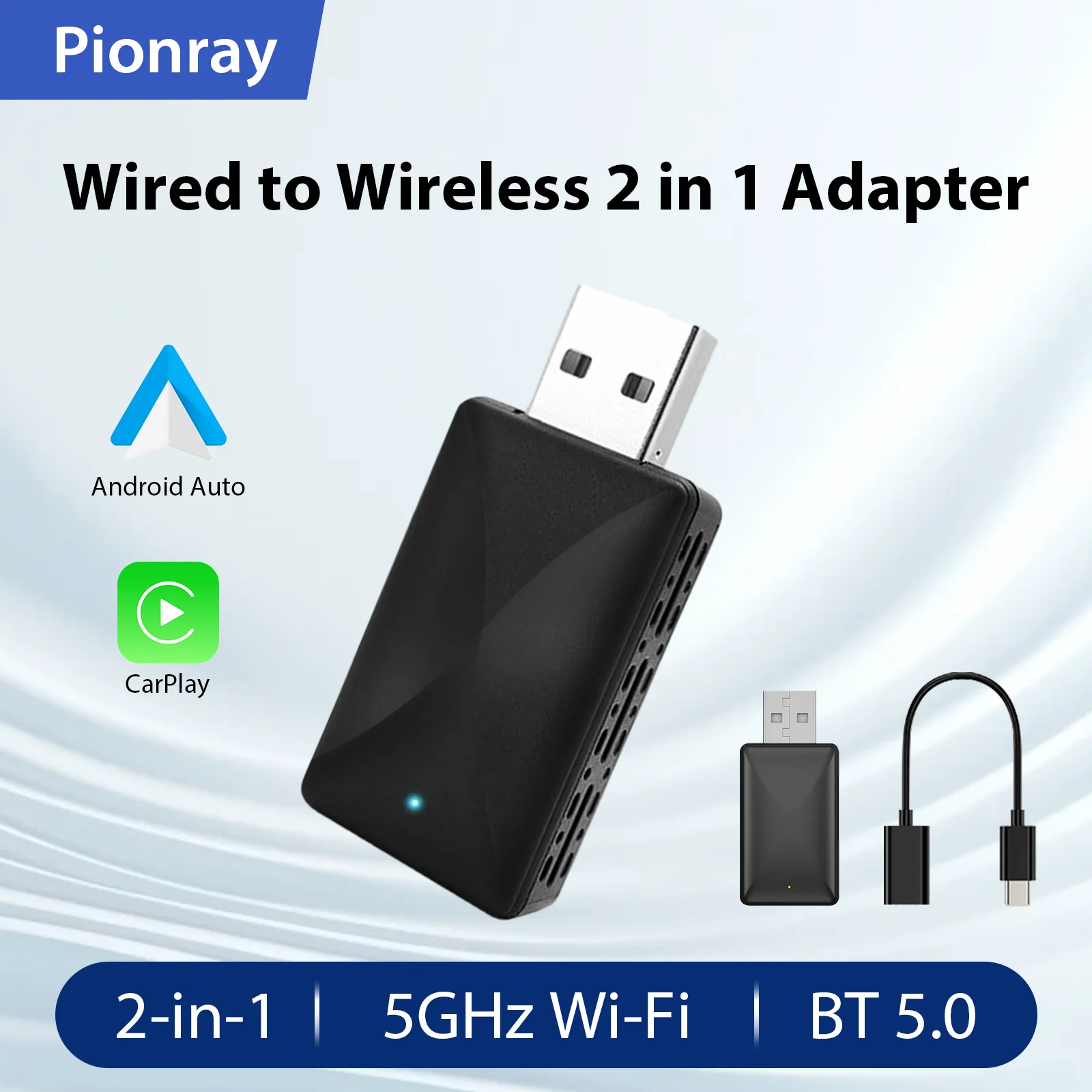
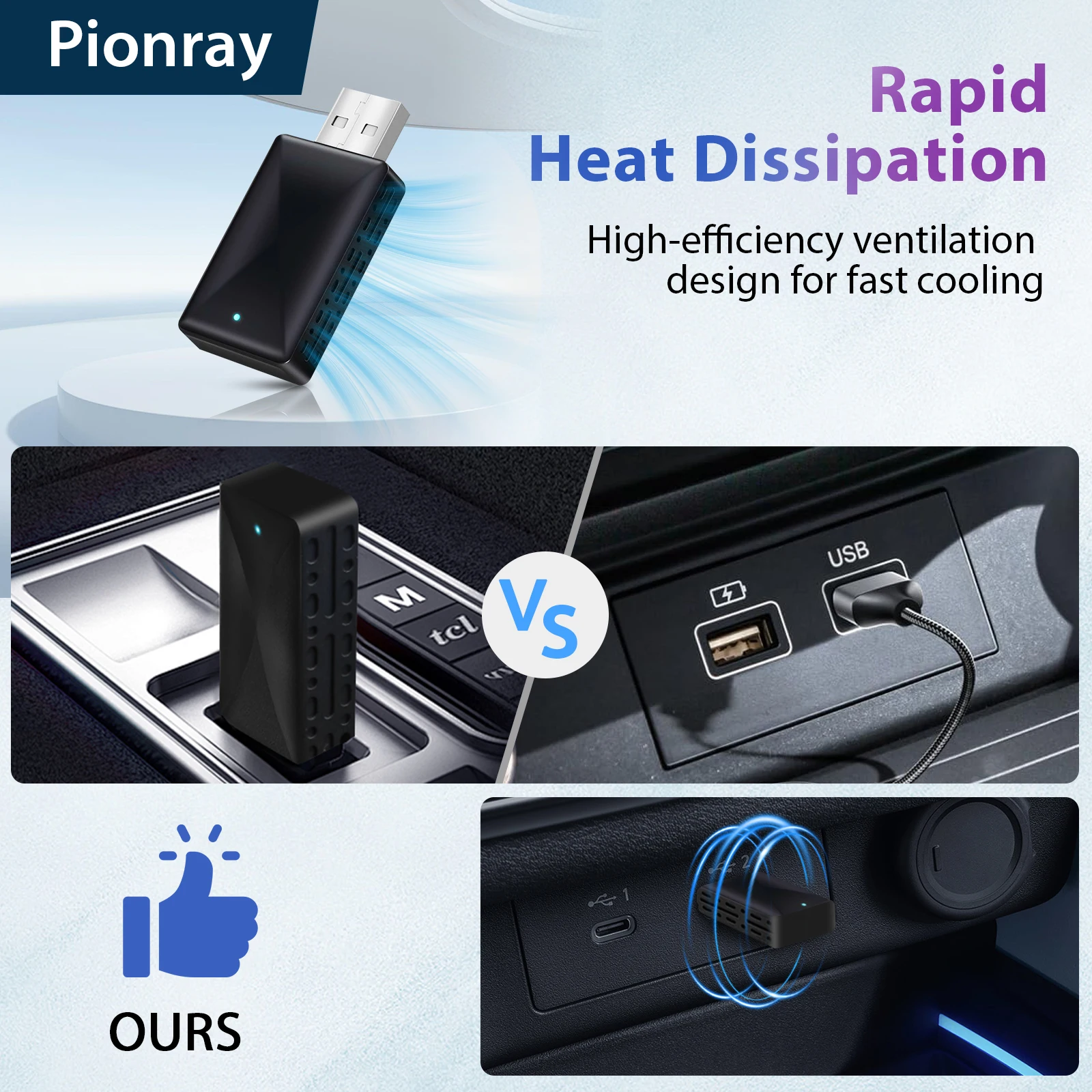
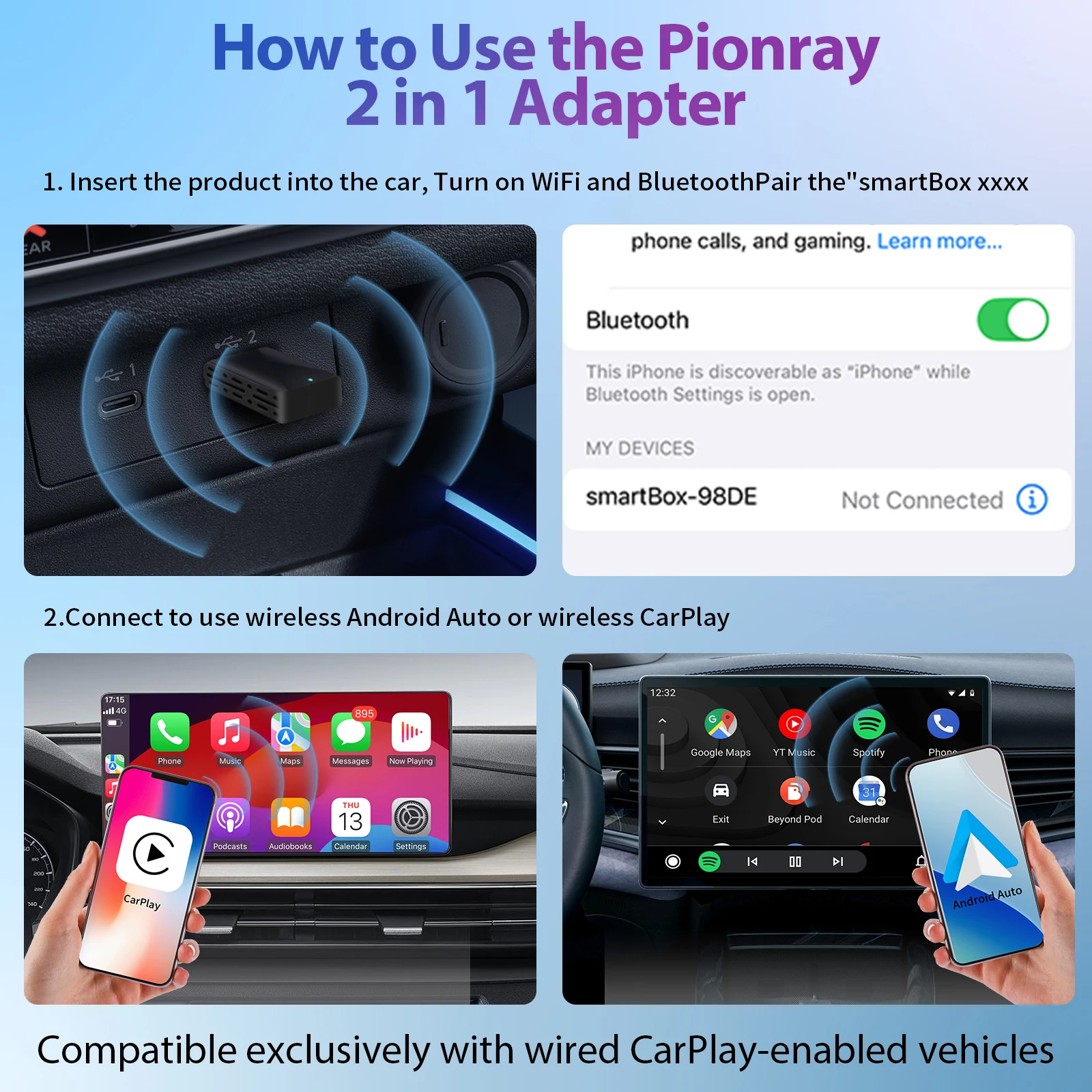
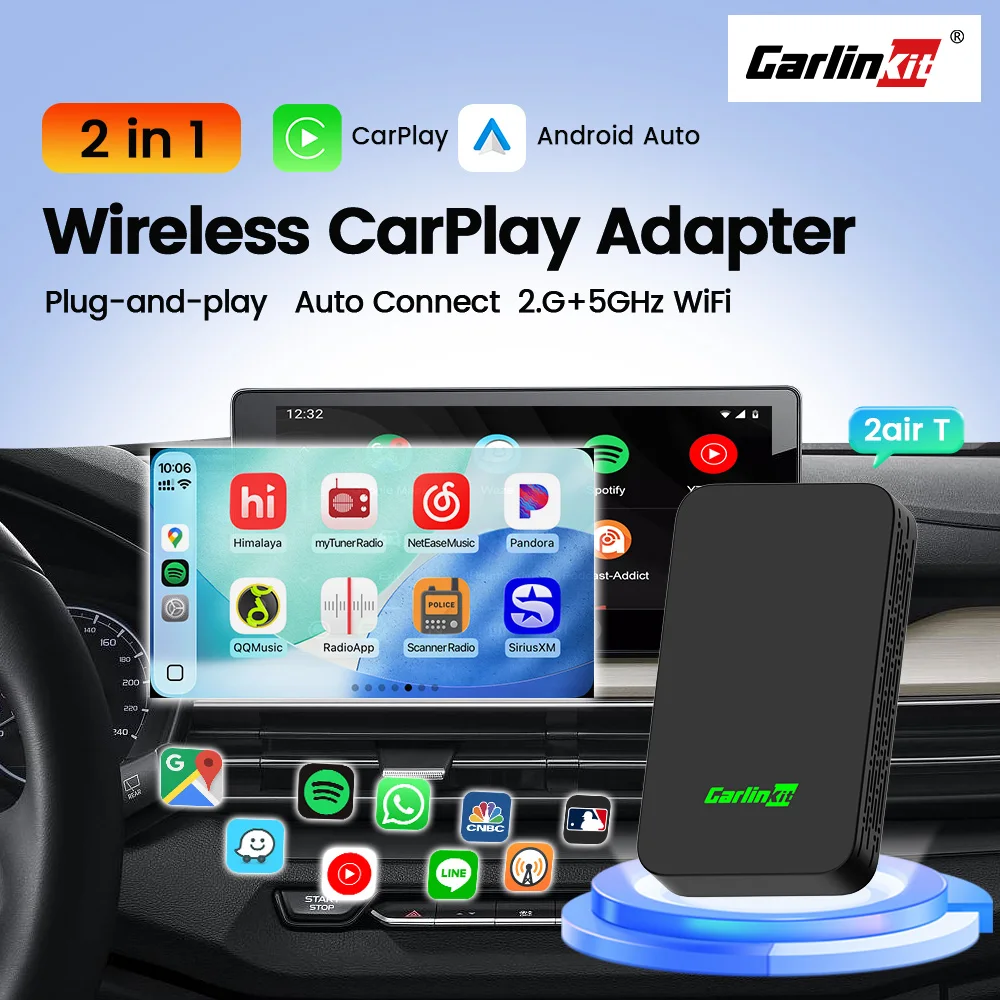
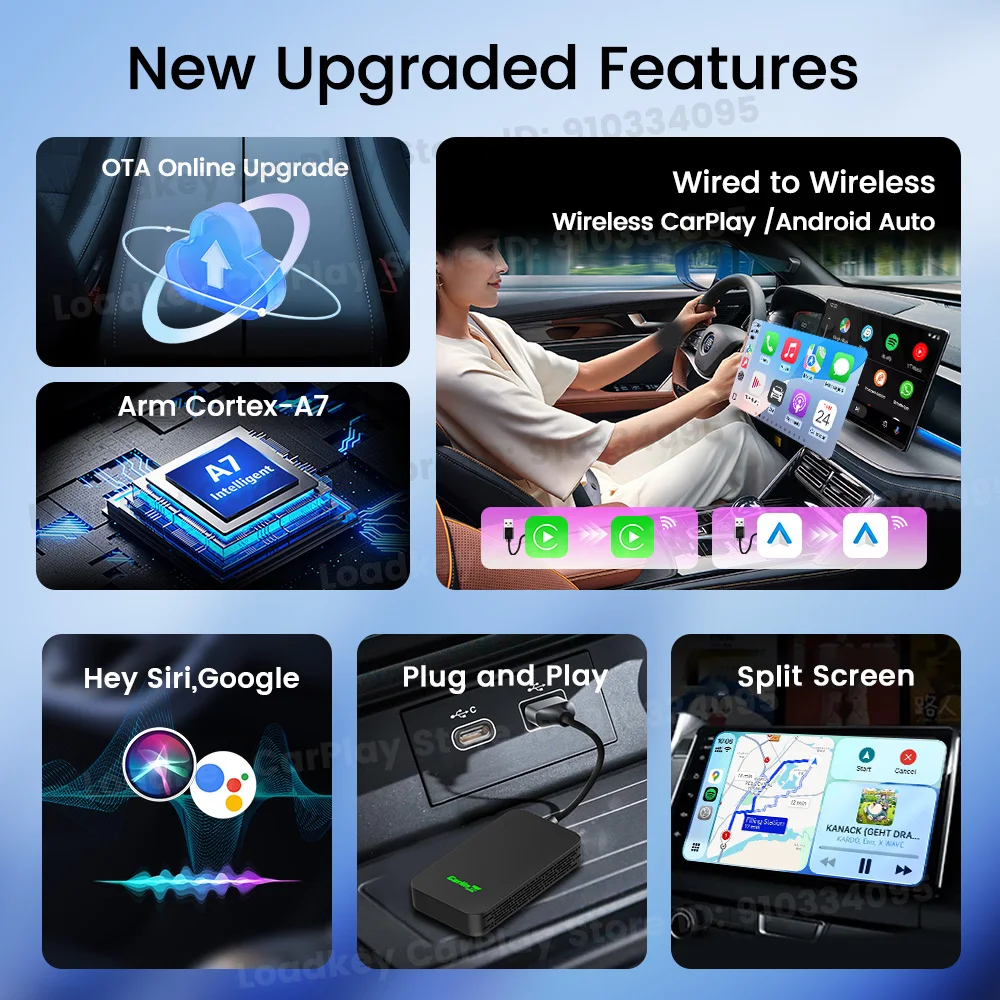
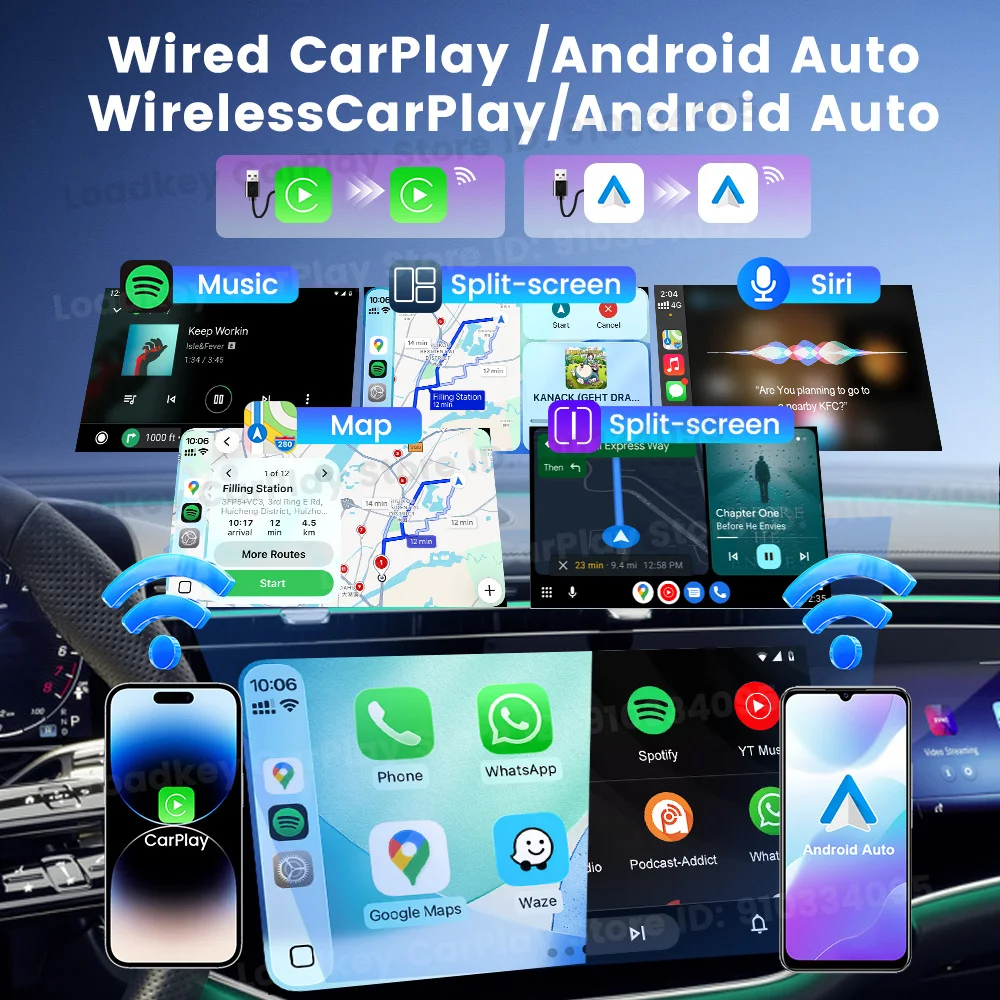
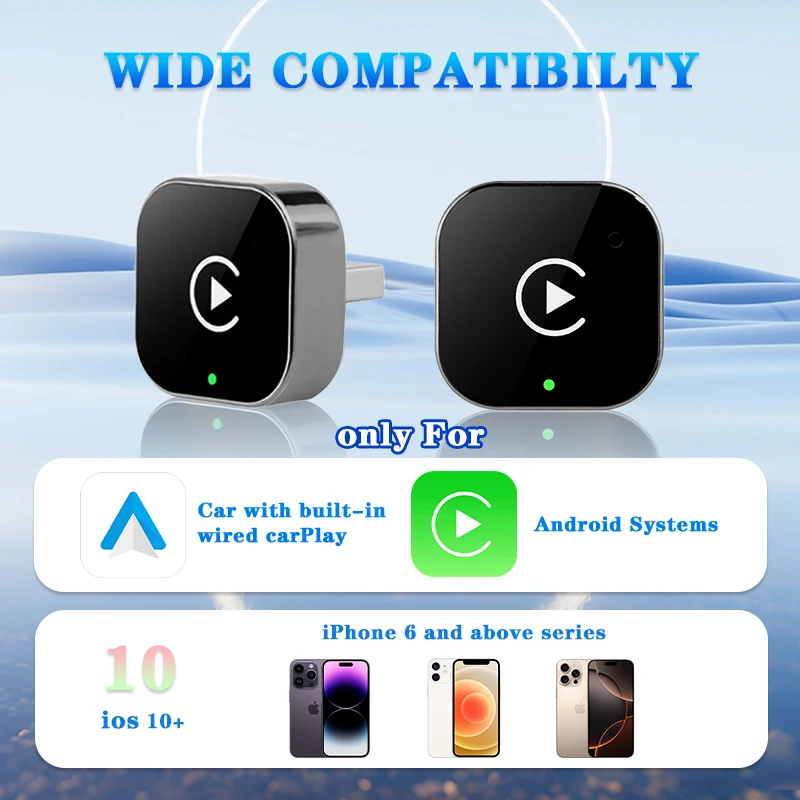
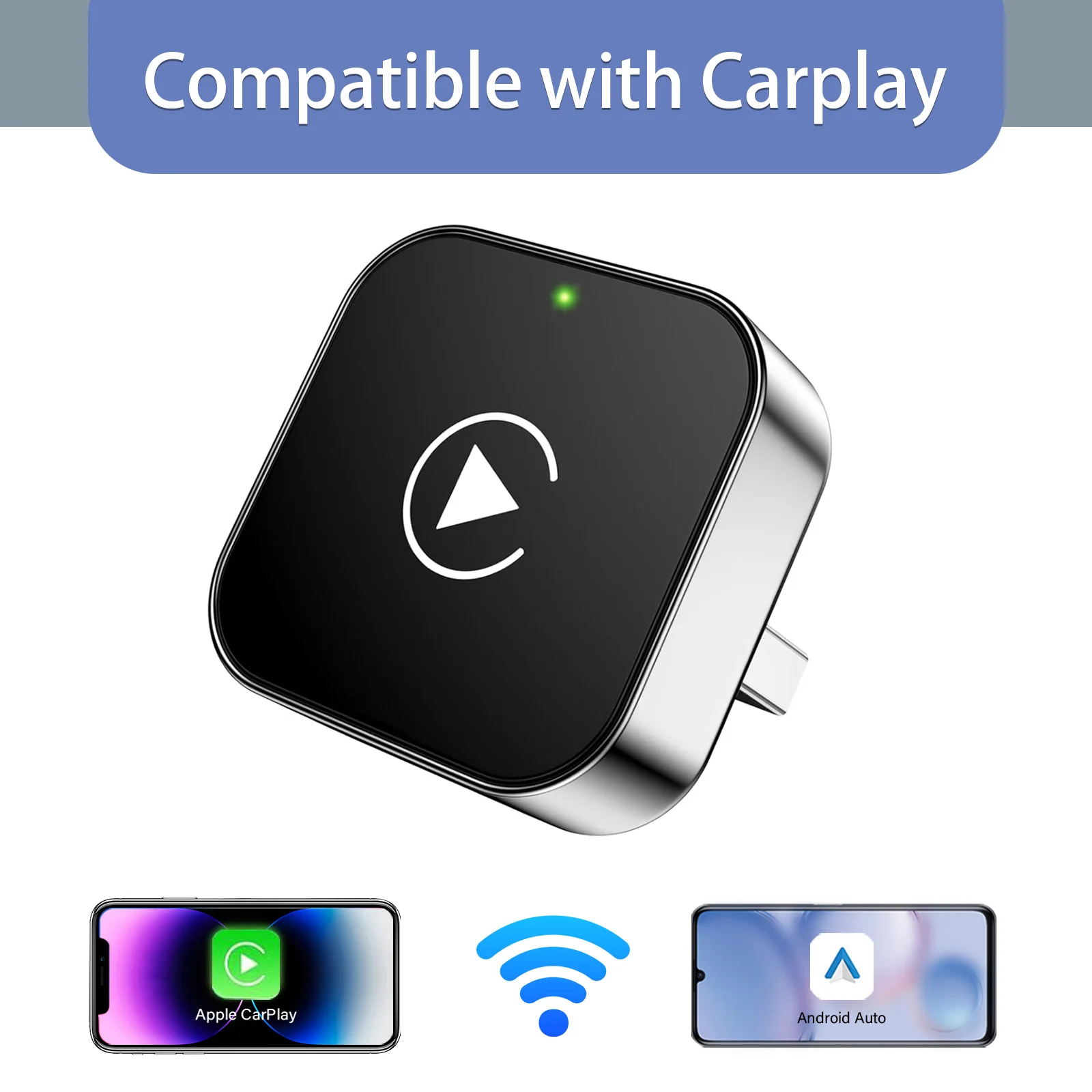
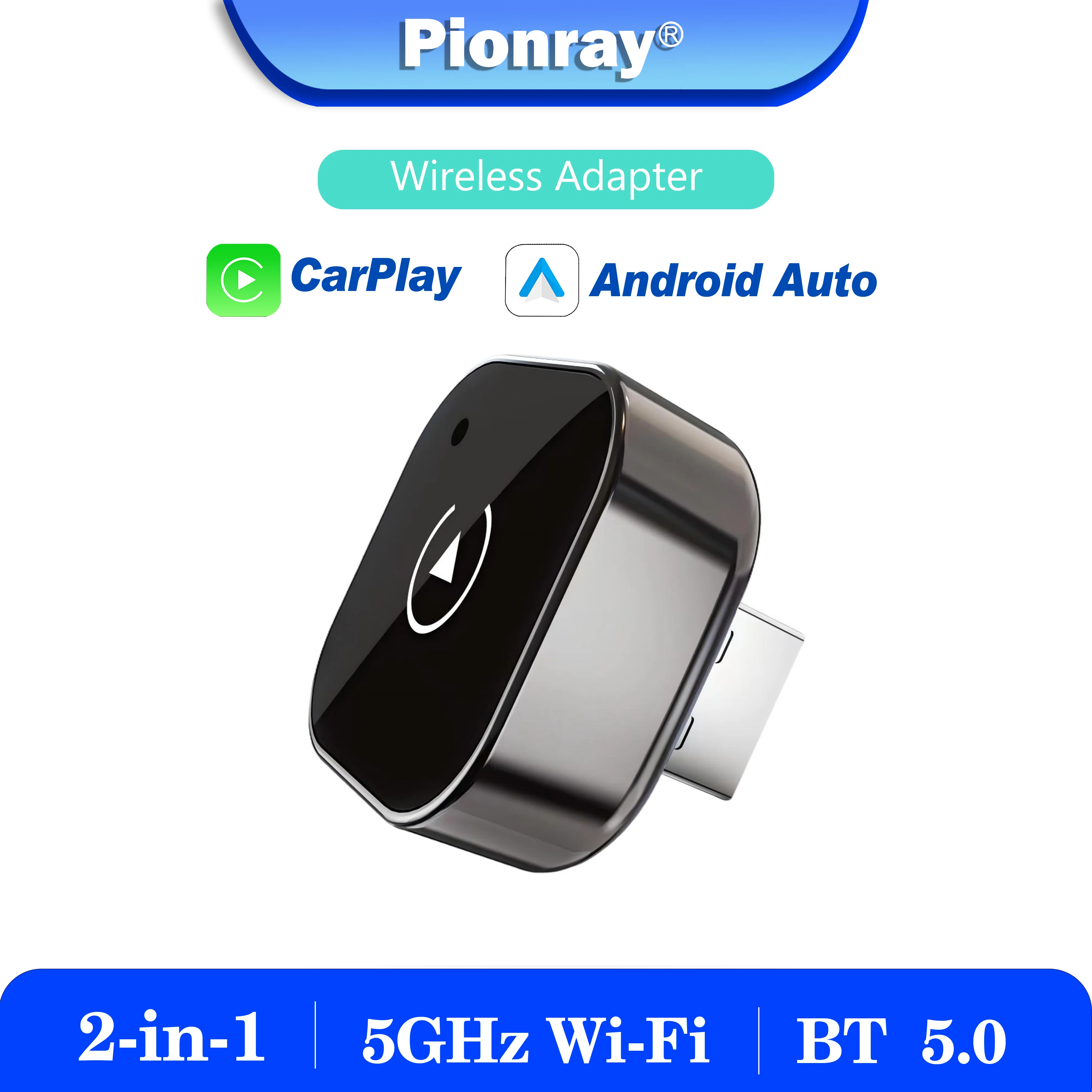
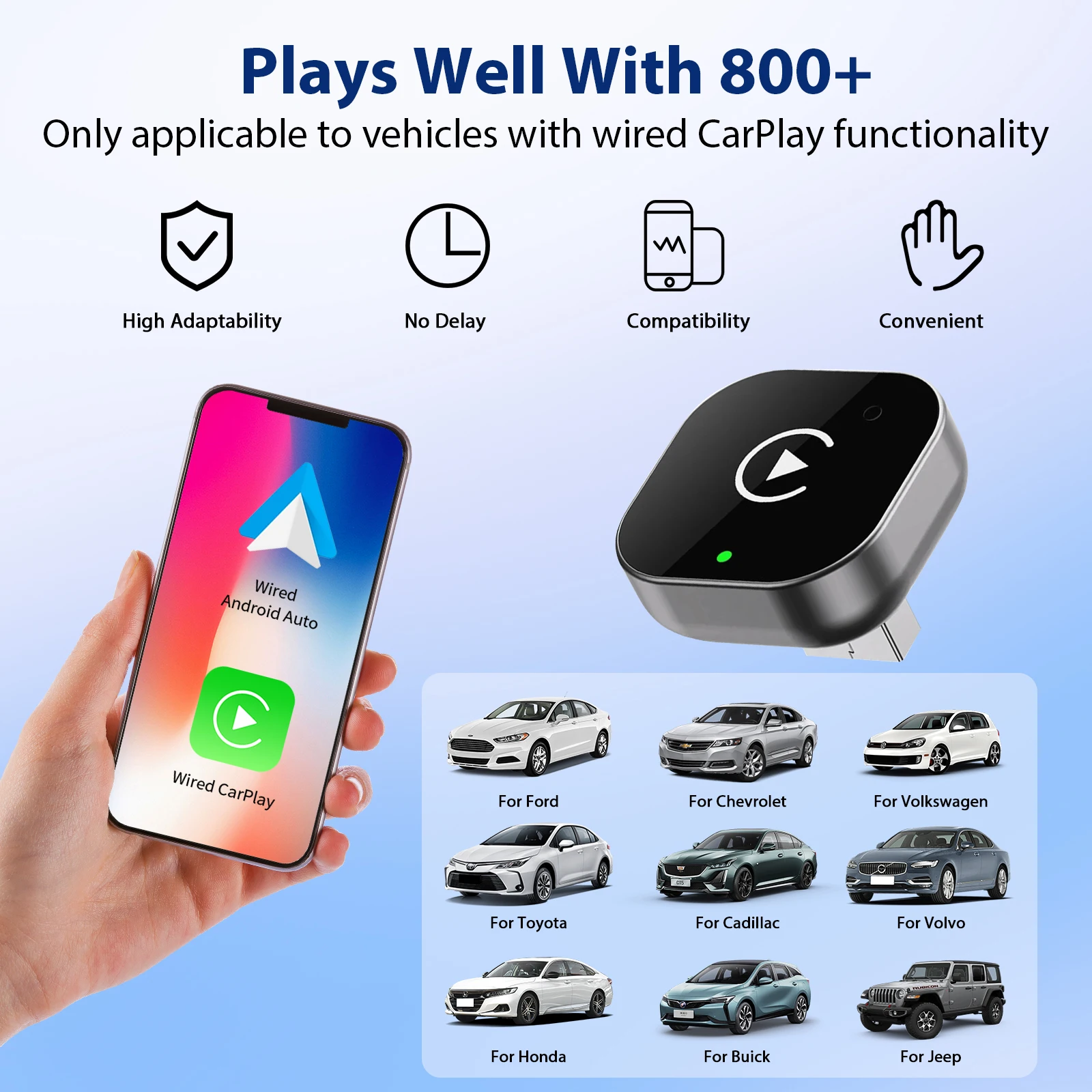
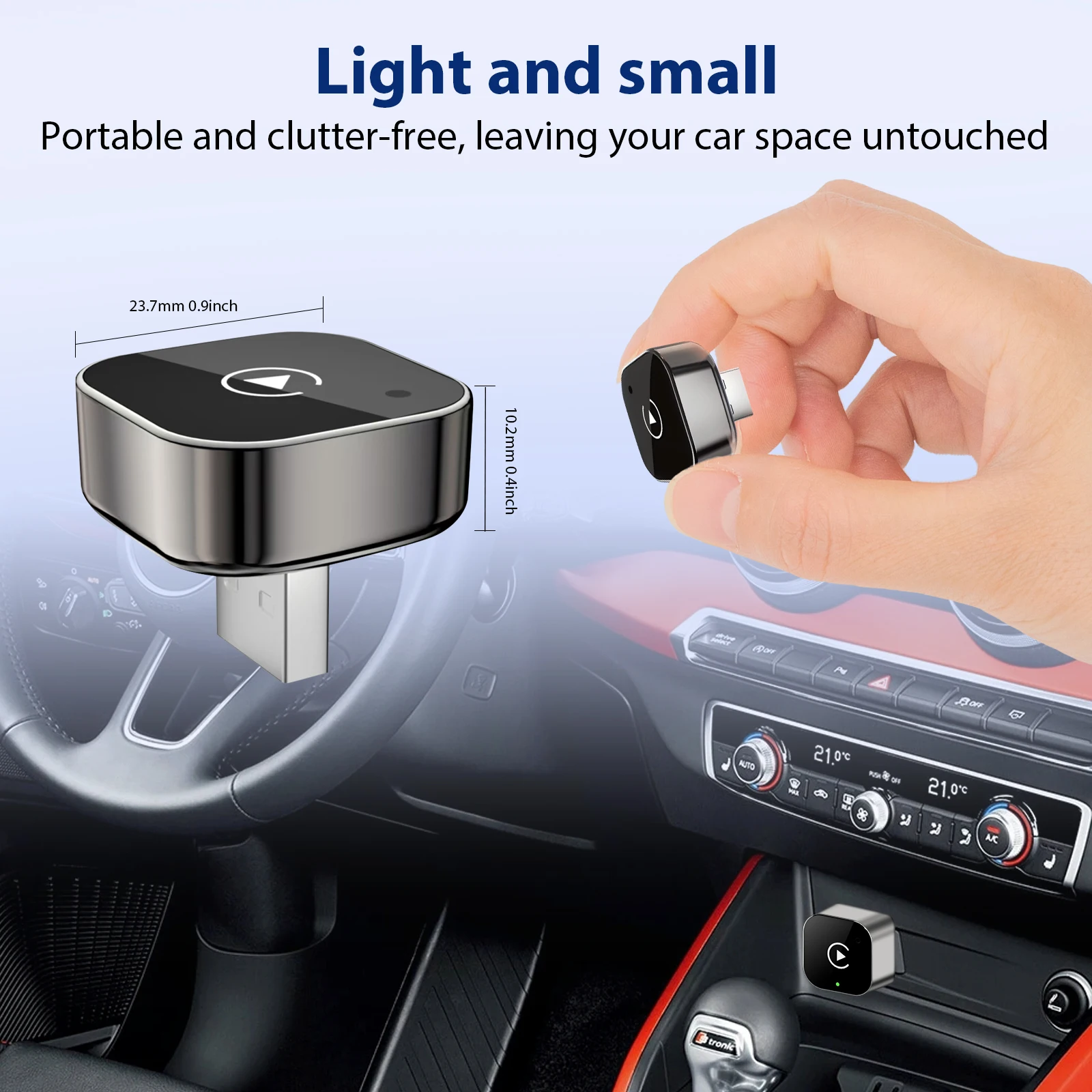
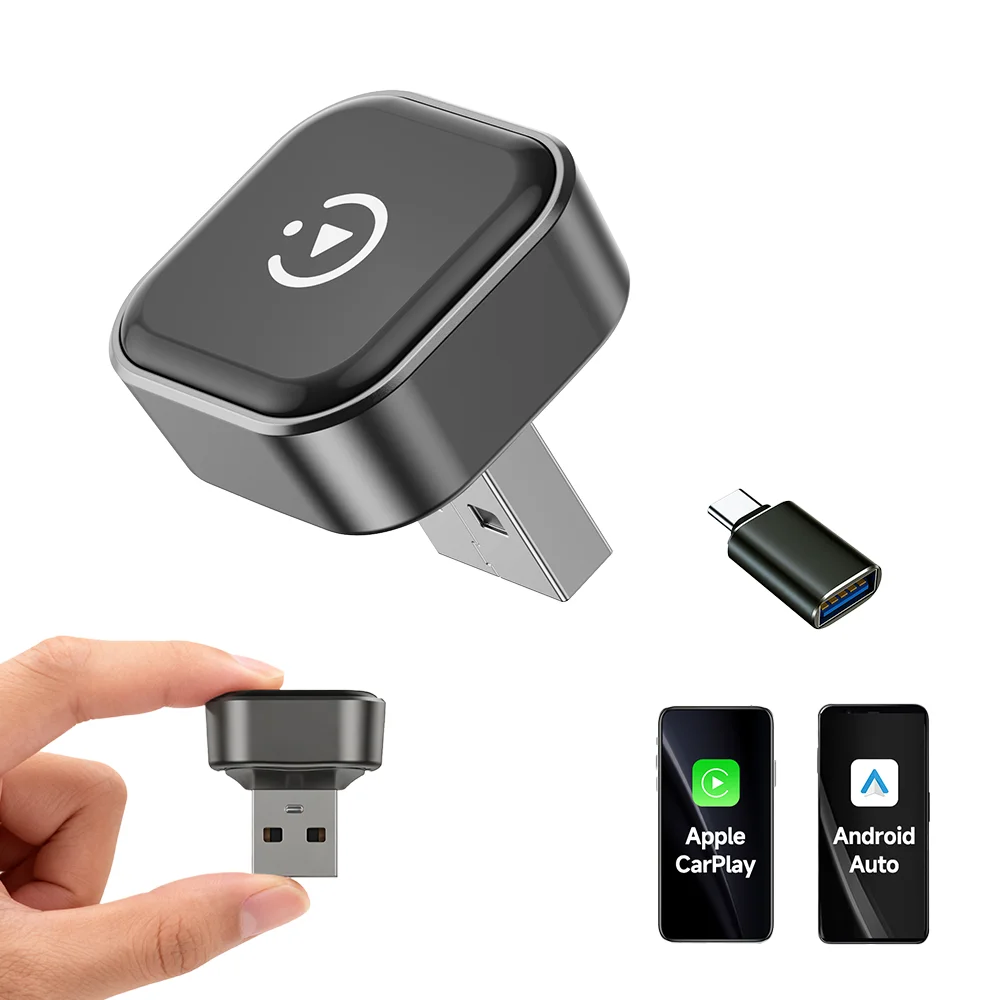
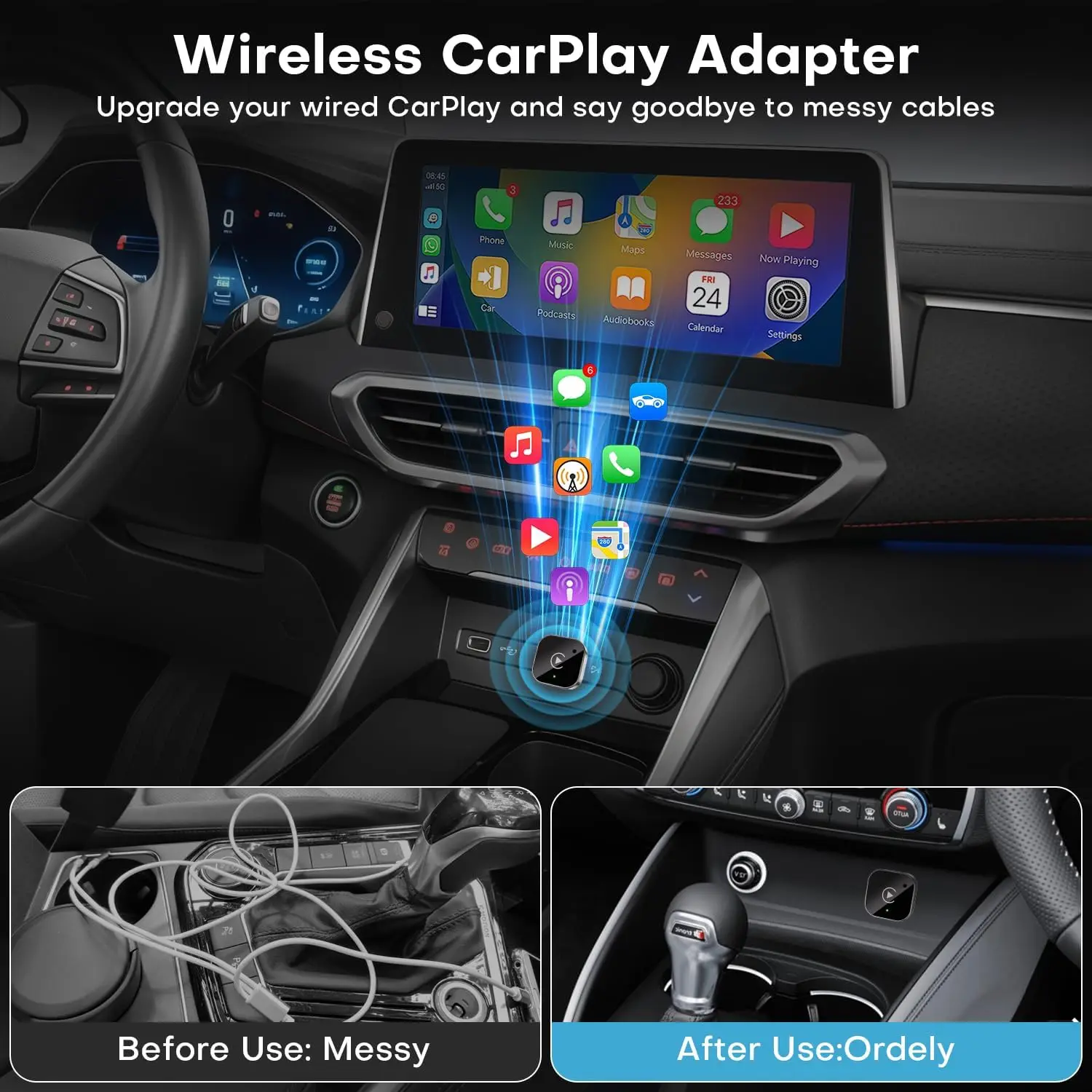
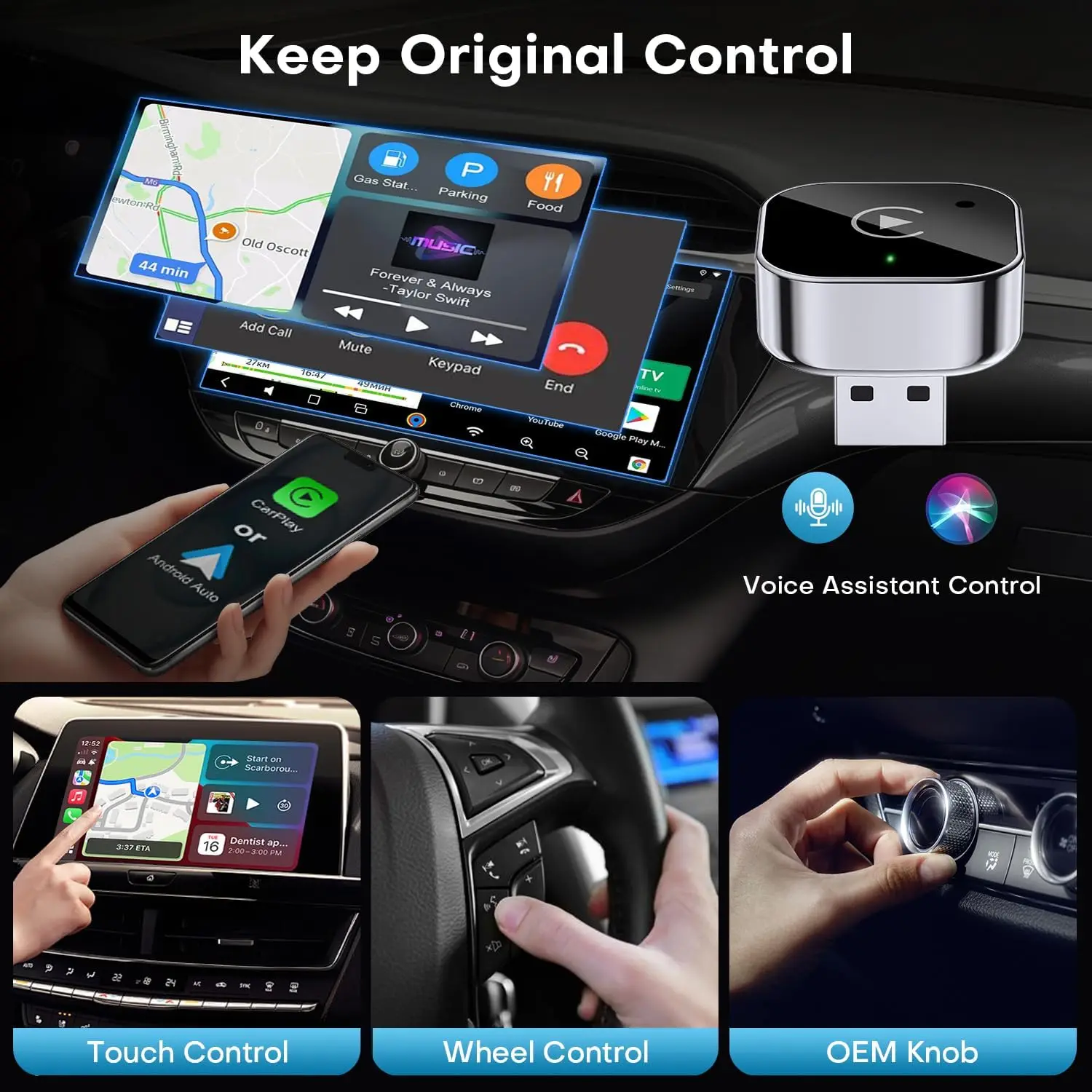
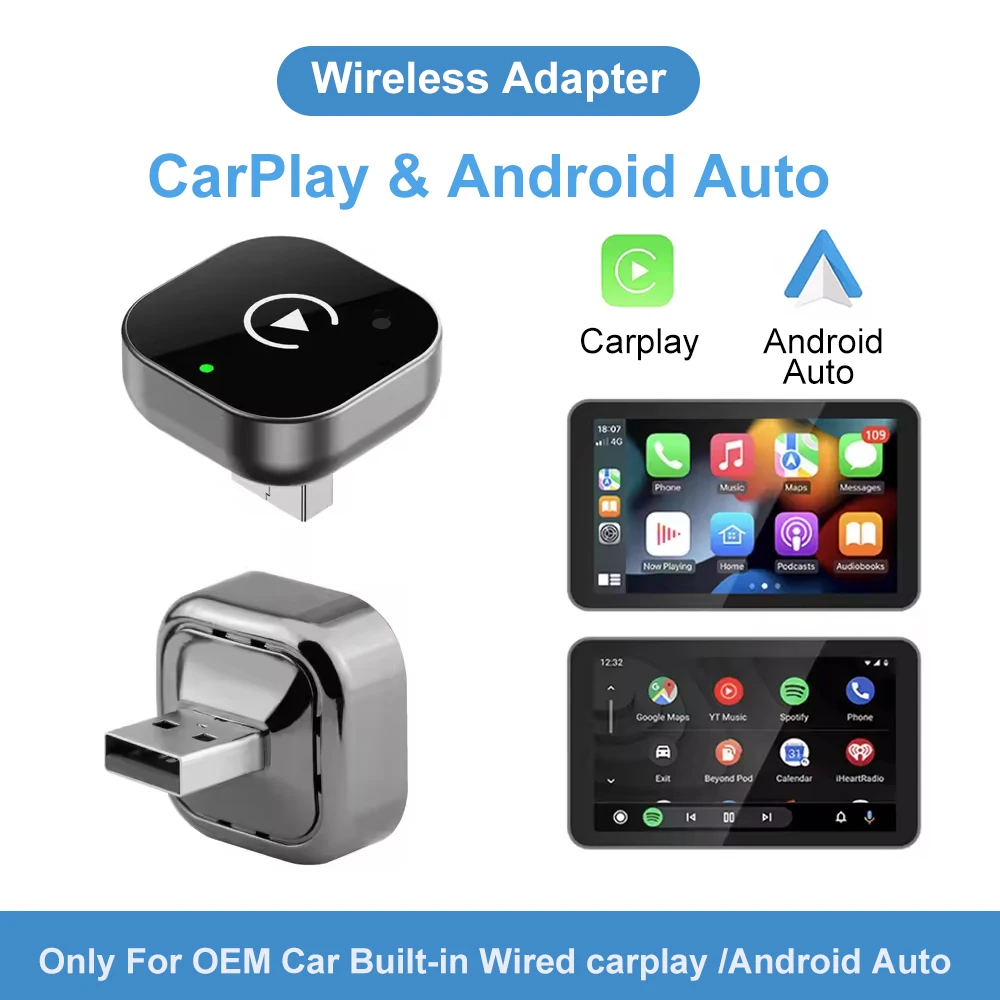
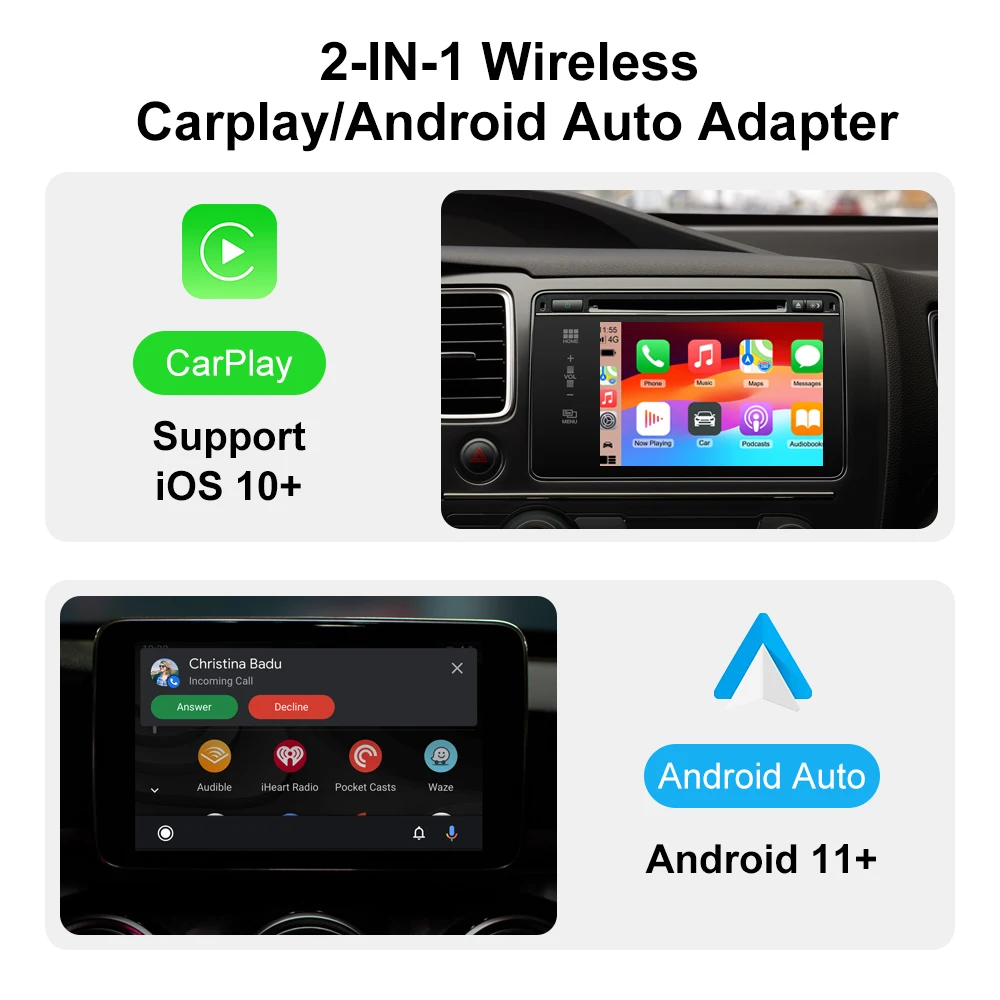
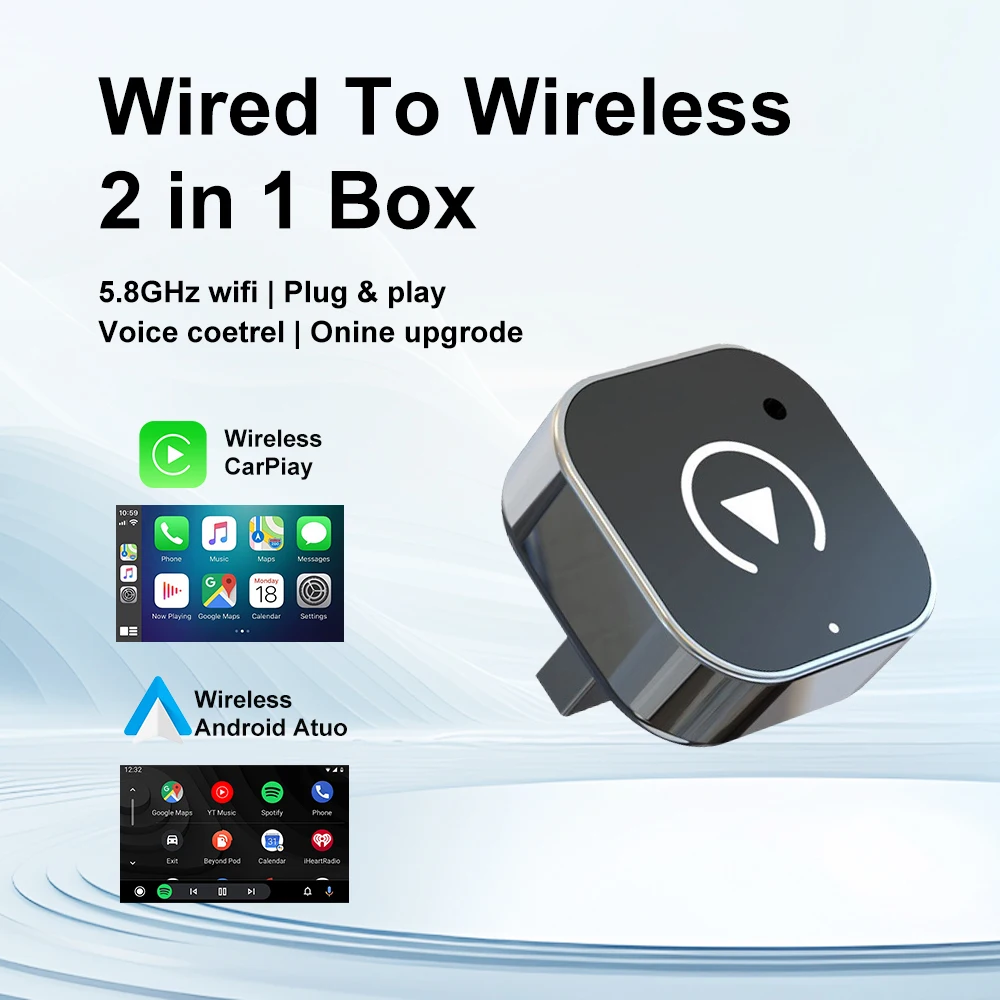
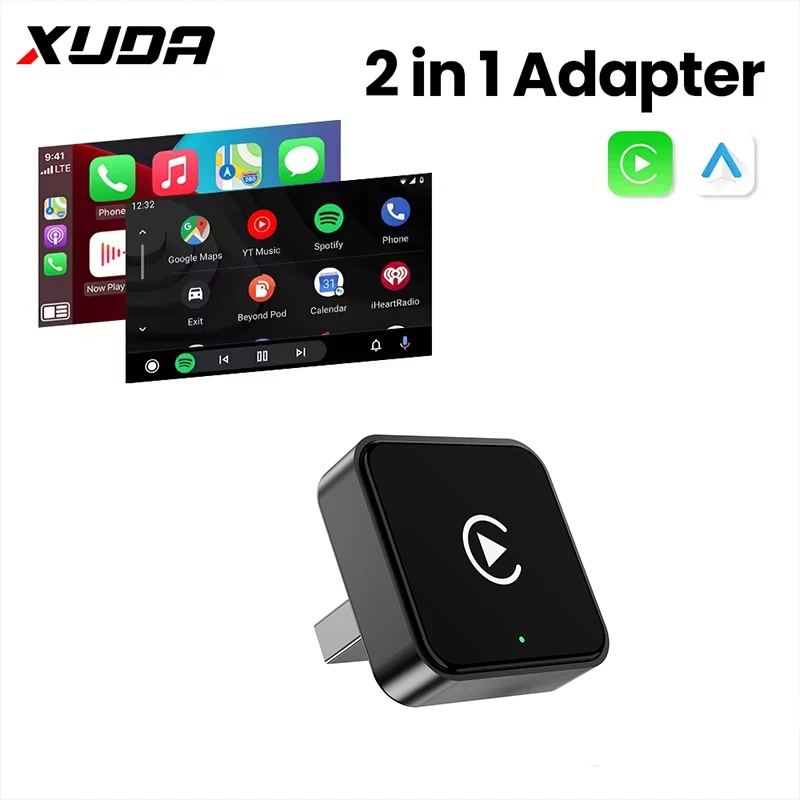
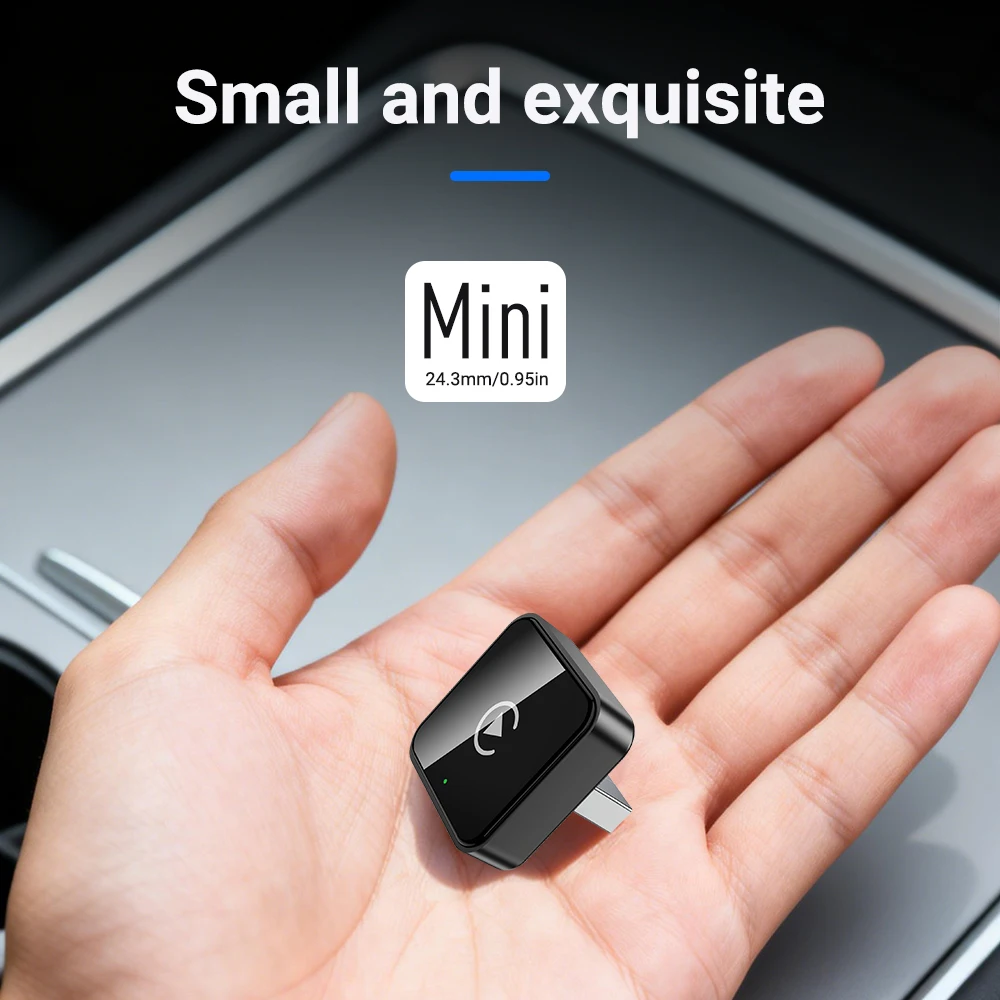
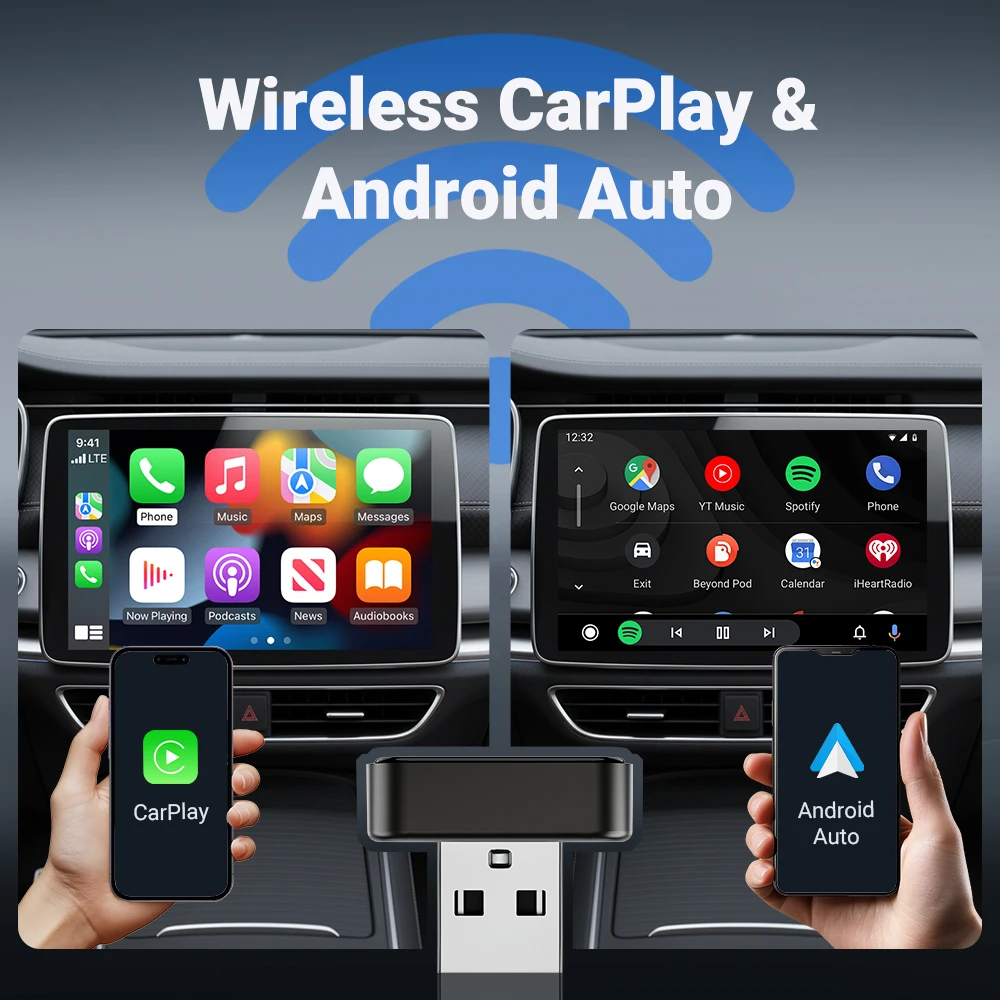
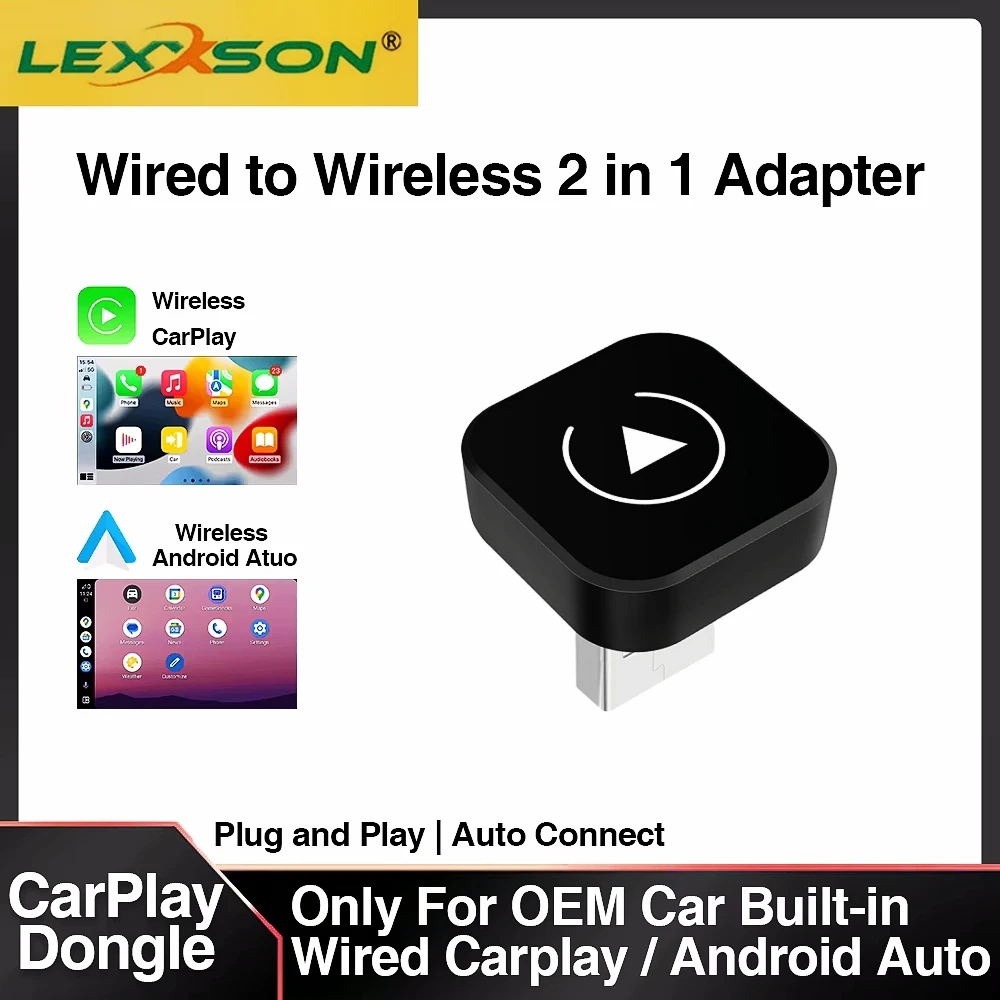
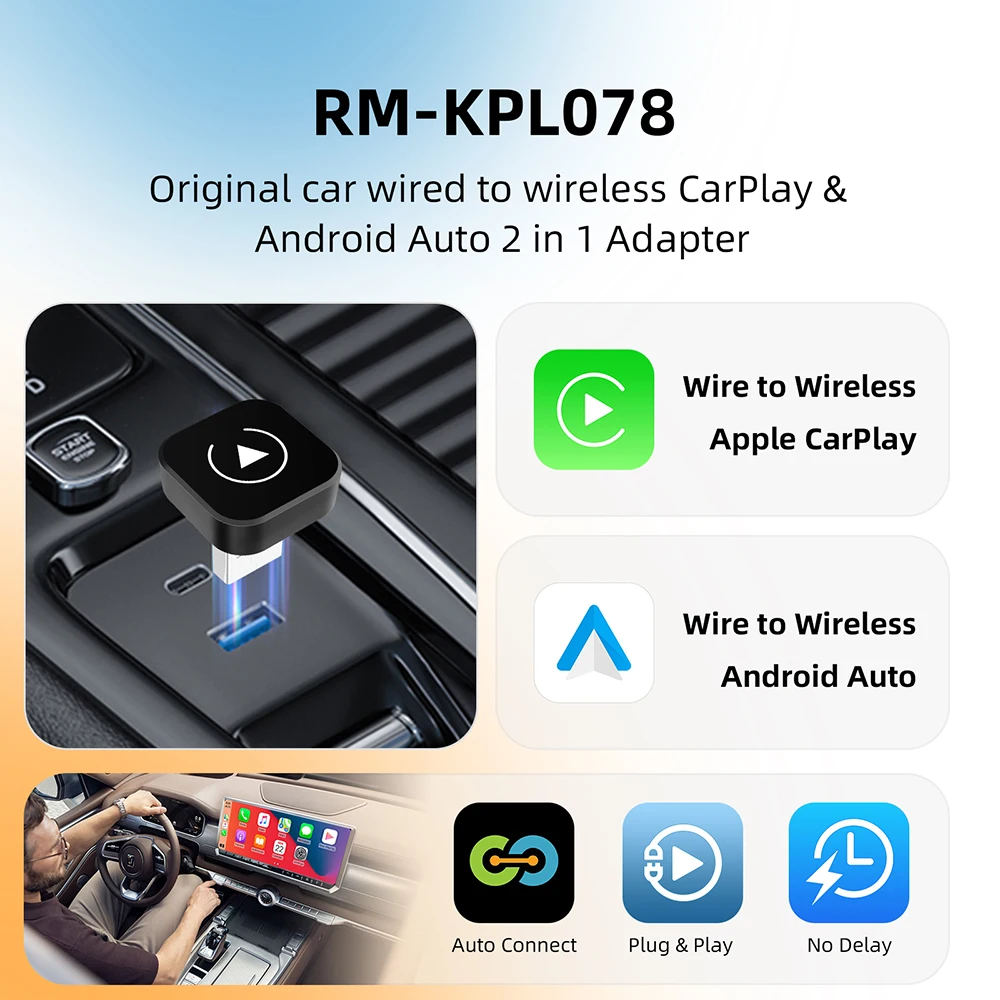
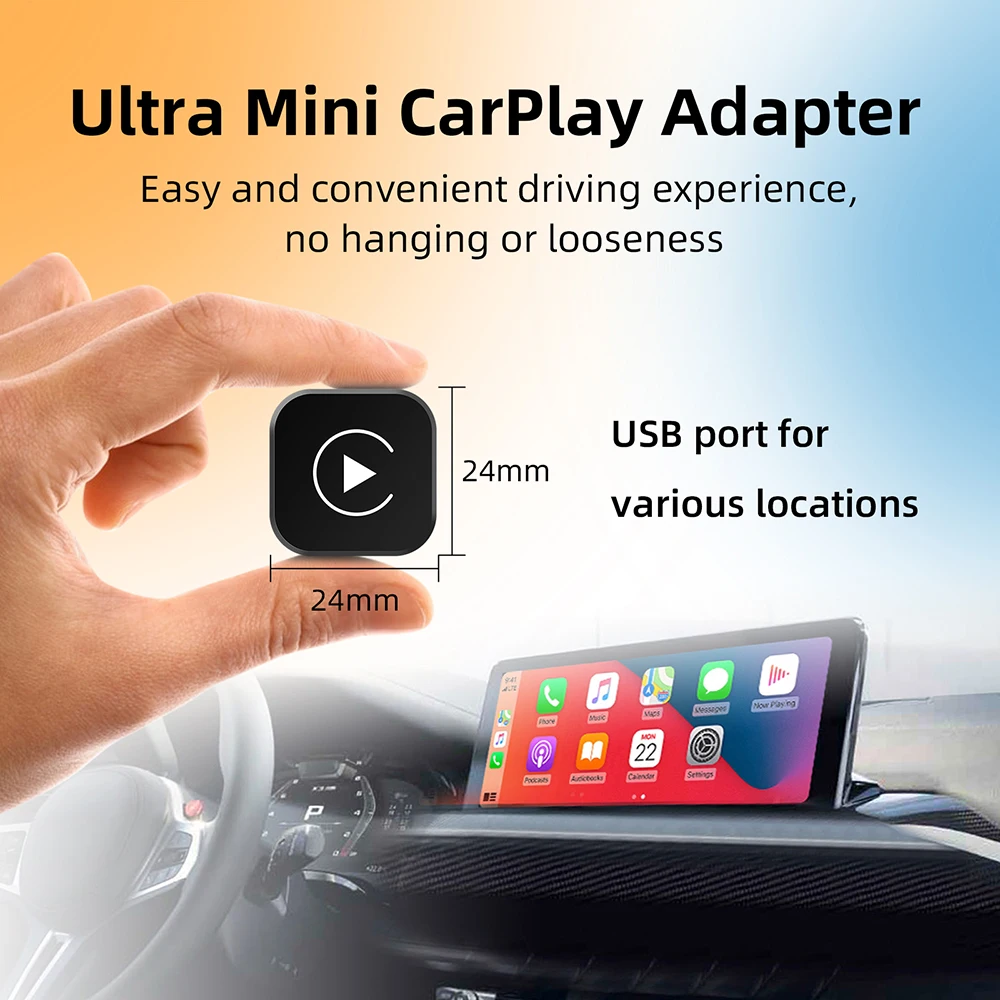
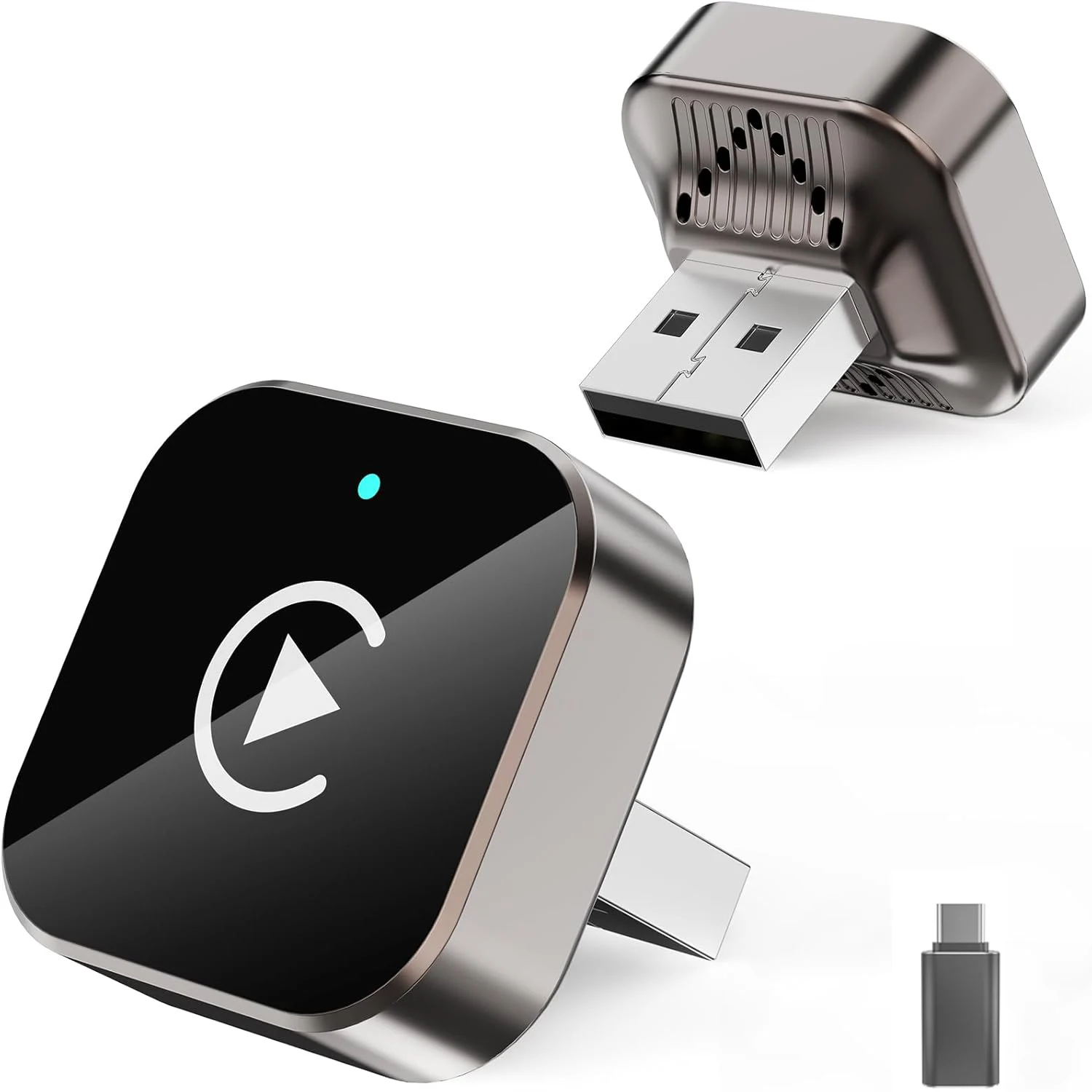
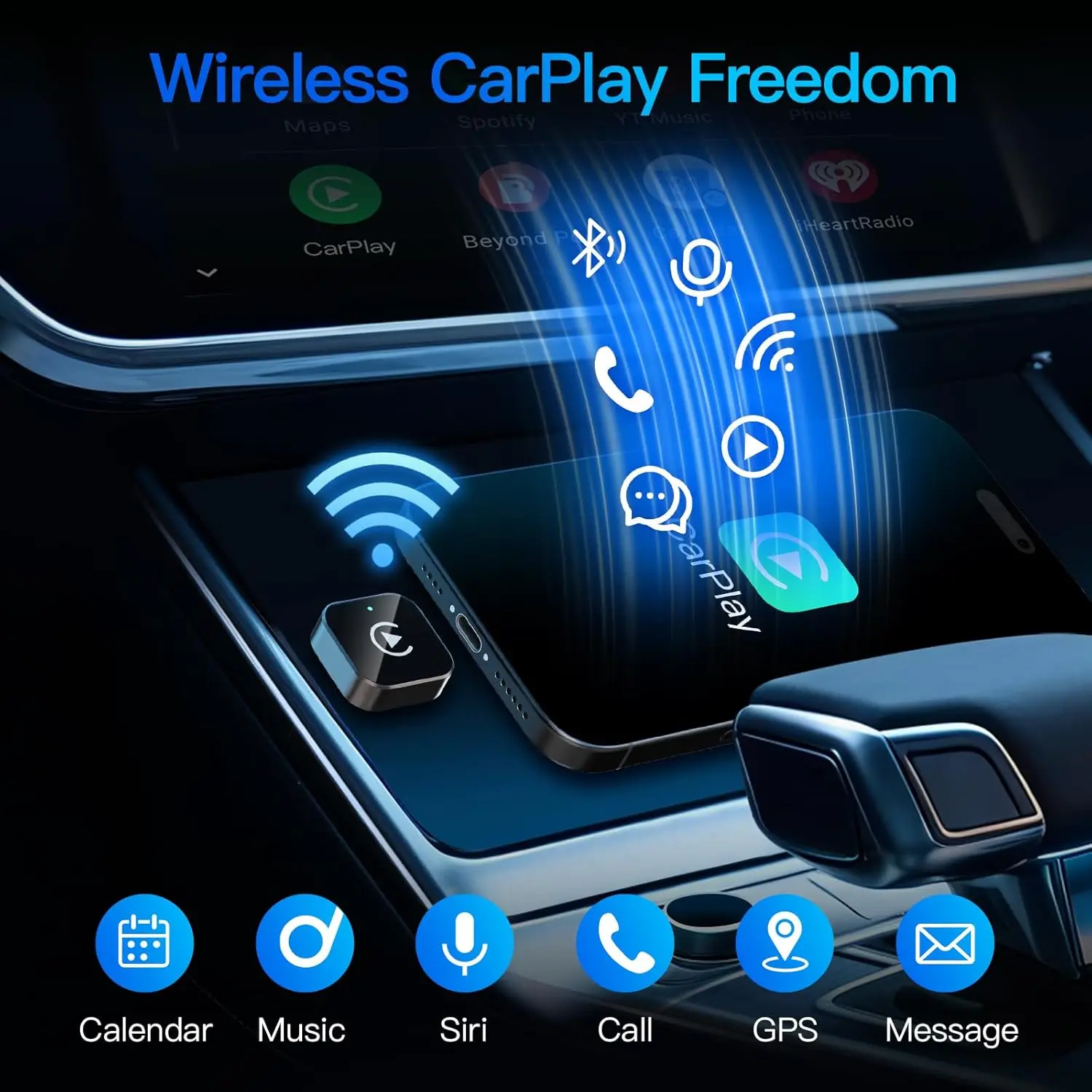
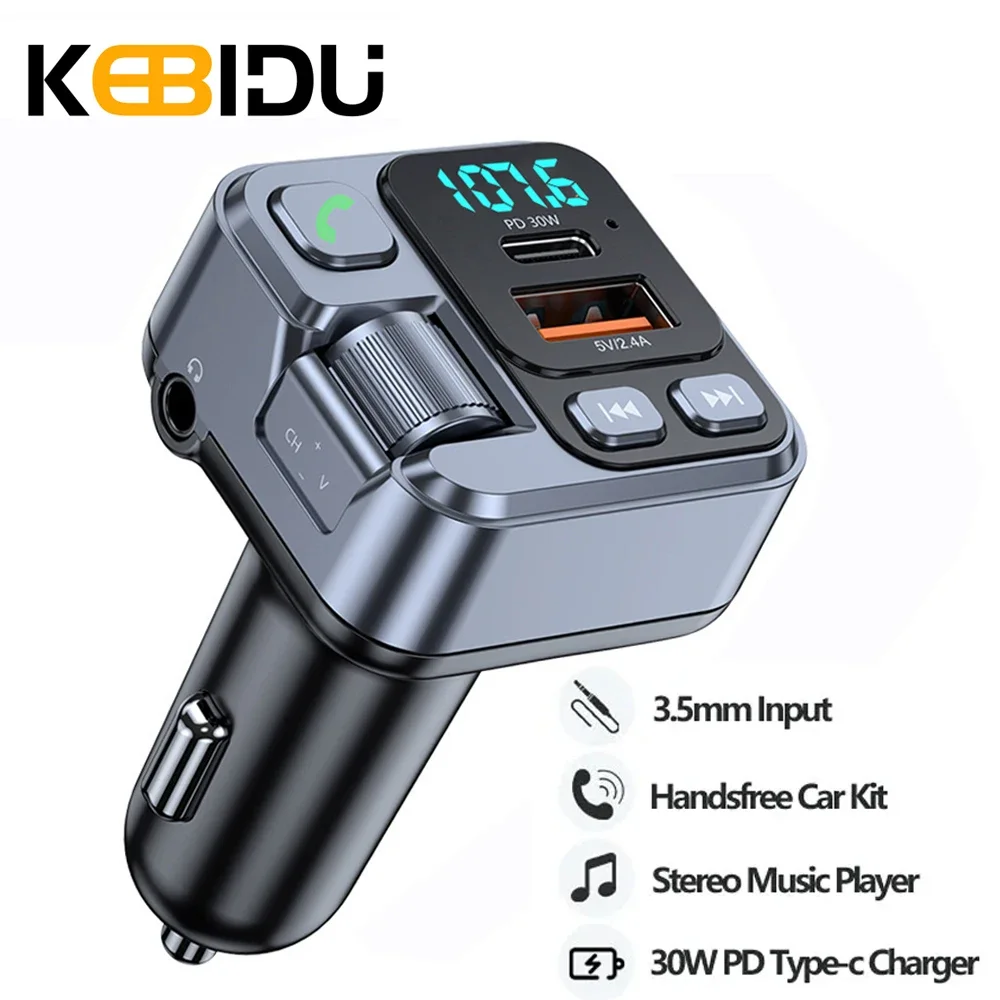
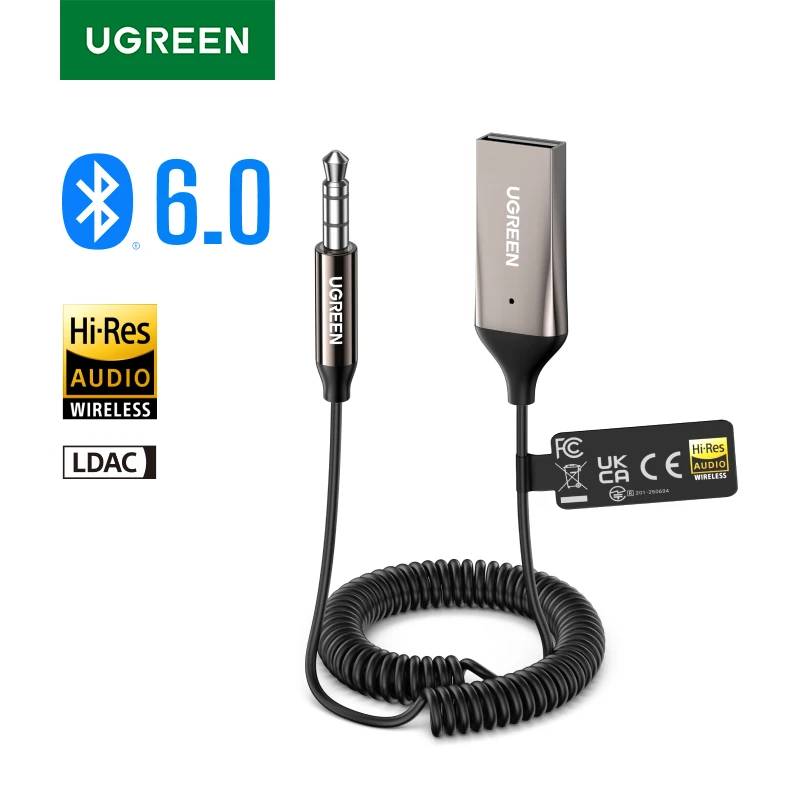
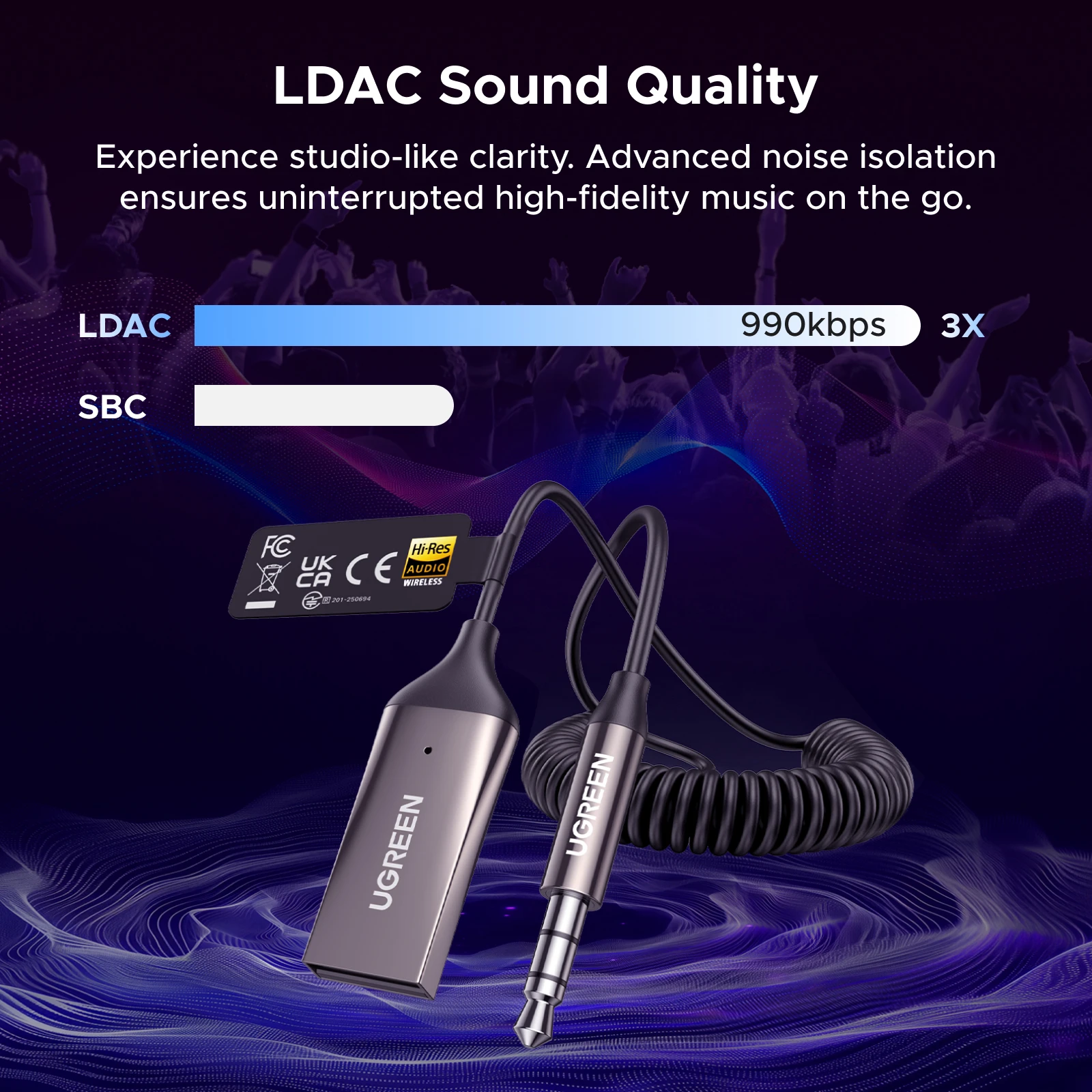
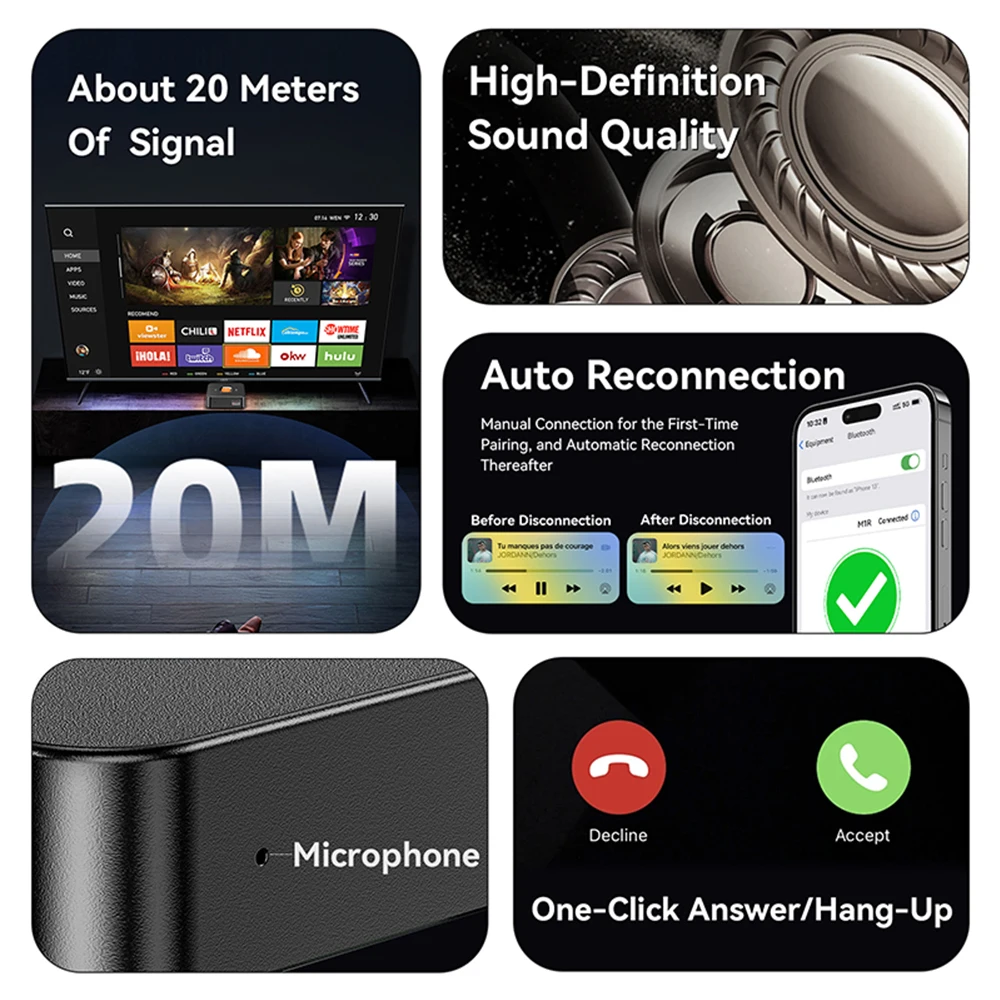
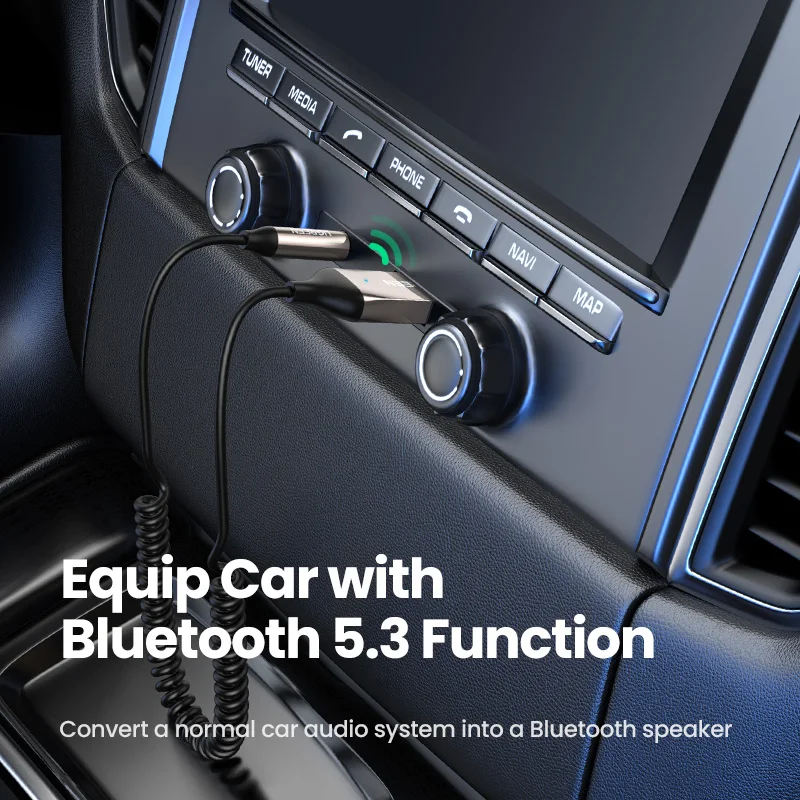
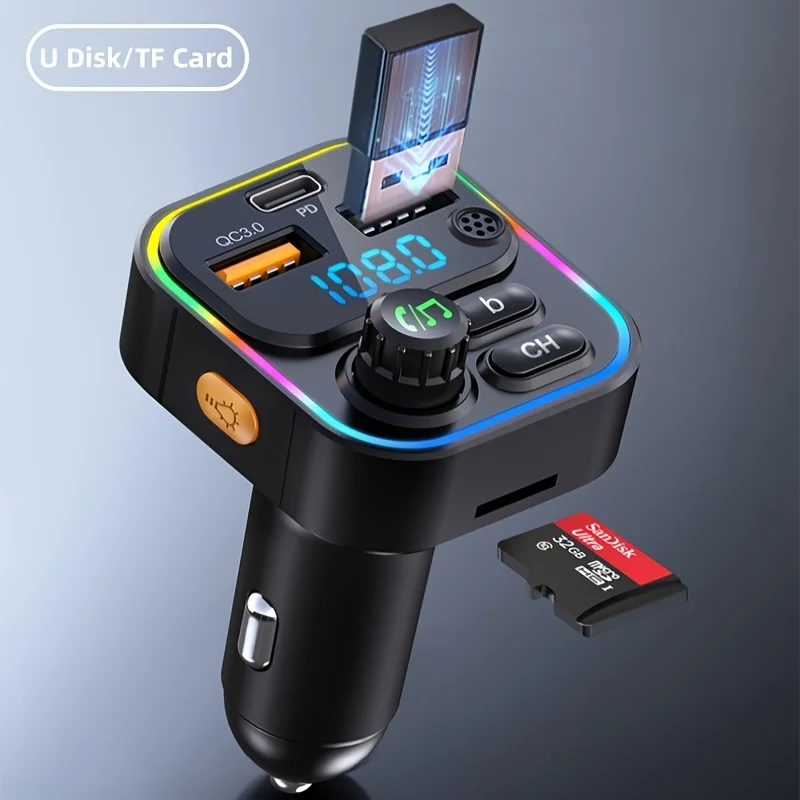
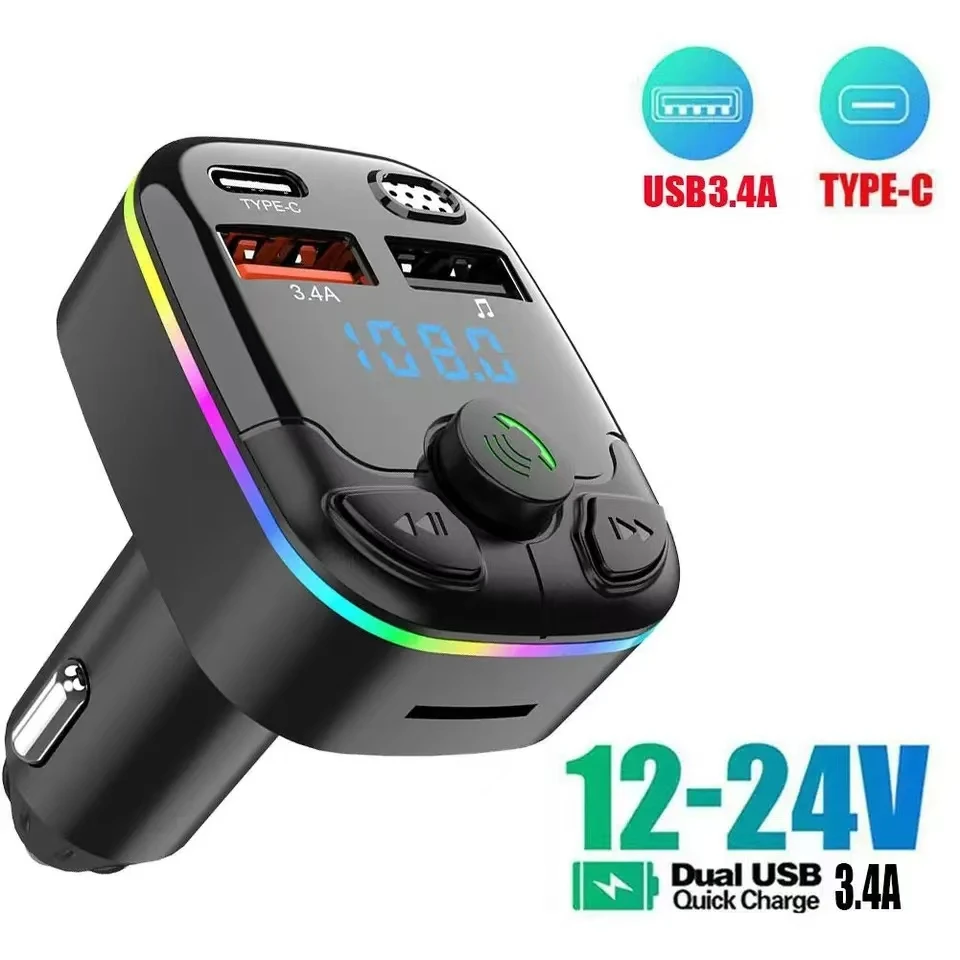
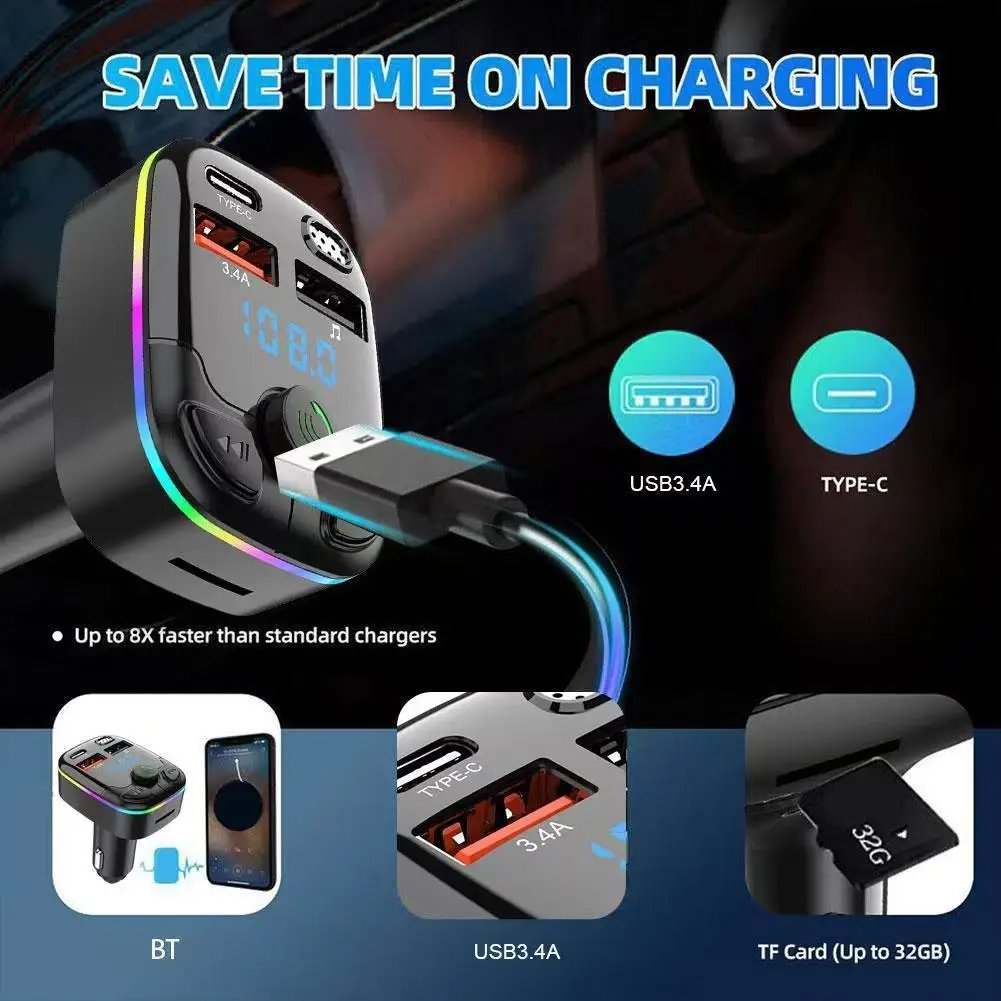
Start with what the car already has. A car with CarPlay or Android Auto on its own screen needs only a charger, or an adapter to go wireless. A car with Bluetooth needs a holder and a charger. A car with neither needs a holder, a charger and a way to get the sound to the speakers, or a plug-in screen that does it all.
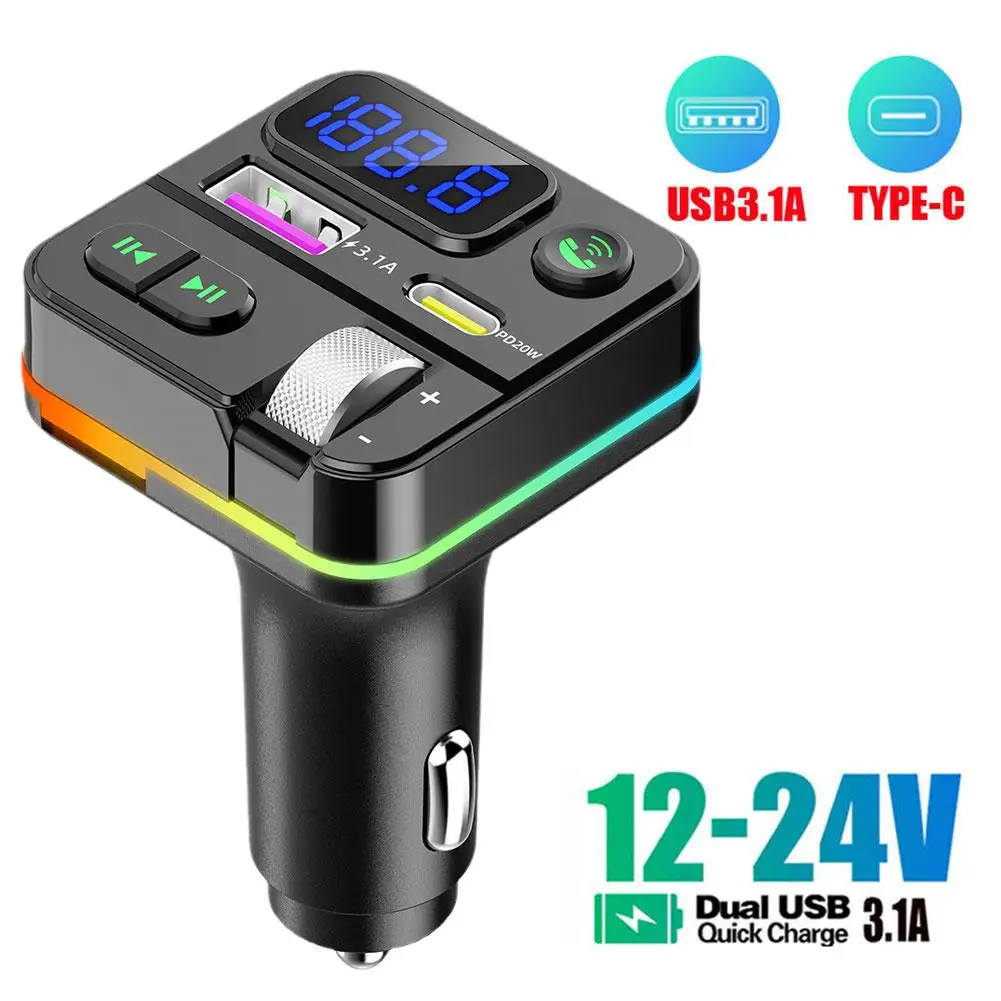
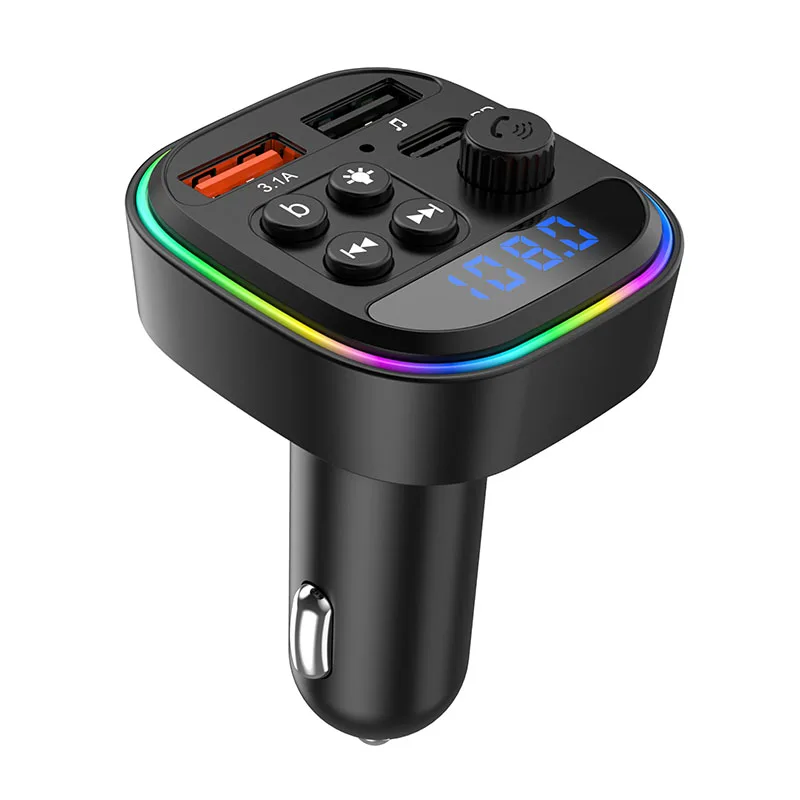
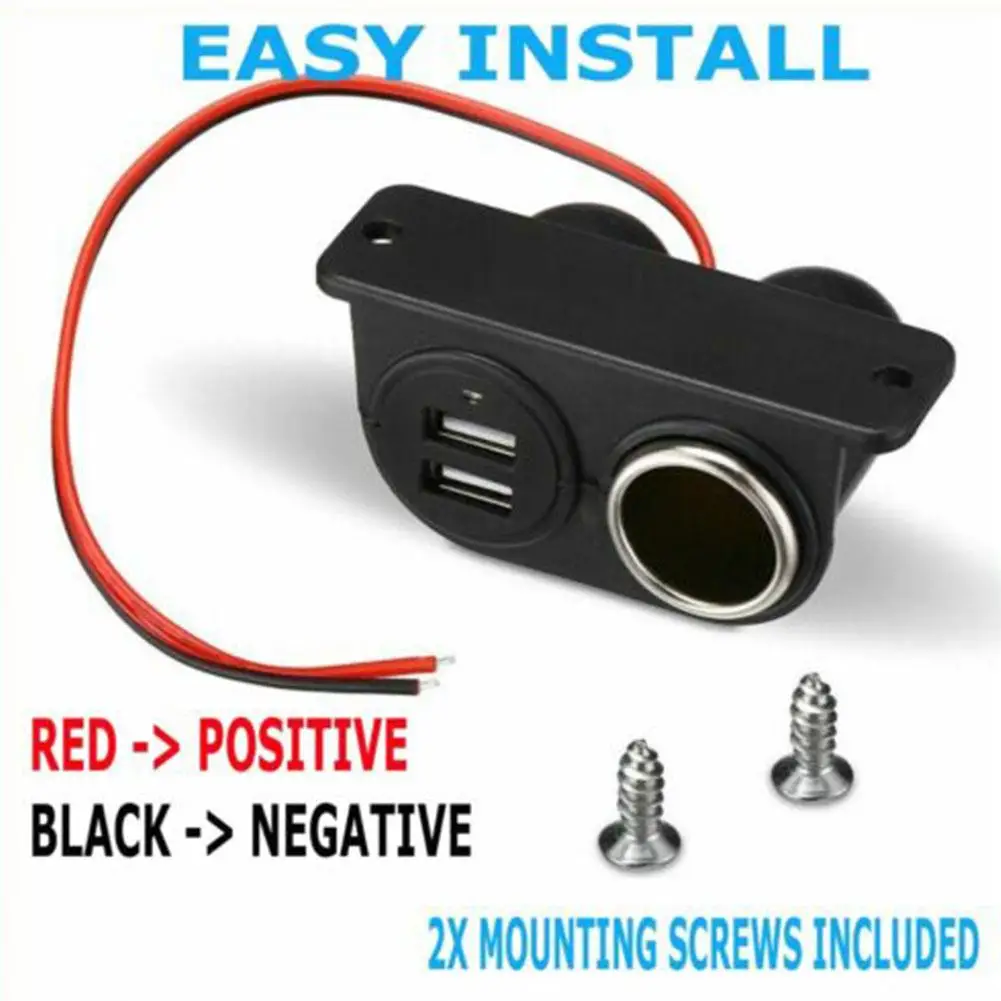
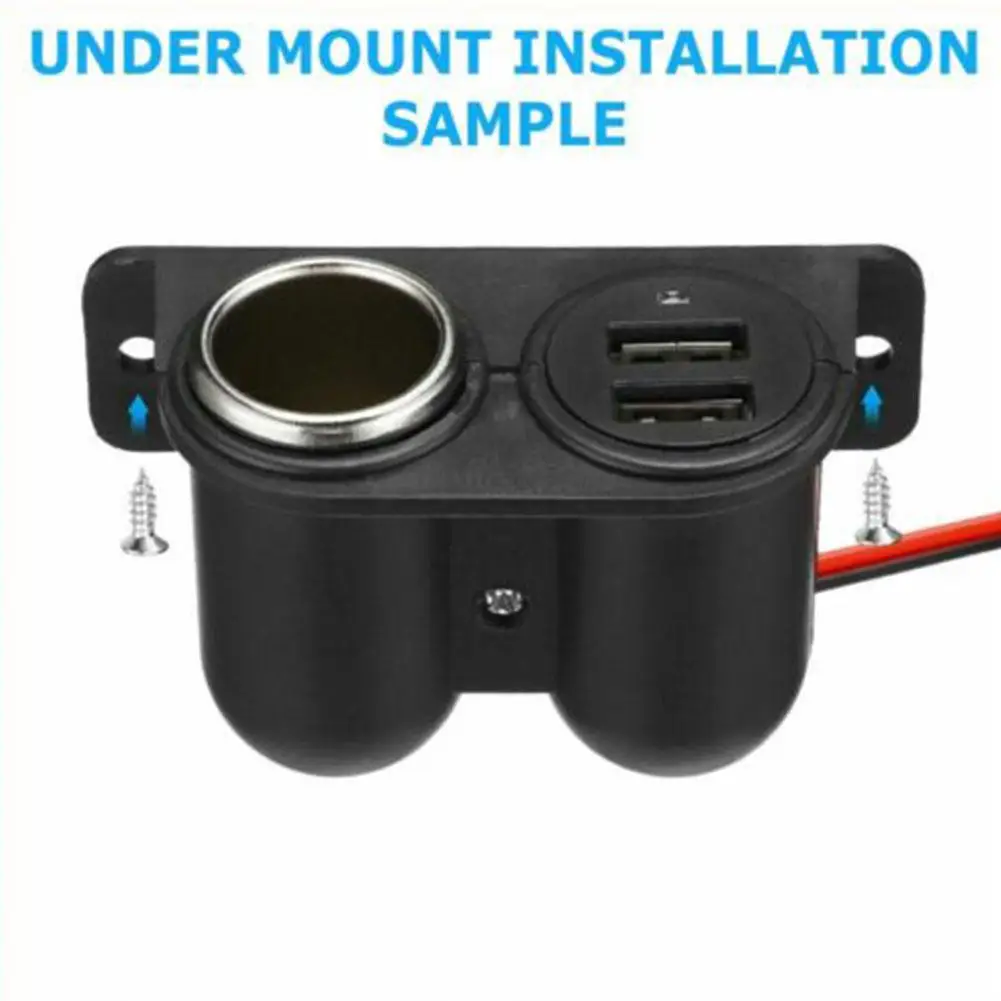
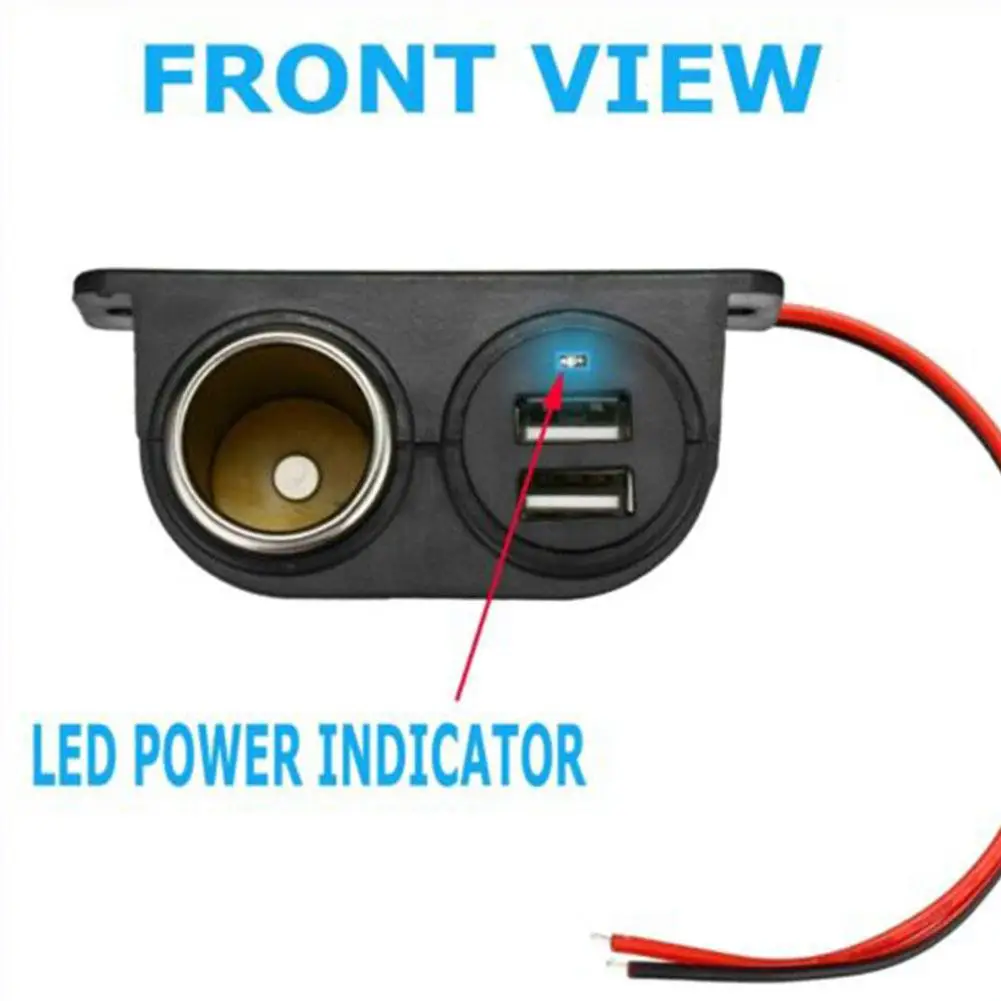
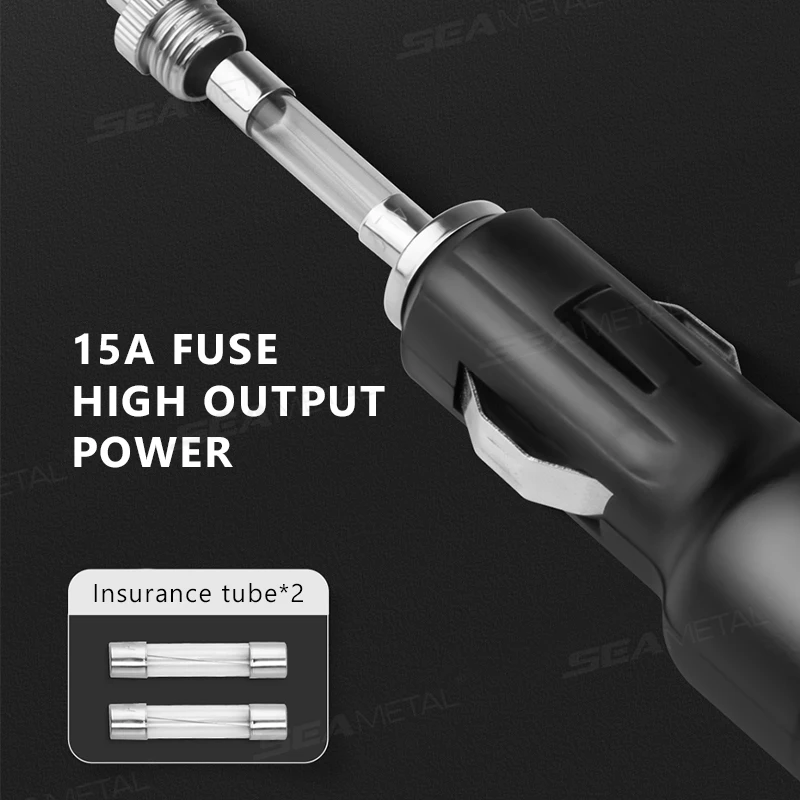
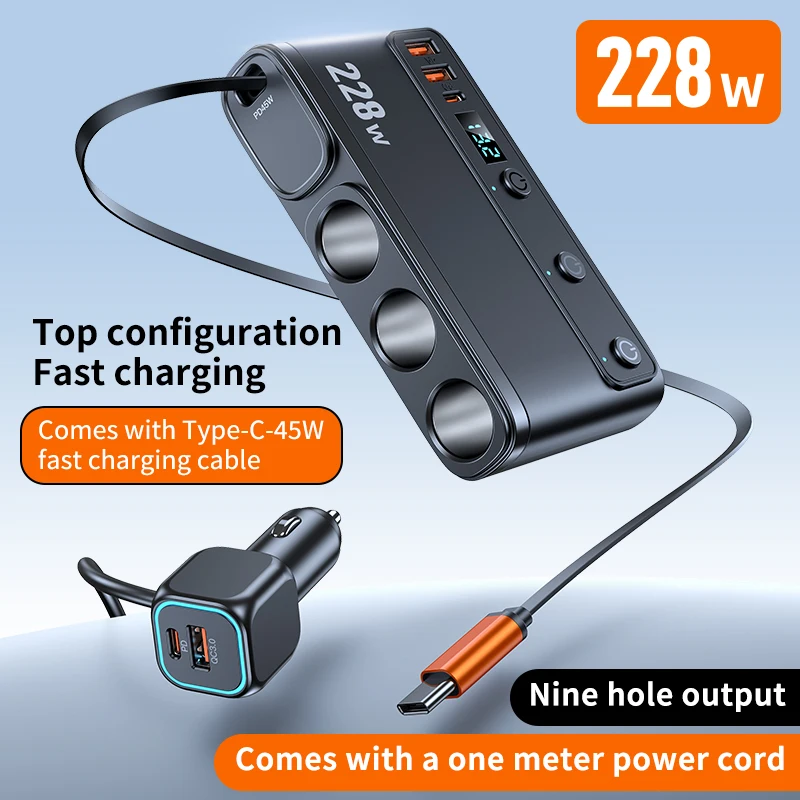
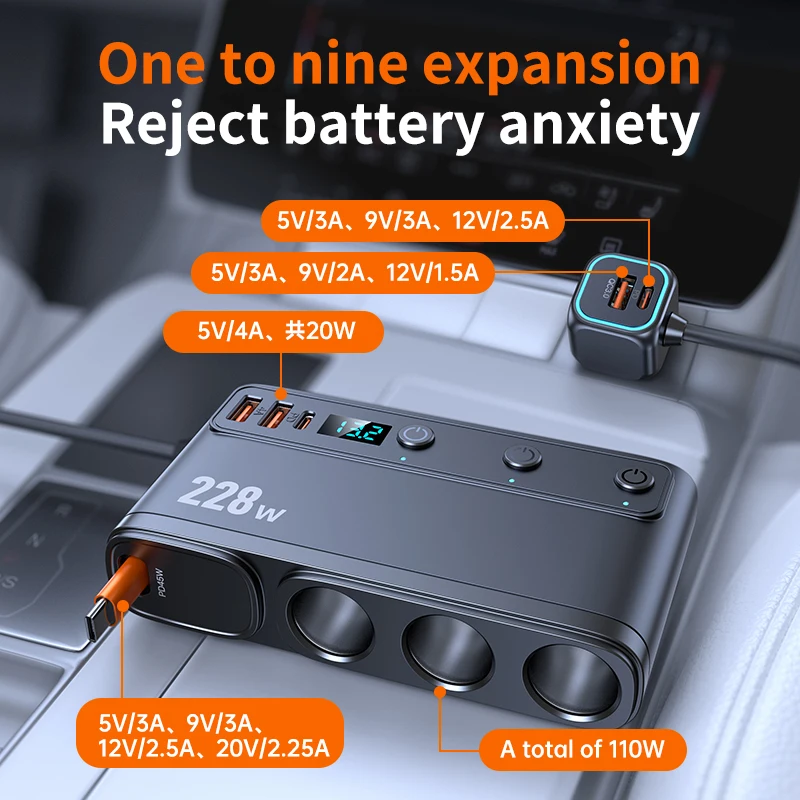
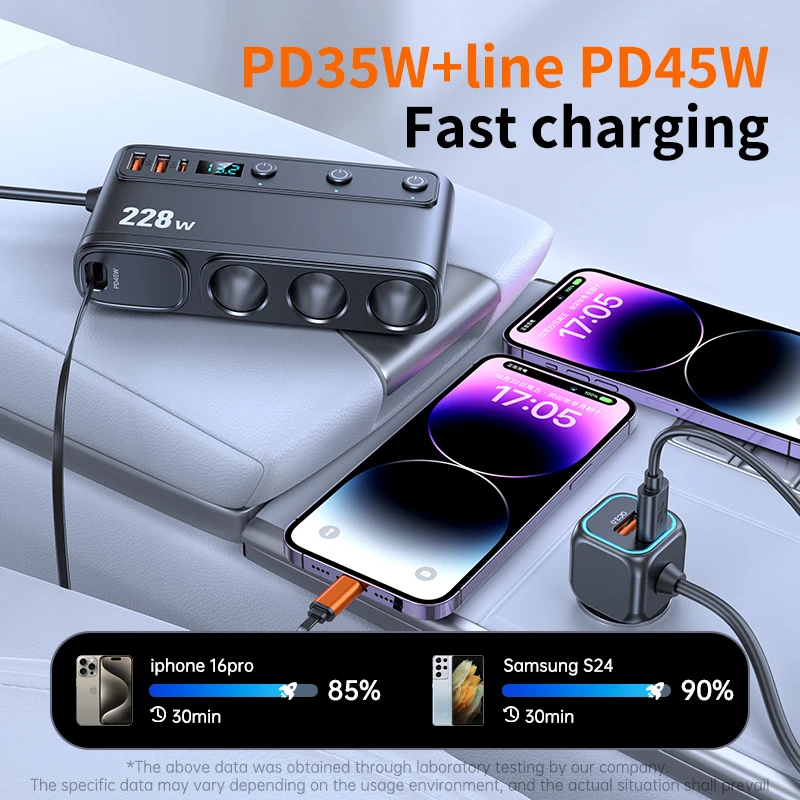
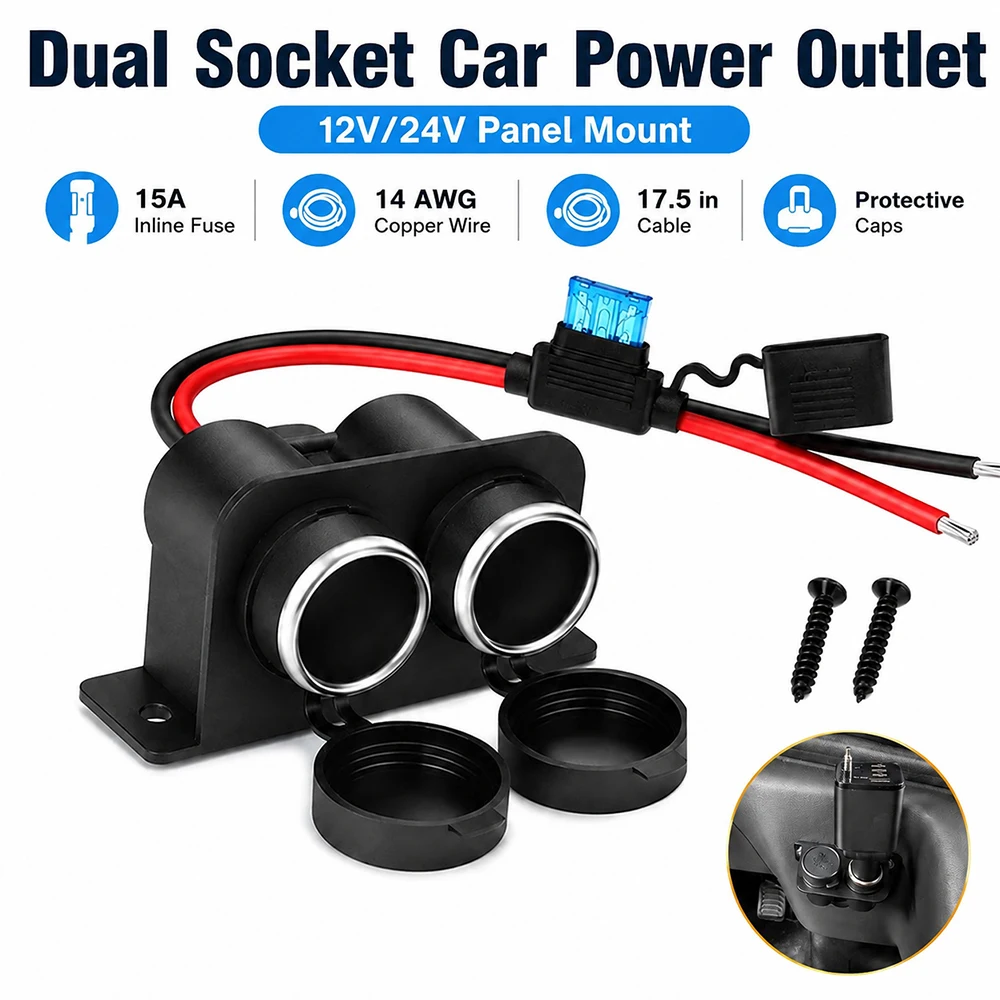
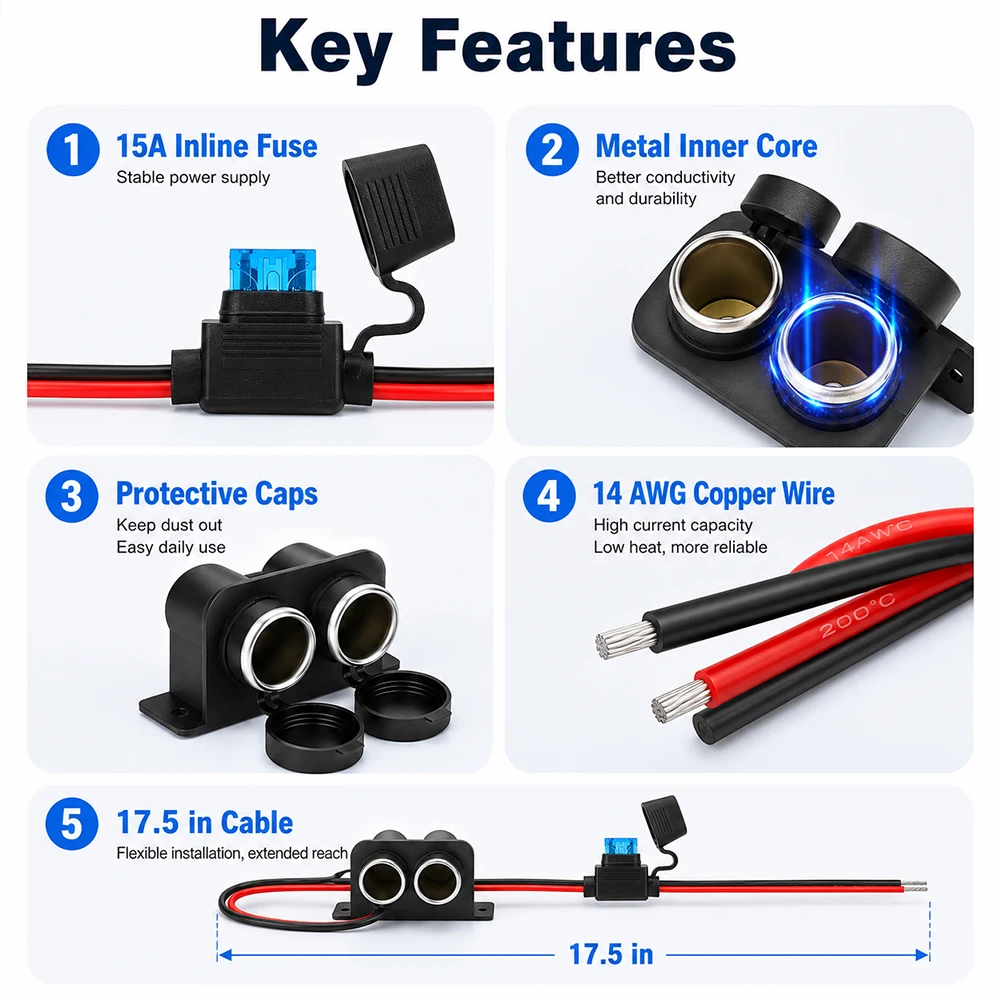
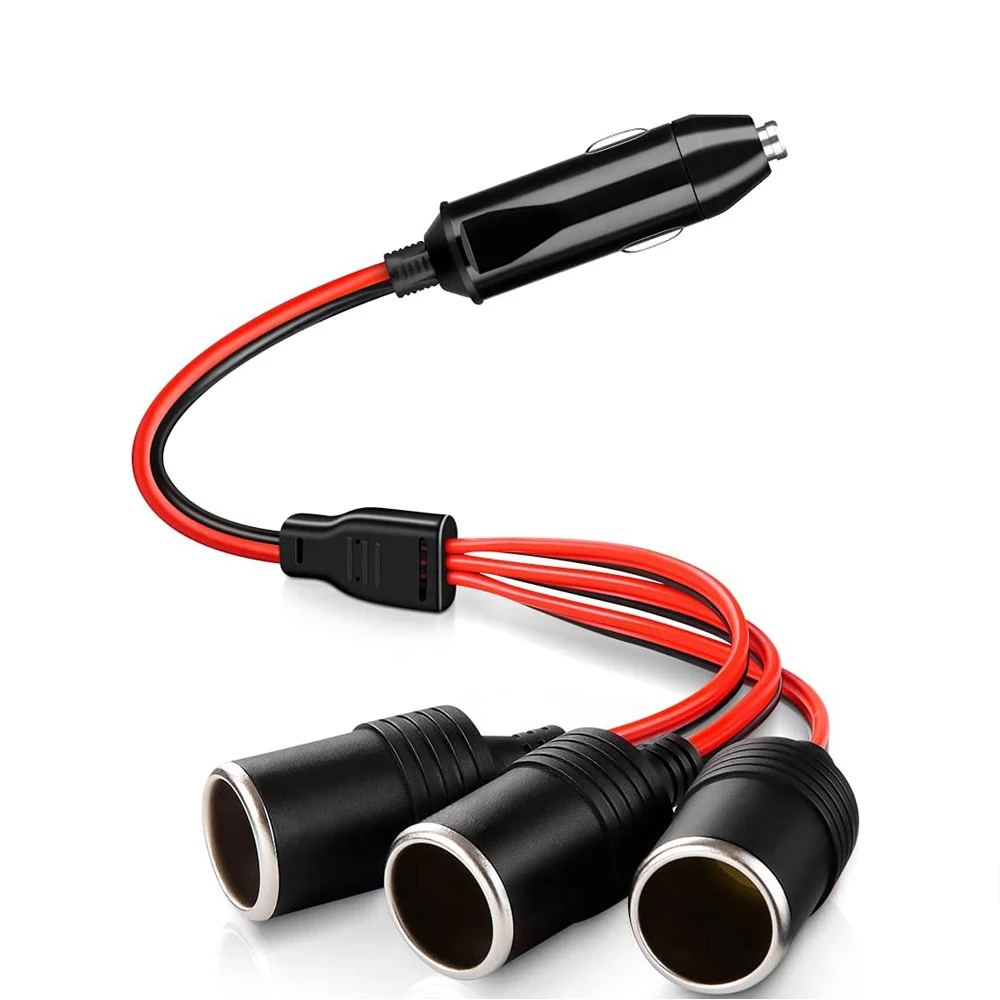
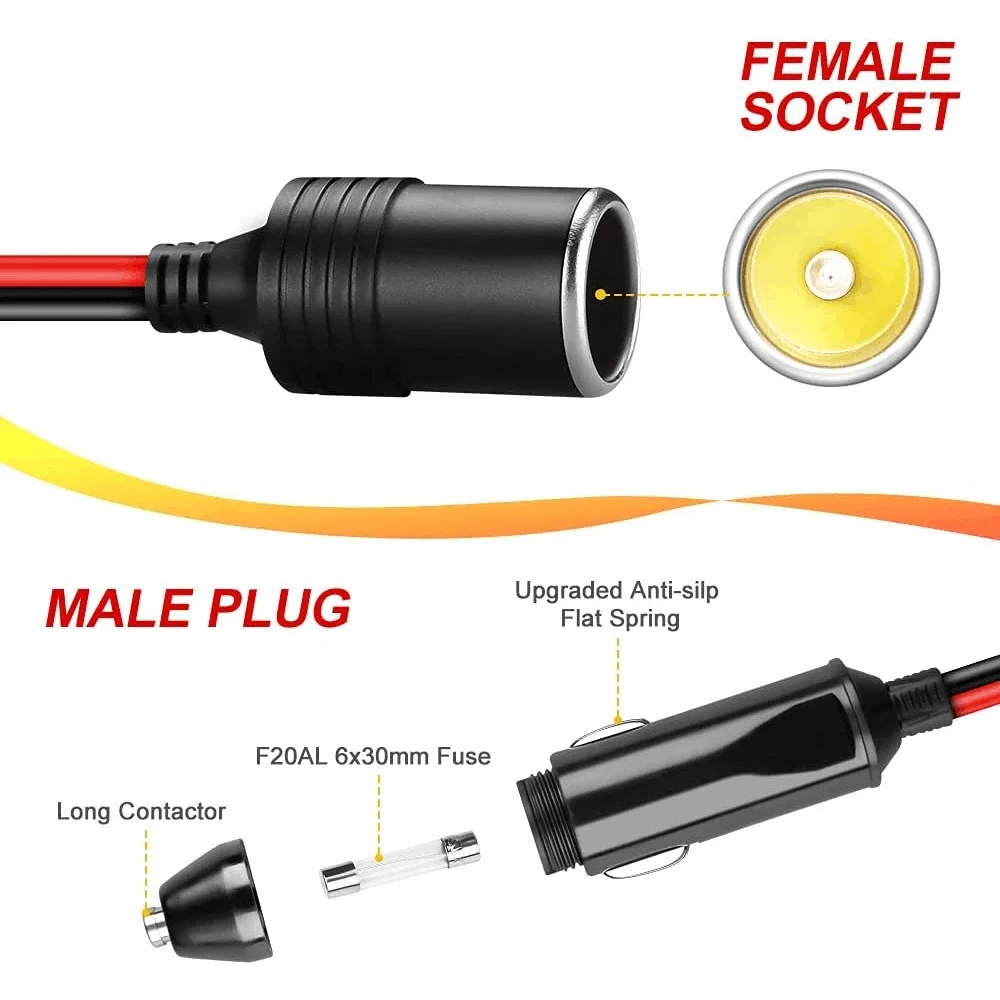
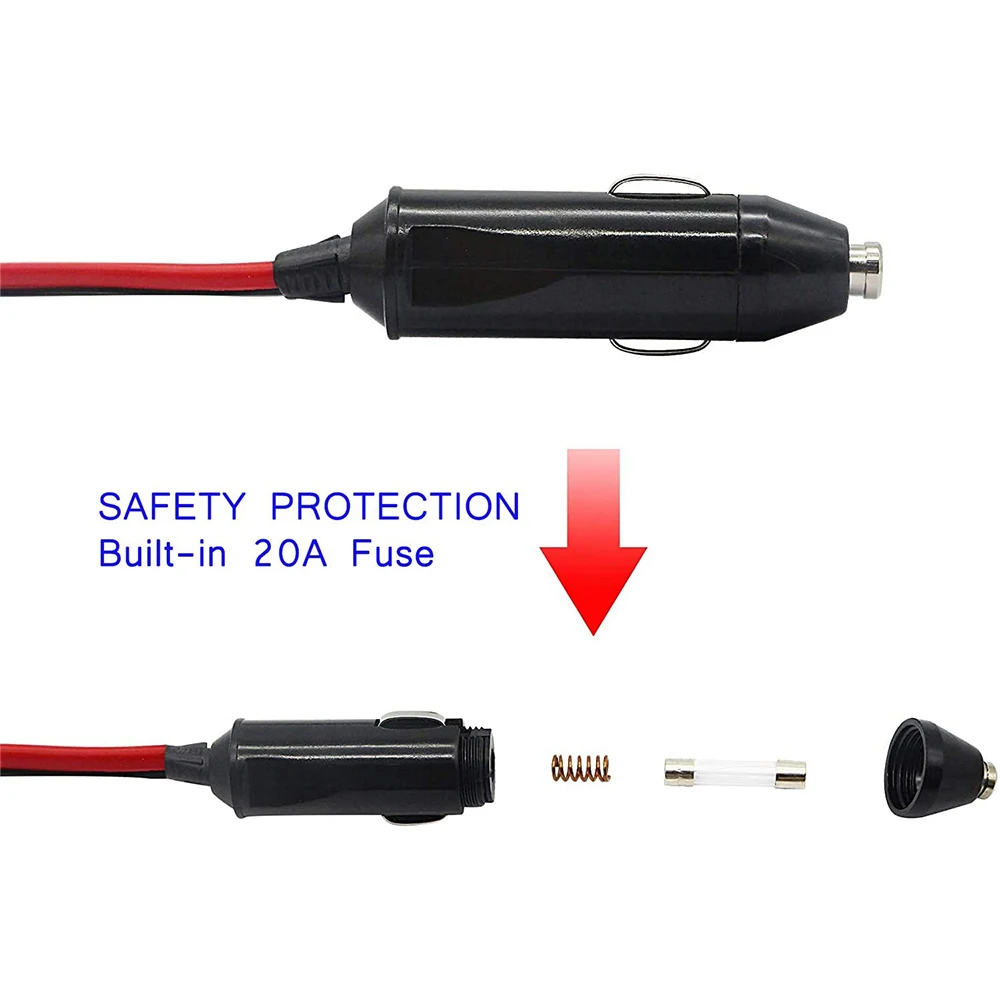
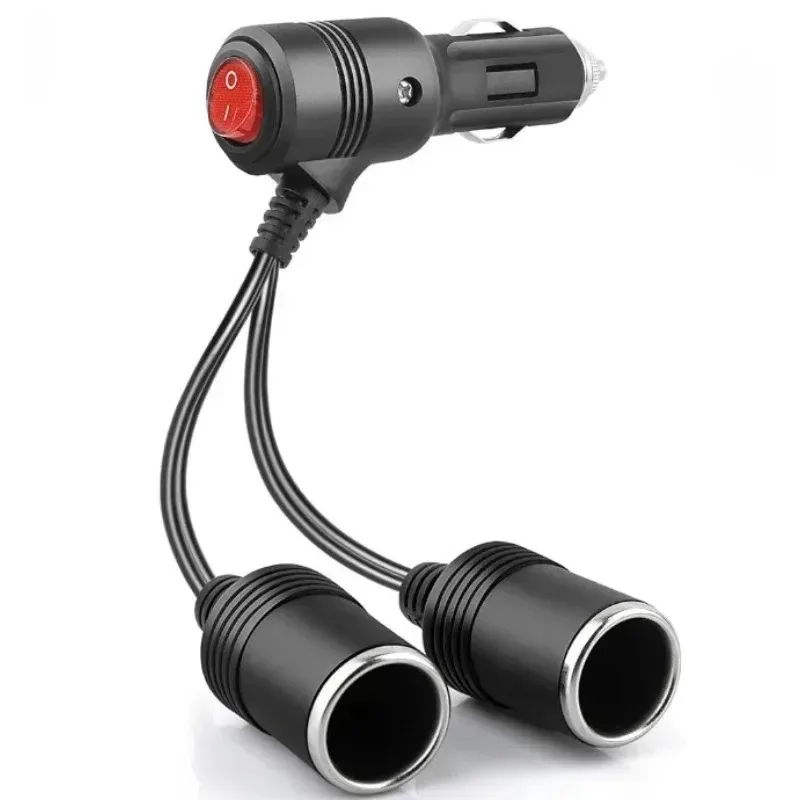
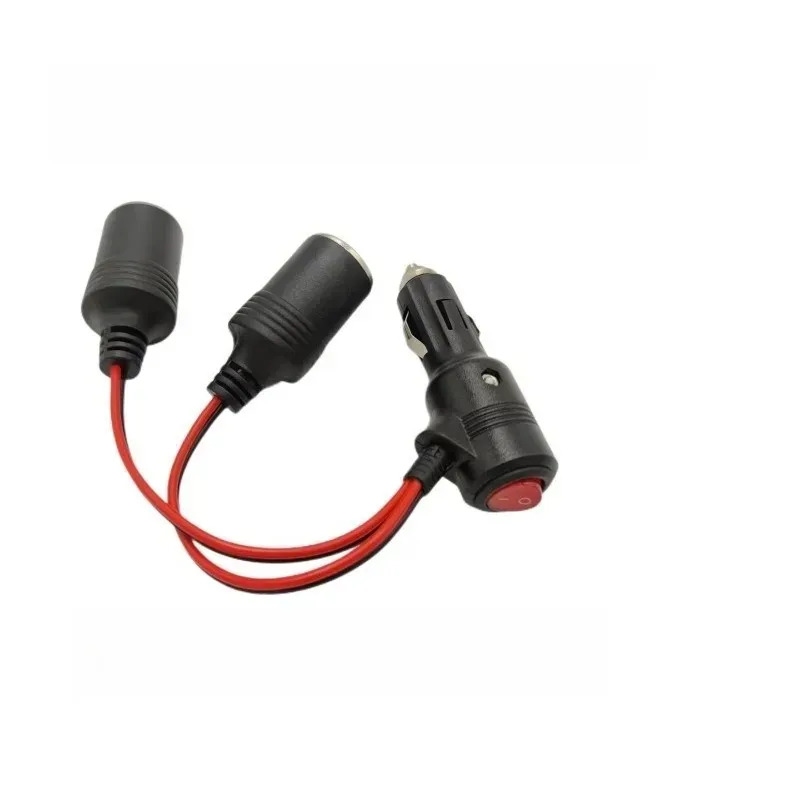
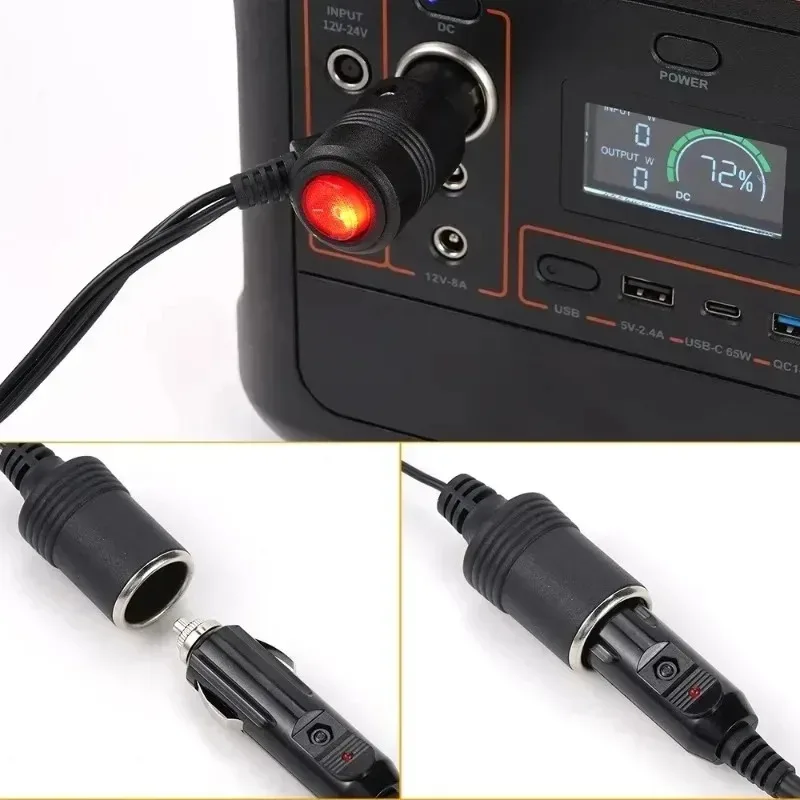
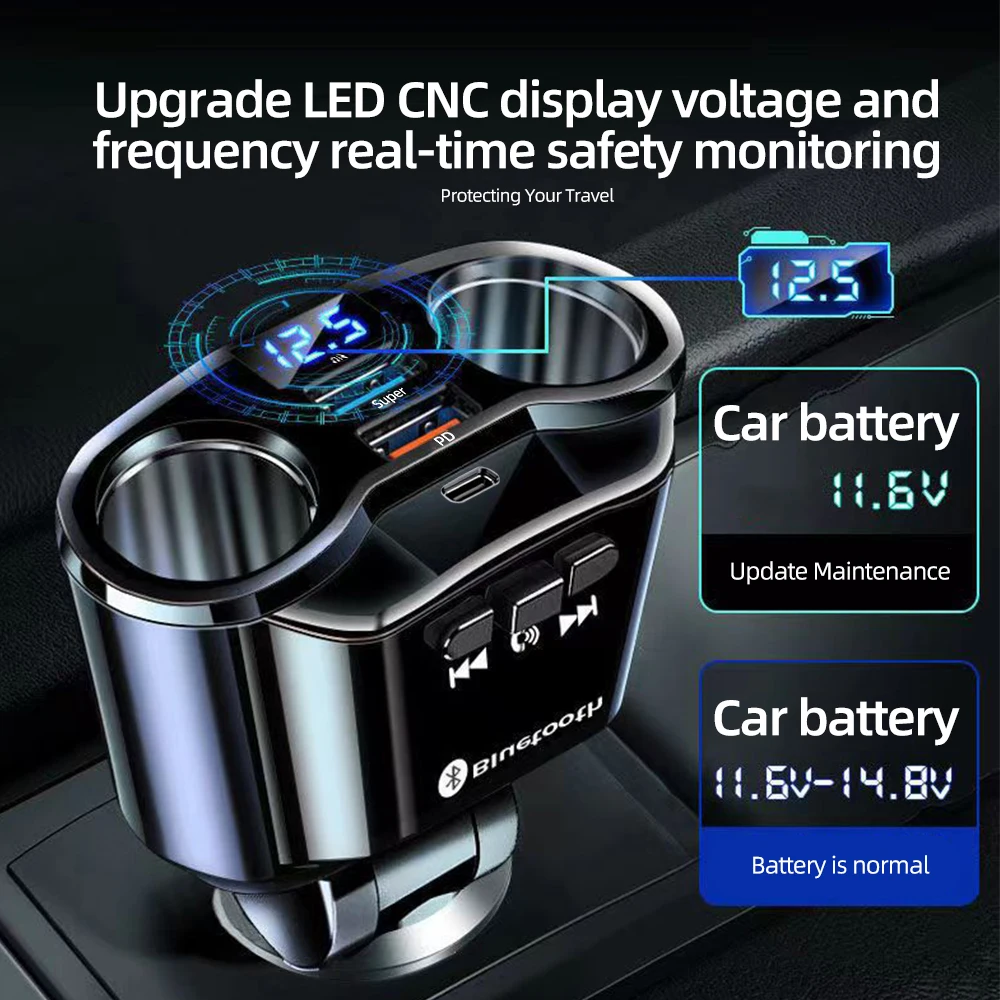
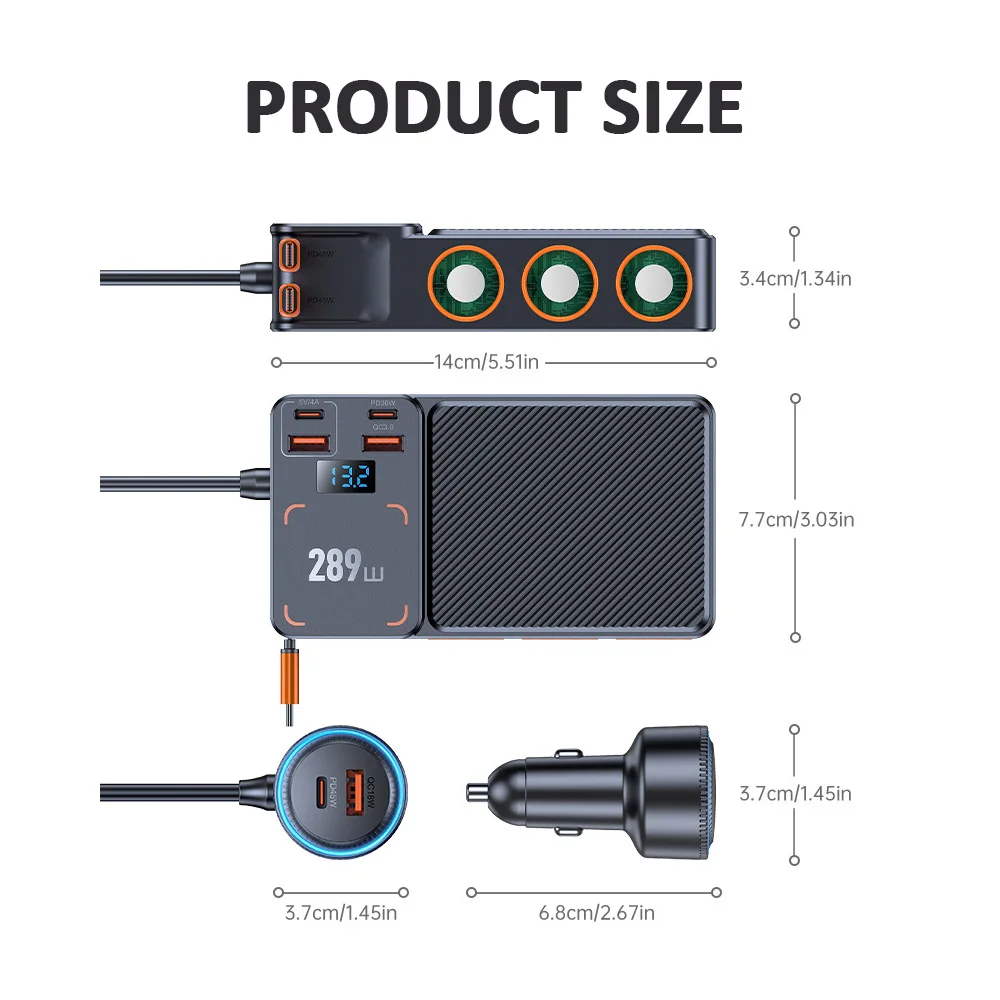
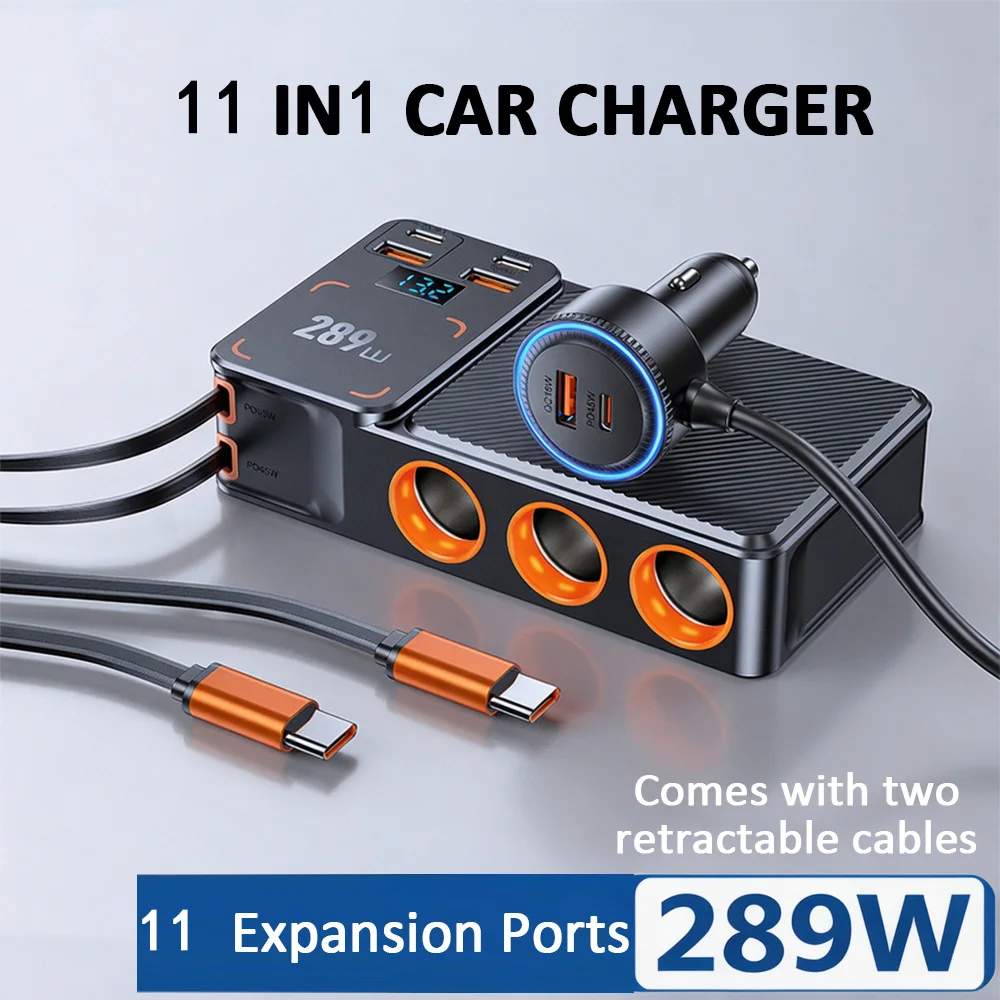
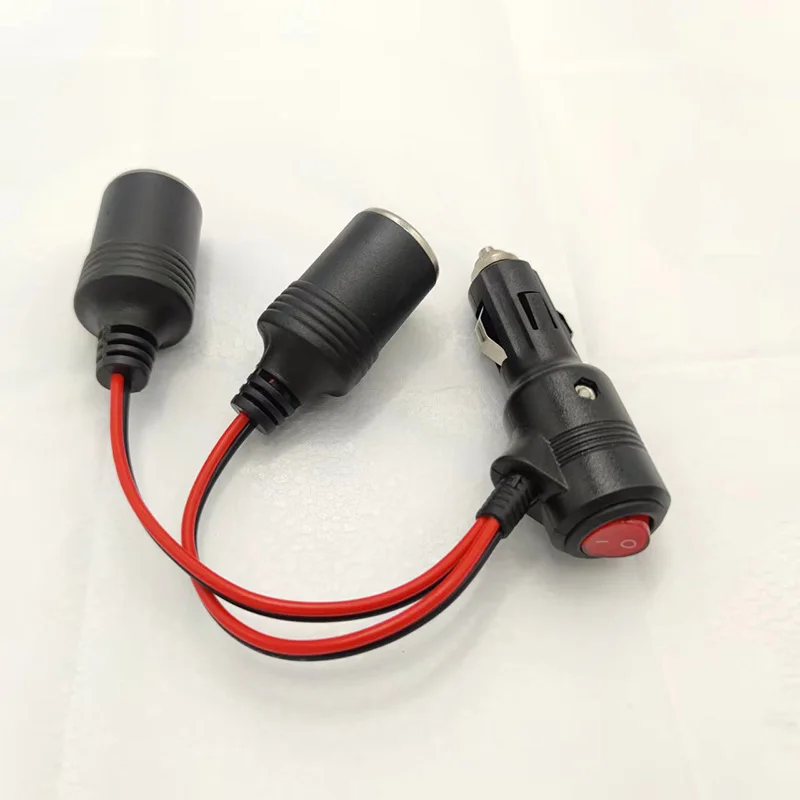
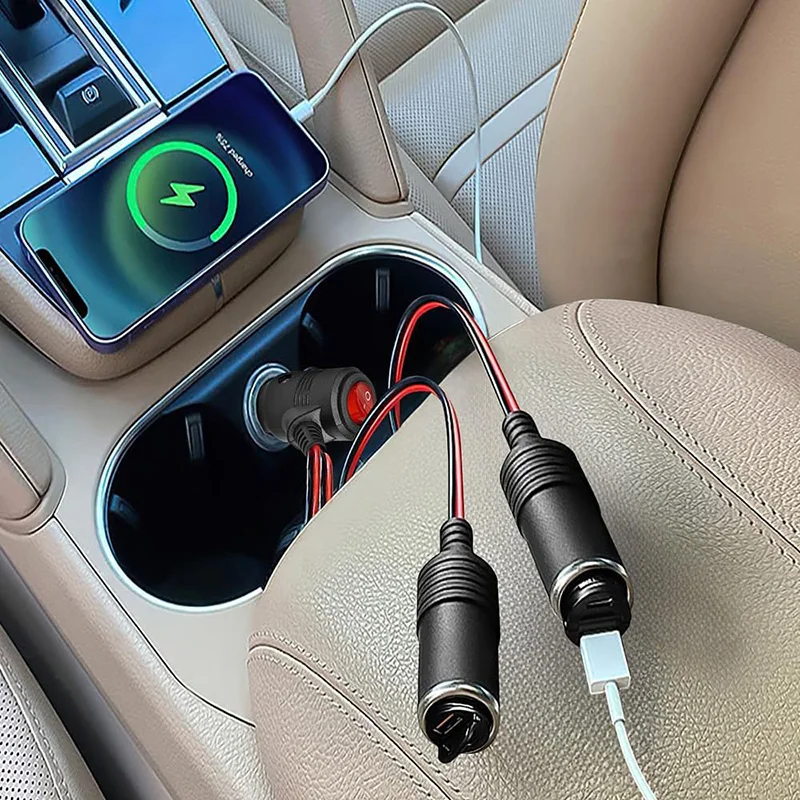
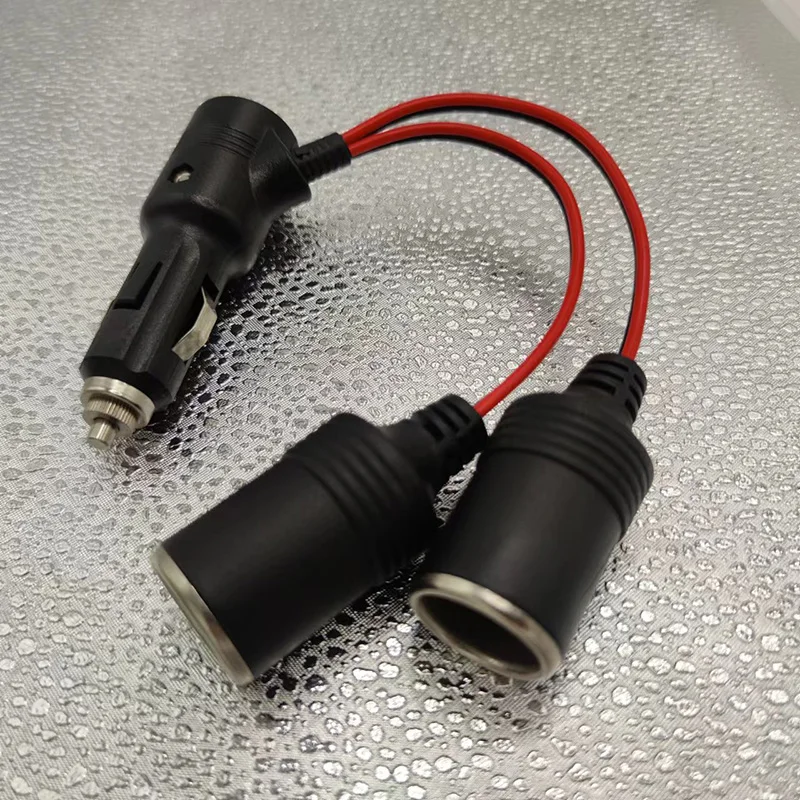
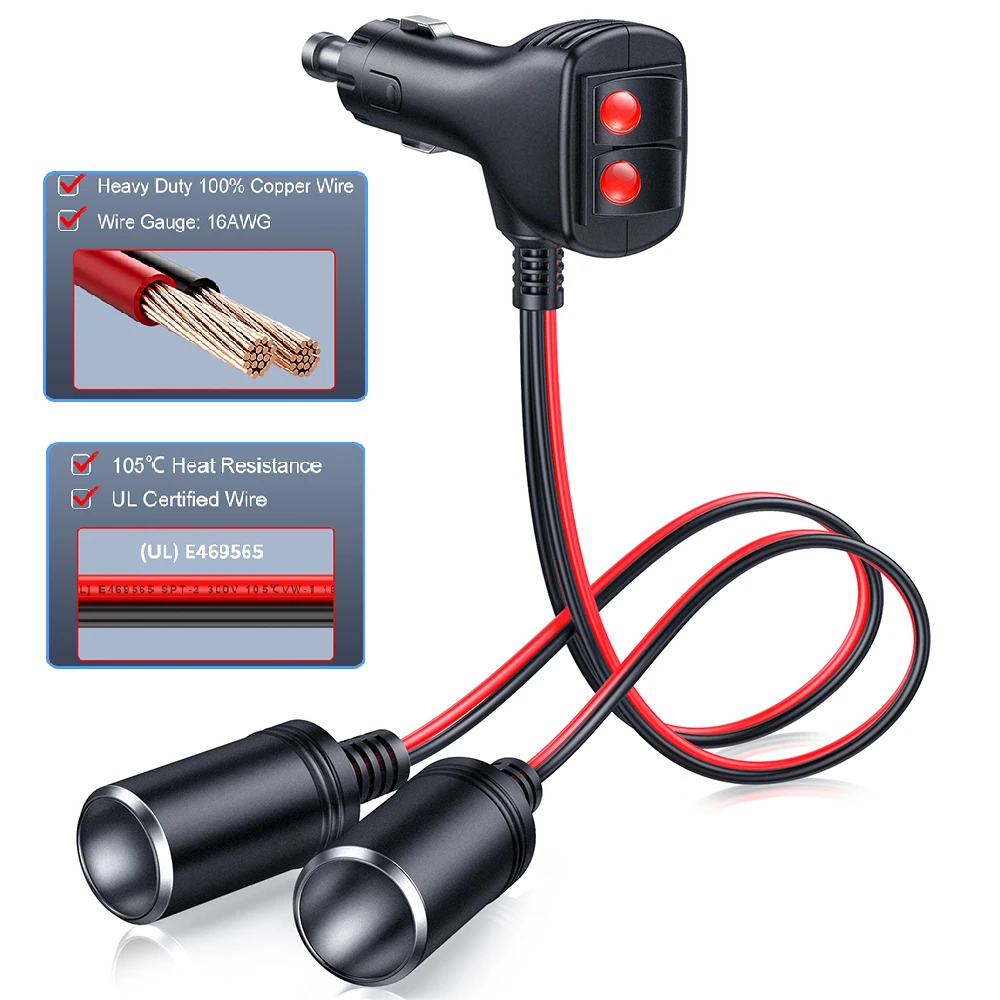
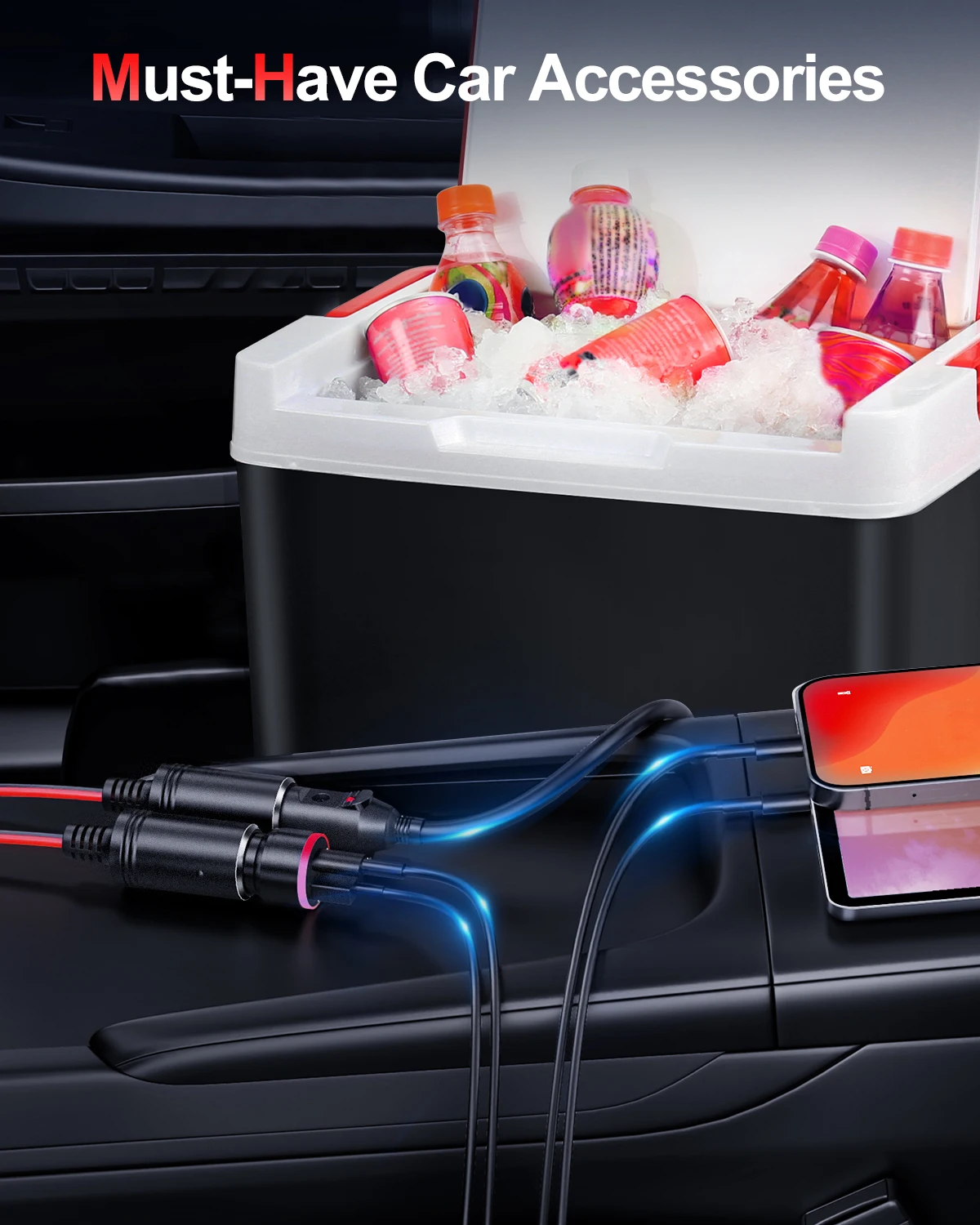
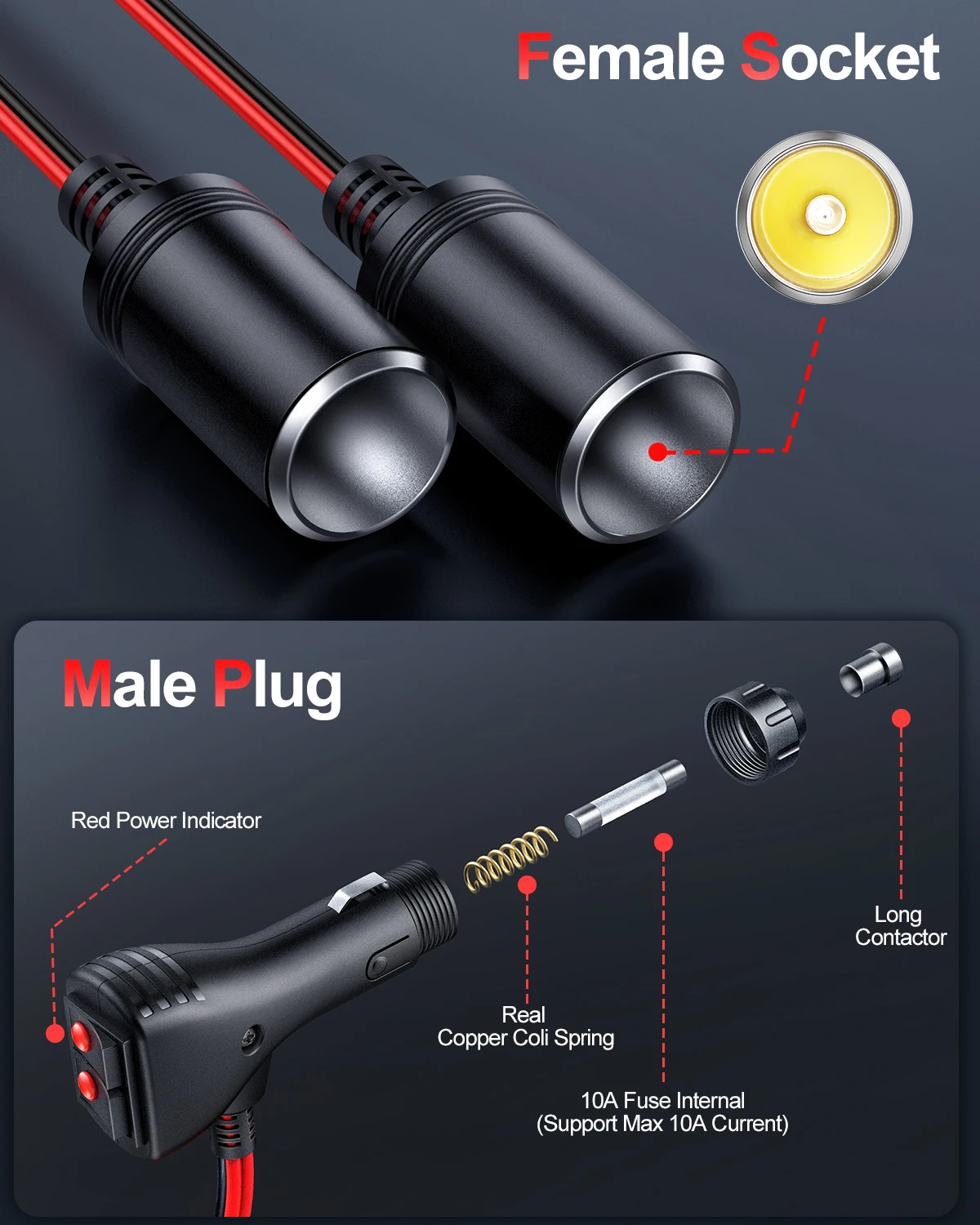
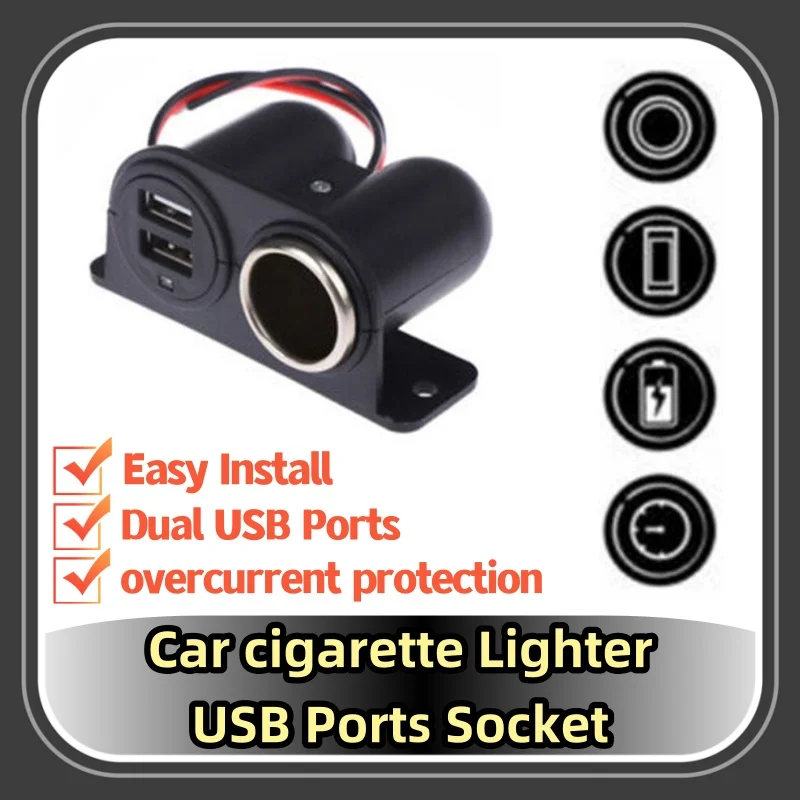
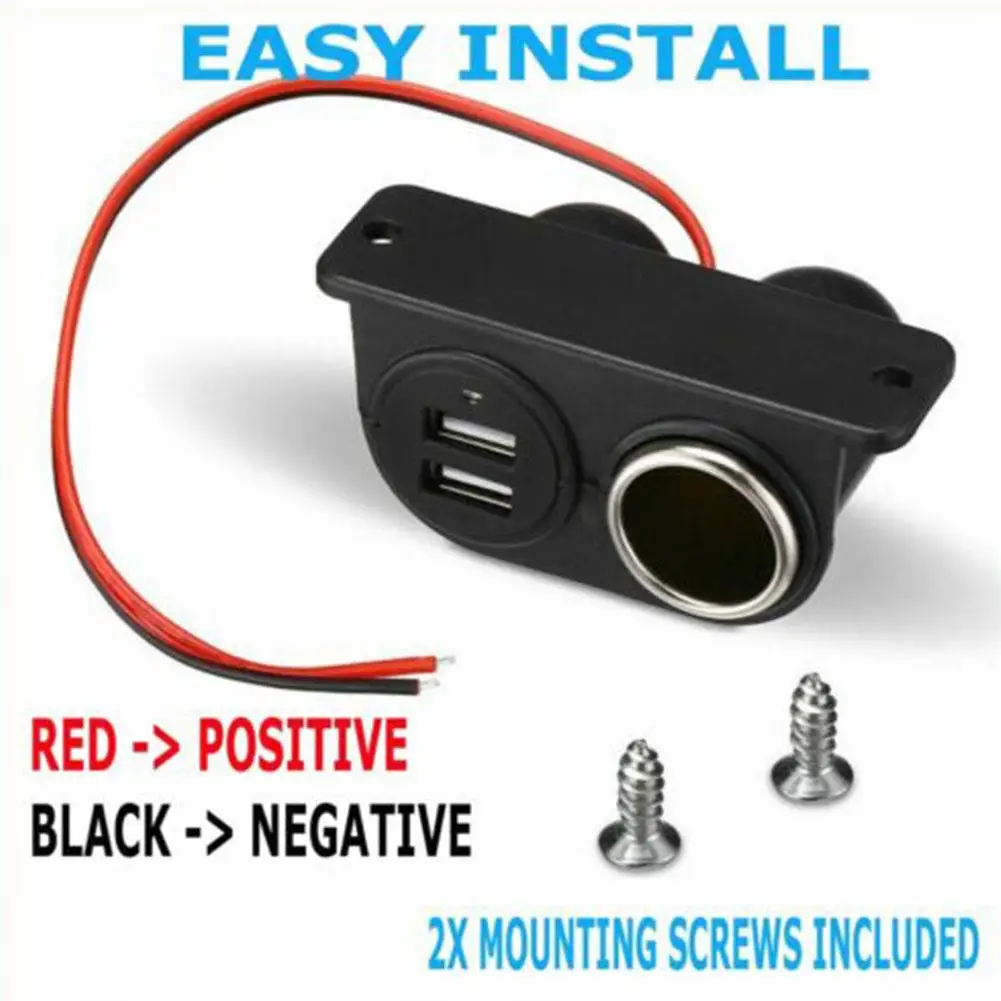
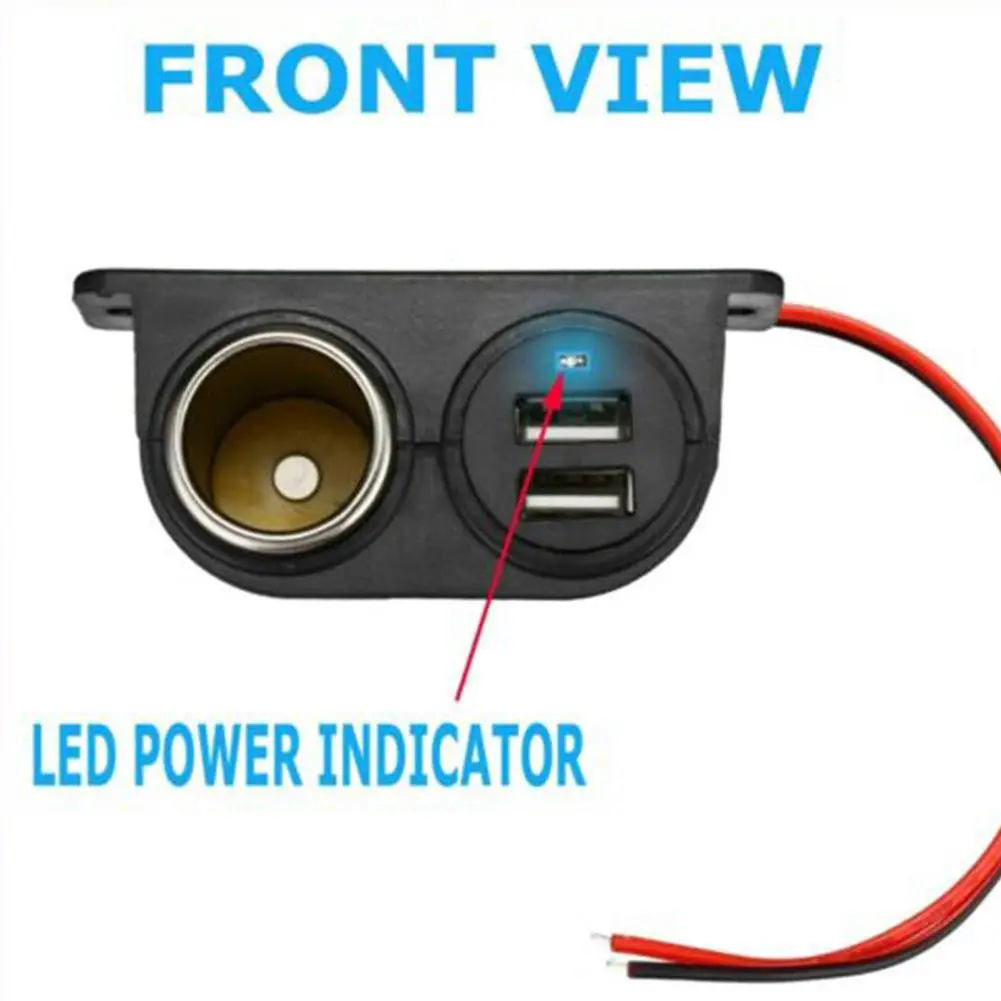
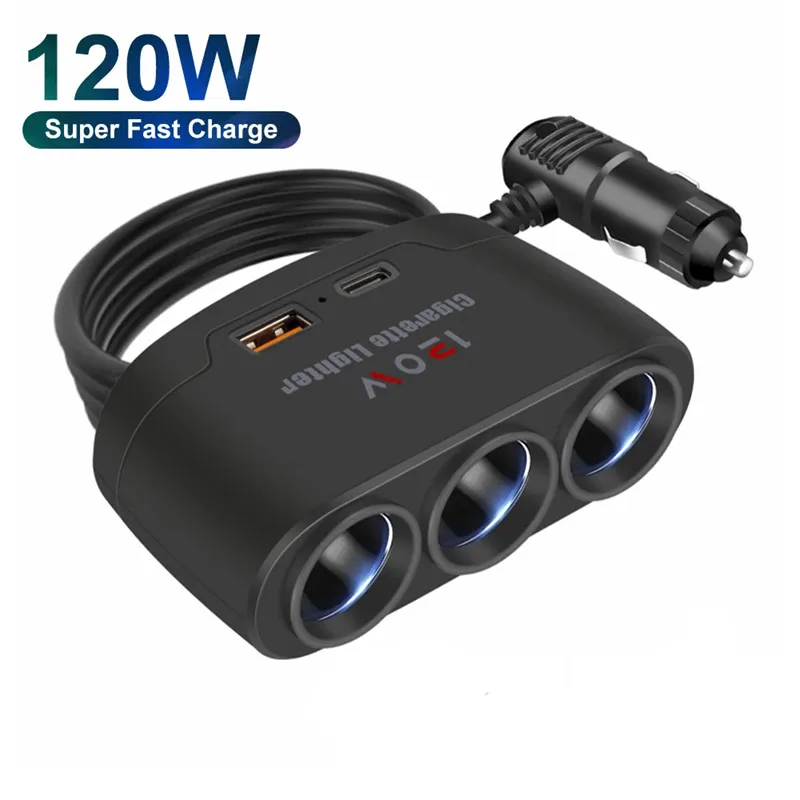
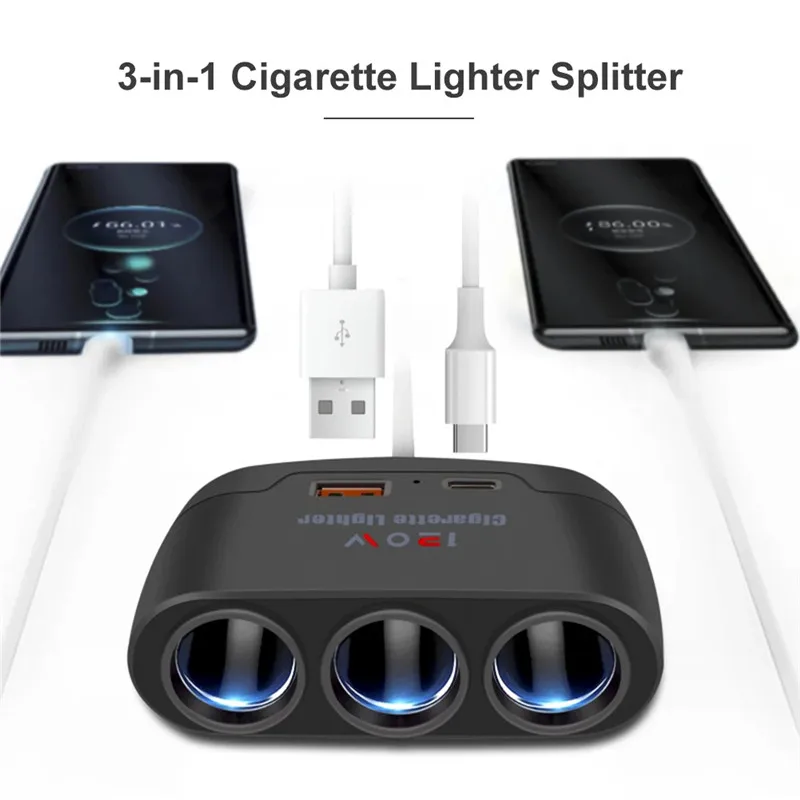
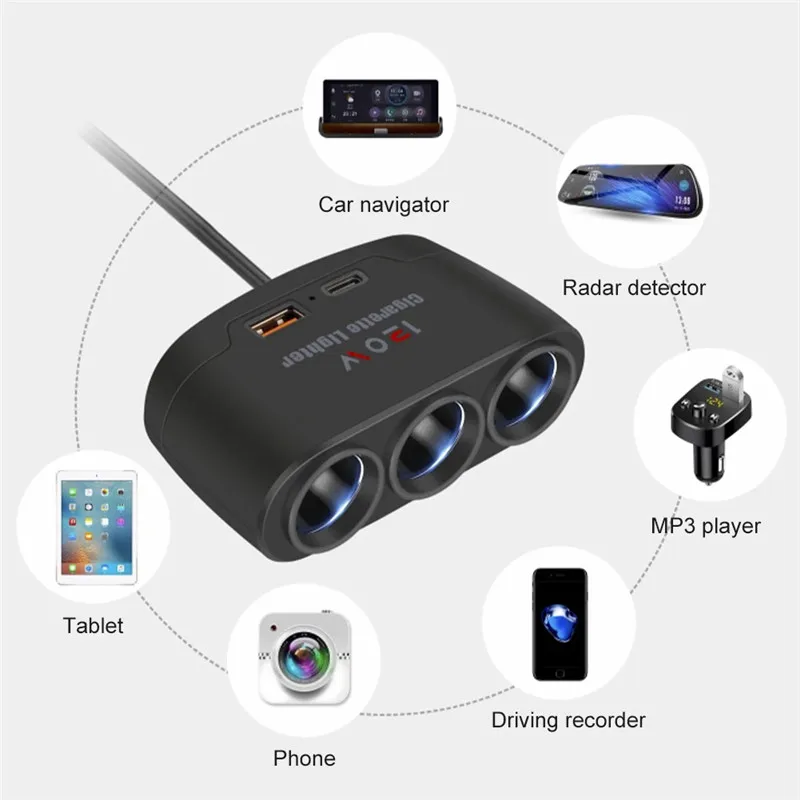
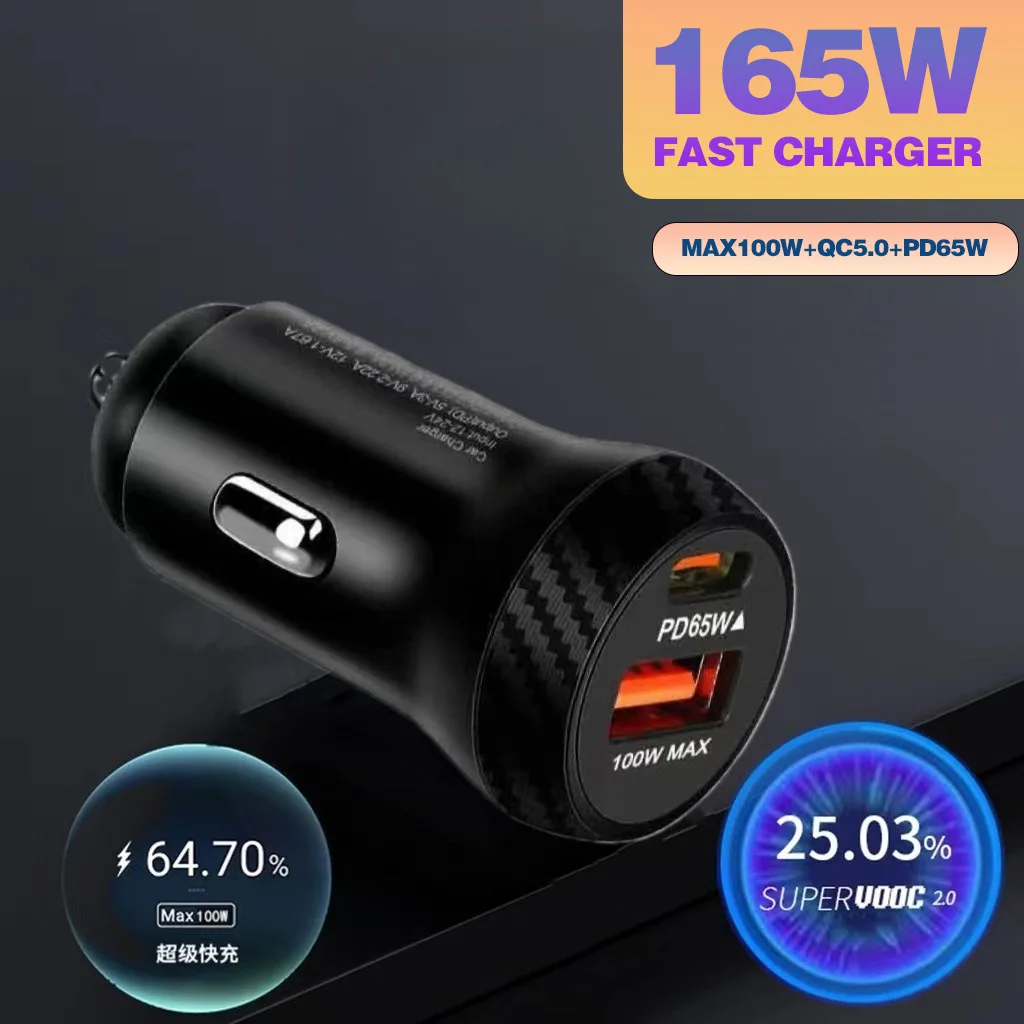
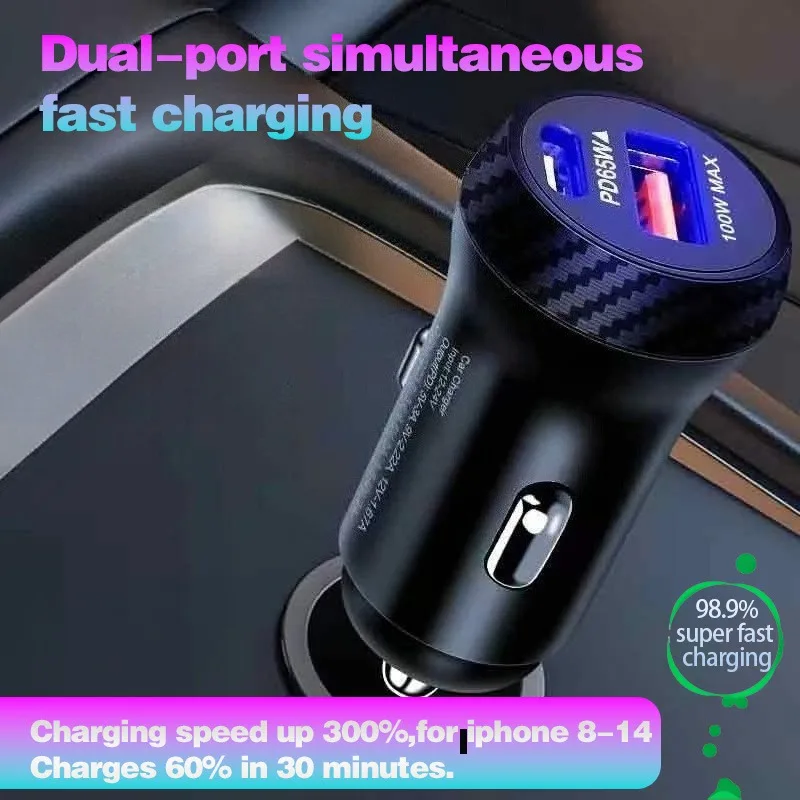
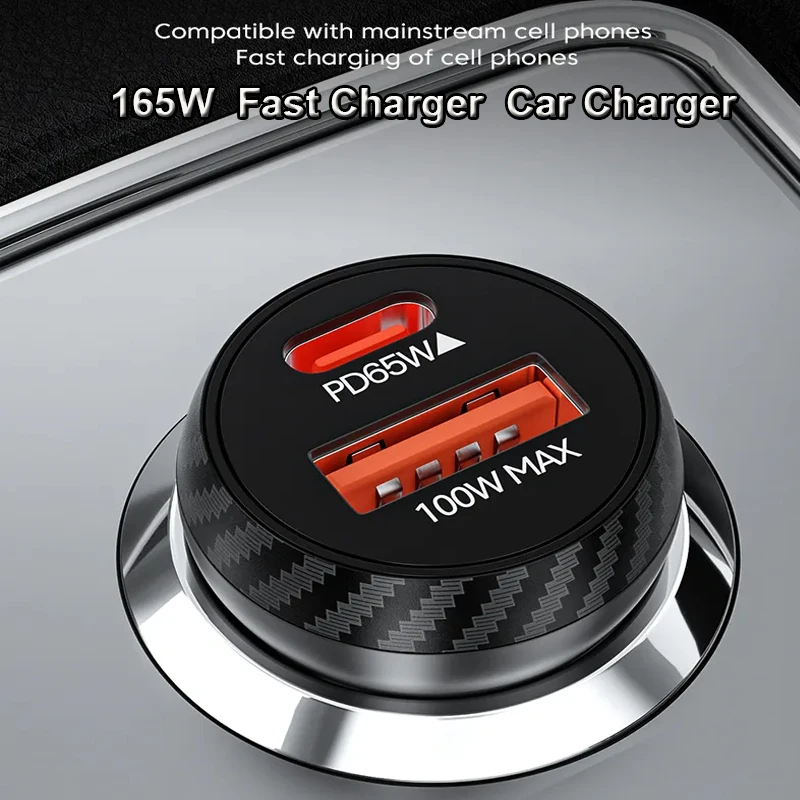
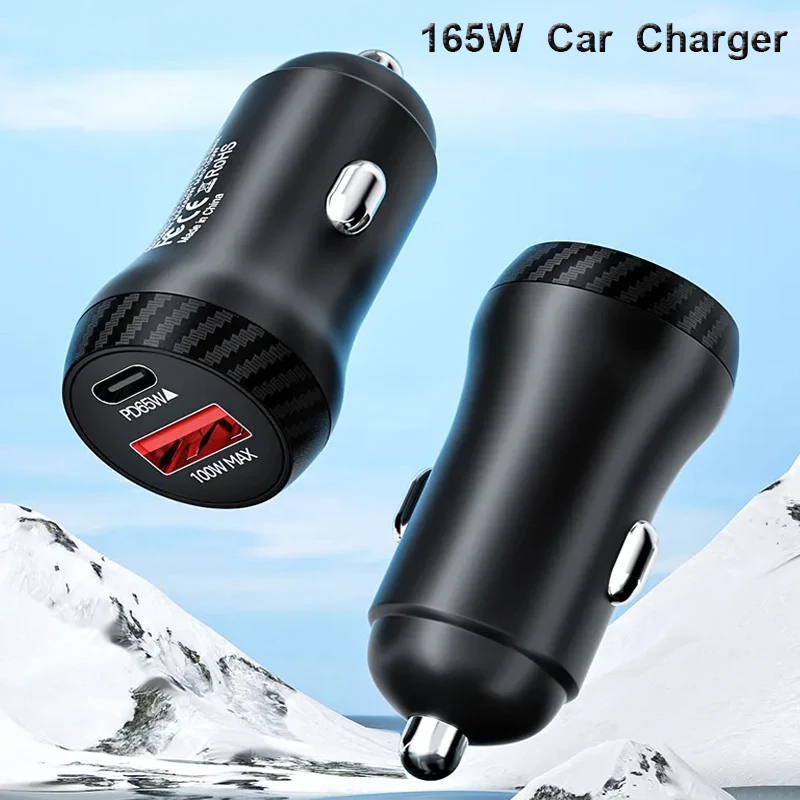
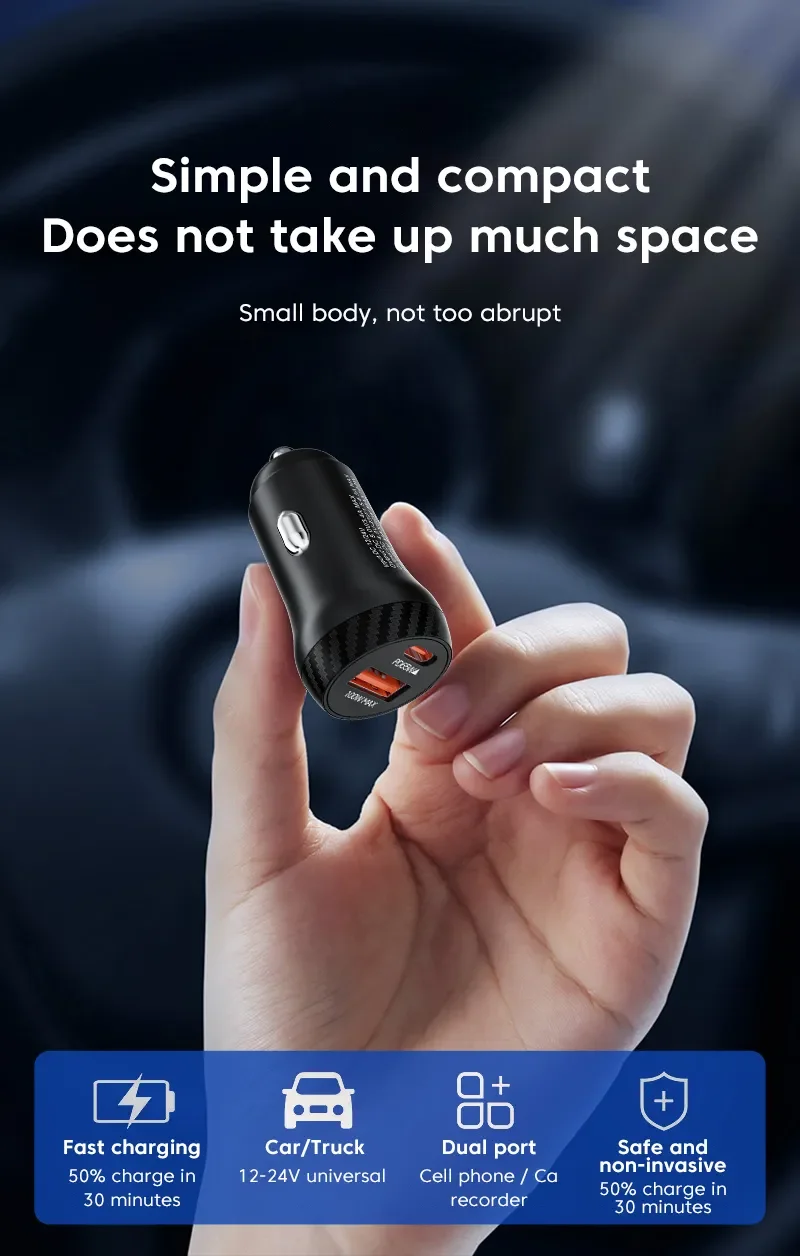
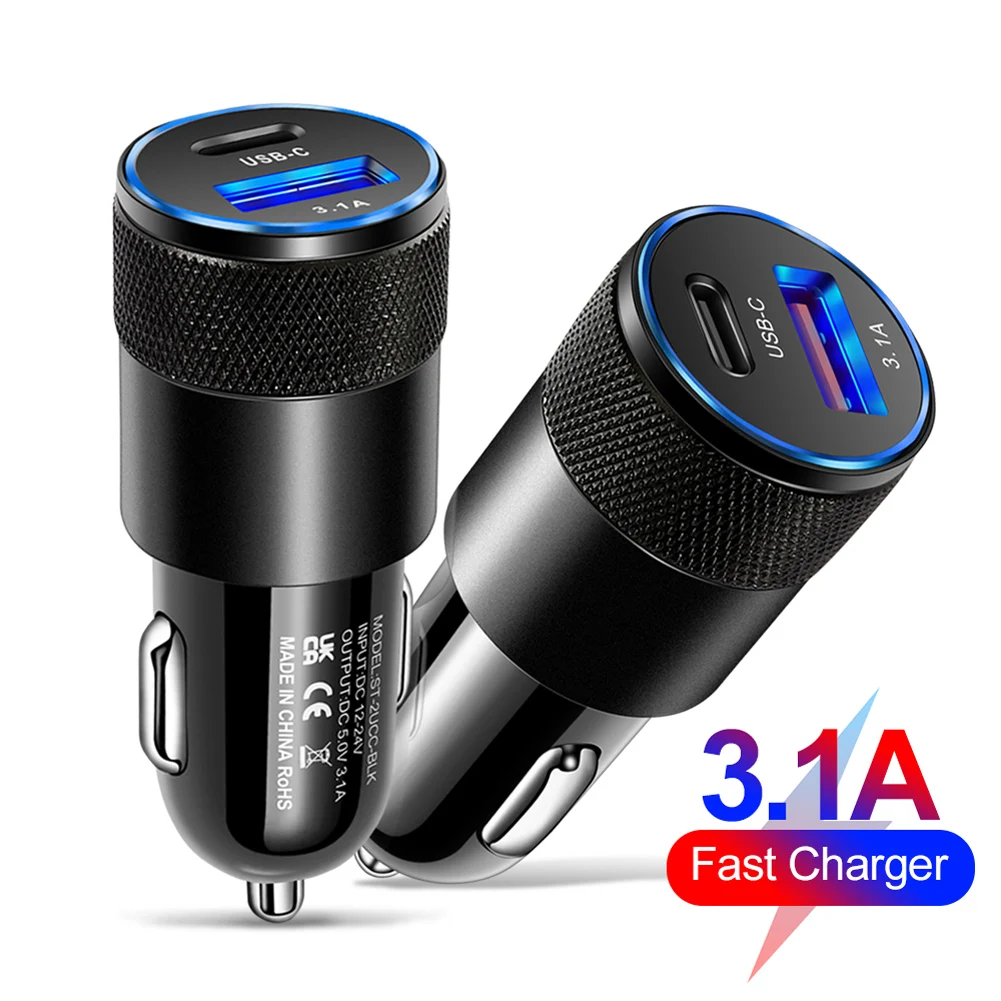
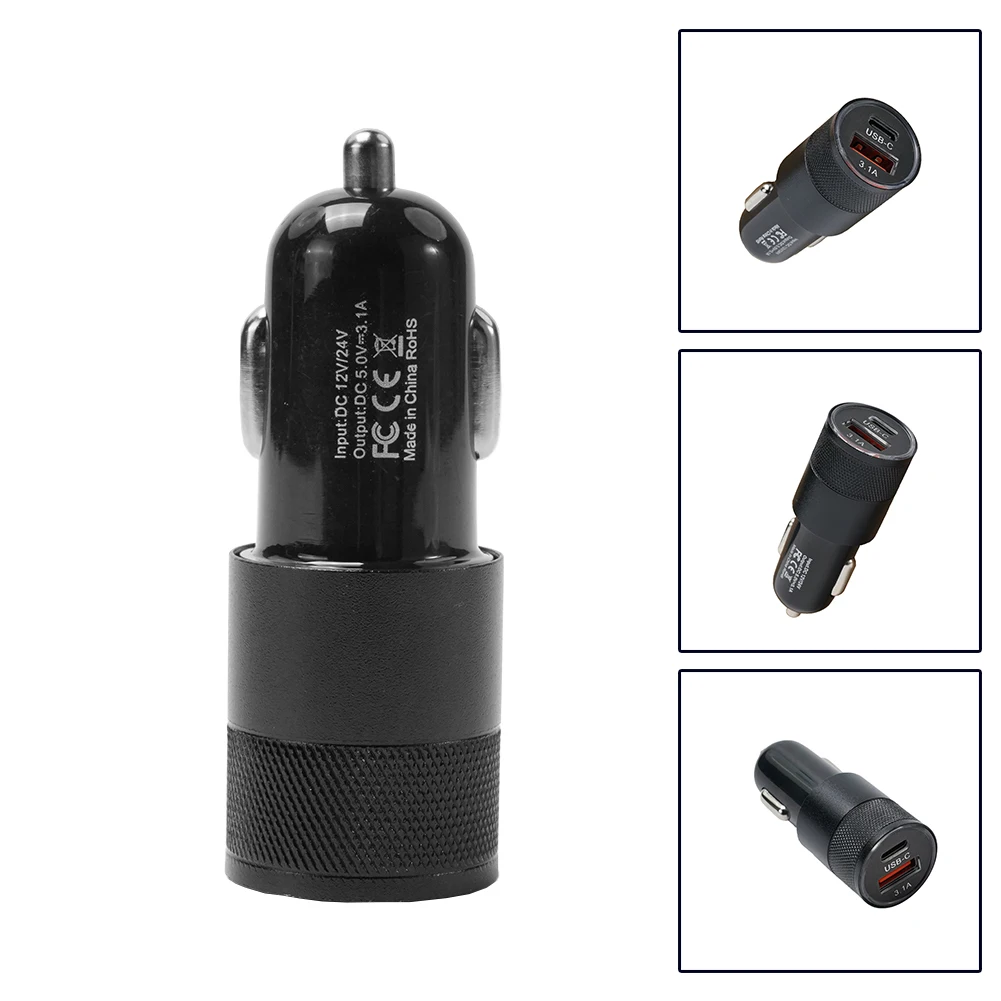
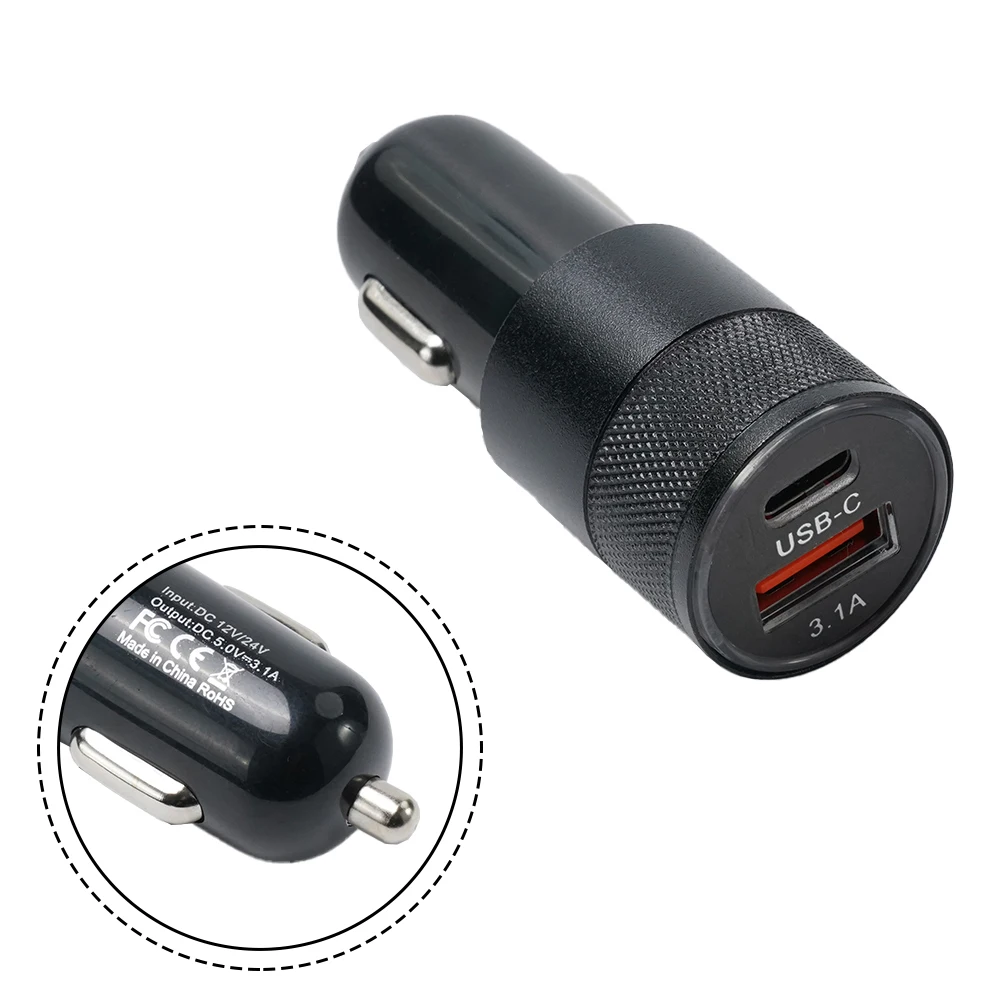
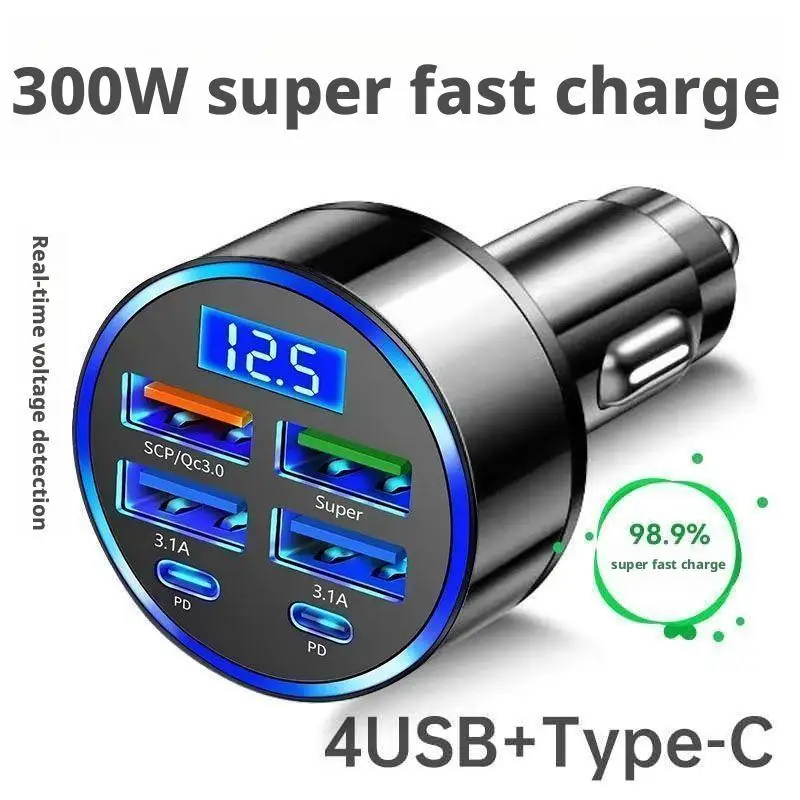
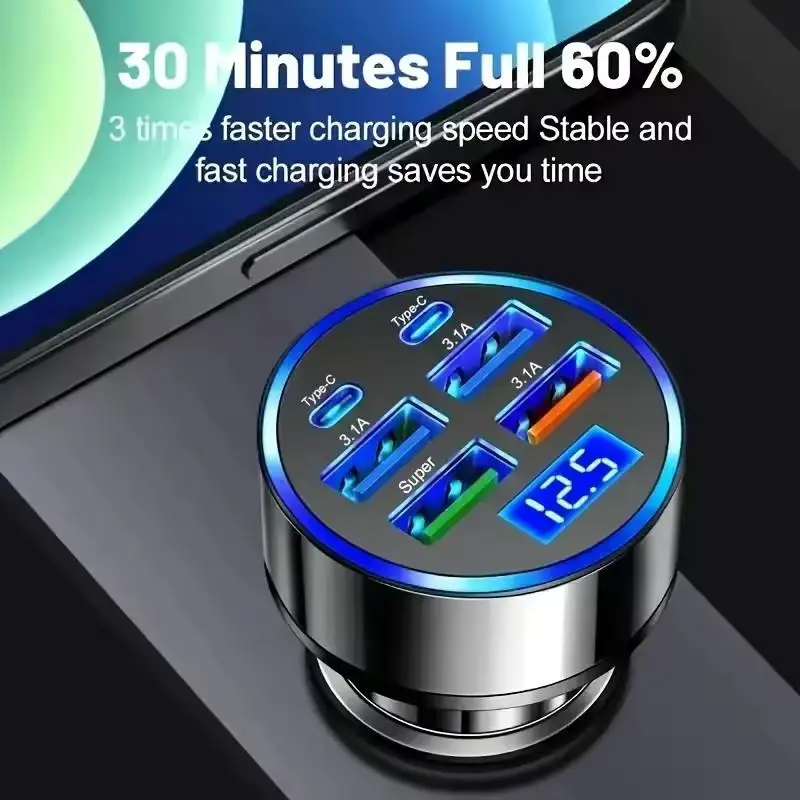
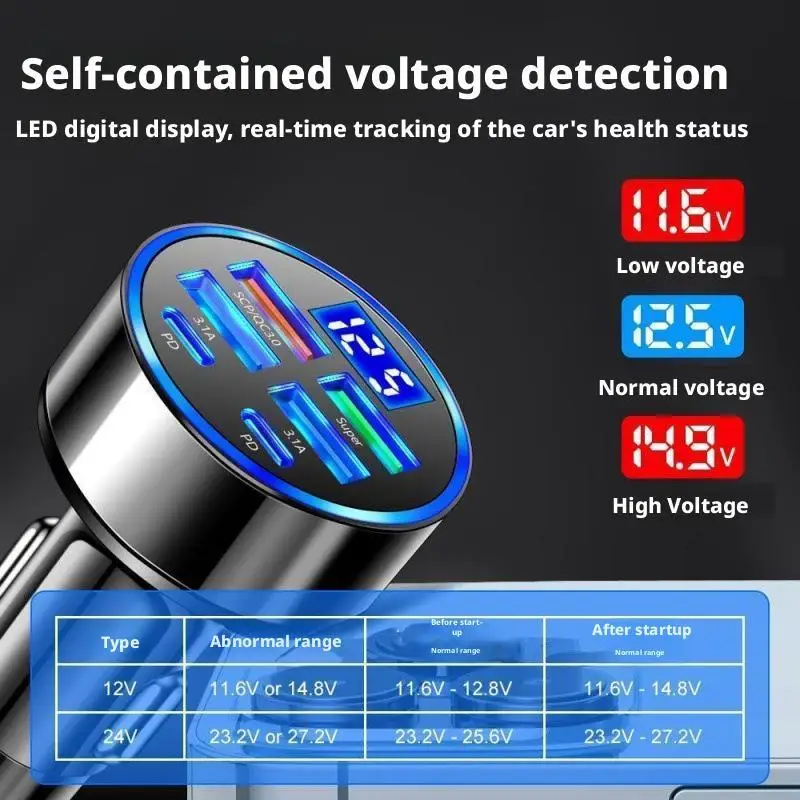
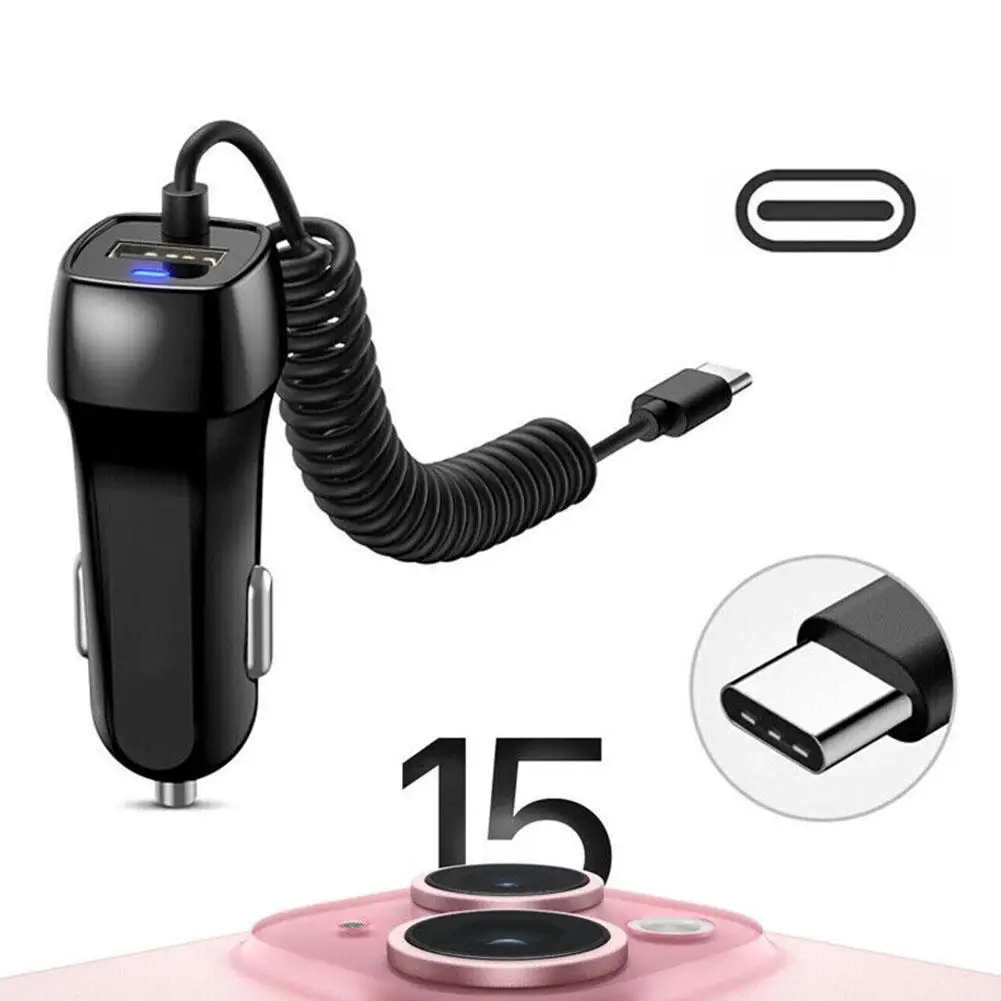
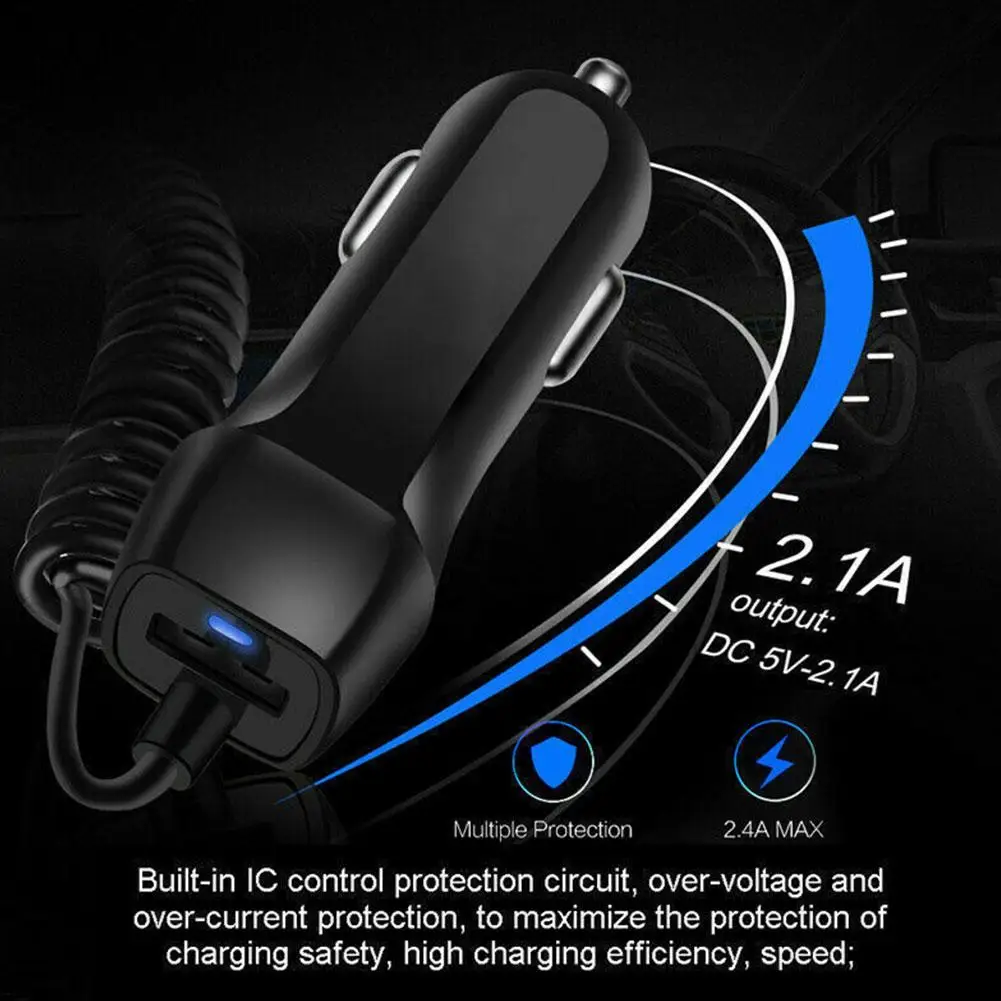
Then the socket. Most of these run from the 12V socket, and every socket has a limit set by its fuse, which the car's handbook gives. Phones and a dash cam are light work; check anything heavier. The guides choosing a car phone holder and car phone chargers, socket splitters and CarPlay go through it all.
Questions people ask
Can I use a holder on the windscreen?
GOV.UK lists a windscreen mount as a hands-free way, as long as it does not block your view. Keep it low and to the side.
Does any of this need fitting?
Nothing here is wired into the car: it clips, sticks or plugs in. A rear camera offered with some screens has a cable to run to the back, and its description explains how.
Delivery is included in every price and tracked to your door.
More to look at