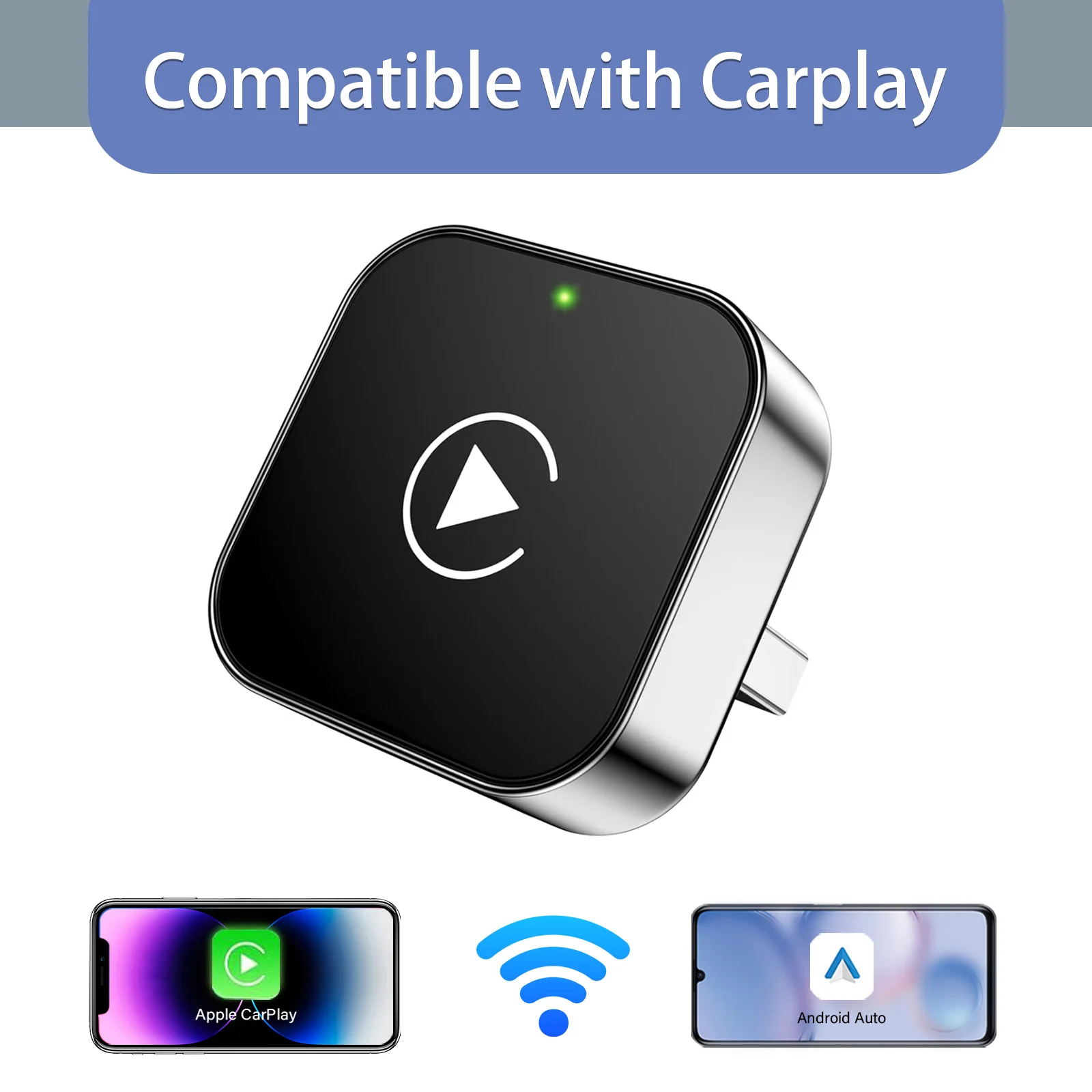
CarPlay without the cable
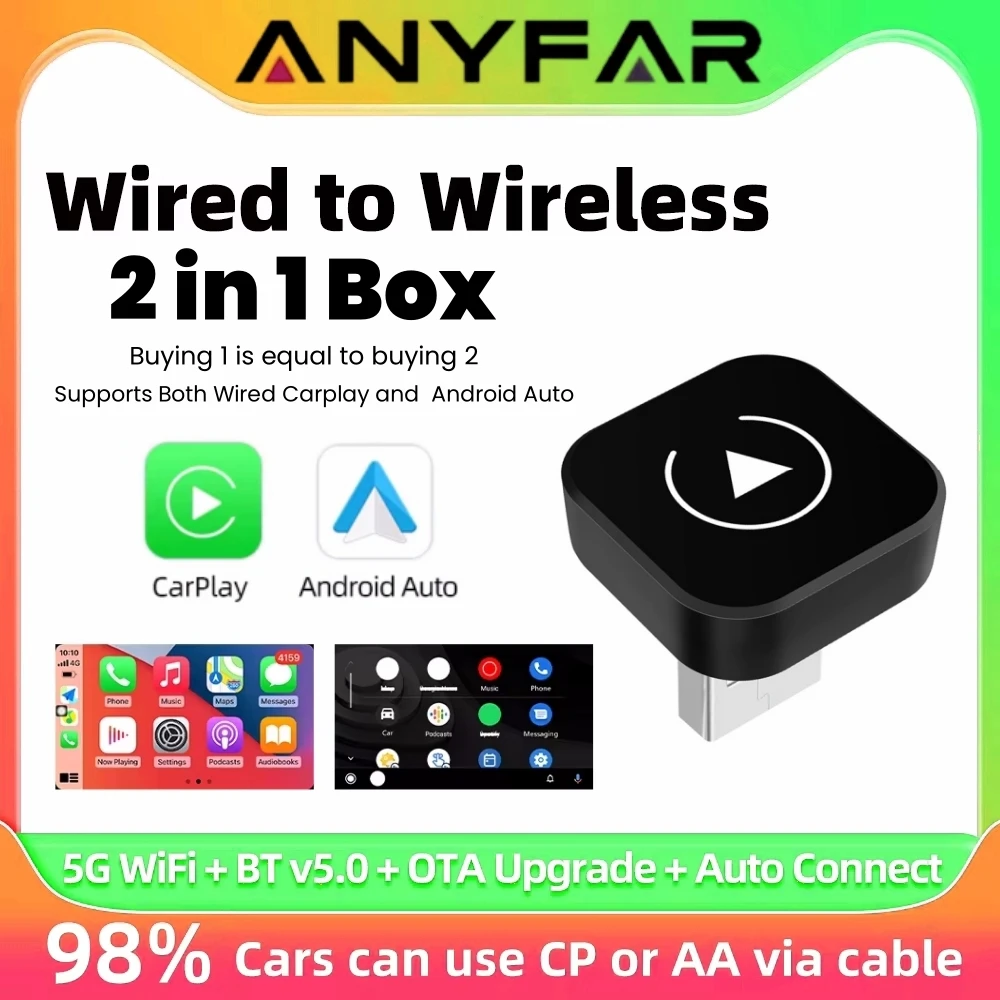
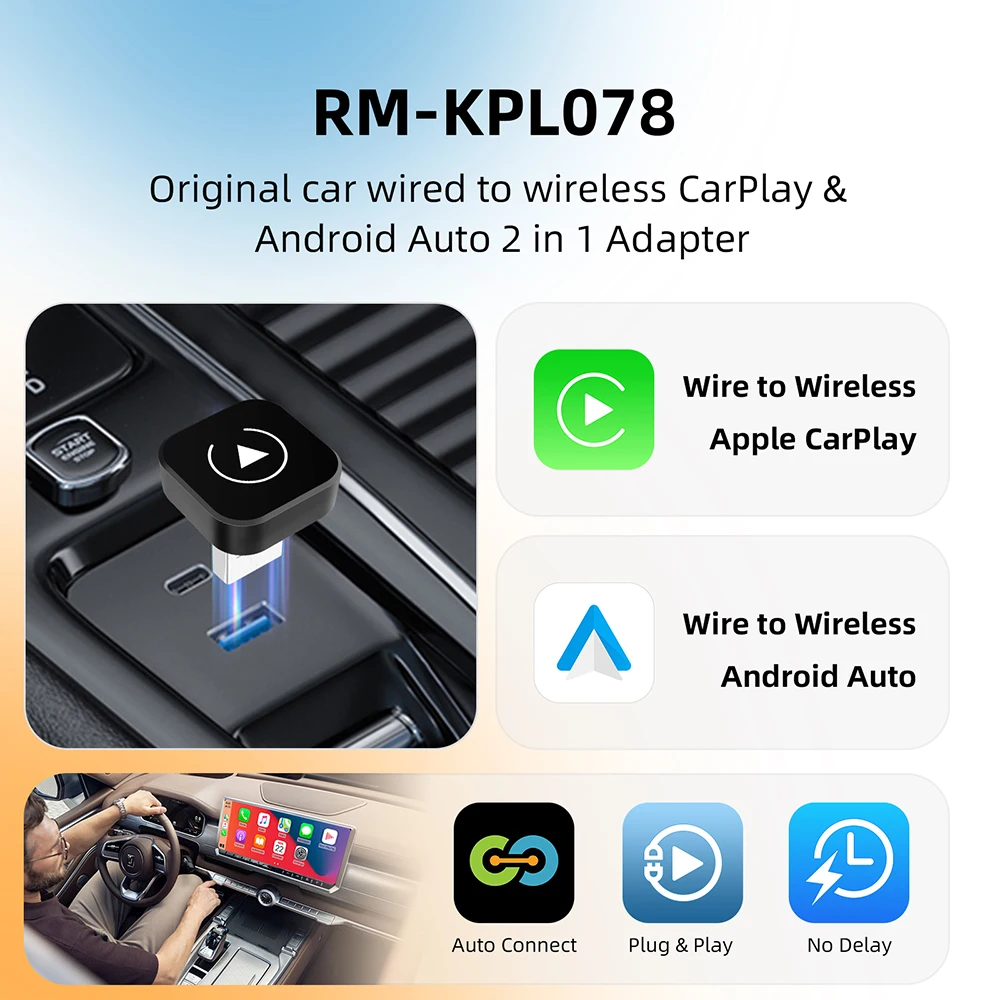
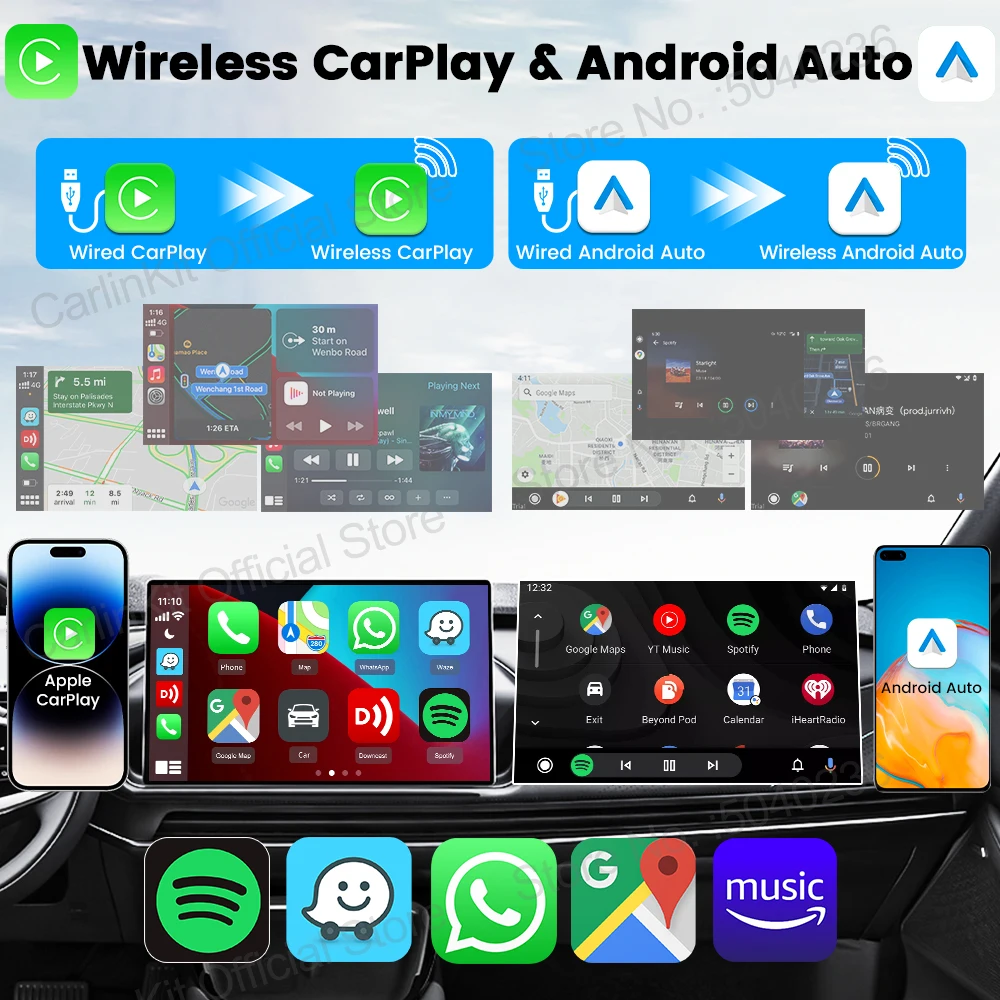
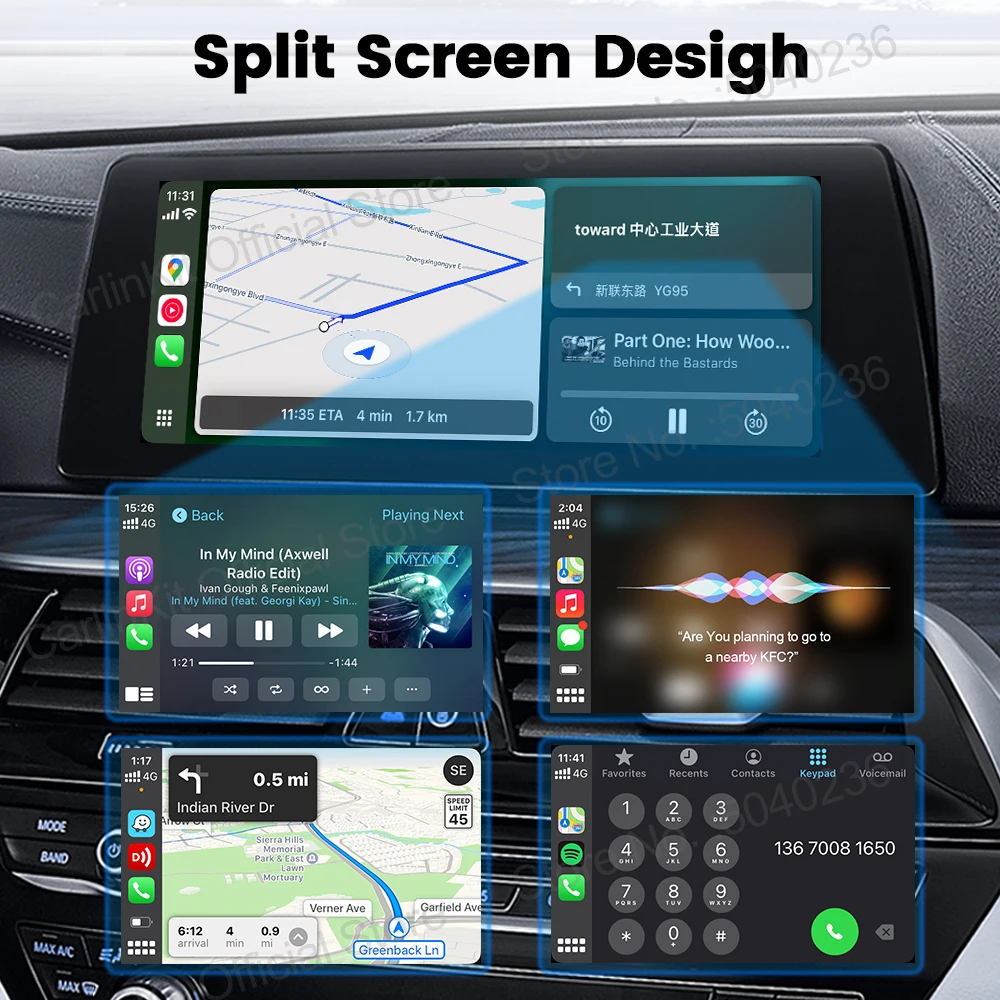
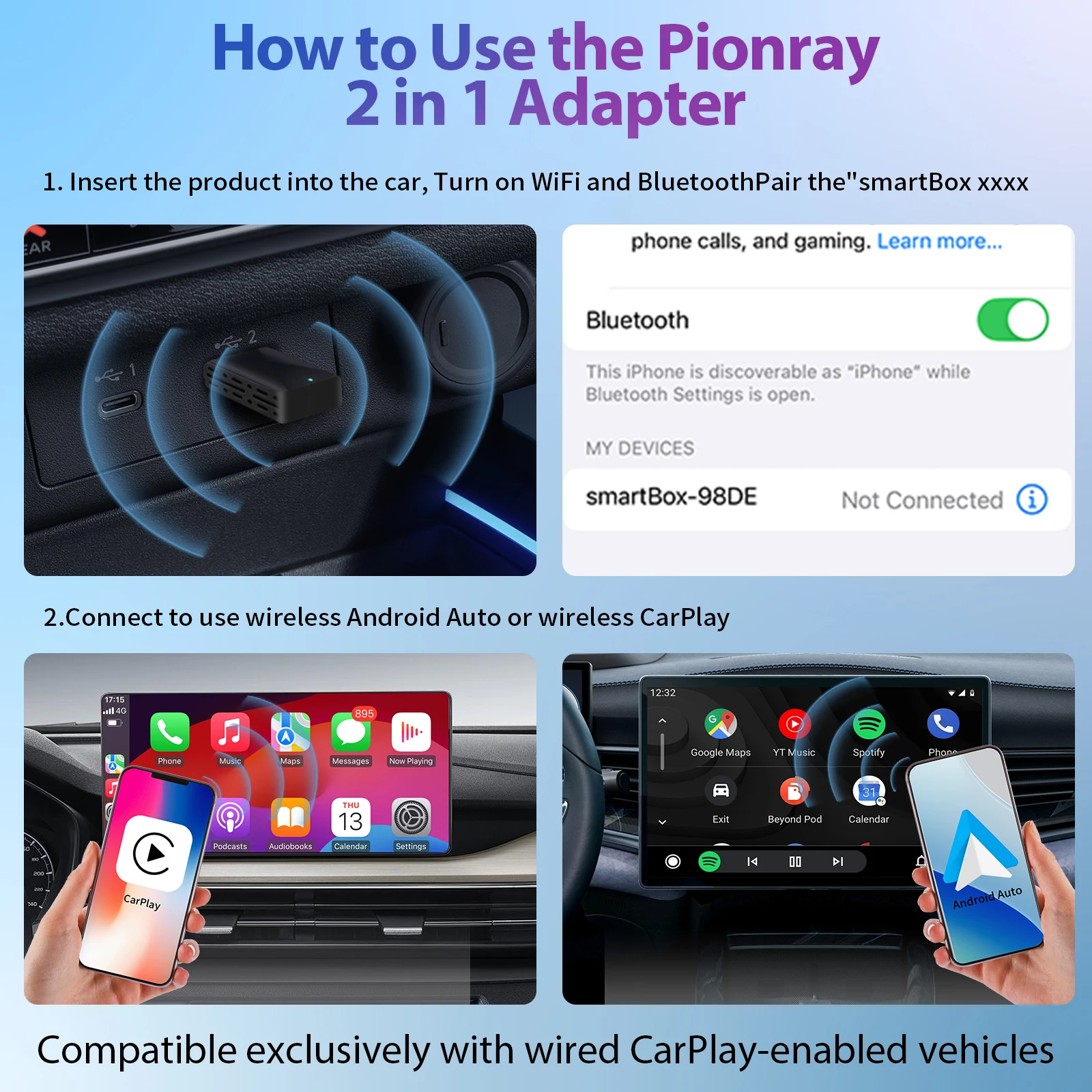
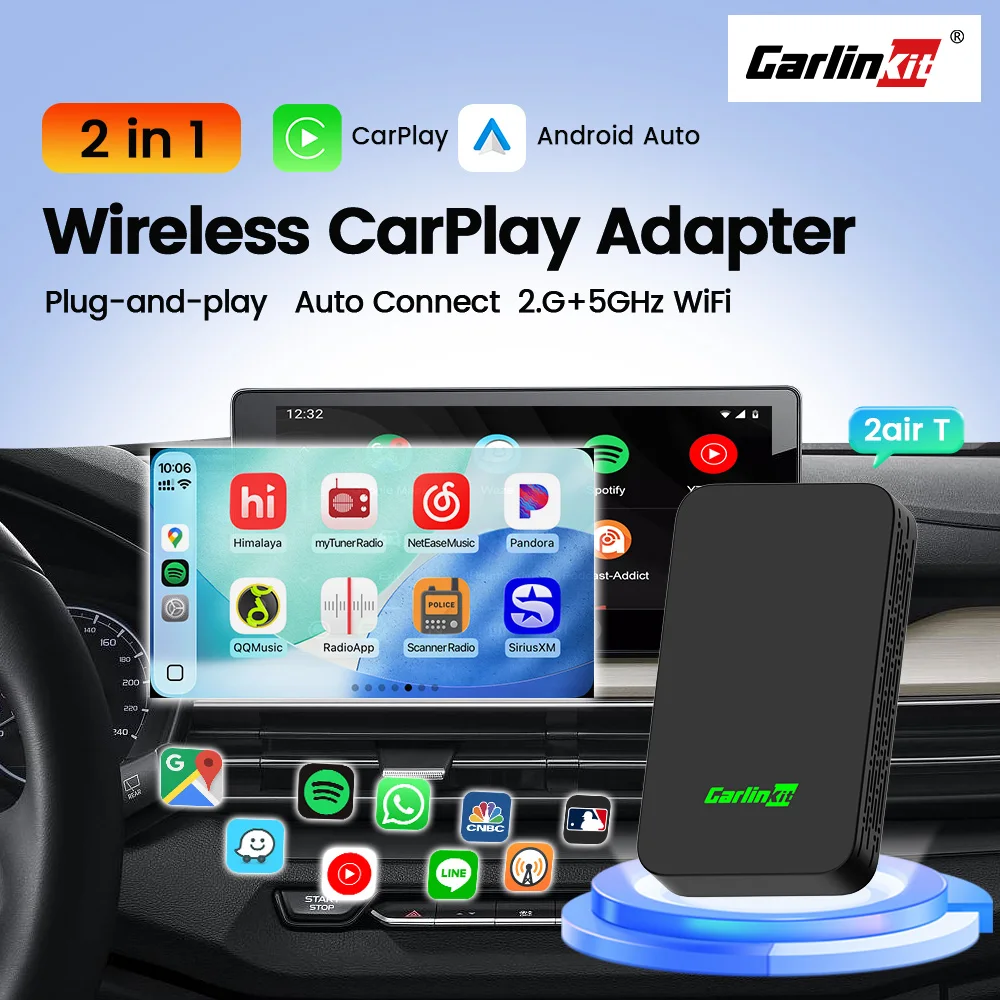
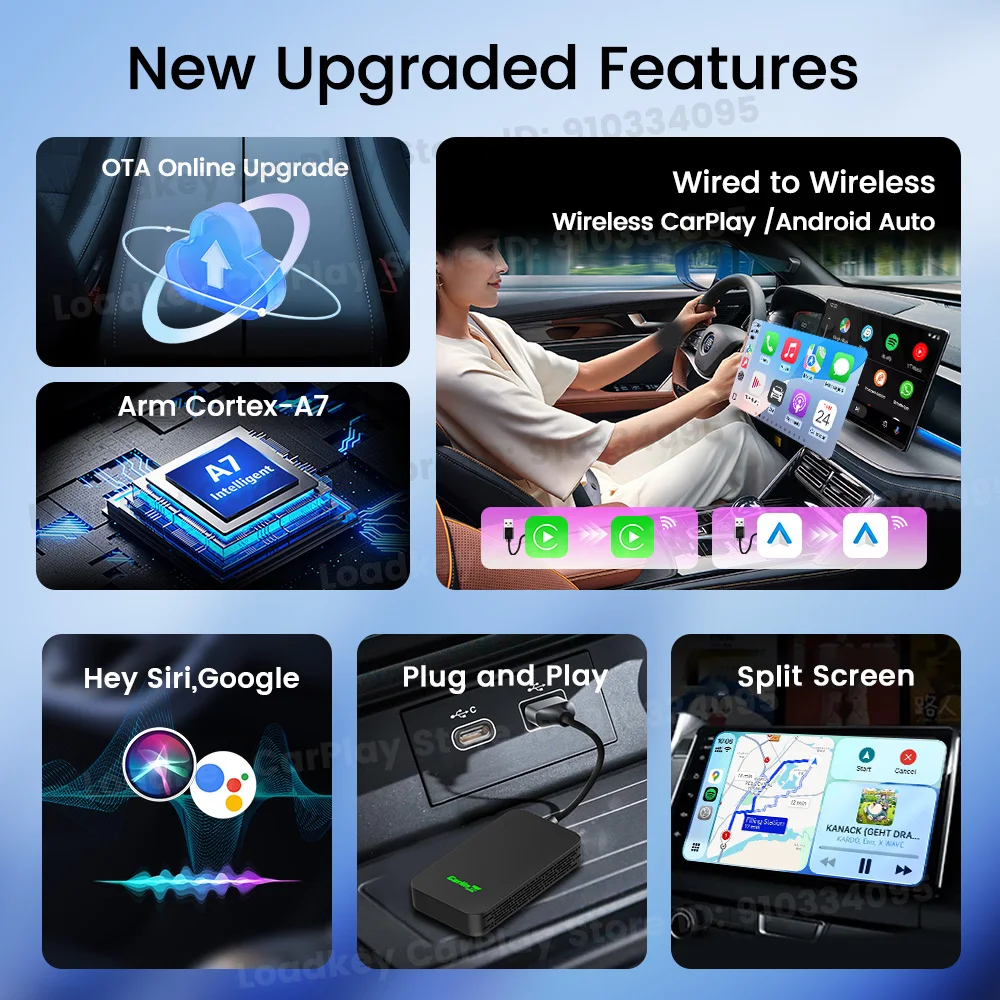
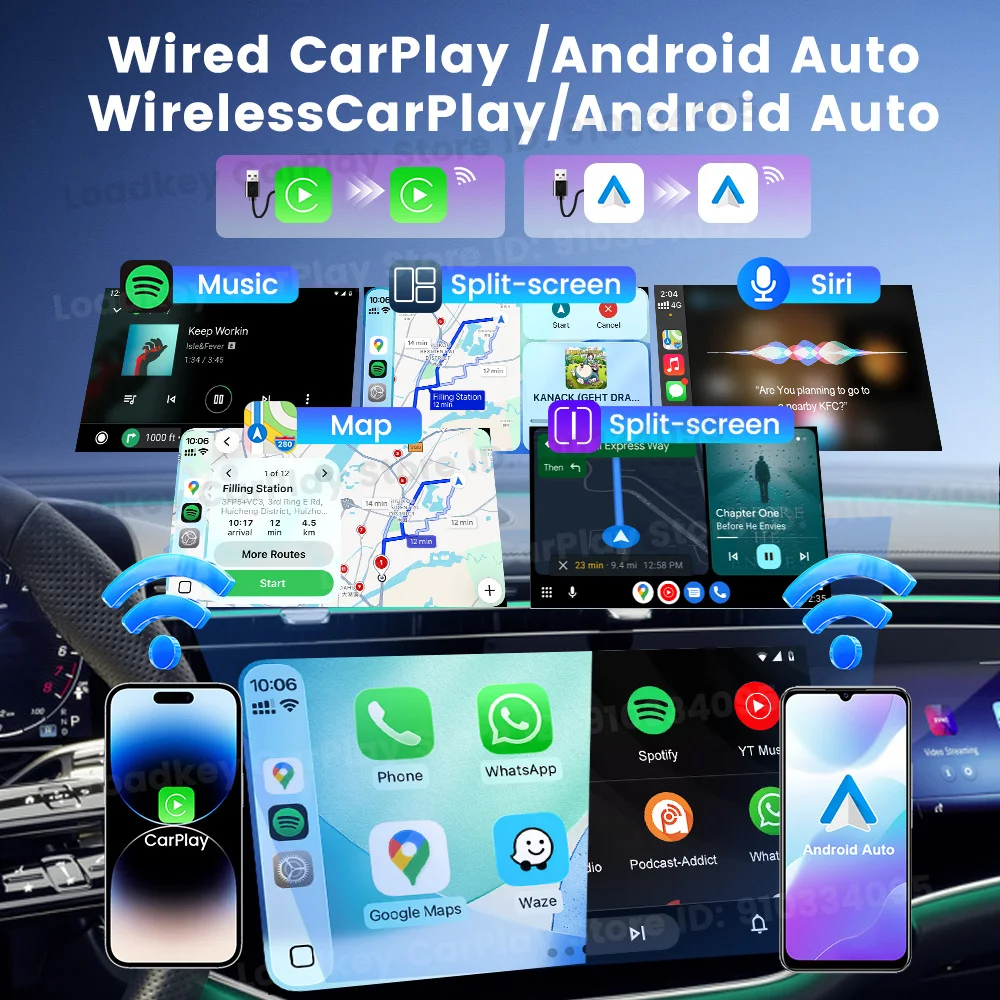
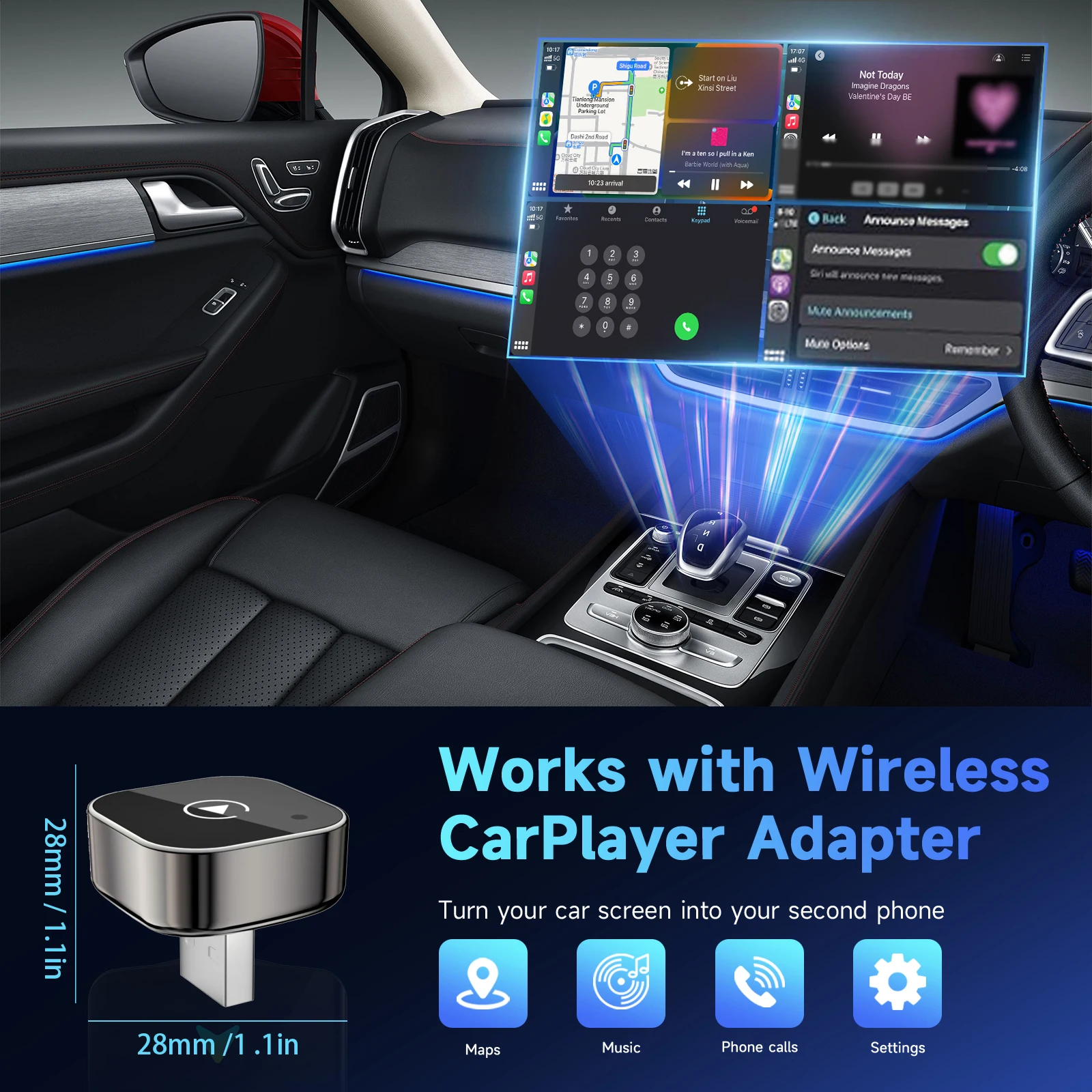
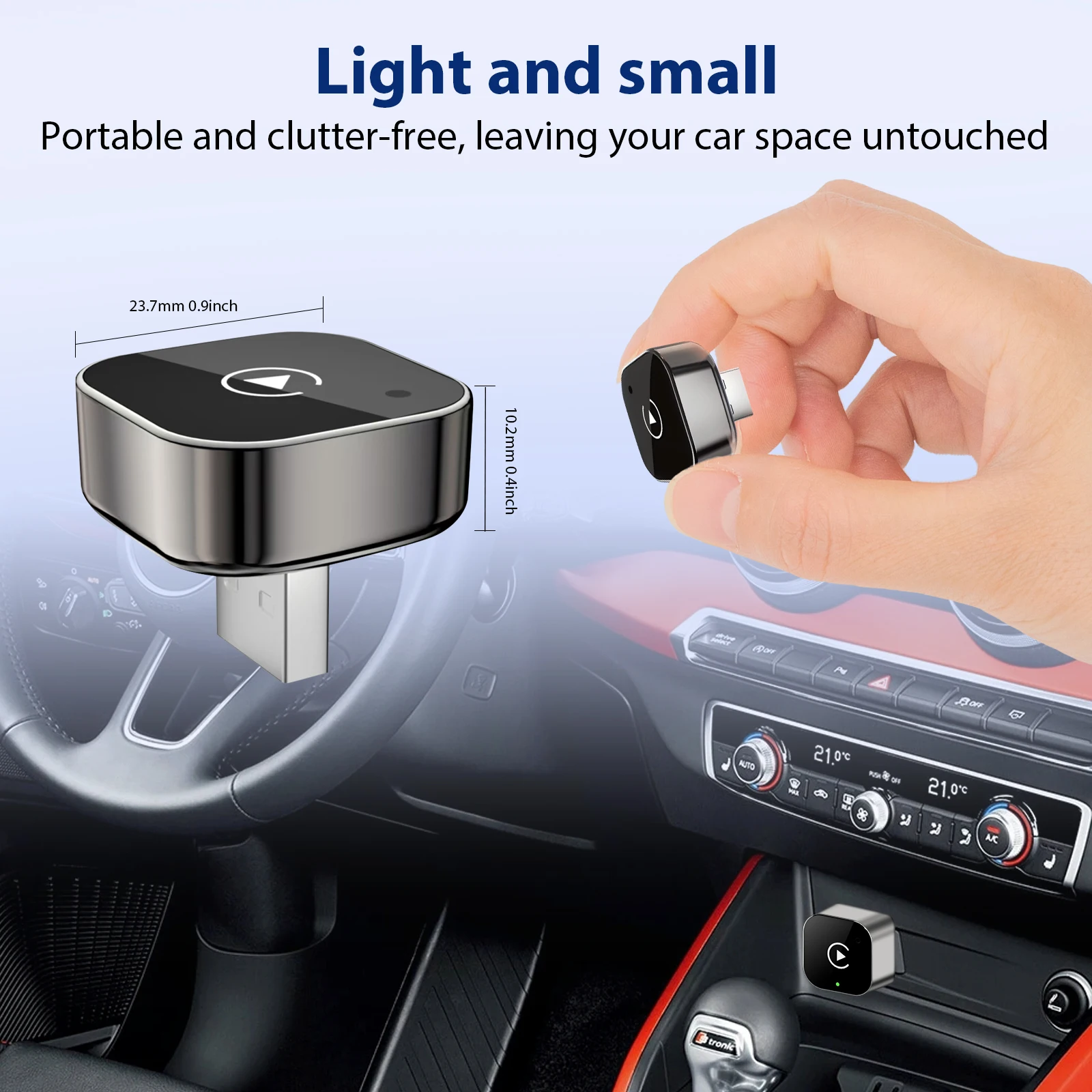
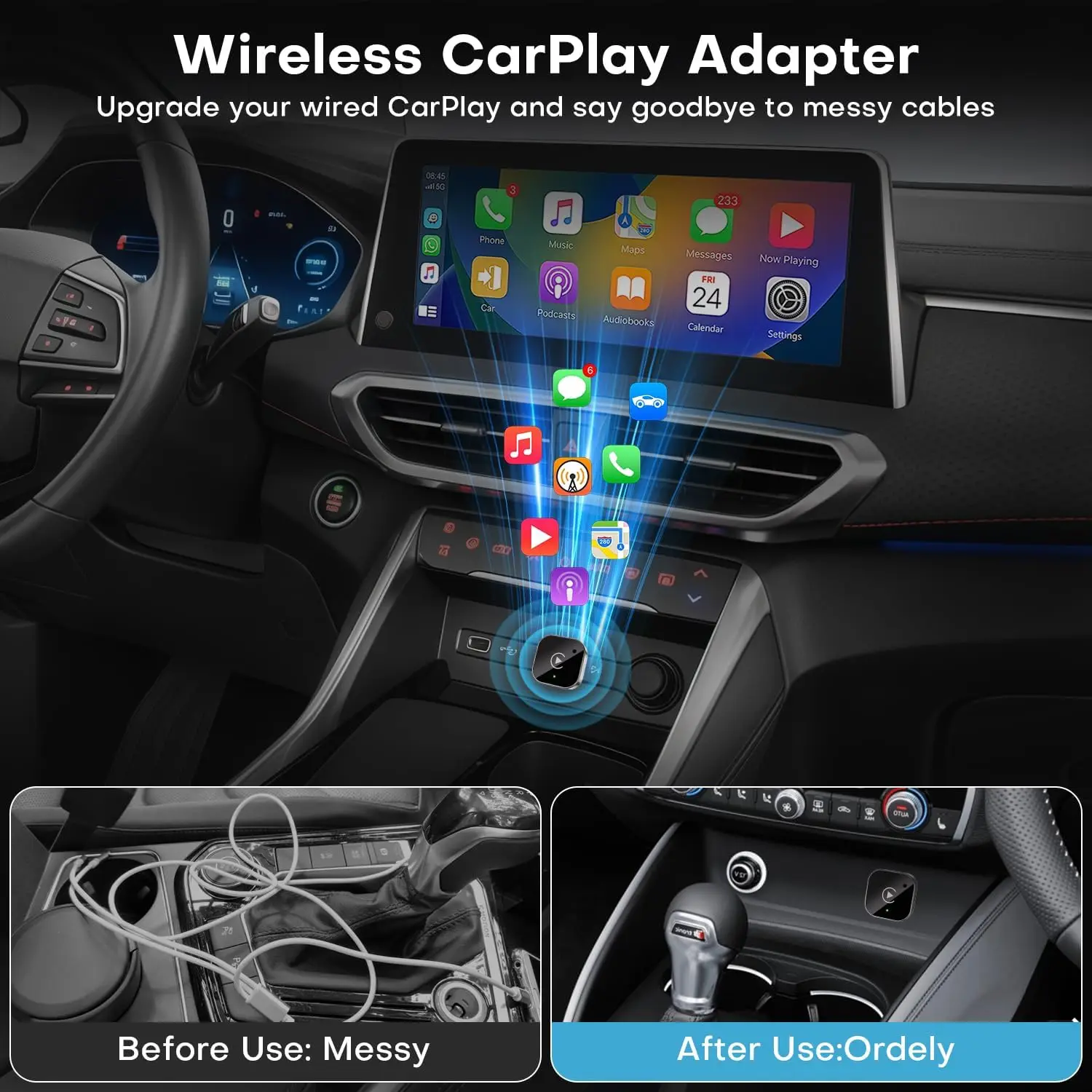
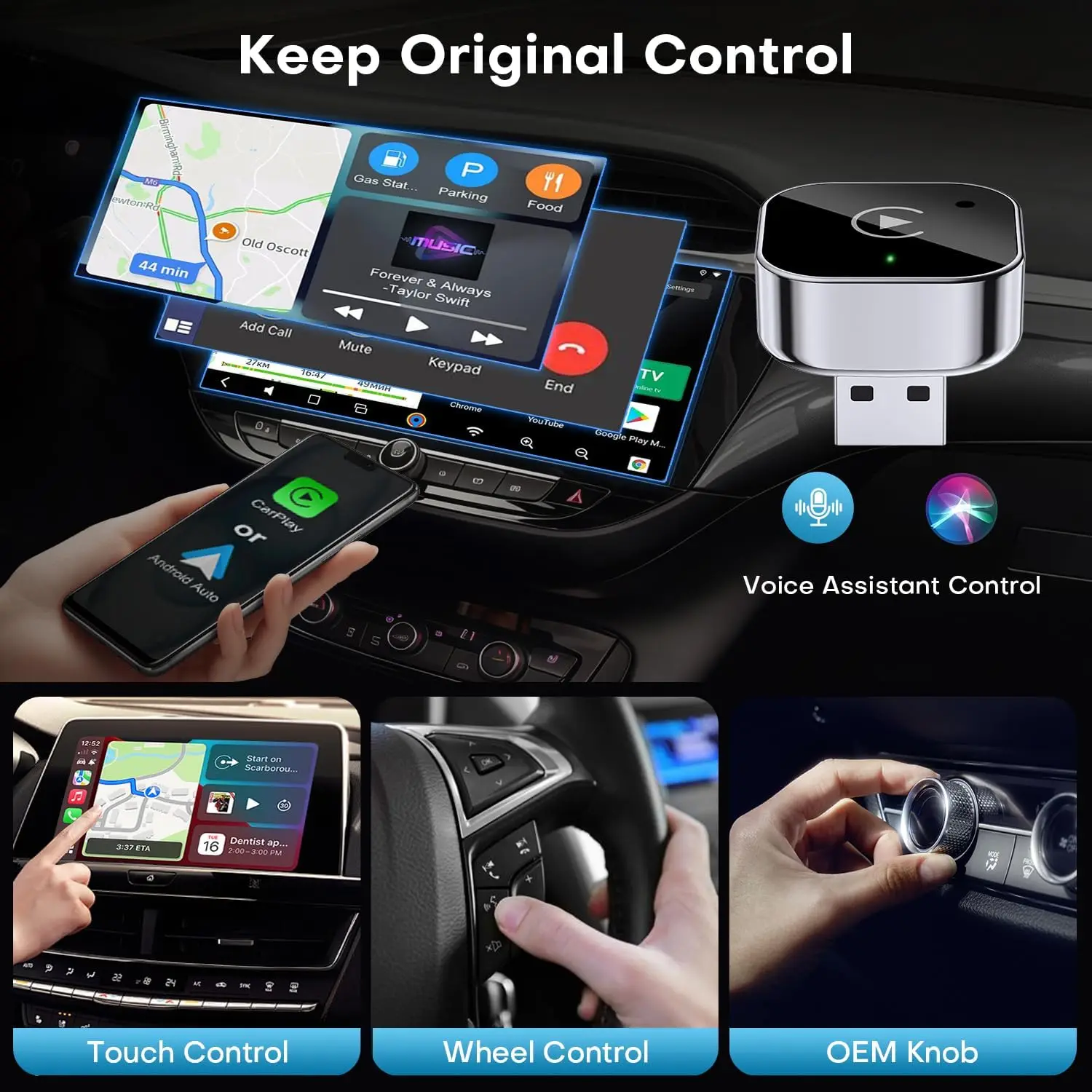
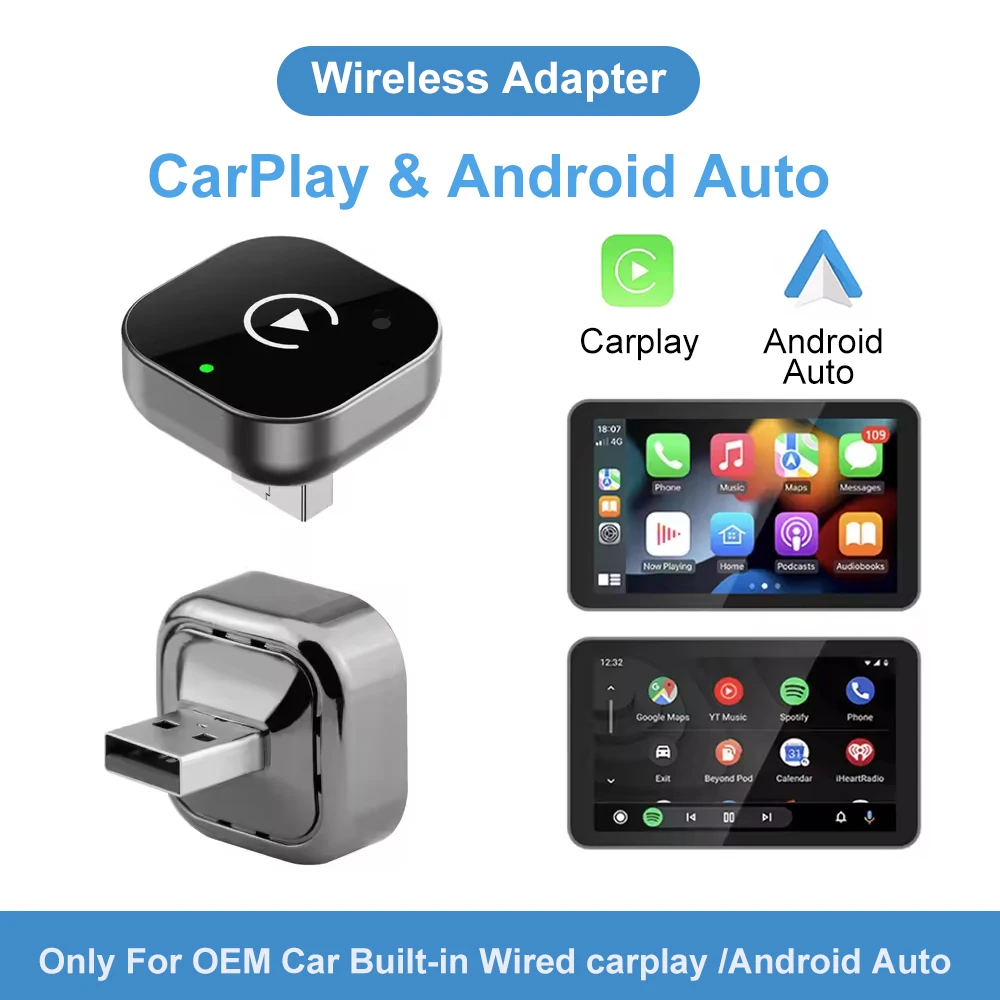
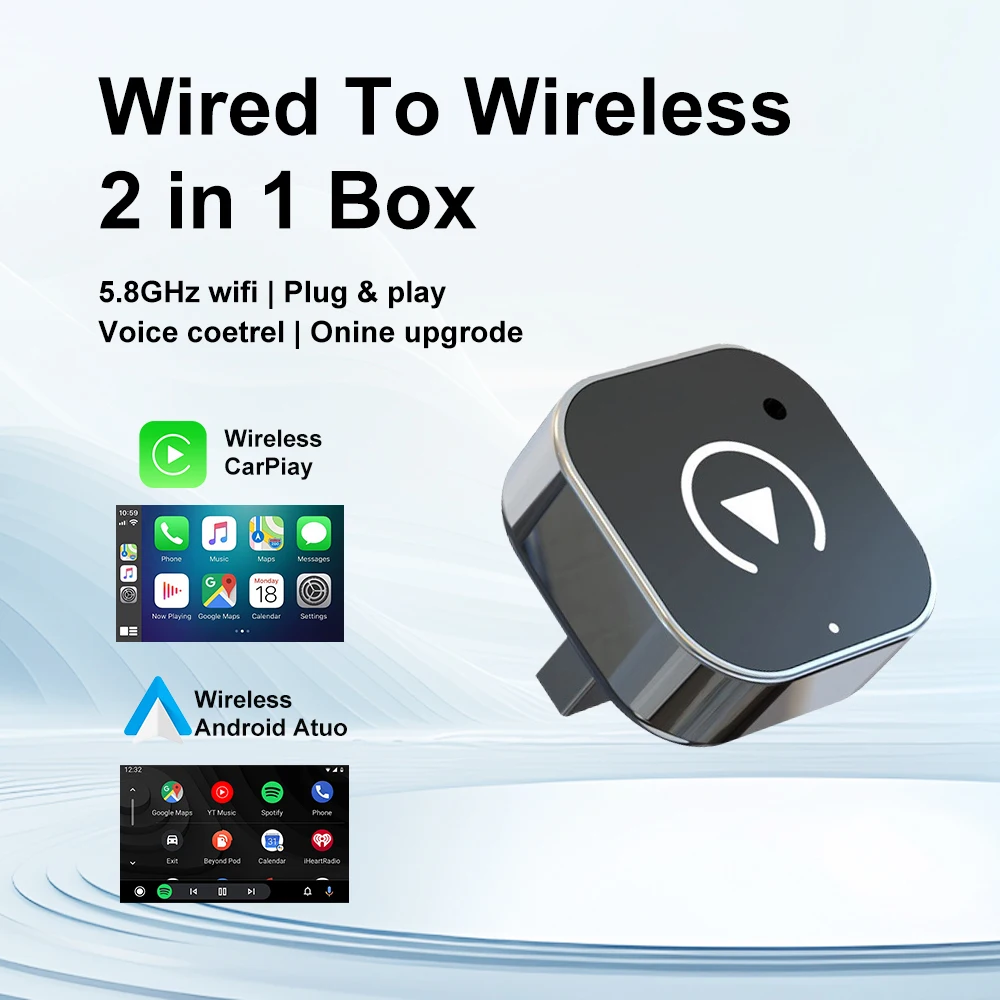
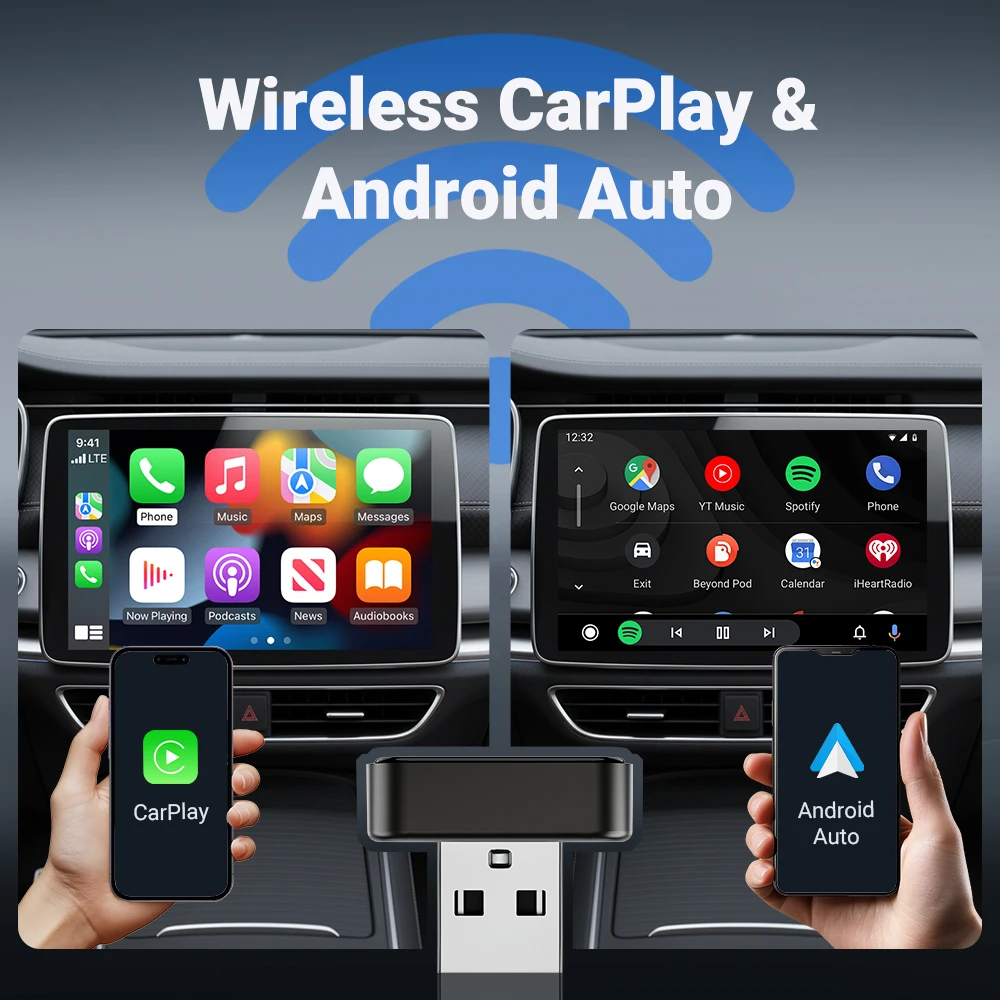
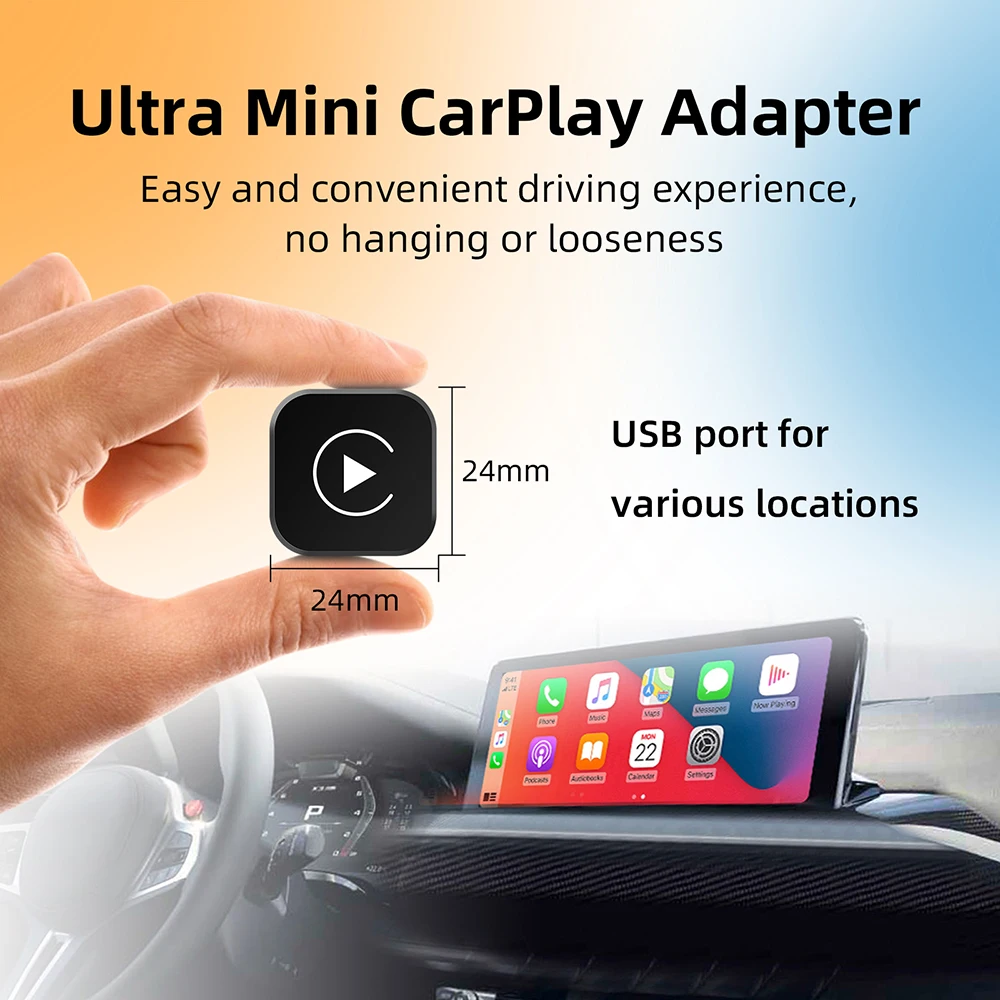
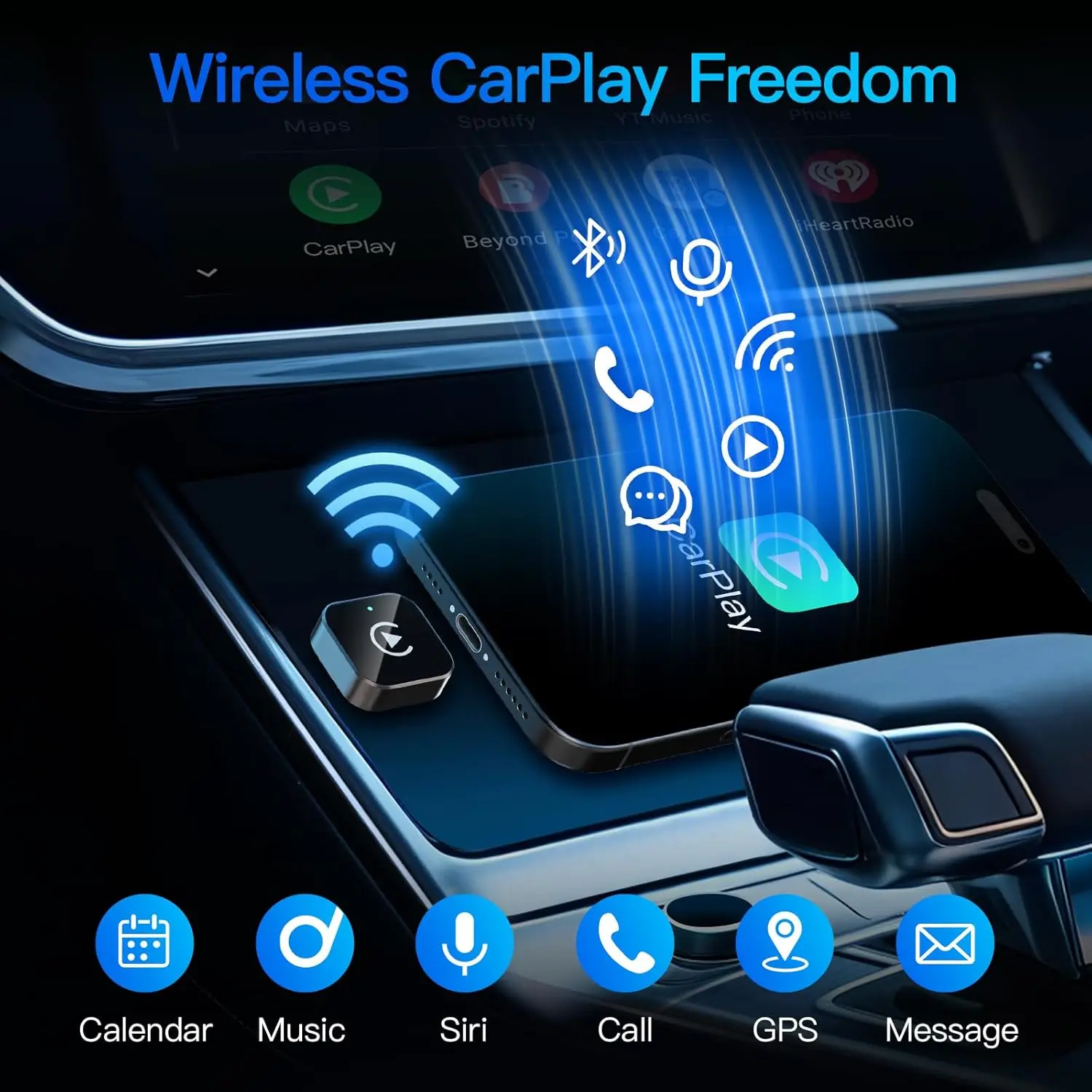
CarPlay, for iPhone, and Android Auto, for Android phones, put a simple version of the phone on the car's own screen: maps, music, messages read aloud and calls, worked by the touchscreen, the steering wheel buttons and the voice assistant. Many cars have one or both, but only with a cable. A wireless adapter takes the cable away. It plugs into the car's USB port, the car treats it as a phone plugged in, and the adapter talks to your phone over Bluetooth and Wi-Fi. Once paired, the phone connects on its own soon after you start the car and can stay in a pocket or a bag.
What you will find here
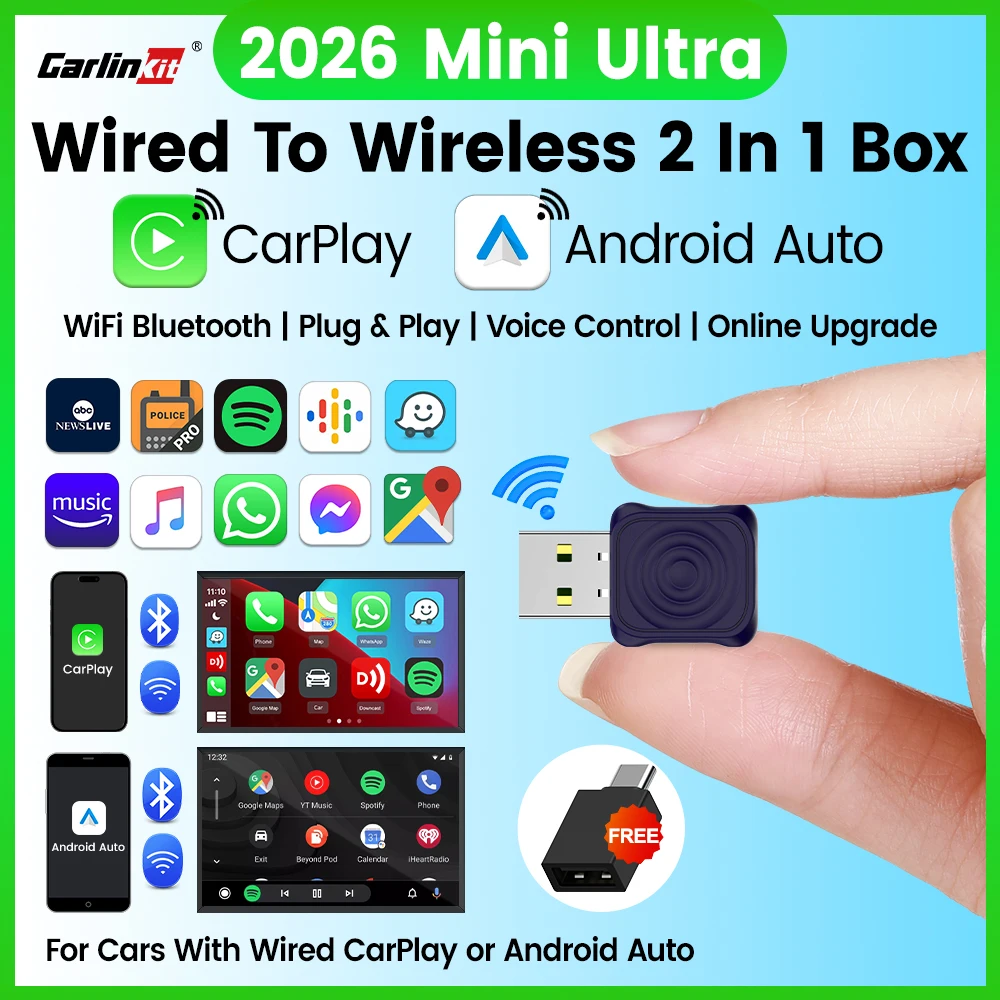
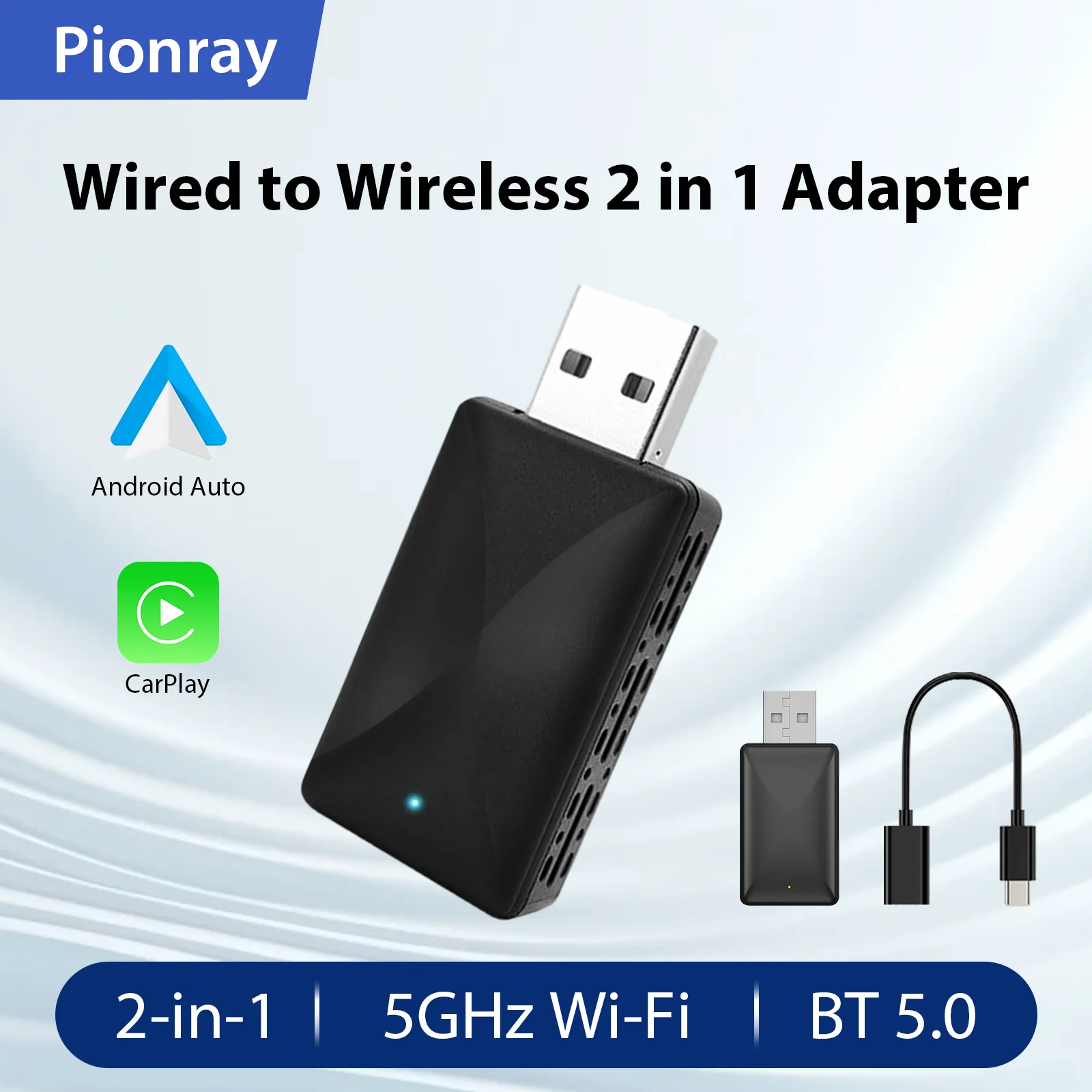
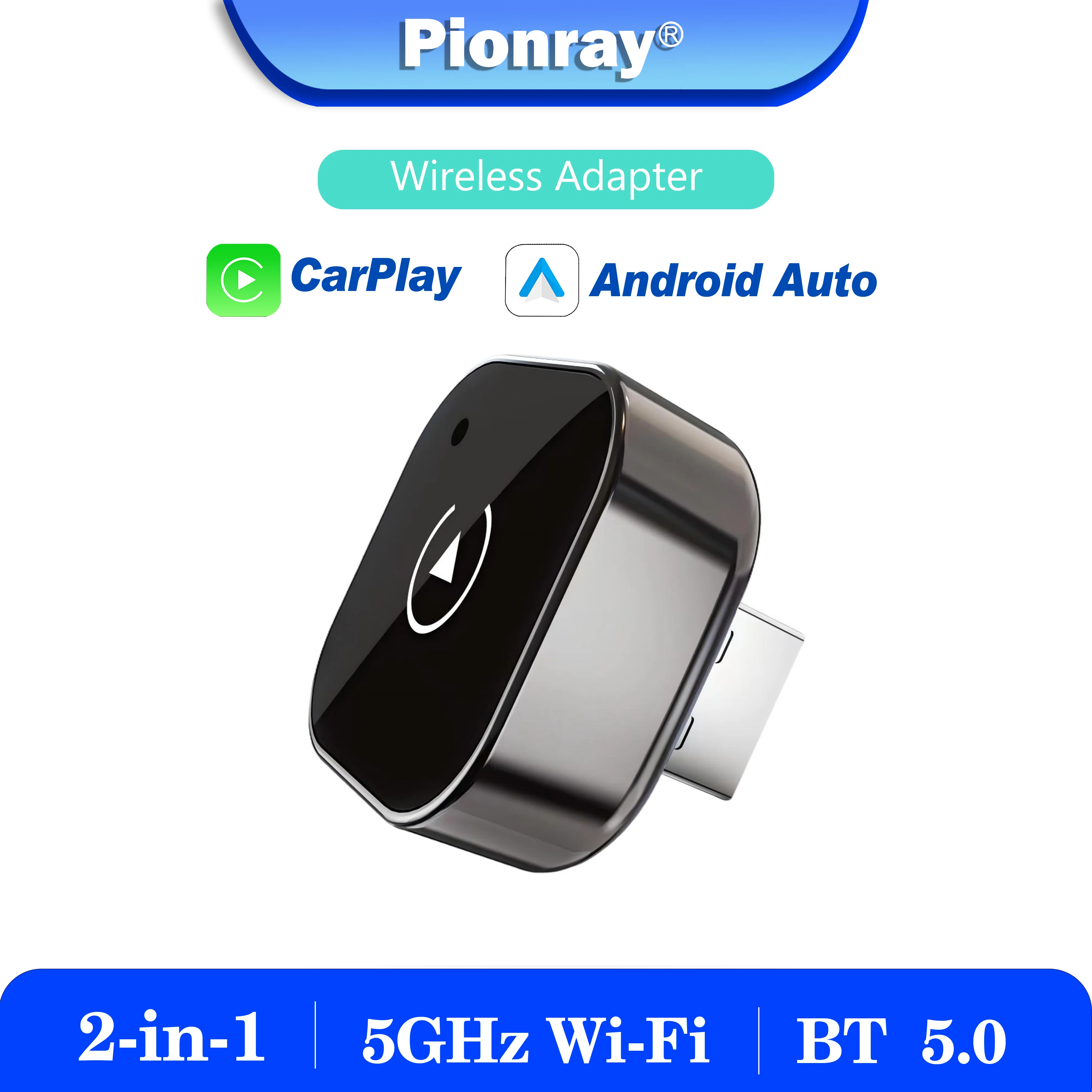
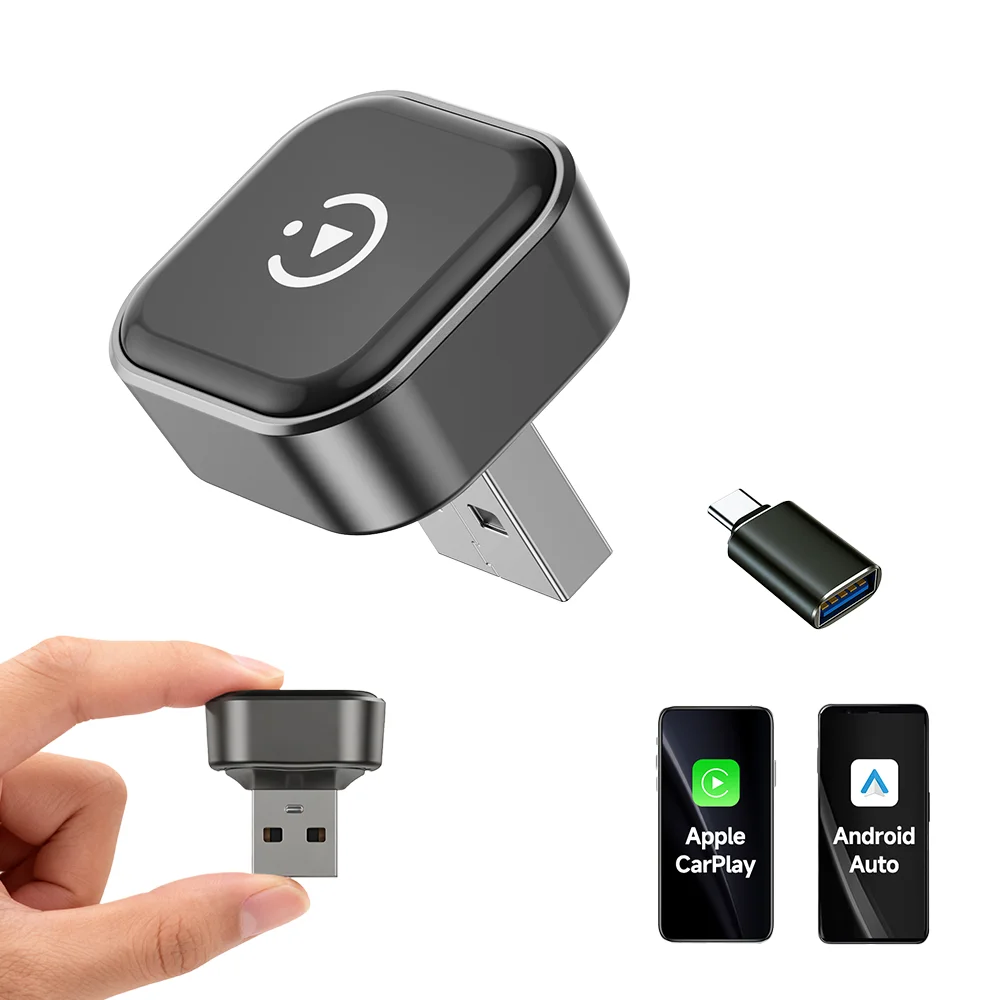
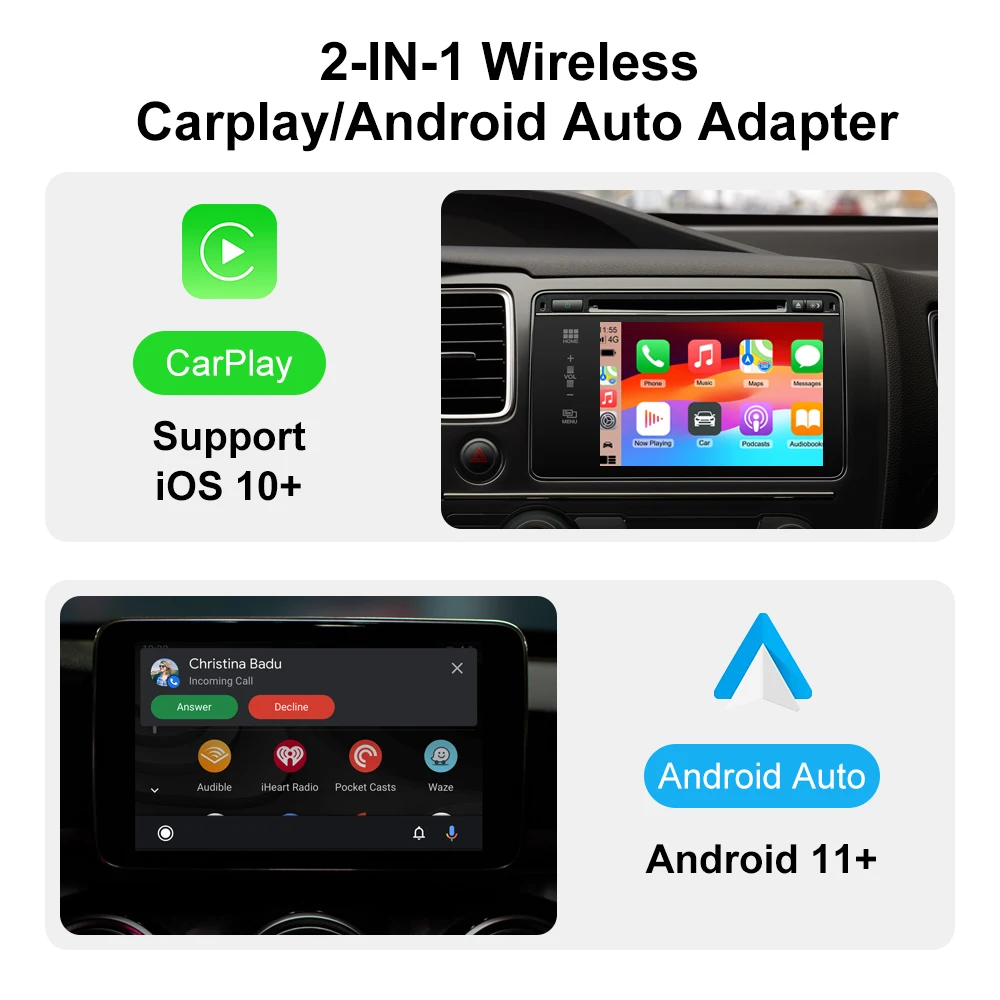
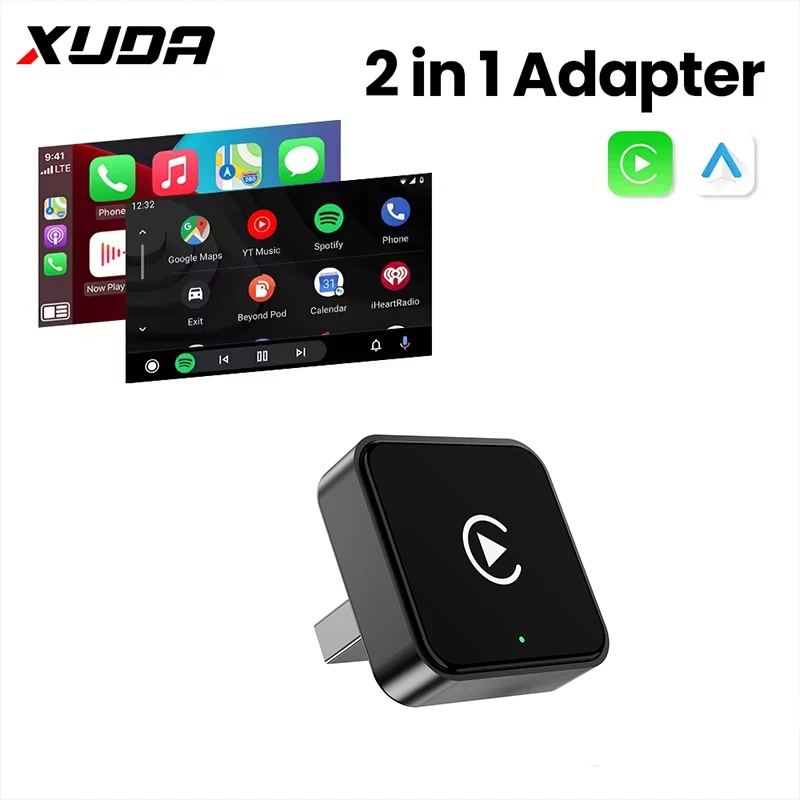
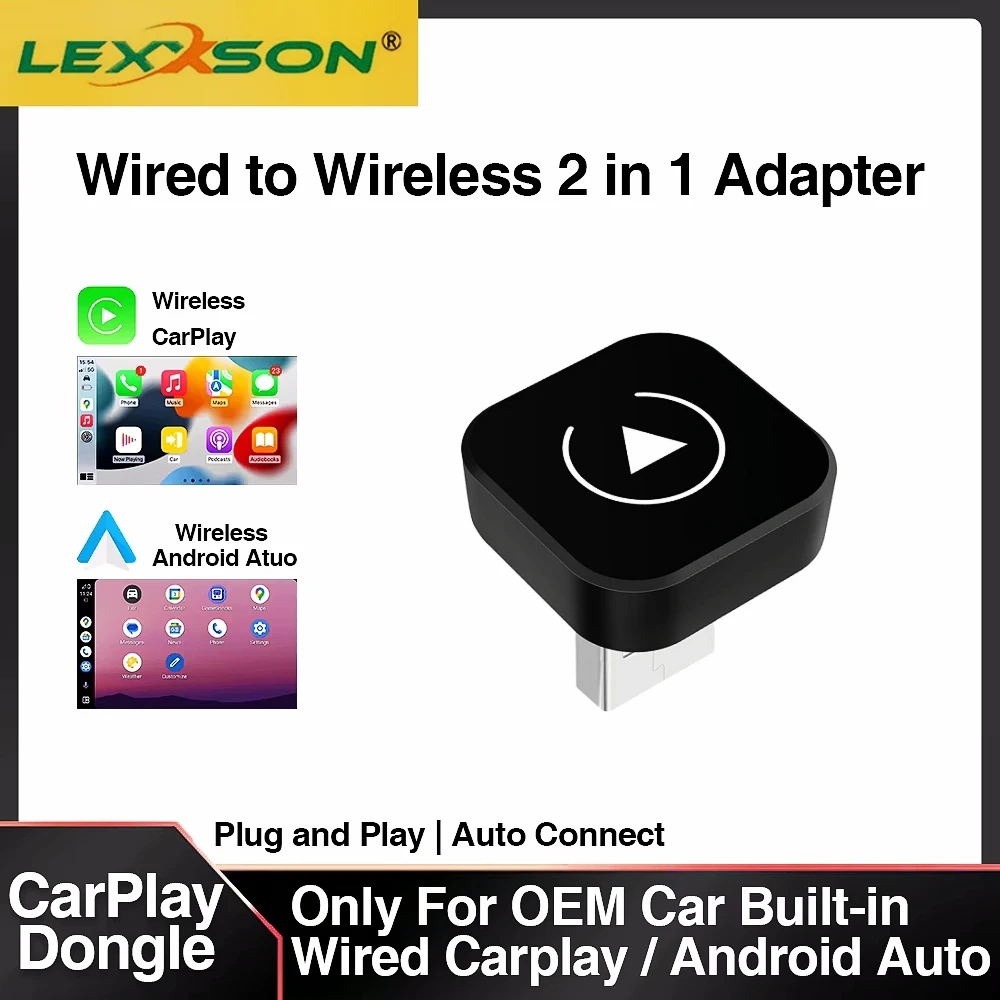
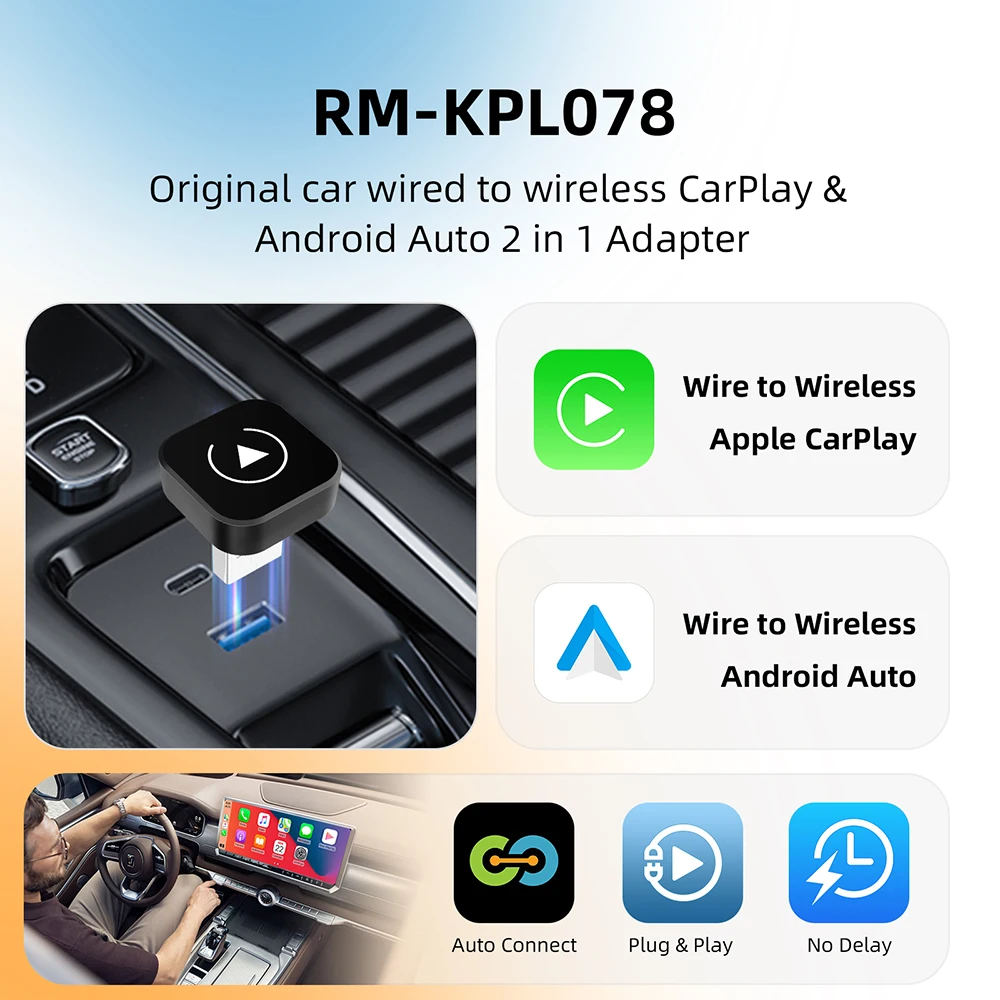
- 2-in-1 adapters for both CarPlay and Android Auto, the biggest group, which suit a household with an iPhone and an Android phone sharing a car.
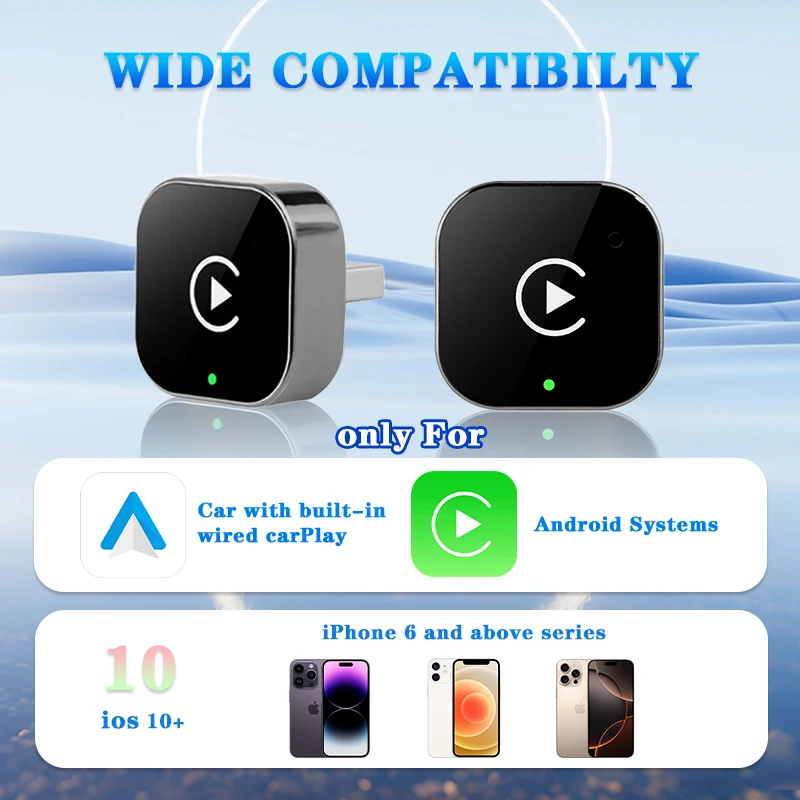
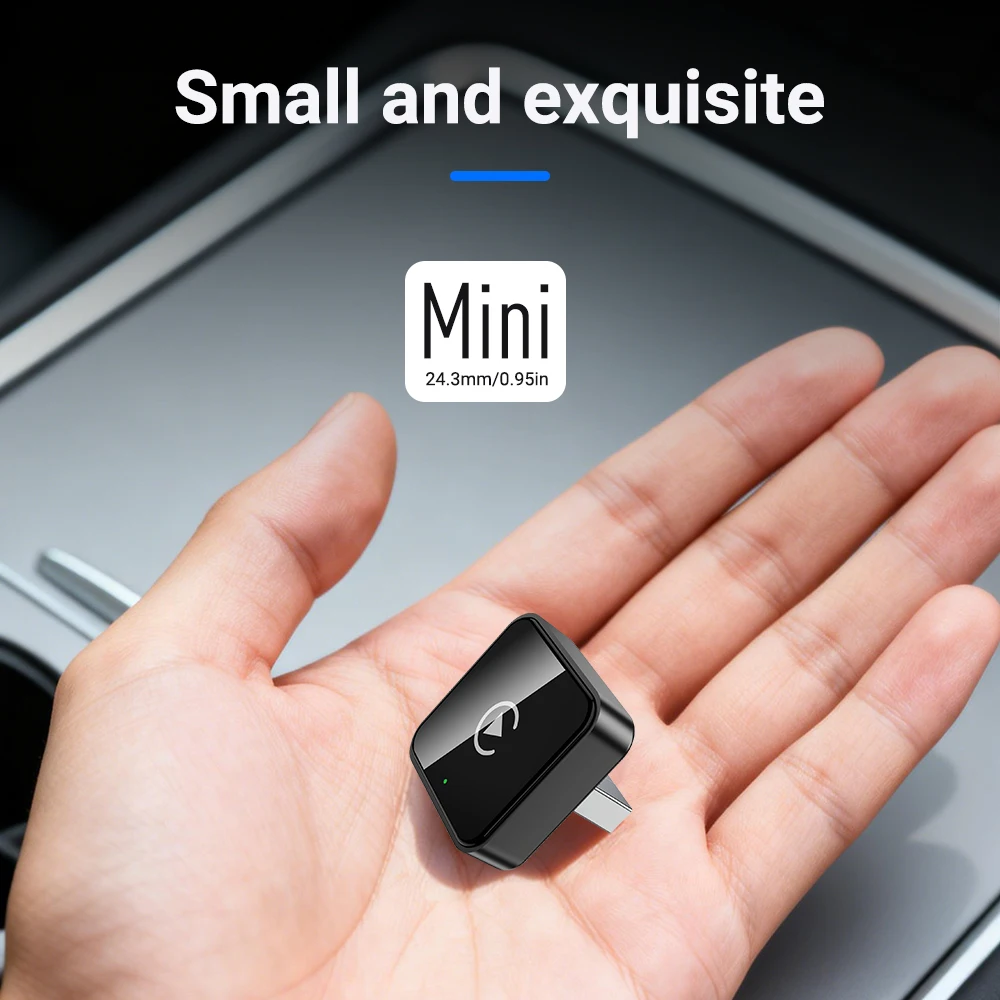
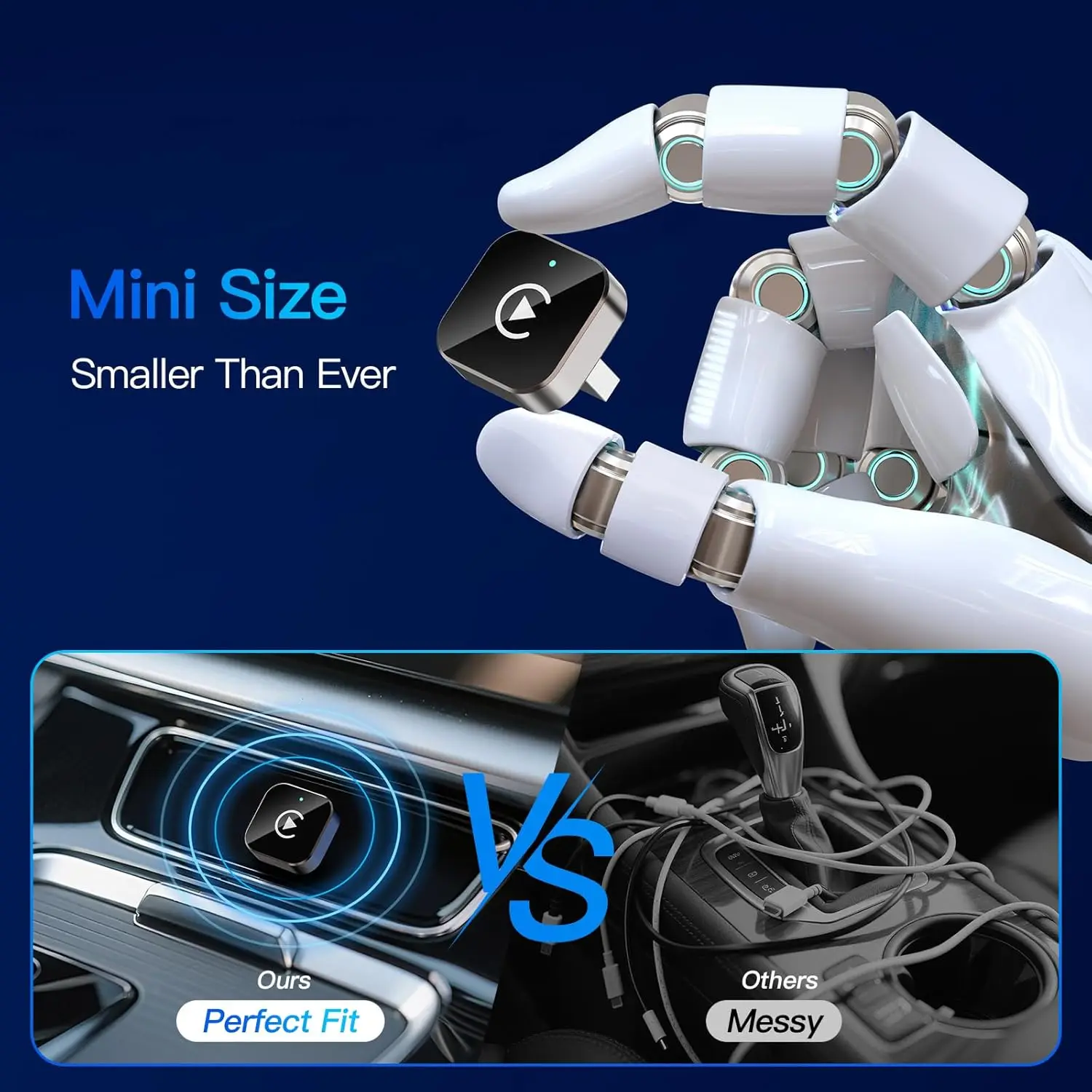
- CarPlay-only adapters, some small enough to sit almost flush in the USB port.
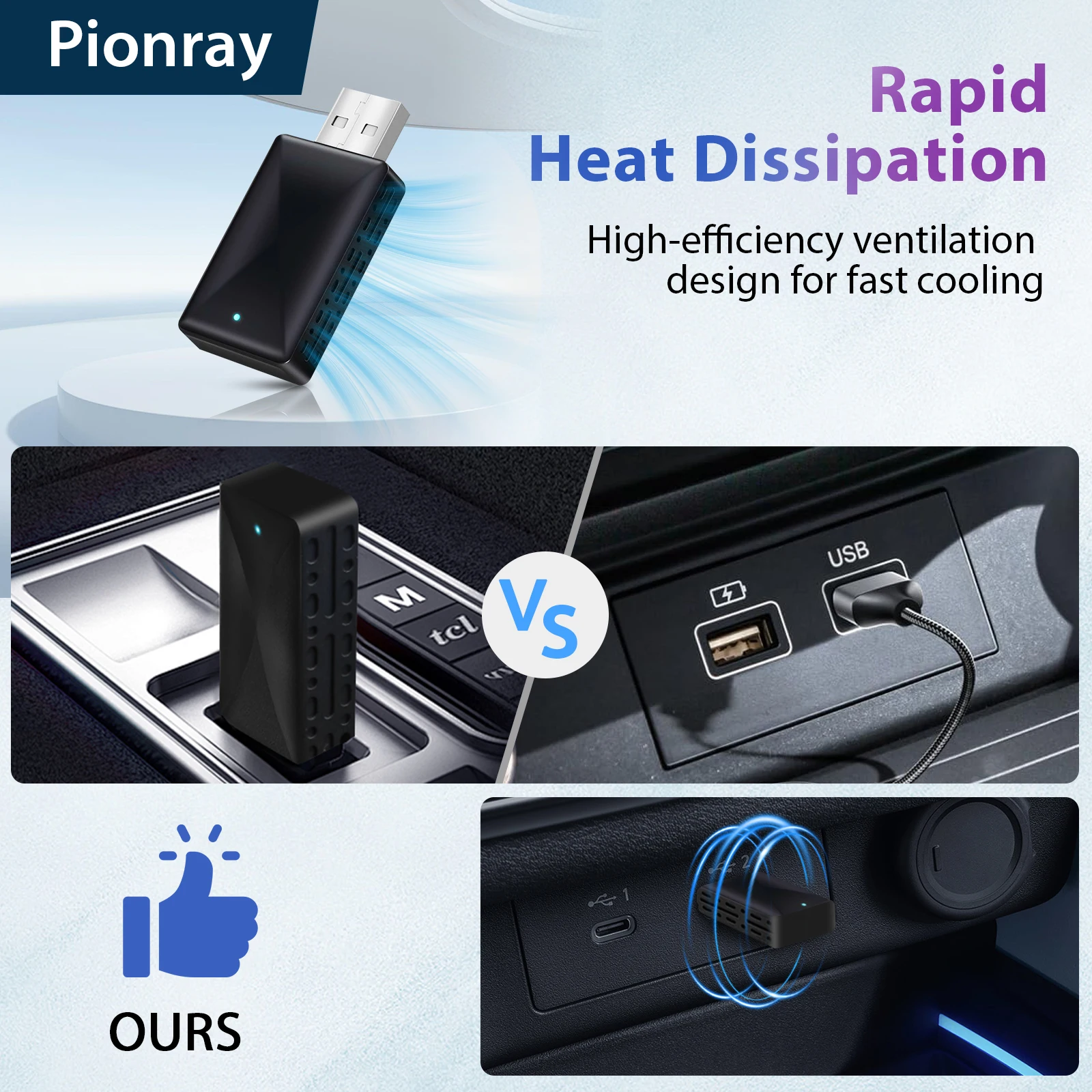
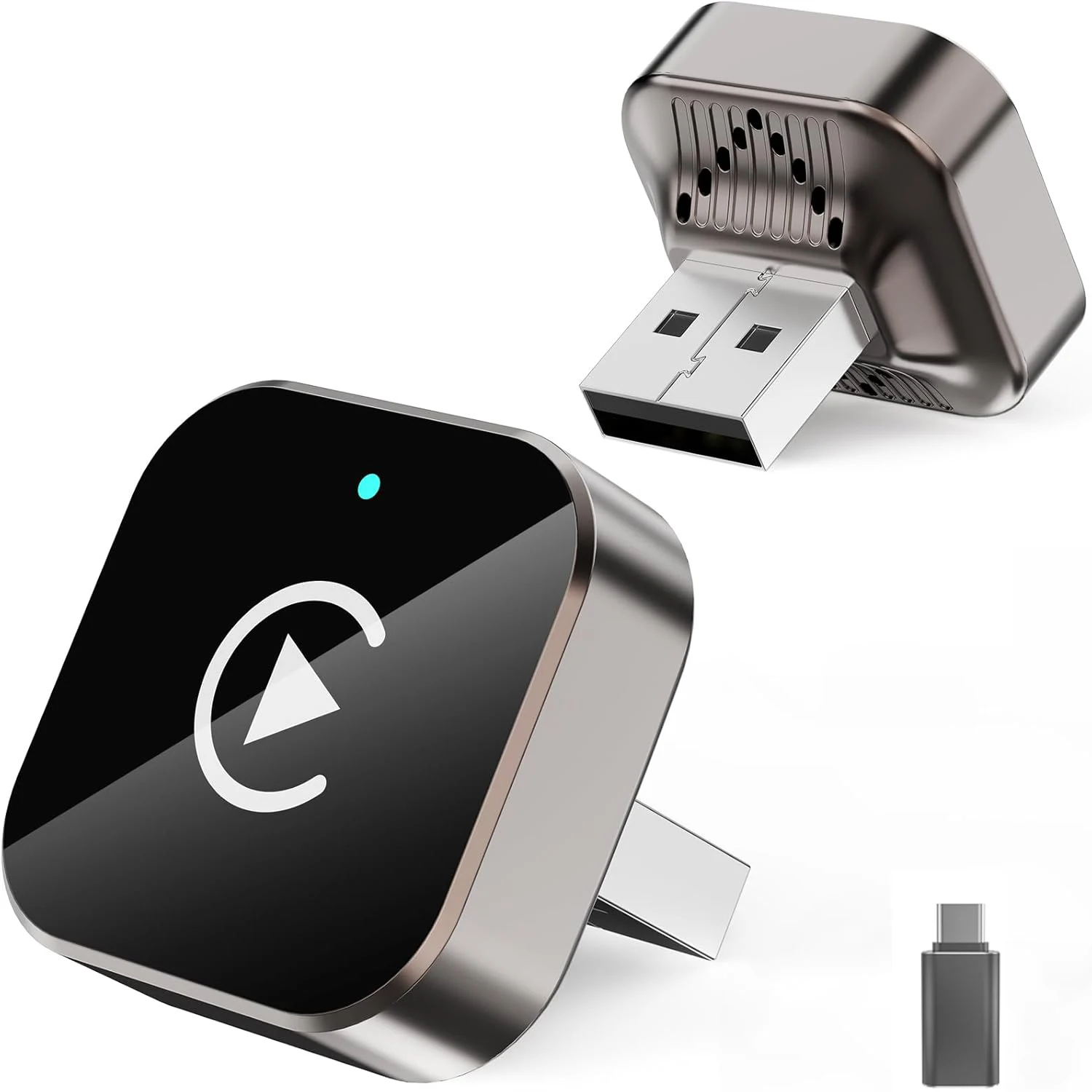
- Adapters with a USB-C plug or a USB-A plug, to match the car's port.
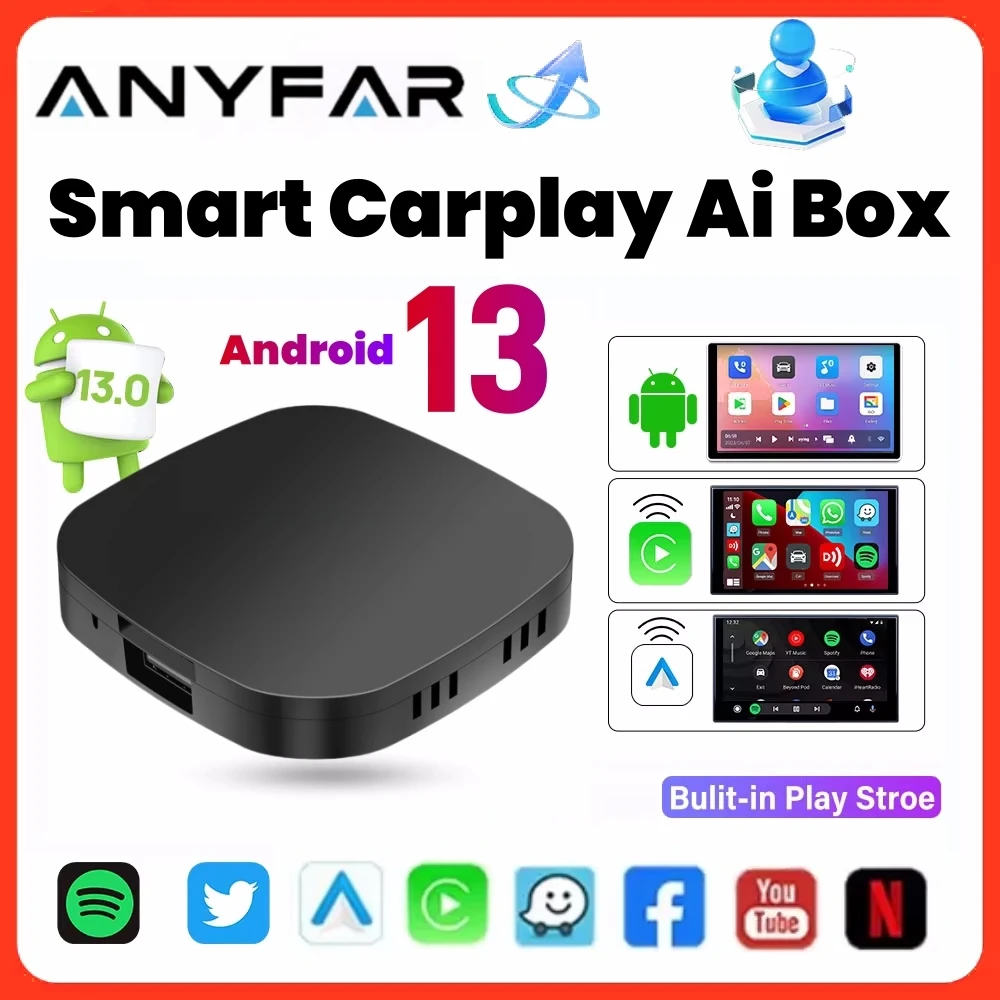
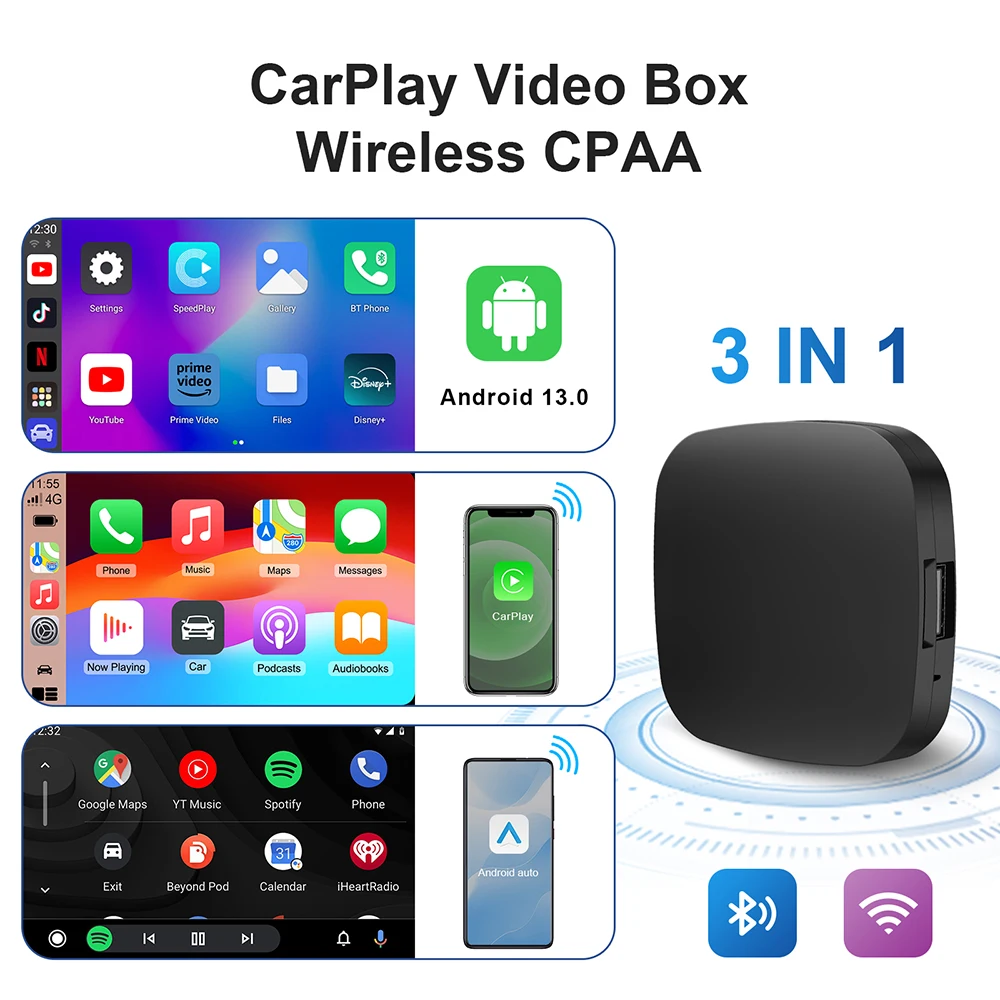
- An AI box that does the same job and also runs apps of its own on the car's screen.
Most describe themselves as plug and play, and many take software updates.
How to choose: the car must already have it
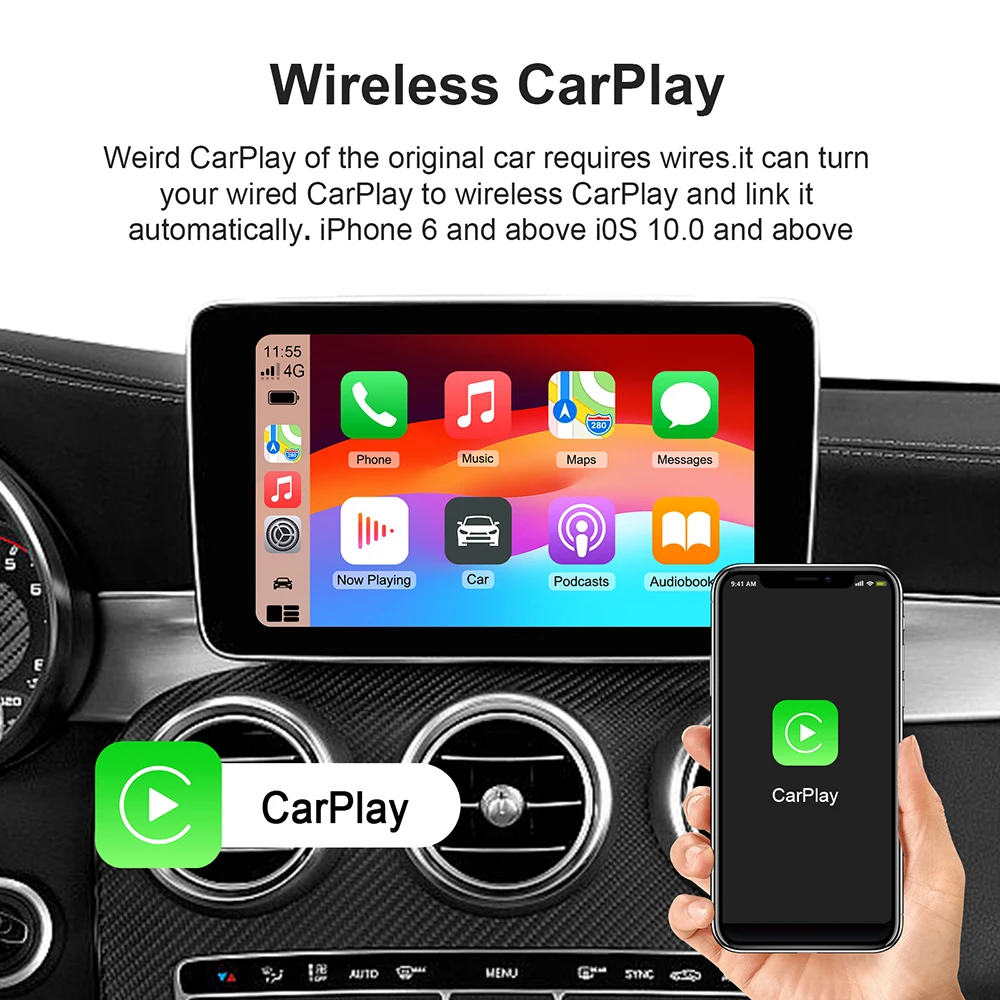
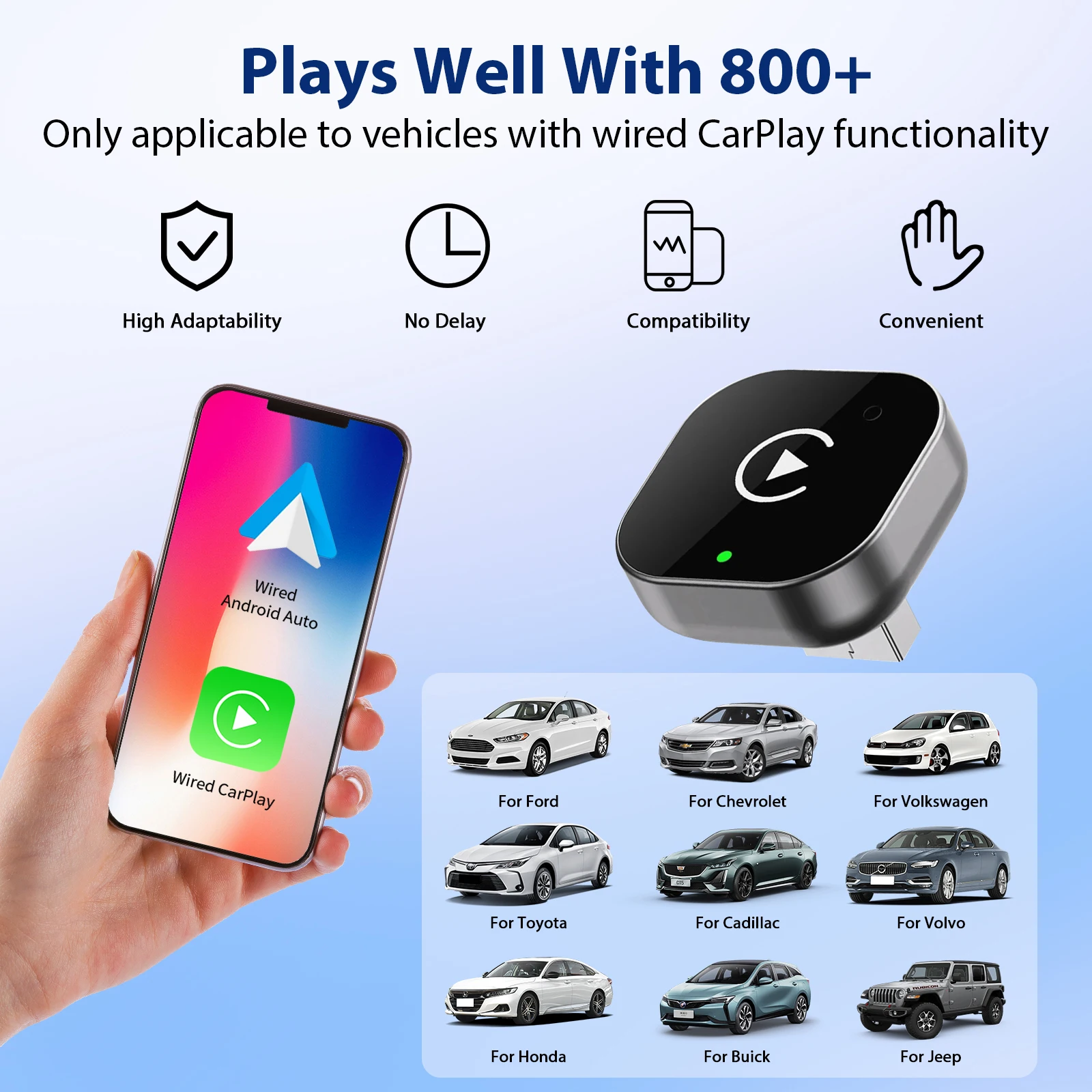
An adapter does not add CarPlay or Android Auto to a car that lacks it. It only makes a wired system wireless. Apple says a car must support CarPlay to use it, and the handbook or the car maker will say whether yours does; Google keeps lists of cars that work with Android Auto. The simple test: plug your phone in with a cable. If CarPlay or Android Auto appears on the screen, an adapter can make it wireless. If nothing appears, look at plug-in CarPlay screens instead.
Then match the phone. A CarPlay-only adapter does nothing for an Android phone, and an adapter converts wired CarPlay to wireless CarPlay, or wired Android Auto to wireless Android Auto, not one into the other. Match the plug to the USB port the car uses for CarPlay, usually marked with a phone symbol; an adapter in the wrong port will not be seen.
Set it up while parked. Google's advice for wireless Android Auto is to have Bluetooth, Wi-Fi and Location on during setup. And remember that the law on screens still applies: the driver must not be able to see a screen showing anything other than information about the car, the road or the route, so any video an app box can play is for when you are parked.
Questions people ask about wireless adapters
Will my phone still charge?
Not from the adapter. Wireless use draws on the battery, so on long drives pair it with a USB-C car charger or a wireless charging holder.
Is there a delay?
A wireless link can add a short lag between pressing play and hearing it. For maps and music it rarely matters.
My car has no CarPlay. What can I do?
A plug-in screen, or an FM transmitter or Bluetooth adapter for the sound alone.
Delivery is included in every price and tracked to your door.
More to look at