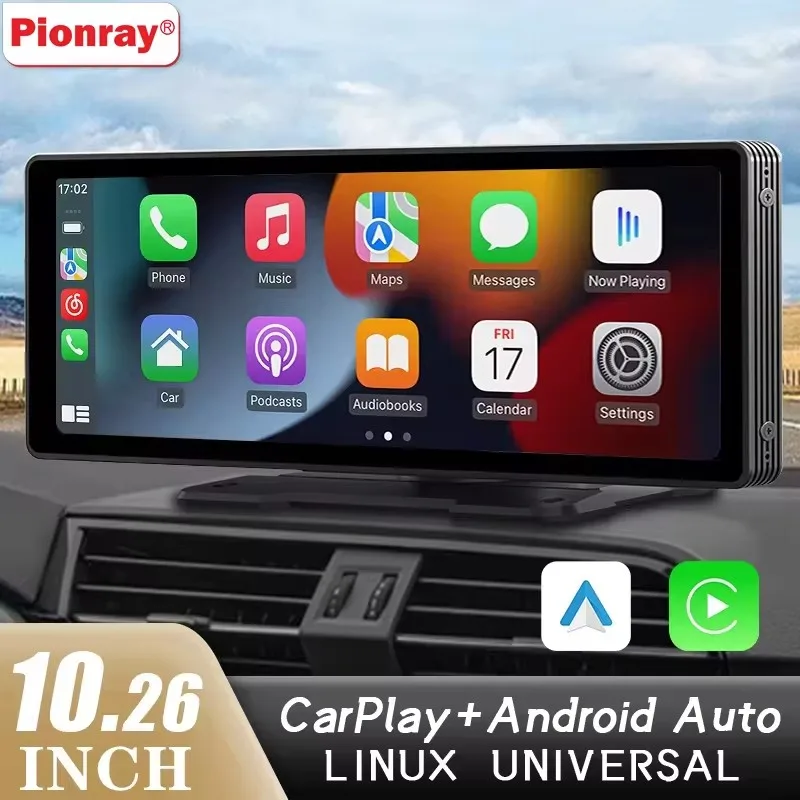
CarPlay for a car that has none
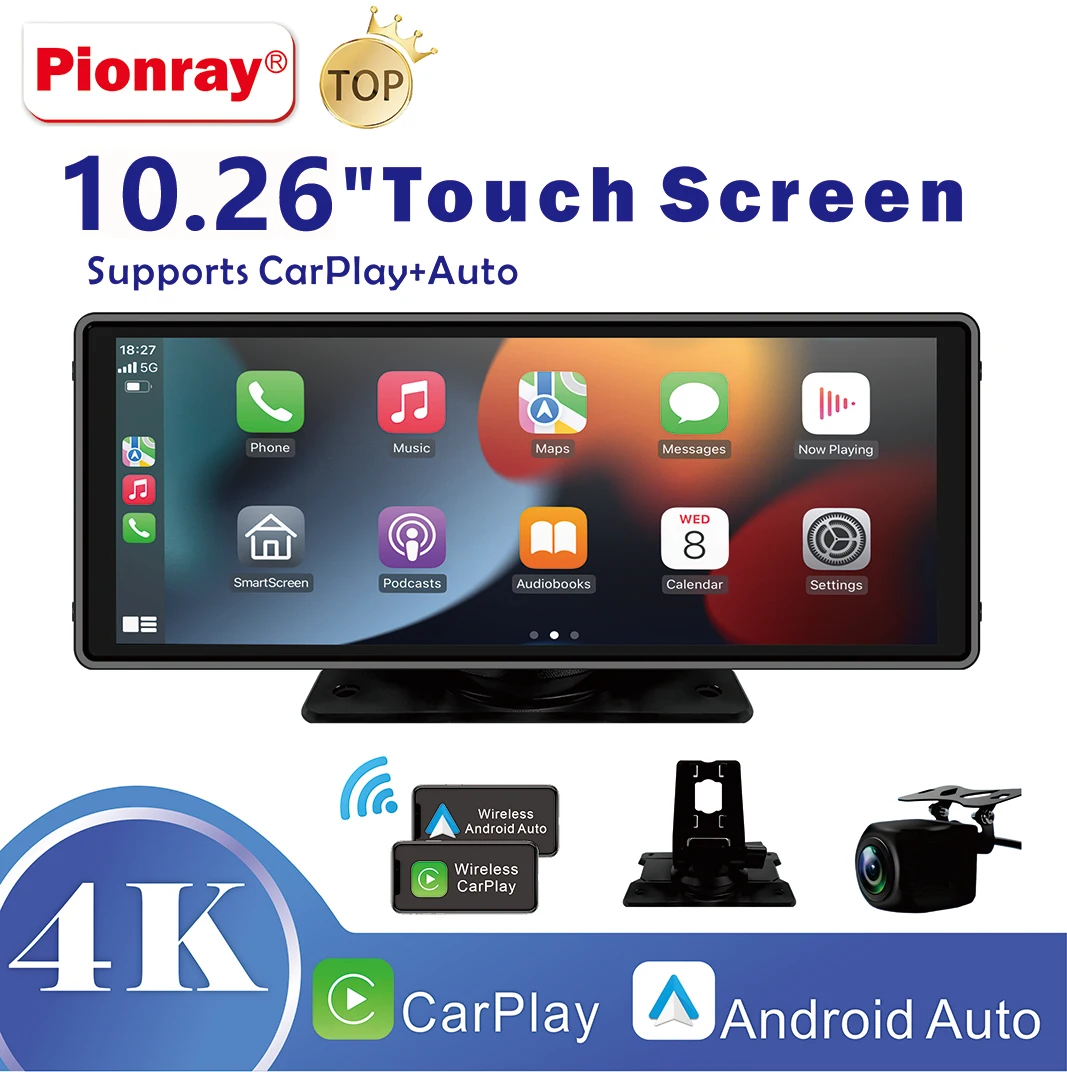
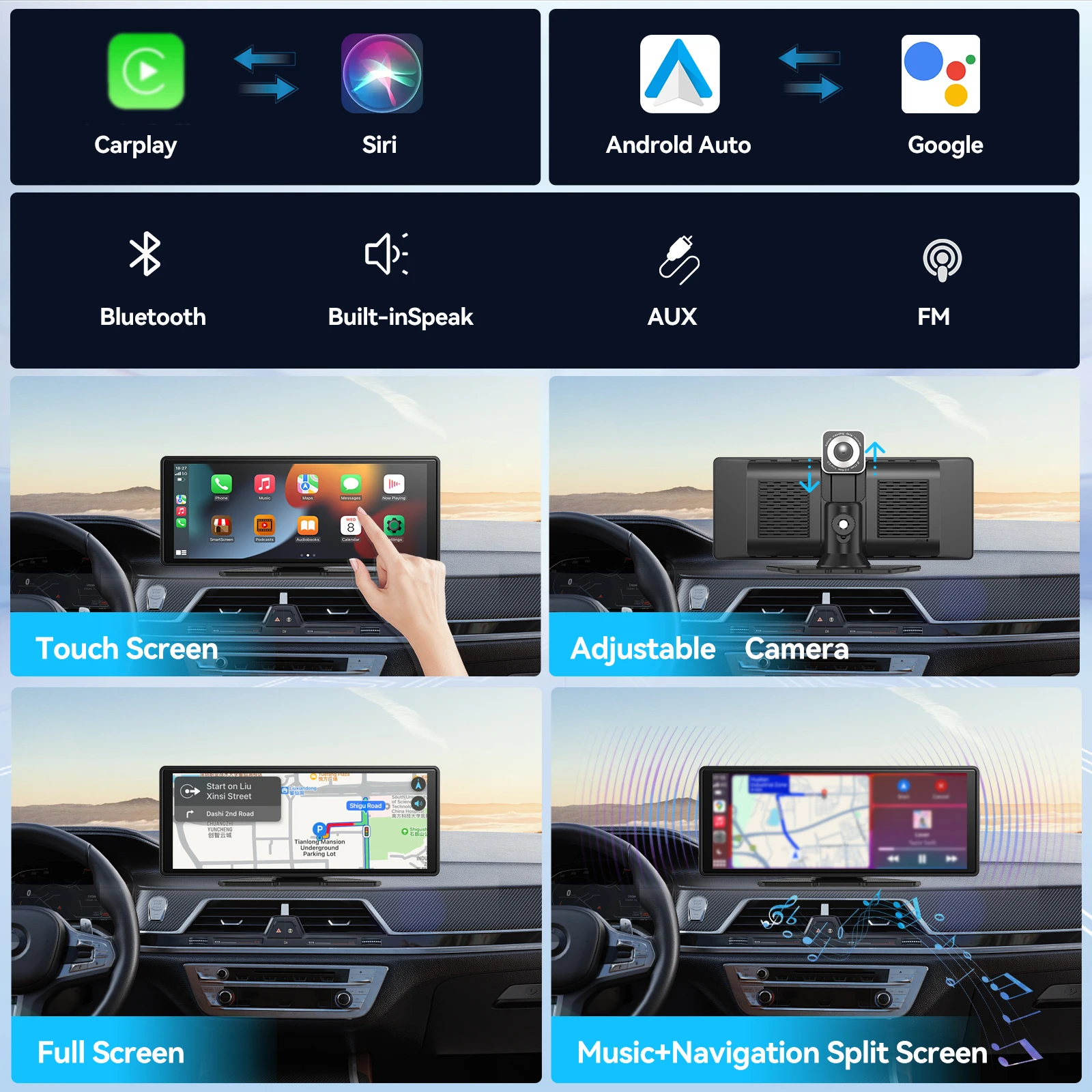
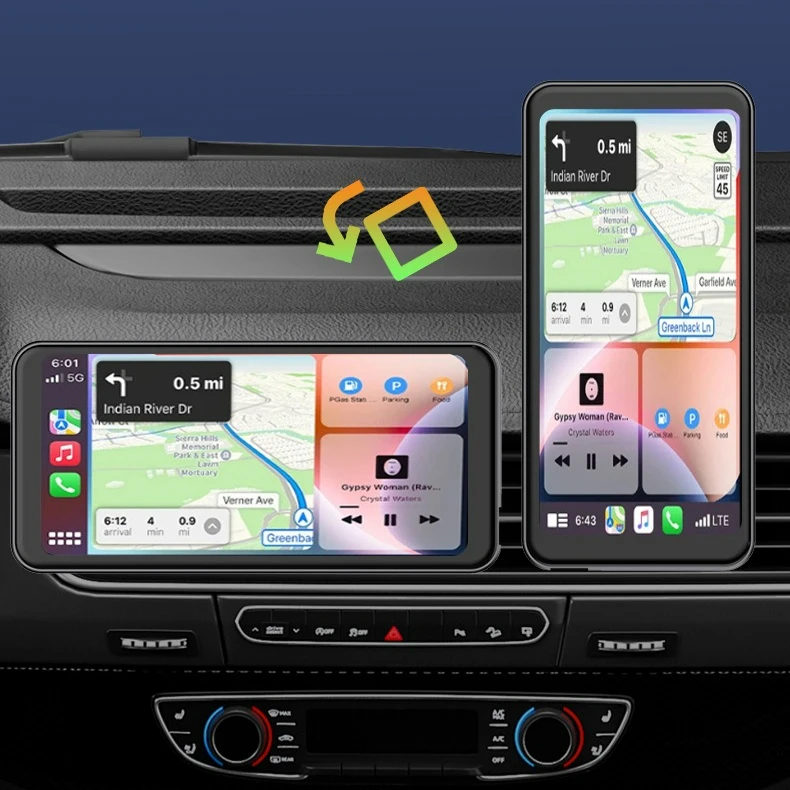
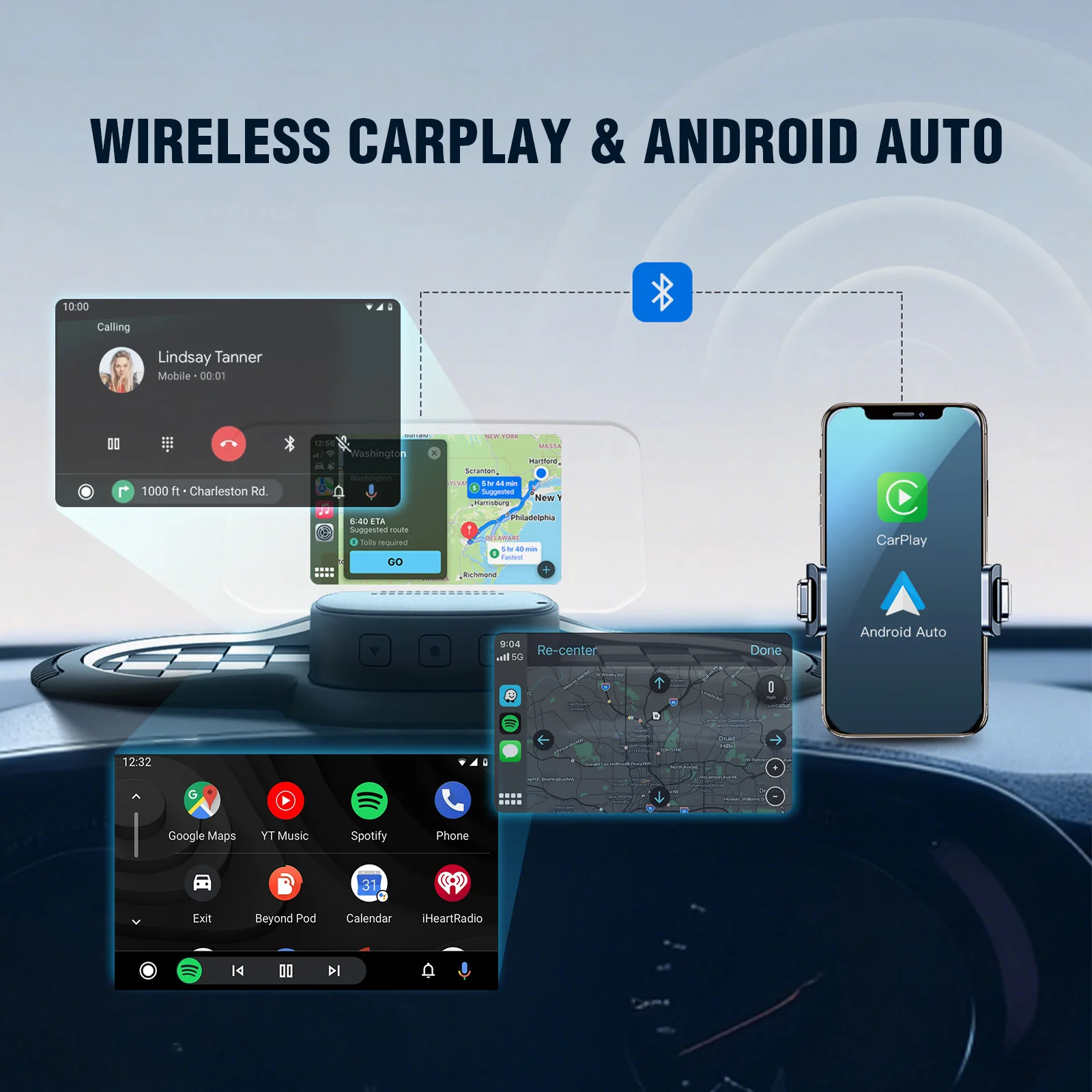
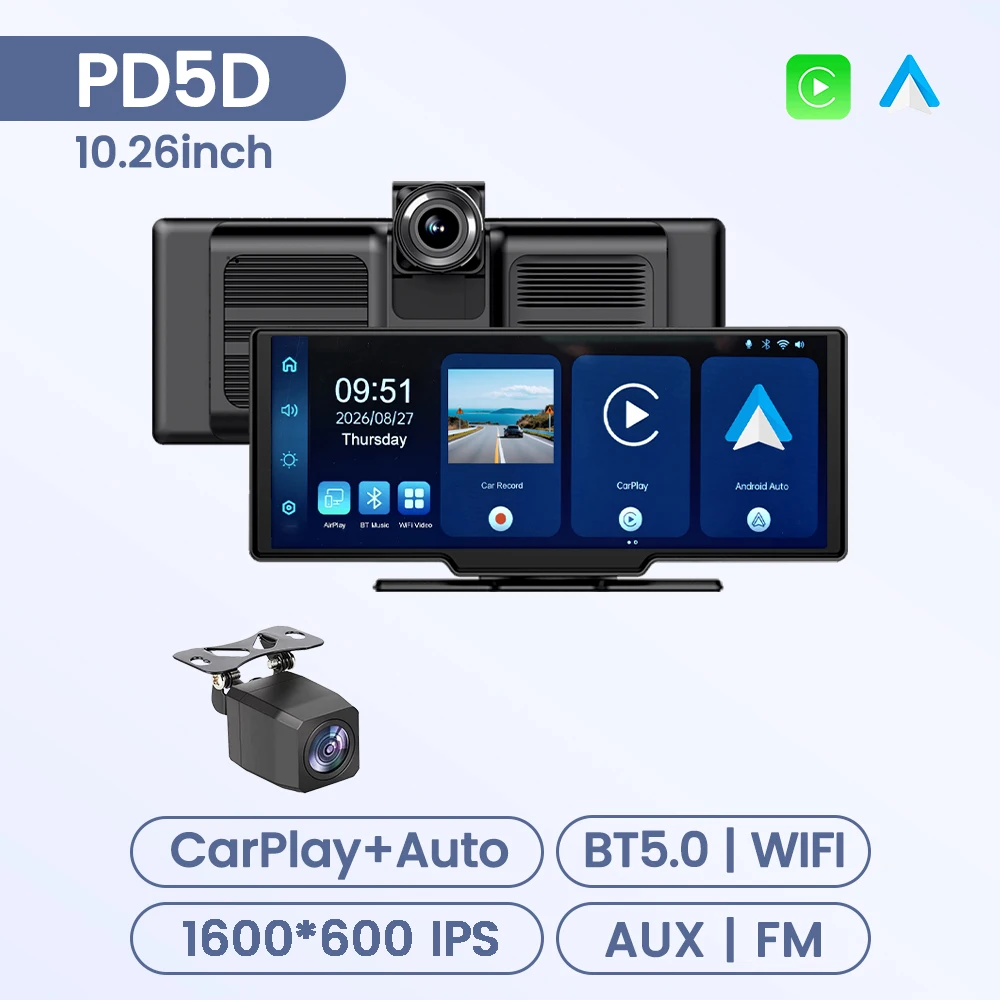
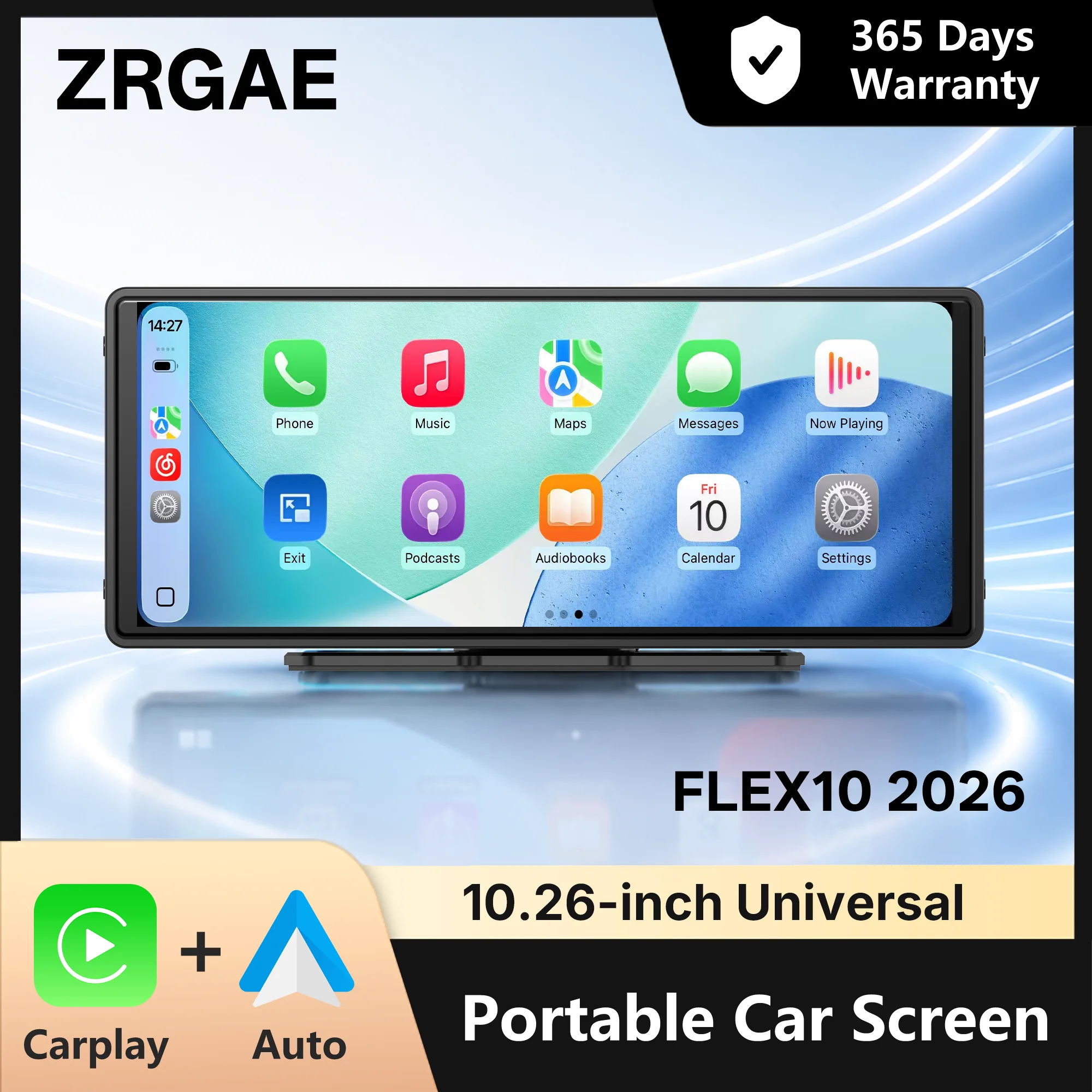
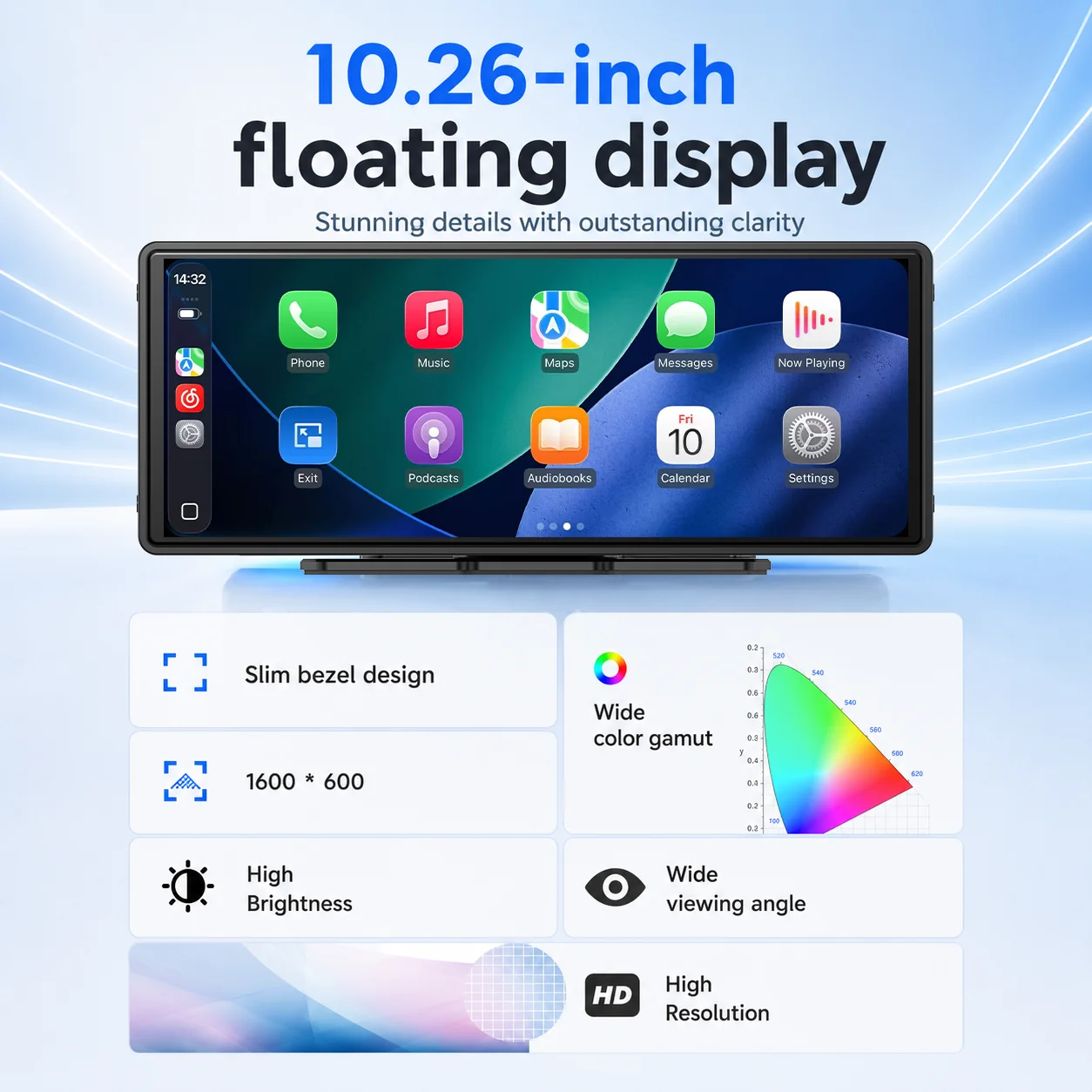
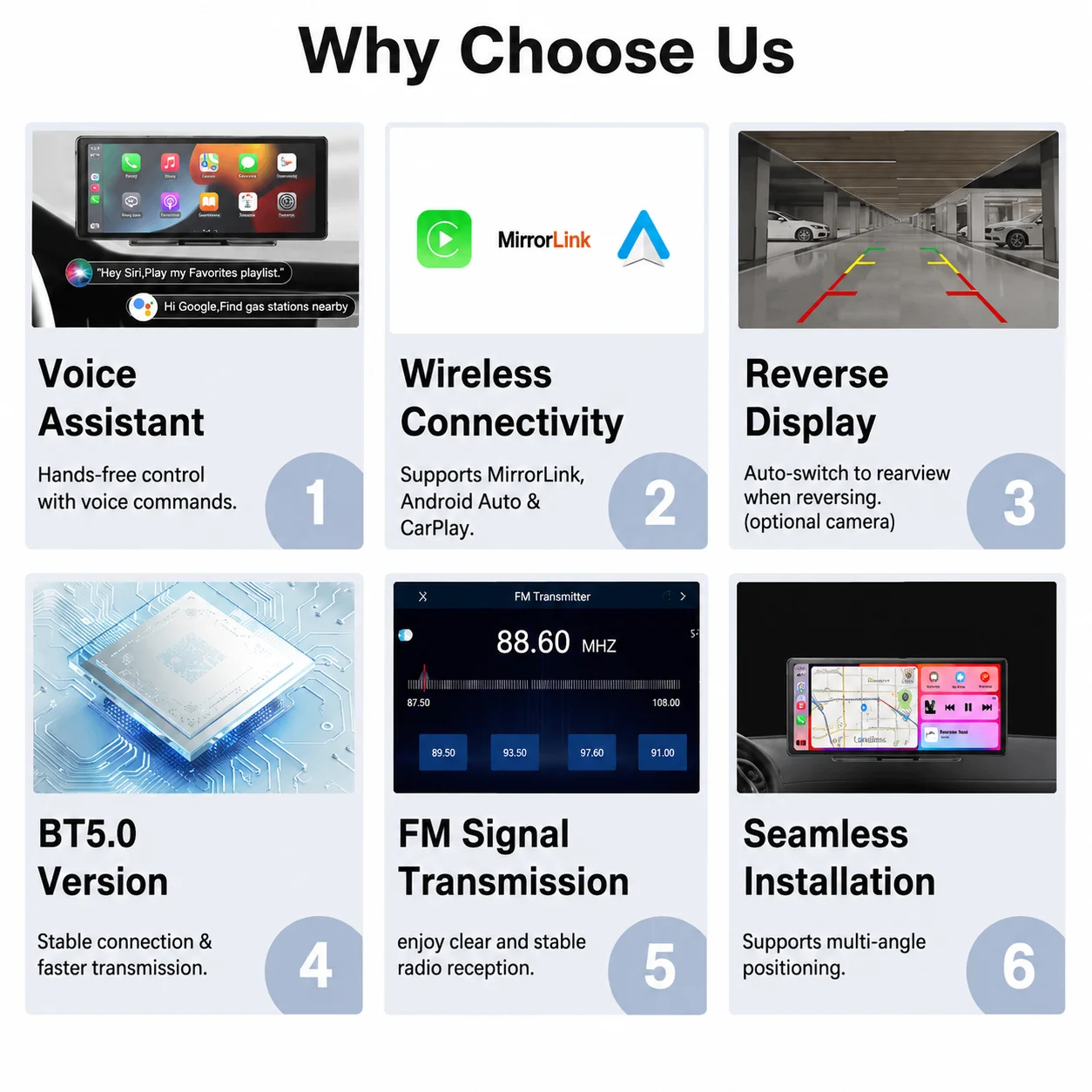
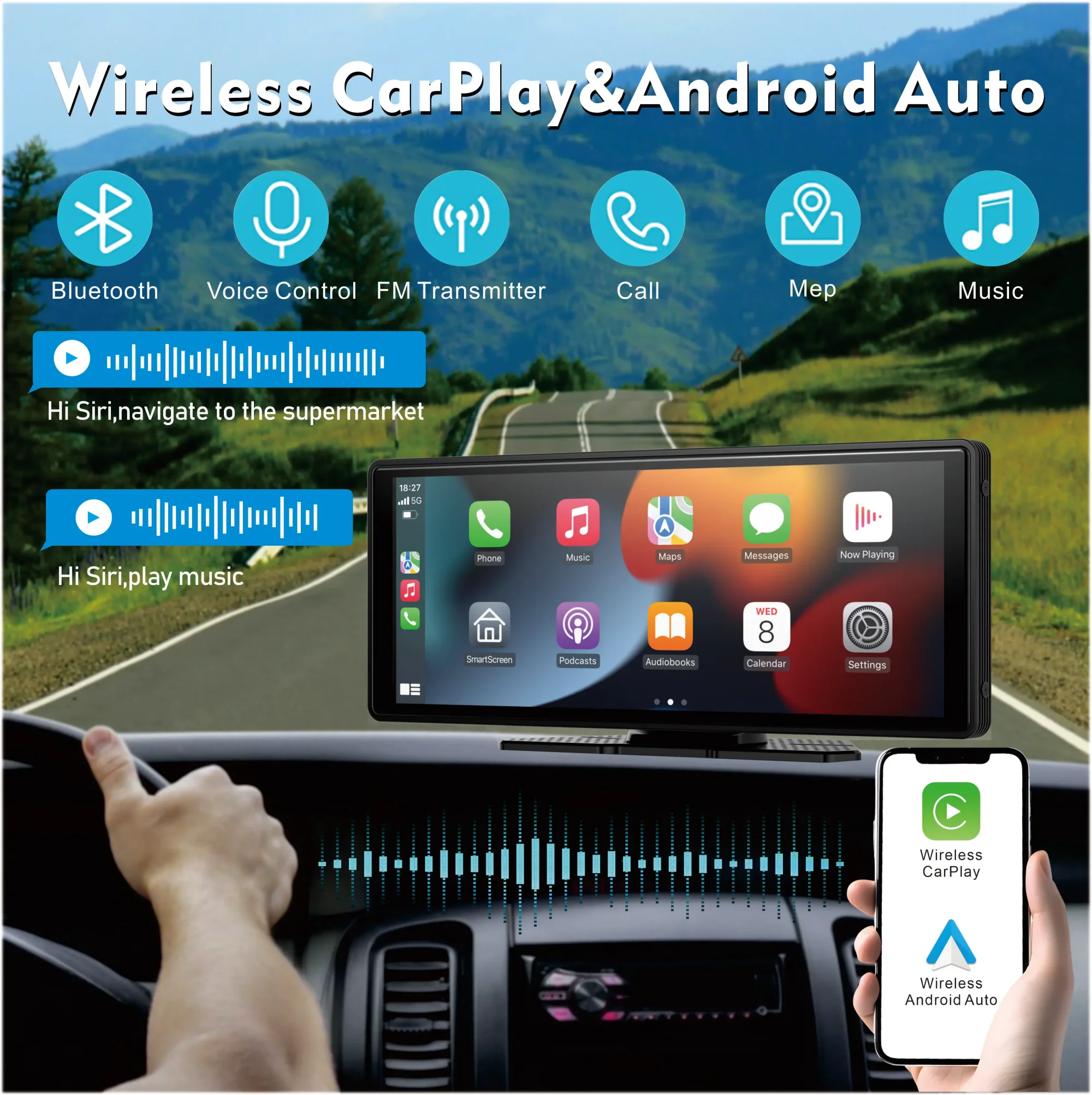
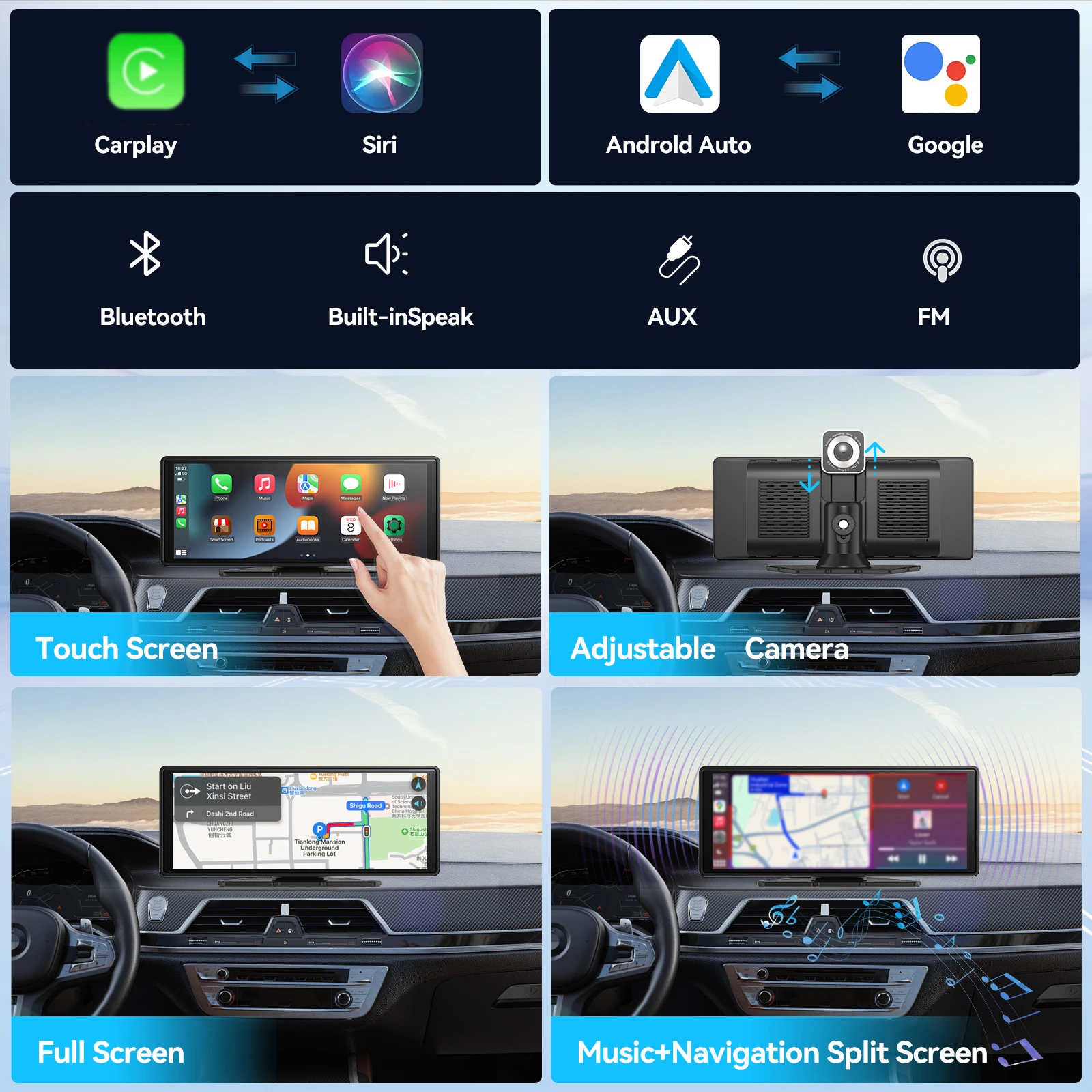
If your car has no CarPlay or Android Auto at all, and perhaps no screen, a plug-in screen brings both. It stands on the dashboard on its own adhesive stand, takes power from the 12V socket, and connects to your phone, usually wirelessly. The screen then shows CarPlay or Android Auto as a built-in one would: the map, the music, messages read aloud and calls. Nothing behind the dashboard is taken out or replaced.
What you will find here
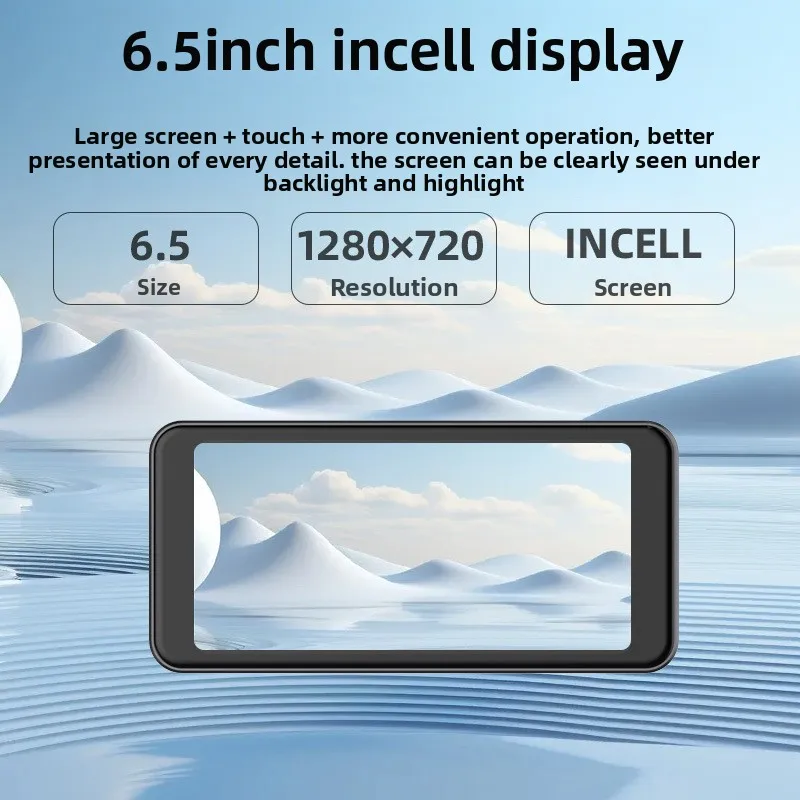
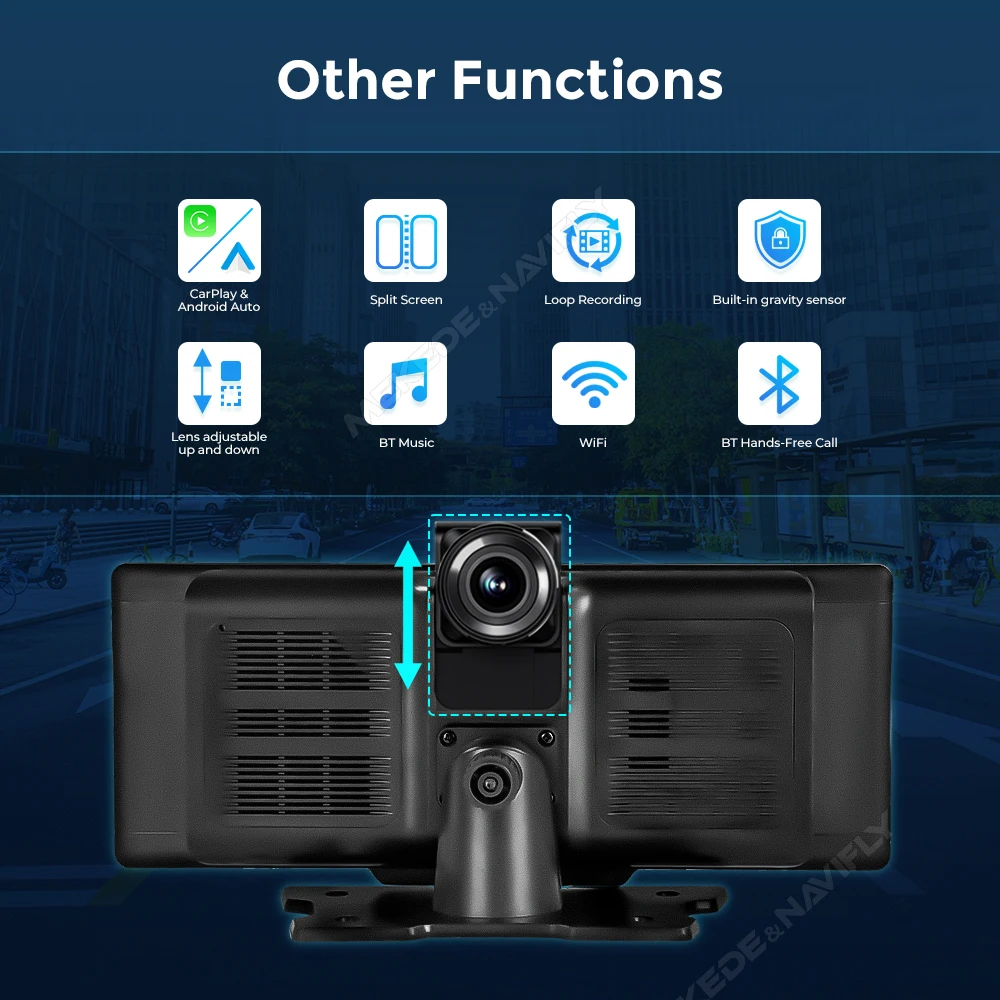
- Large touchscreens that sit across the dashboard, with wireless CarPlay and Android Auto, some offered with a rear camera for reversing.
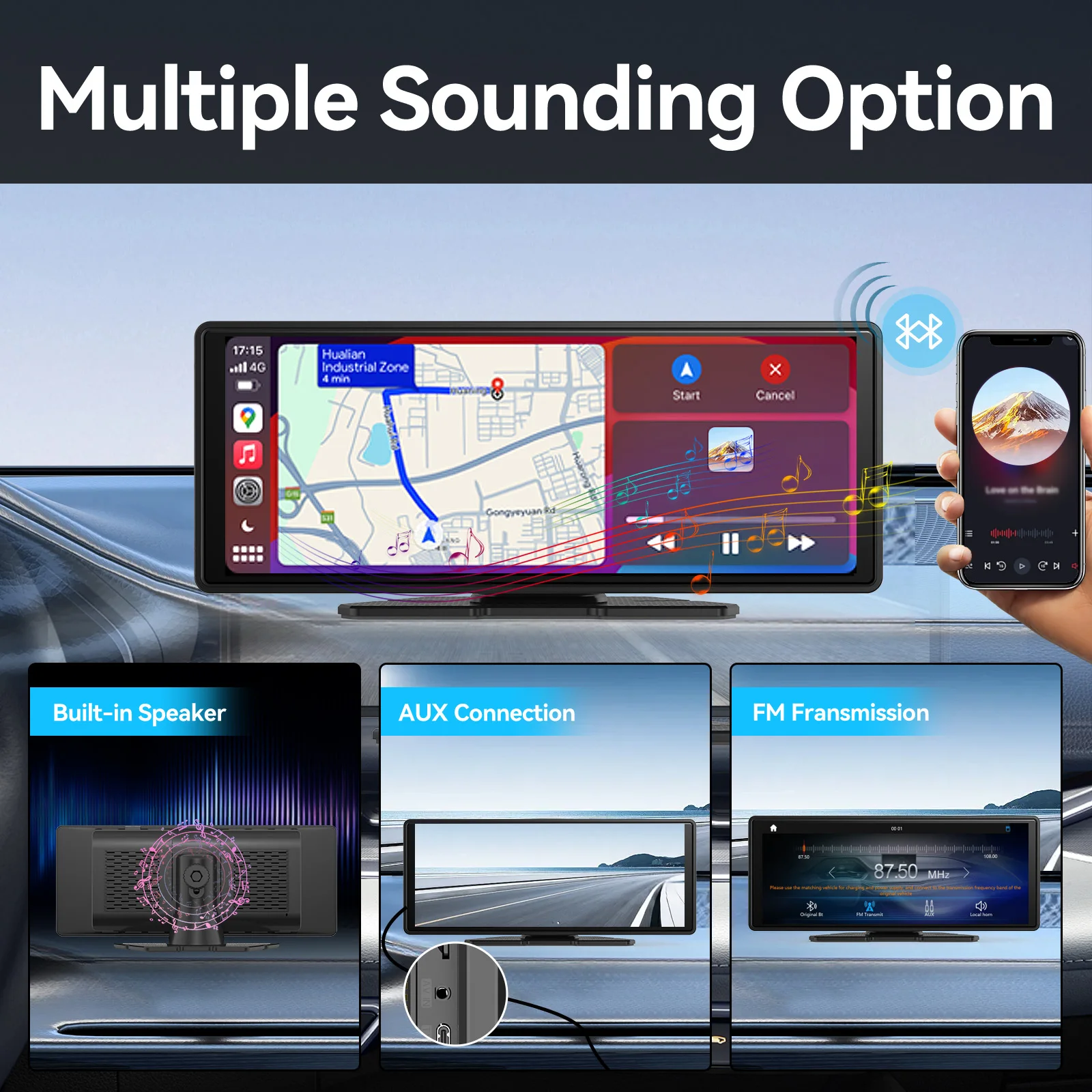
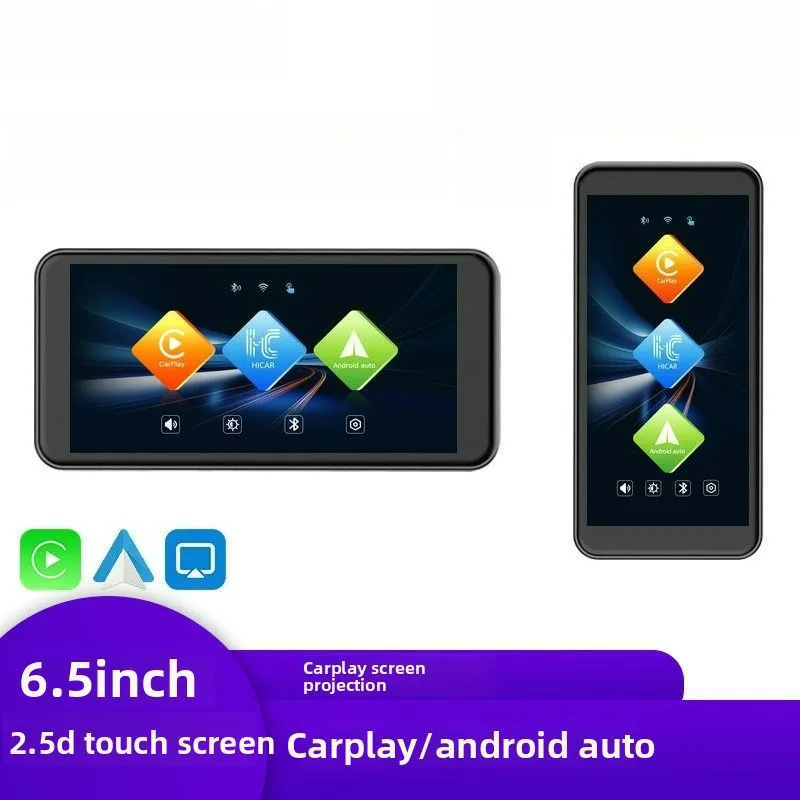
- Smaller smart screens with speakers built in, so the sound does not depend on the car's radio, plus an AUX input.
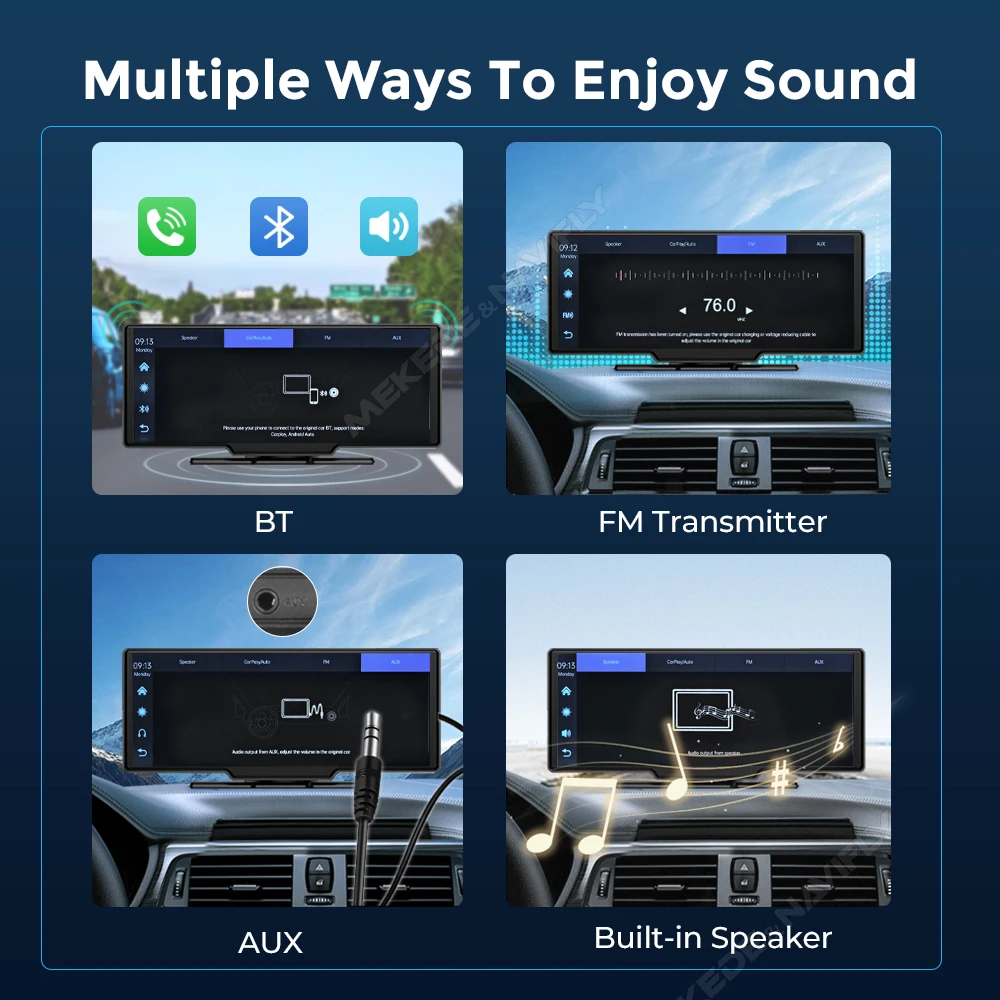
- Portable screens that work across cars, vans and campers, sending their sound to the car through FM, an AUX cable or their own speaker.
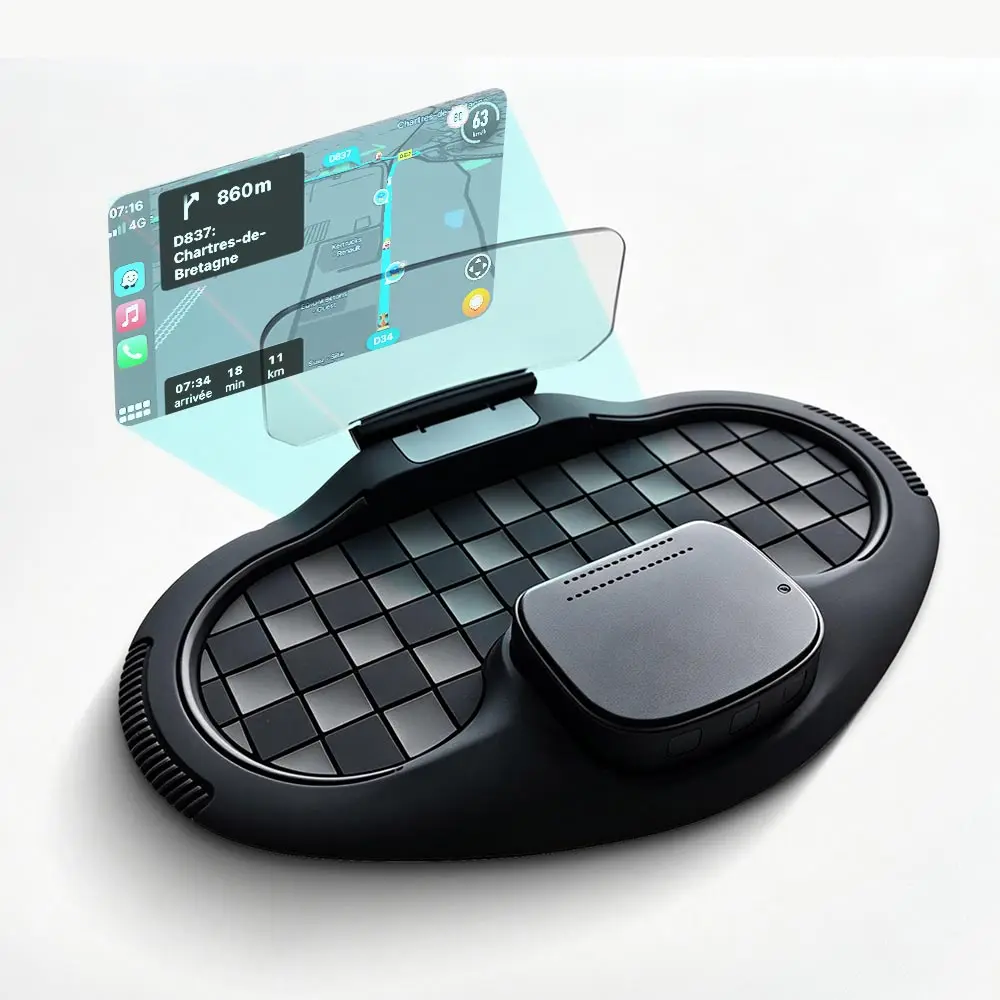
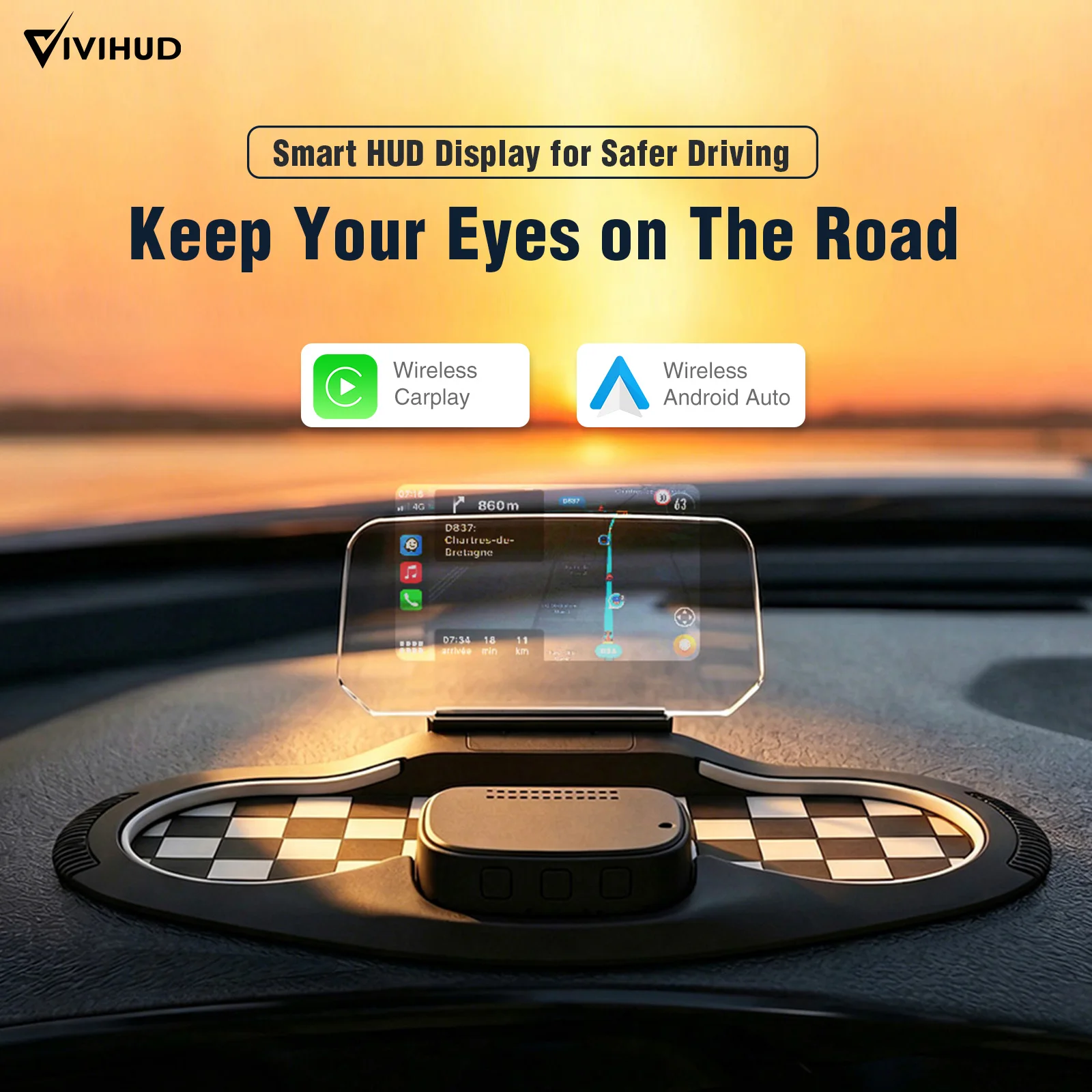
- A head-up display that shows CarPlay or Android Auto information from a unit on top of the dashboard, in front of the driver.
Several give the range of voltages they work on, which covers vans and larger vehicles as well as cars.
How to choose and where to put it
First the sound. A screen with its own speaker works anywhere. Otherwise it reaches the car's speakers through an FM frequency, an AUX cable, or Bluetooth if the car has it, so check what your car has. Then the camera. A rear camera is useful in a car with none, but it has a cable to run to the back of the car, and the product description explains how it is fitted.
Placing the screen takes the same care as a phone holder. GOV.UK says a device must not block your view of the road and traffic ahead, and an MOT tester can remove items such as a sat nav that obstruct the driver's view. So keep the screen low on the dashboard, out of the area the wipers clear, and clear of every airbag shown in the handbook. A head-up unit needs particular care, because it sits nearest your line of sight: check from the driver's seat that it hides nothing.
The law on screens applies too. The driver must not be able to see a screen showing anything other than information about the car, the road or the route, so films, mirroring and media from a memory card are for when you are parked. Set the route before you set off.
Questions people ask about plug-in screens
Does my phone need anything special?
An iPhone for CarPlay, or an Android phone that runs Android Auto. The screen's description says which it supports.
My car already has wired CarPlay. Do I need a screen?
No. A wireless adapter uses the screen the car already has.
Will it drain the car battery?
If your 12V socket stays live with the ignition off, unplug or switch off the screen when you park, or it can slowly run the battery down.
Delivery is included in every price and tracked to your door.
More to look at